
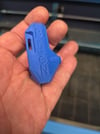
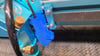
BANG ON! Camera Mount OMTech_ Pronto_Thunder Nova STL Download
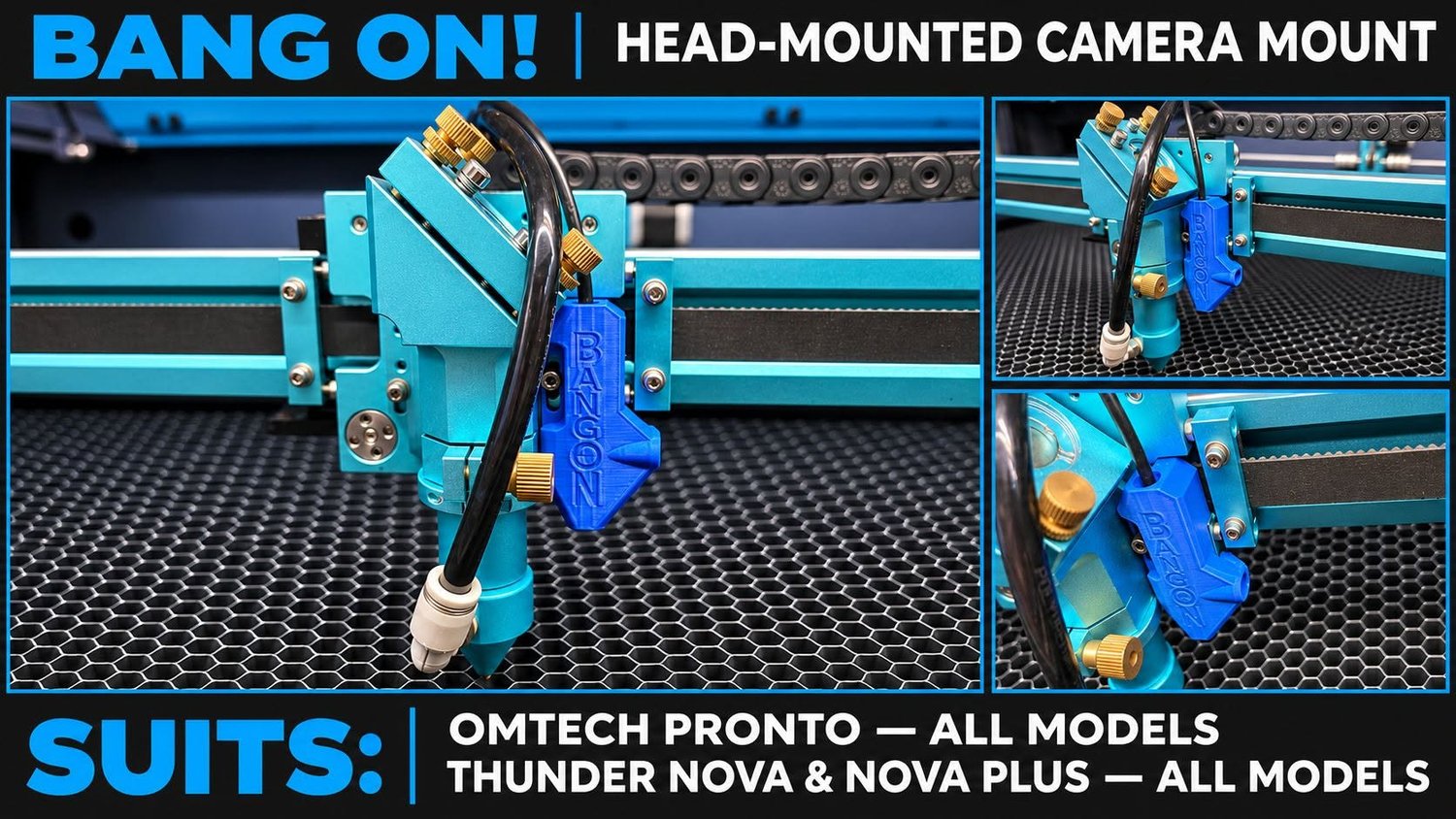
BANG ON! Head-Mounted Camera System
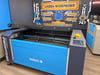
OMTech Pronto | Thunder Nova | Nova Plus | Other Compatible Laser Models
5 × 3D-Printable Camera Mount STL Files + Complete Installation Manual + LightBurn 2.2+ Calibration Instructions + Resized AprilTag File + Worldwide Personal-Use Licence
PRINT IT! FIT IT! LINE IT UP! BANG ON!
Want to take your laser's Print & Cut capabilities to the next level?
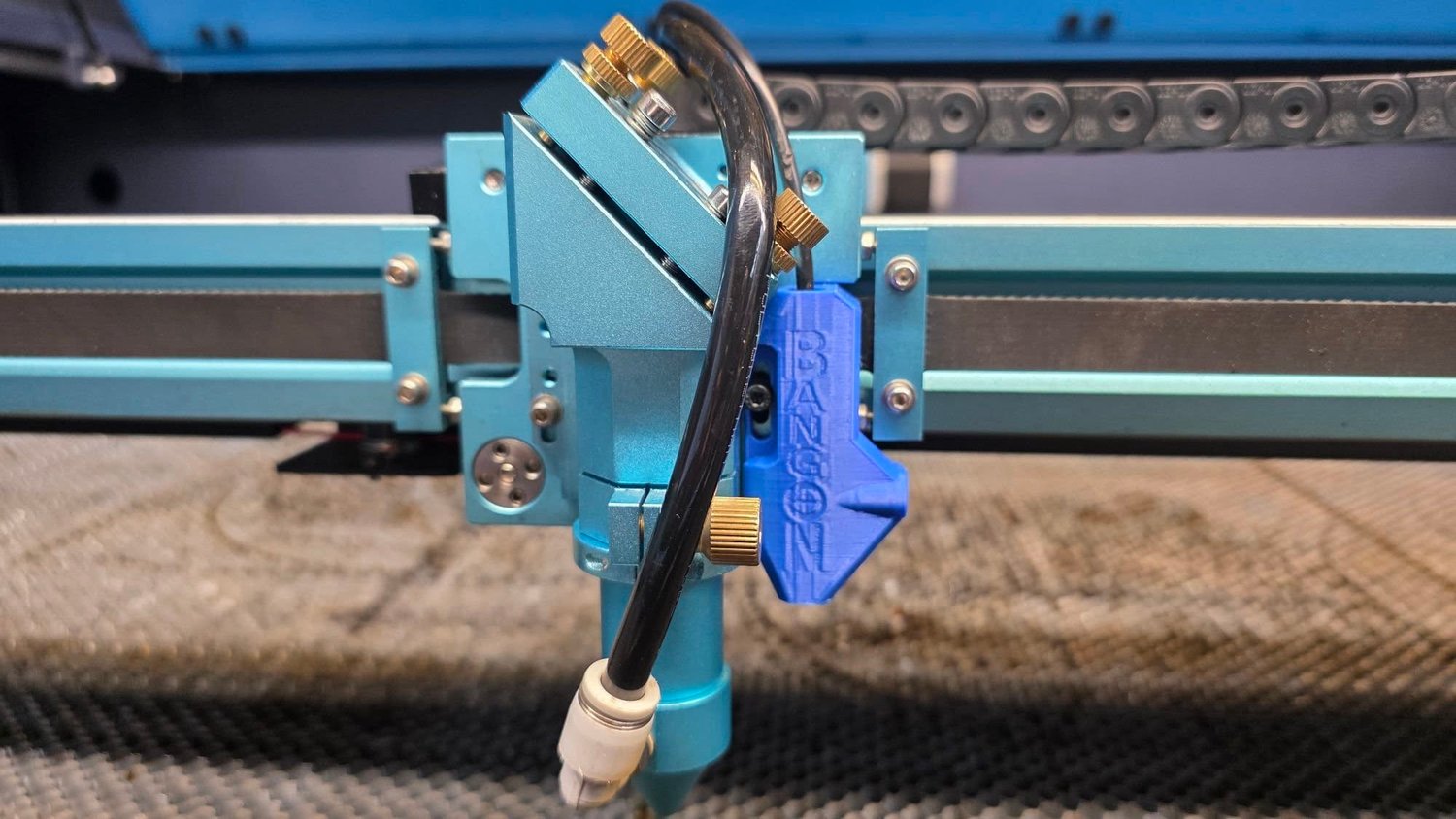
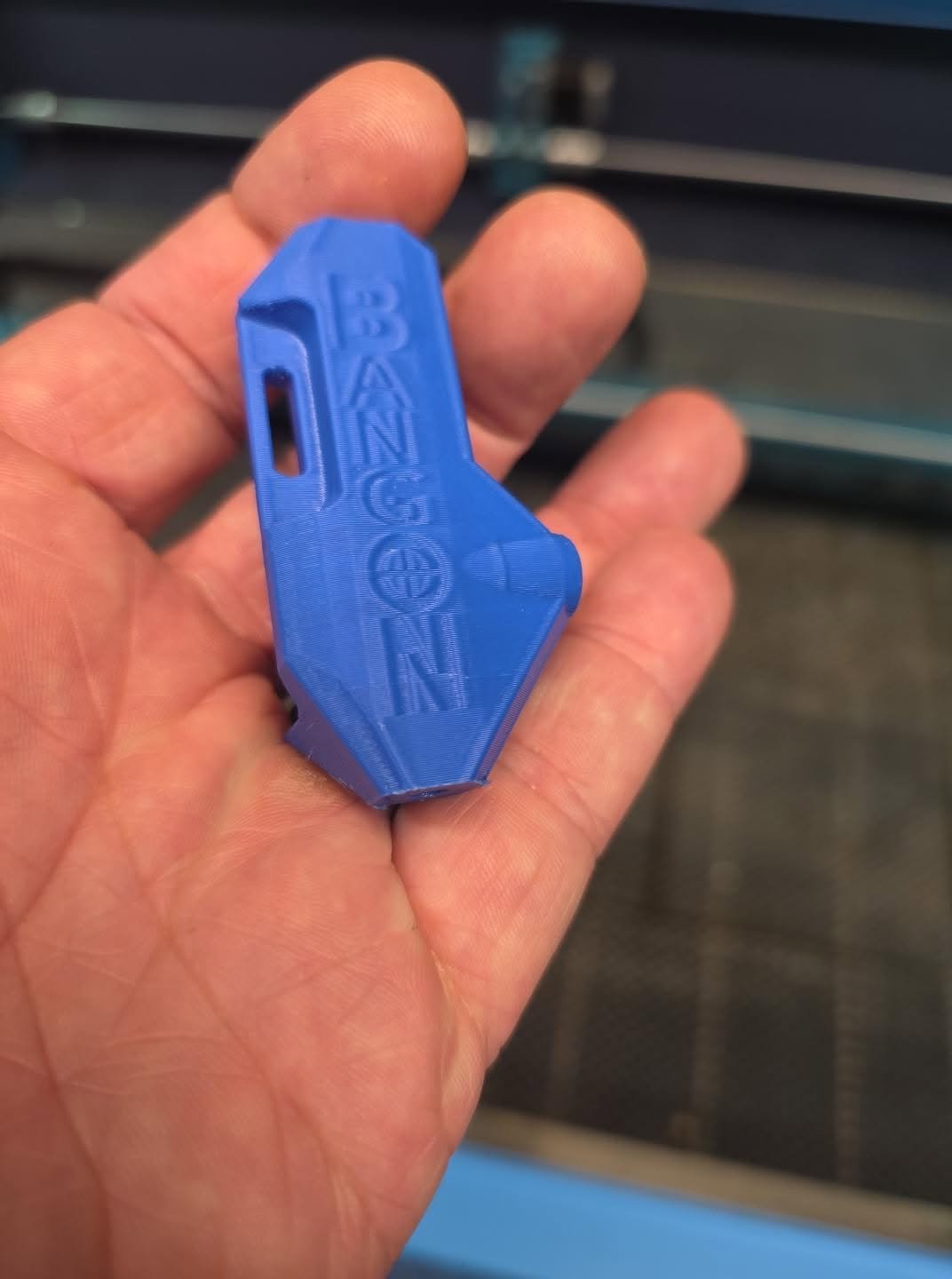
Introducing BANG ON!, the head-mounted USB endoscope camera mounting system designed by Daryl Dean — The LaZer Whisperer.
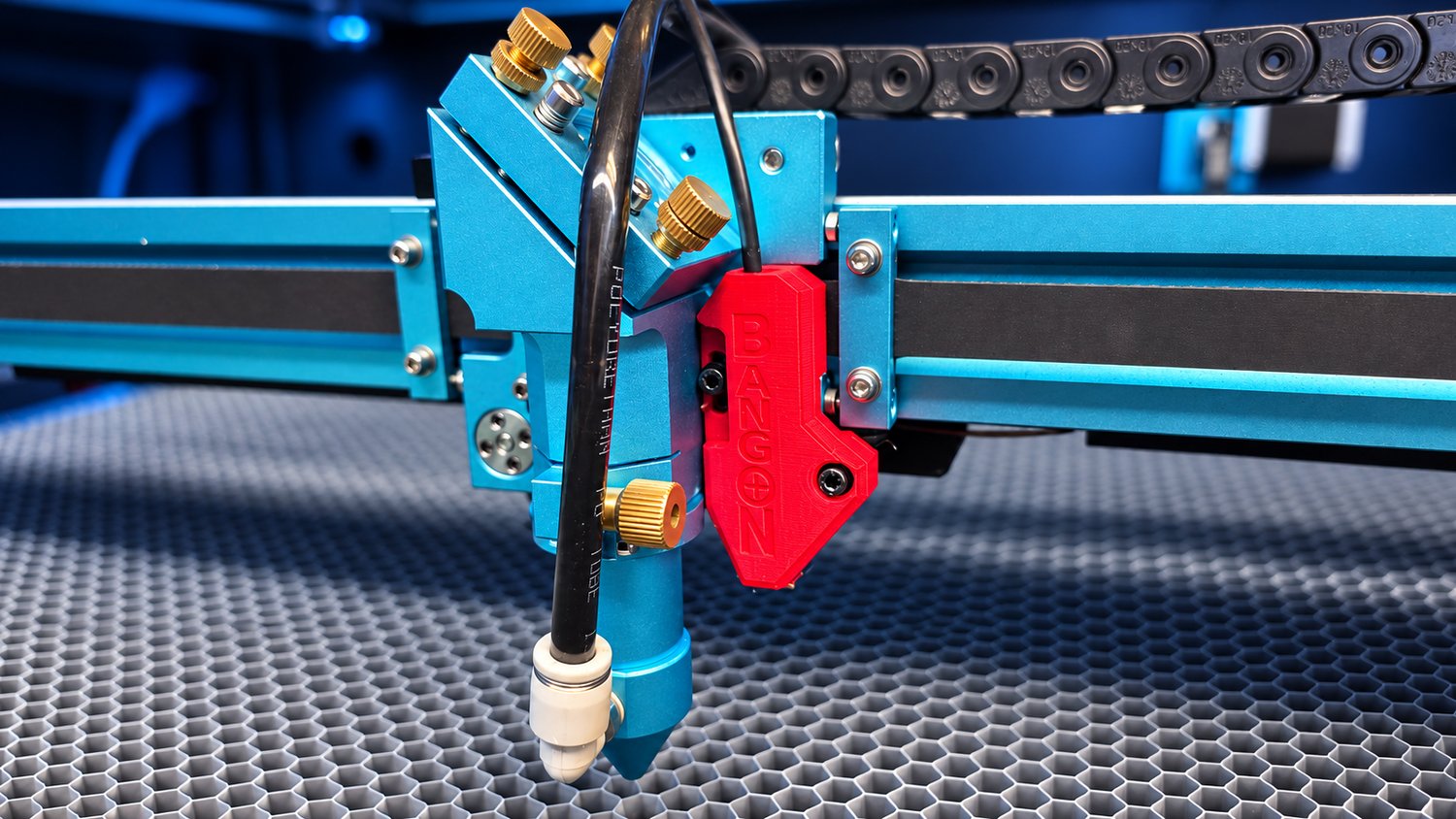
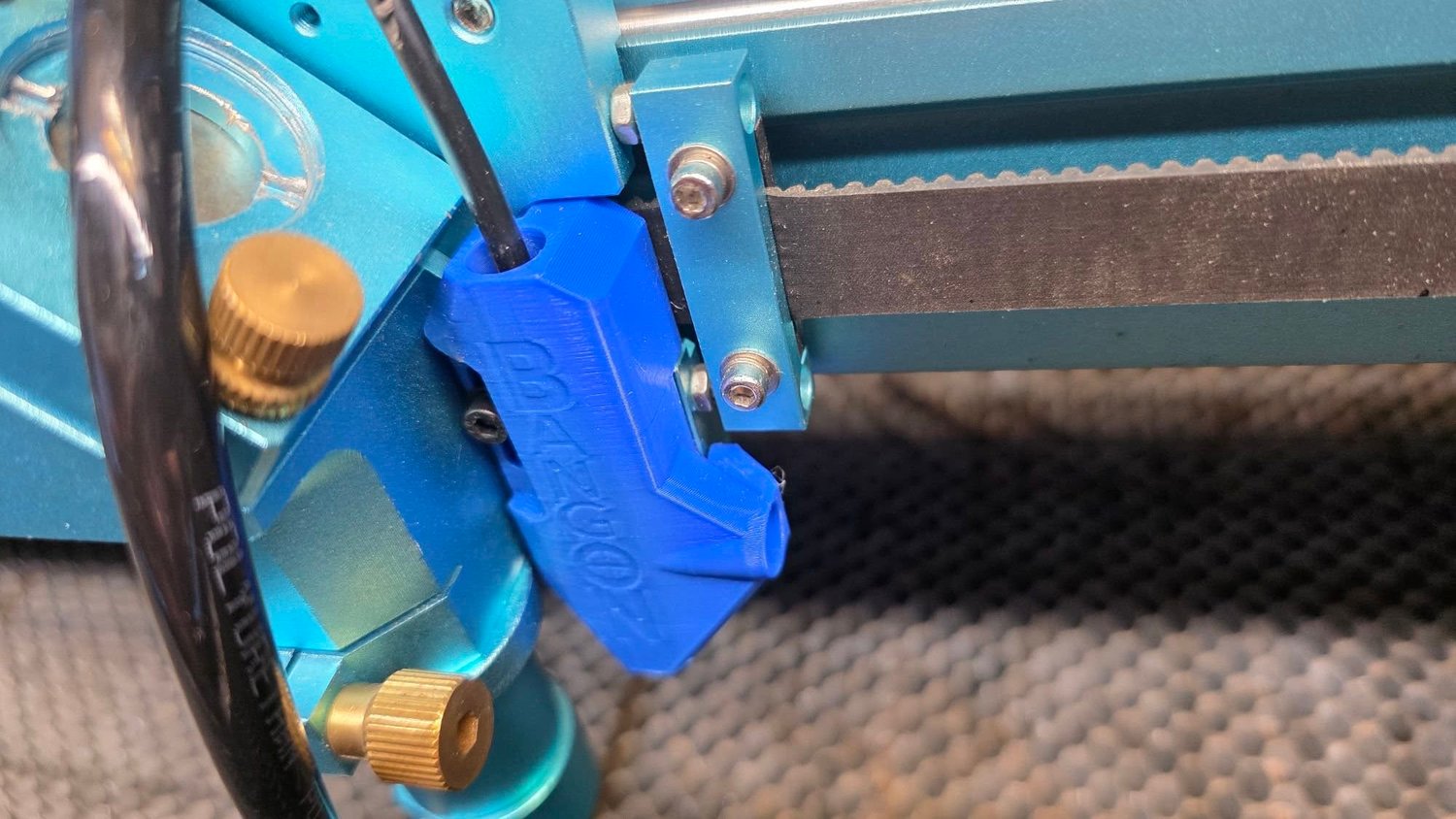
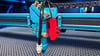
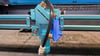
BANG ON! allows you to mount a small USB endoscope camera directly onto your laser head, ready to take advantage of LightBurn 2.2 and later's head-mounted Camera Print & Cut features.
Position, align and cut around printed artwork using camera-assisted registration marks.
And because we know not everyone uses the same camera diameter, your purchase includes FIVE different camera mount STL files!
Compatible Laser Models
BANG ON! is designed for compatible:
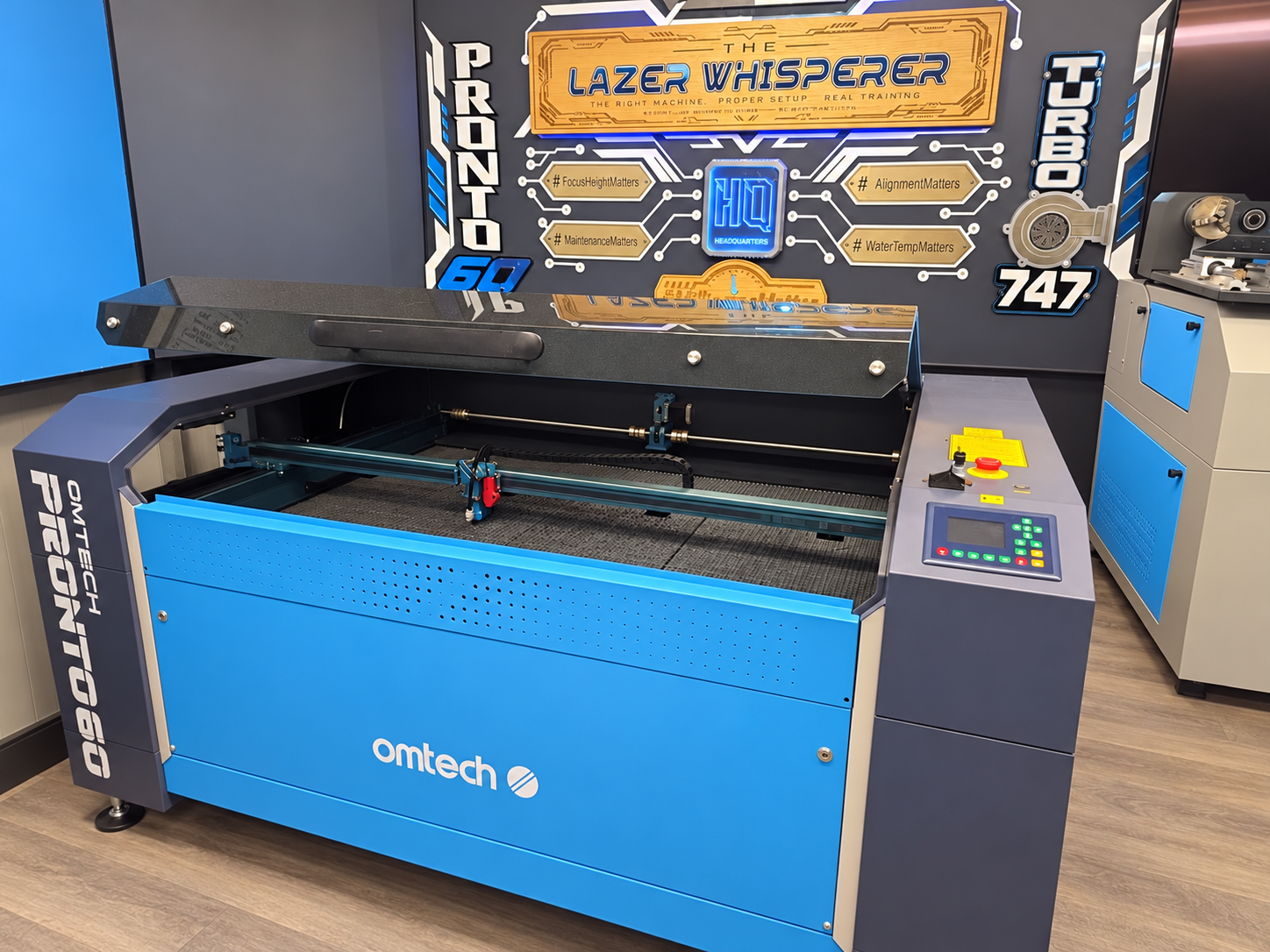
- OMTech Pronto Series
- Thunder Laser Nova Series
- Thunder Laser Nova Plus Series
MAY ALSO FIT OTHER LASER BRANDS AND MODELS!
Other laser machines using the same or compatible gantry systems and laser-head mounting hardware may also be suitable.
Compatibility depends on your machine's specific mounting arrangement, screw positions and clearances. Please check before purchasing. Fitment is not guaranteed on every machine or variant.
What's Included in Your Digital Download?
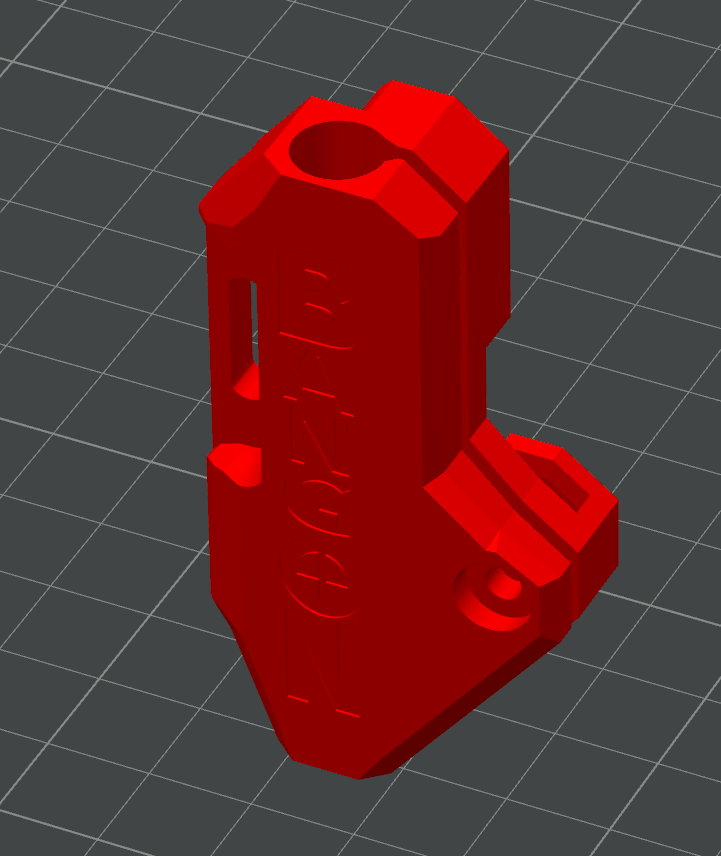
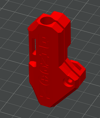
5 × BANG ON! 3D-Printable Camera Mount STL Files
Choose the STL that matches your USB endoscope camera's outside diameter:
- 4 mm camera mount
- 5 mm camera mount
- 6 mm camera mount
- 7 mm camera mount
- 8 mm camera mount
All five sizes are included in the one purchase!
Complete BANG ON! Installation & Setup Manual
Your download includes our detailed, step-by-step installation guide covering:
- Recommended 3D printing settings, filament selection and print orientation.
- Hardware requirements and choosing the correct USB endoscope camera.
- Planning a suitable camera cable entry into your laser cabinet.
- Routing the camera cable through the Y-axis and X-axis cable chains.
- Fitting and securing the BANG ON! camera mount onto your laser head.
- Adjusting the camera's rotational orientation.
- Using the specially designed camera-locking mechanism.
- Tidying and securing the USB cable, including strain relief.
- Final clearance, movement and installation safety checks.
Resized LightBurn AprilTag Lens-Calibration File
We've also included a resized LightBurn AprilTag calibration pattern, approximately 28 mm along its longest side.
This has been prepared as a convenient starting size for the smaller field of view of head-mounted endoscope cameras.
Simply print it on standard white A4 copy paper using your normal printer, preferably set to High Quality and 100% / Actual Size.
LightBurn 2.2+ Setup & Calibration Instructions
The manual also walks you through:
- Camera lens calibration using the supplied AprilTag pattern.
- Head-mounted camera alignment.
- Preparing printed artwork with four registration marks.
- Camera-assisted Print & Cut using LightBurn 2.2 or later.
We recommend four 5 mm registration circles or suitable doughnut-style marks positioned near the corners of your artwork.
A Little Extra Thought Built into BANG ON!
We've designed BANG ON! with more than just holding a camera in mind.
Our camera mounts incorporate a specially designed locking mechanism featuring integrated pressure pads.
Rather than the M3 locking screw pressing directly onto the camera's outer housing, these integrated pads grip the camera as the screw is tightened.
This helps:
- Reduce the risk of marking or damaging the camera housing.
- Minimise unwanted camera rotation while tightening.
- Make rotational adjustment easier.
- Hold the camera securely once positioned.
WARNING — DO NOT OVERTIGHTEN!
Although the pressure pads help protect the camera, excessive tightening can still crush or permanently damage its housing.
Only tighten the M3 locking screw enough to prevent the camera from rotating or sliding.
Just one of those little features we've thought about to help make getting your camera BANG ON! that much easier!
Recommended 3D Printing Settings
PETG is our preferred filament, although a suitable filament of your choice may be used.
SettingStandard QualityFine DetailNozzle0.4 mm0.2 mmLayer height0.16 mm0.08–0.10 mmWalls35InfillMinimum 15%Minimum 15%OrientationStanding uprightStanding uprightSupportsMinimalMinimalBed adhesionBrim recommendedBrim recommended
Use print speeds, temperatures and flow settings that work well with your own 3D printer and filament.
IMPORTANT — Endoscope Camera Requirements
YOUR ENDOSCOPE CAMERA MUST HAVE A SOFT, HIGHLY FLEXIBLE USB CABLE!
Rigid or semi-rigid endoscope camera cables are NOT SUITABLE for this moving-head mounting system.
We recommend a cable length of approximately 5–10 metres, depending on your laser's position relative to your computer.
Before purchasing a camera, check that its diameter and housing will fit through both the Y-axis and X-axis cable chains.
The camera cable is routed through your machine's cable chains to the laser head.
The camera plugs into your COMPUTER, NOT your laser controller.
The laser head is purely the physical mounting location for your BANG ON! camera.
A powered USB hub or suitable active USB extension may be required for reliable operation with longer cable runs.
Additional Hardware Required
You will need to supply:
- A compatible USB endoscope camera with a soft, flexible cable.
- One M3 × 8–10 mm threaded screw for camera locking.
- Small cable ties (black preferred).
- A suitable mounting screw and washer.
- A rubber grommet if a suitable protected cable exit is not already provided.
- Appropriate installation tools.
The original laser-head mounting screw may be suitable for reuse. In some cases, a slightly longer screw of the same thread and pitch may be required.
The washer is required for the mounting arrangement described in the installation manual, helping distribute clamping pressure and protect the printed mount.
Worldwide Personal-Use Licence Included
PLEASE READ BEFORE PURCHASING OR DOWNLOADING.
All original BANG ON! designs remain the intellectual property of Daryl Dean, trading as The LaZer Whisperer.
Your purchase includes the BANG ON! Worldwide Master Personal-Use Licence Agreement.
You are purchasing a limited licence to print and use the supplied designs for your own personal, non-commercial purposes.
Unless separately authorised in writing, the licence prohibits:
- Selling or commercially distributing printed BANG ON! camera mounts.
- Selling, sharing, uploading or redistributing the supplied STL files.
- Modifying, remixing or adapting the designs.
- Redistributing modified files or derivative designs.
- Using the files for commercial manufacture, reproduction or resale.
- Claiming ownership or authorship of the original BANG ON! designs.
BY PURCHASING OR DOWNLOADING THESE DIGITAL FILES, YOU ACKNOWLEDGE THAT YOU HAVE READ, UNDERSTOOD AND AGREE TO THE ACCOMPANYING BANG ON! WORLDWIDE MASTER PERSONAL-USE LICENCE AGREEMENT, SUBJECT TO APPLICABLE LAW.
Purchasing or downloading the files does not transfer ownership, copyright or intellectual property rights.
If you do not agree to these licence terms, do not purchase, download or use the files.
IMPORTANT — DIGITAL DOWNLOAD ONLY
NO PHYSICAL PRODUCTS WILL BE SHIPPED.
You are purchasing digital STL design files, the installation manual, calibration resources and the personal-use licence.
The purchase does not include a printed camera mount, endoscope camera, USB cable, hardware, 3D printer or LightBurn software.
Please ensure you have the appropriate equipment and have checked compatibility before purchasing.
Get Your Camera BANG ON!
Print the mount, install your camera, calibrate it in LightBurn and start exploring camera-assisted Print & Cut!
PRINT IT! FIT IT! LINE IT UP! BANG ON!
Designed by Daryl Dean — The LaZer Whisperer
We don't just whisper to lasers, we make them listen.
BANG ON! Hub: https://bangon.thelazerwhisperer.com.au/
Payhip Store: https://payhip.com/BANGONbyTheLaZerWhisperer
The LaZer Whisperer: https://www.thelazerwhisperer.com.au/
📸 Show Us Your BANG ON! Setup!
Once you've printed and fitted your mount, we'd love to see it!
Show us your installation, your workflow and how accurately you're cutting around printed designs.
Share your photos, videos and experience with The LaZer Whisperer community.
Feel free to BANG ON about it in other laser groups too!
Join The LaZer Whisperer Facebook group — home of the BANG ON! camera mounts.
⚡ The LaZer Whisperer
Developed by a laser technician who works hands-on with these machines, helping laser owners get the most from their equipment.
Buying an OMTech laser? Use discount code DARYL at checkout worldwide.
**BANG ON! —