
Contractor Quote & Invoice Tracker with Profit Guard (Excel & Google Sheets)
Most contractors don't lose money on bad jobs. They lose it on jobs they priced too low and never noticed.
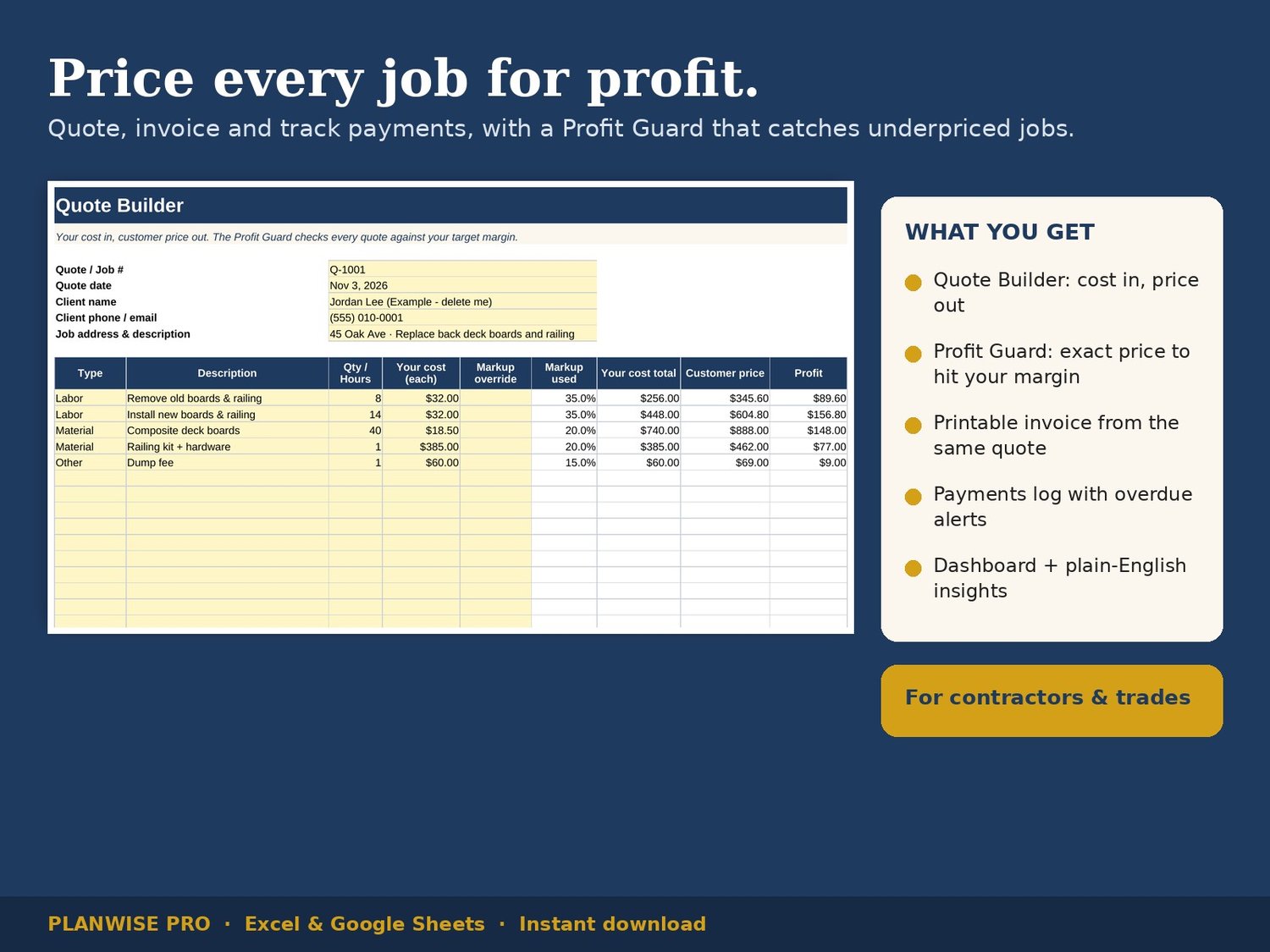
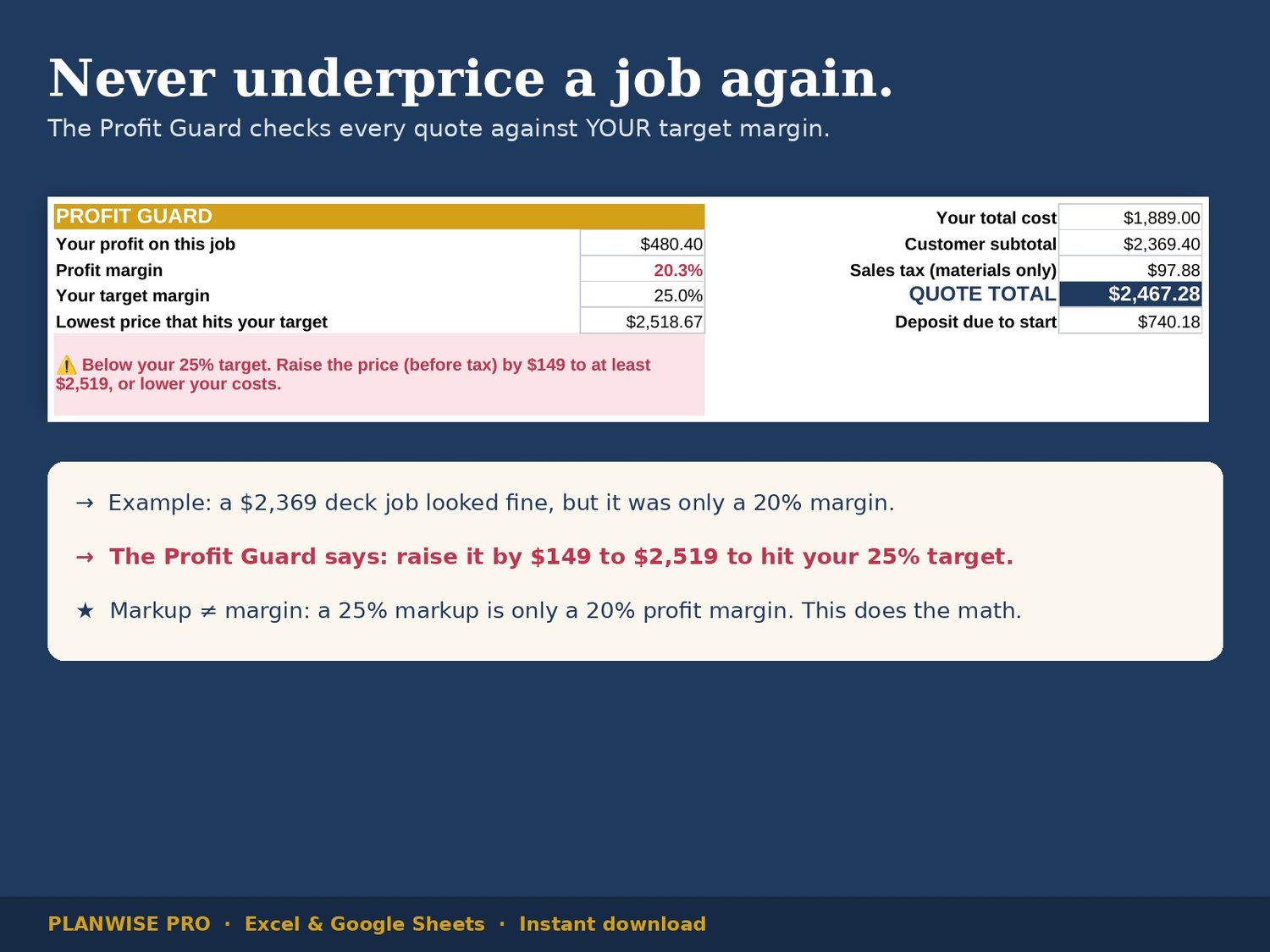
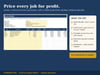
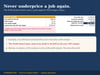
This spreadsheet catches that before you send the quote. Enter your cost for each line of the job (labor, materials, permits, dump fees) and it builds the customer price with your markups. Then the PROFIT GUARD checks your real profit margin against your target and, if you're short, tells you the exact price that fixes it.
WHAT MAKES IT DIFFERENT
• Profit Guard: shows your profit, your margin and the lowest price that hits your target, with a plain warning when a quote is underpriced.
• Markup vs. margin, done for you: a 25% markup is only a 20% margin. This works in margin, the number that pays you.
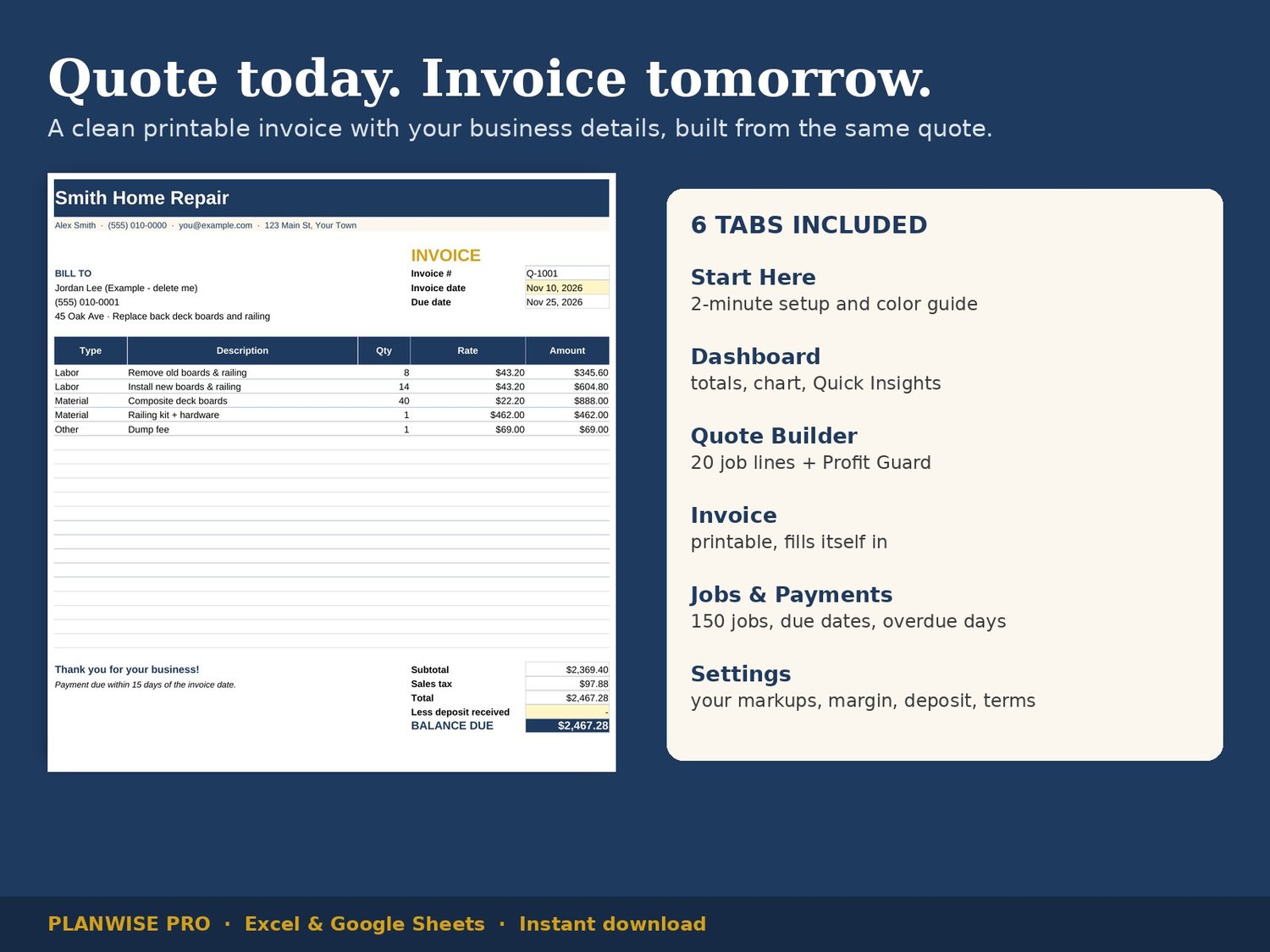
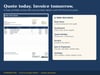
• One quote, one invoice: the printable invoice fills itself in from the quote, with your business details, due date and balance.
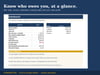
• Know who owes you: the Jobs & Payments log calculates due dates, balances and days overdue, and highlights late payers in red.
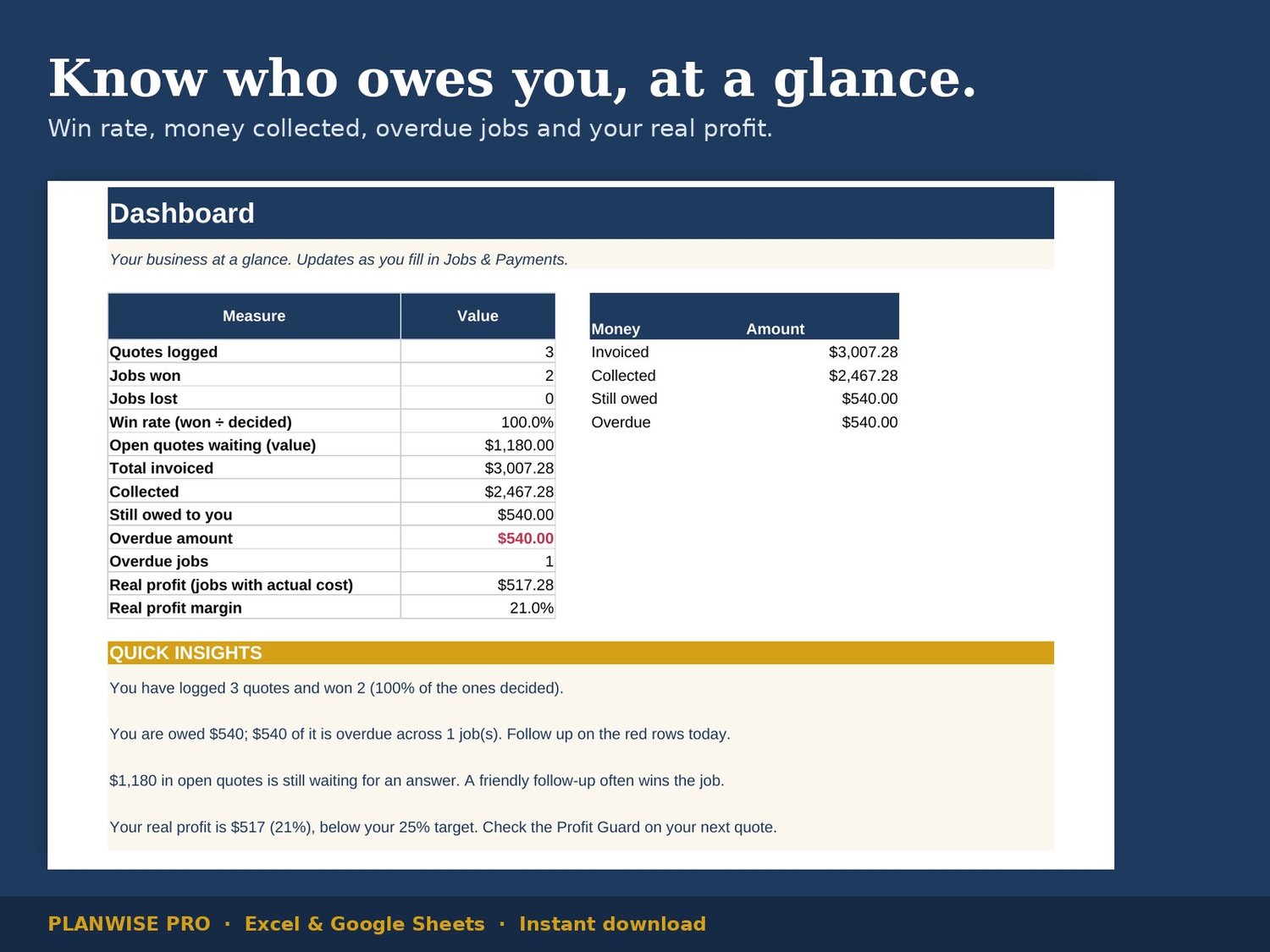
• Quick Insights: the Dashboard writes plain-English sentences from your numbers, like how much is overdue and whether your real profit is on target.
WHAT'S INCLUDED (6 tabs)
• Start Here: 2-minute setup and color guide
• Dashboard: totals, win rate, collected vs. owed chart, Quick Insights
• Quote Builder: 20 job lines with per-line markup override + Profit Guard
• Invoice: printable, built from the quote
• Jobs & Payments: 150 rows for quotes, jobs, invoices and payments
• Settings: your business info, markups, target margin, deposit % and payment terms
WHO IT'S FOR
Handymen, remodelers, painters, landscapers, cleaners, electricians, plumbers and any trade that quotes jobs.
HOW IT WORKS
- Download the .xlsx file right after purchase.
- Open it in Microsoft Excel, or upload it to Google Drive and open it with Google Sheets.
- Fill in Settings once, then build a quote. Light yellow cells are where you type; white cells calculate for you.
FAQ
Does it work in Google Sheets? Yes, and in Excel (desktop or online).
Do I need spreadsheet skills? No. You only type in the yellow cells and pick from dropdowns.
Is sales tax included? There's a sales tax setting applied to materials. Tax rules differ by state and trade, so check yours.
Is this a physical product? No. It's an instant digital download.
Refunds? Because it's a digital file, refunds aren't offered, but email us if anything isn't working and we'll help.
This template was designed with the help of AI tools, and every formula was checked and tested.