
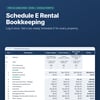


Schedule E Rental Bookkeeping Workbook — Landlord Spreadsheet (Excel + Google Sheets)
Tax time shouldn't mean a weekend of digging through bank statements.
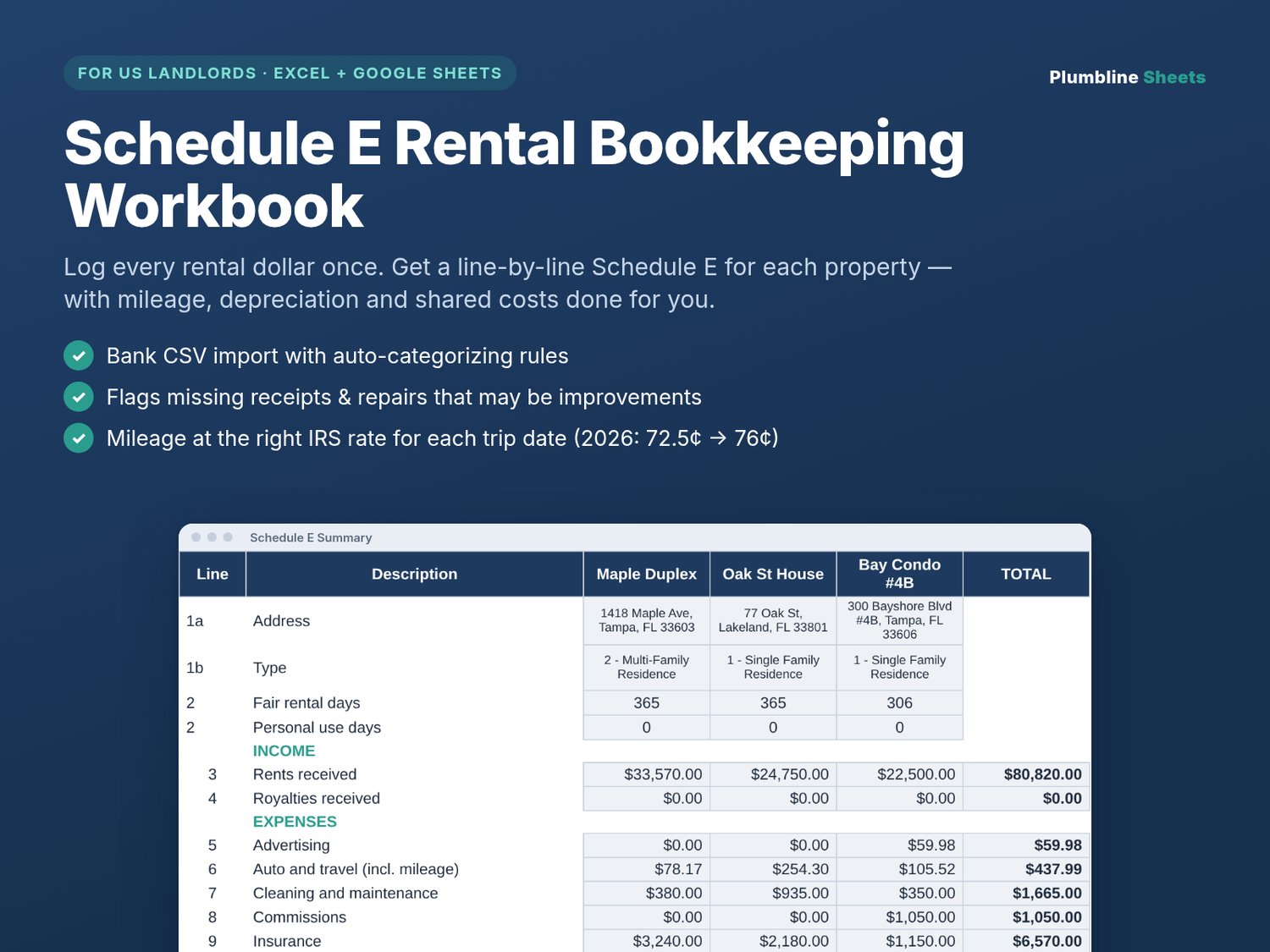
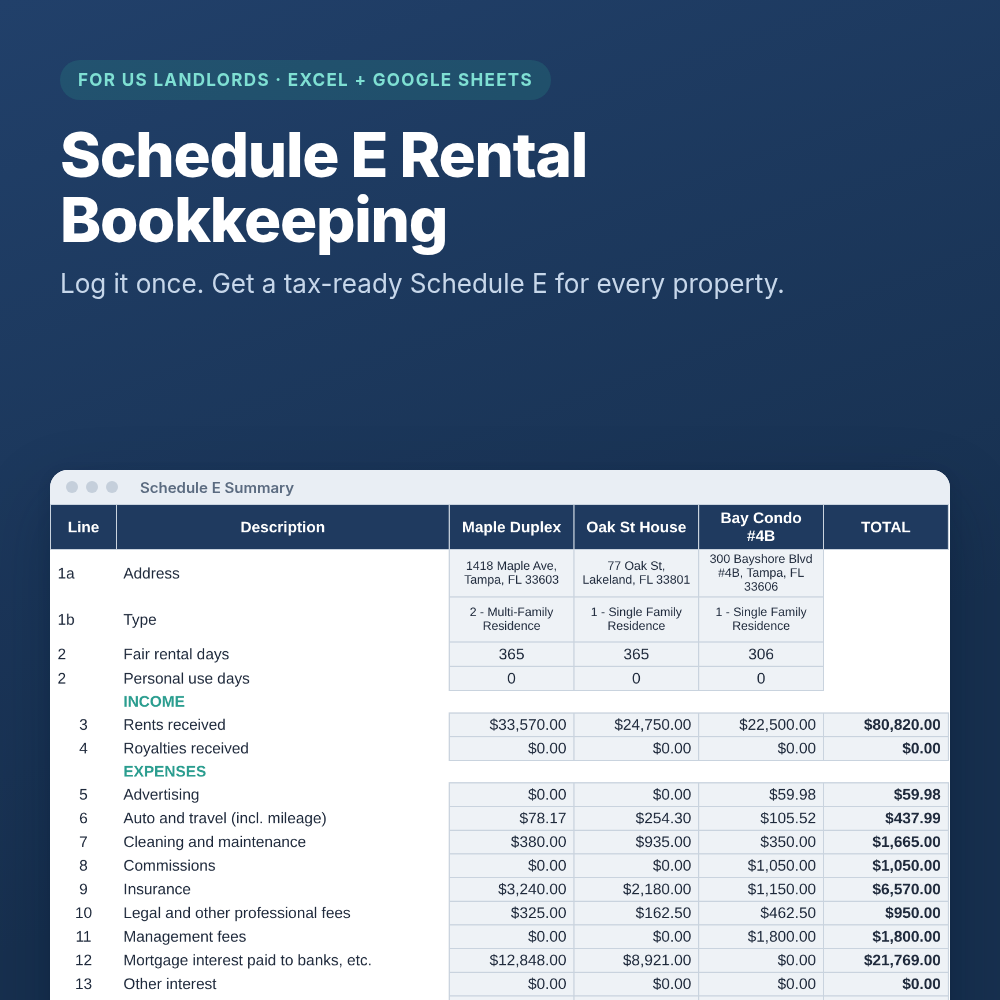
This workbook is built for self-managing US landlords with 1–10 properties. You log each rental transaction once, by typing it or pasting your bank's CSV. The workbook sorts it into the IRS Schedule E lines for each property, splits shared costs, adds your mileage and depreciation, and flags anything your preparer will ask about.
What makes it different
• Schedule E, line by line. One column per property, lines 1–21 laid out like the IRS form, with a total. Print it or send it to your preparer.
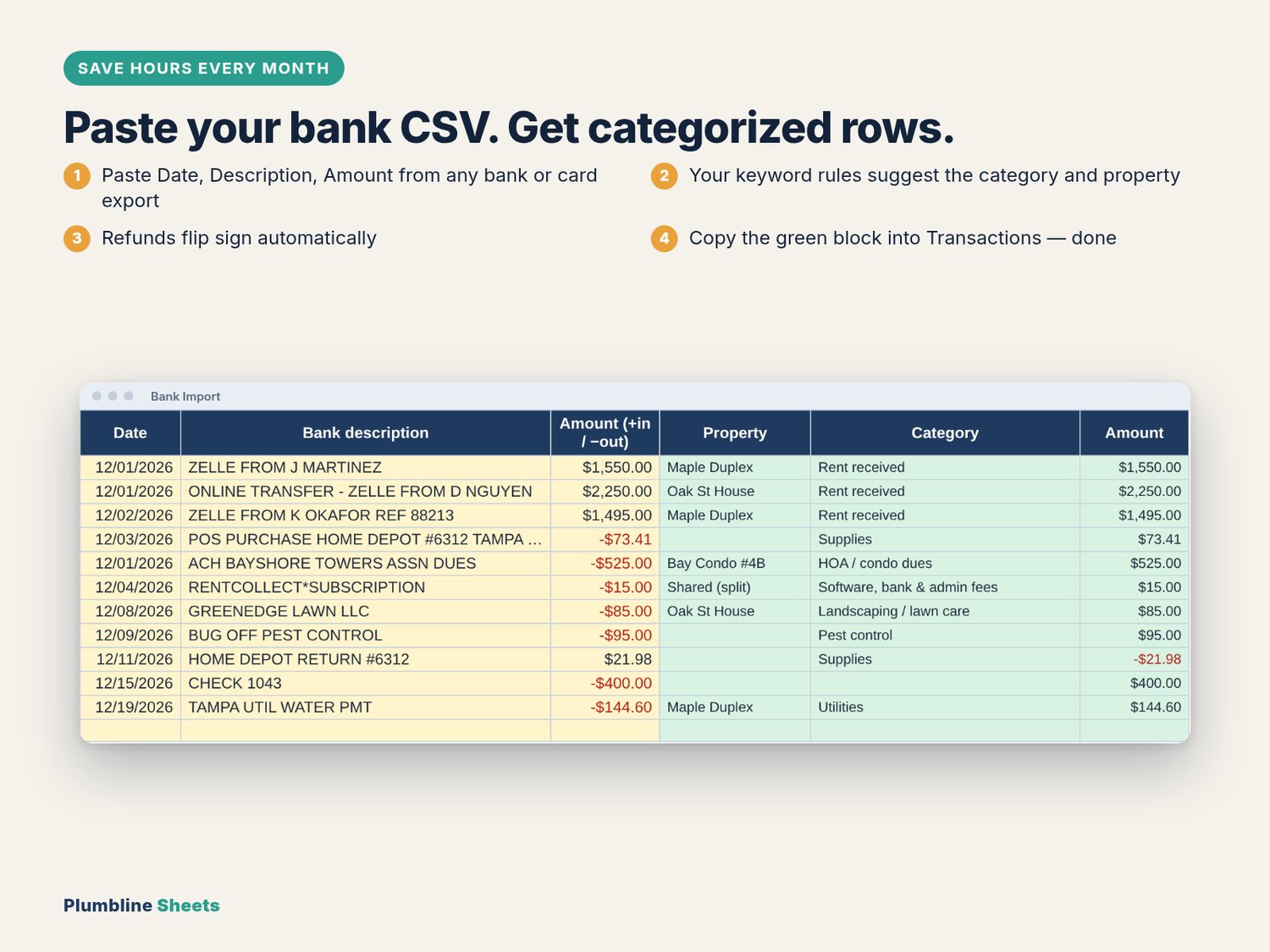
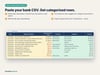
• Bank CSV import with rules. Paste last month's transactions. Your keyword rules (a starter list is included) suggest the category and property, and refunds flip sign automatically. Ten minutes a month.
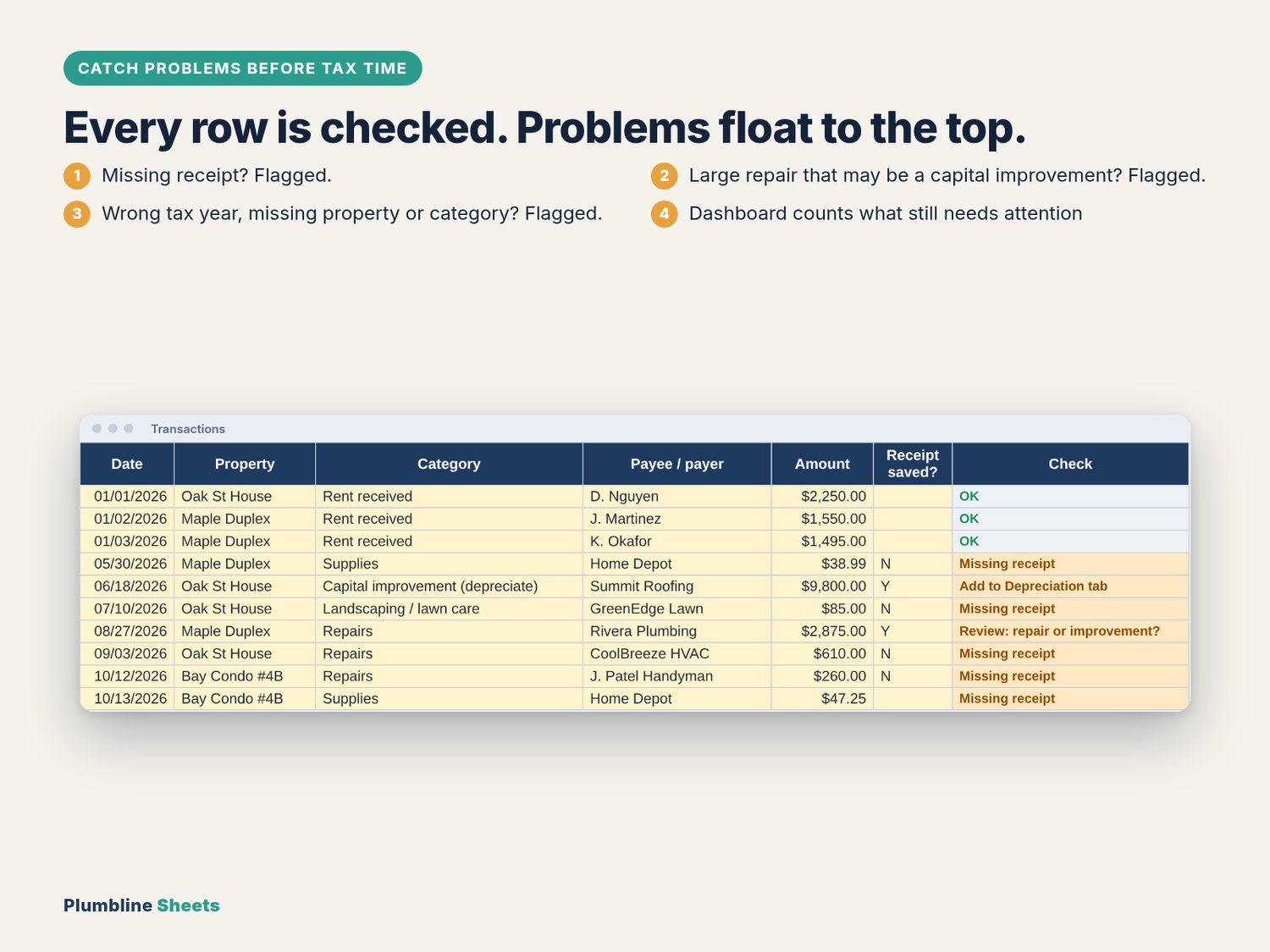
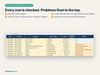
• Problems flagged on every row. Missing receipts, large "repairs" that may be capital improvements, missing categories, and dates outside the tax year.
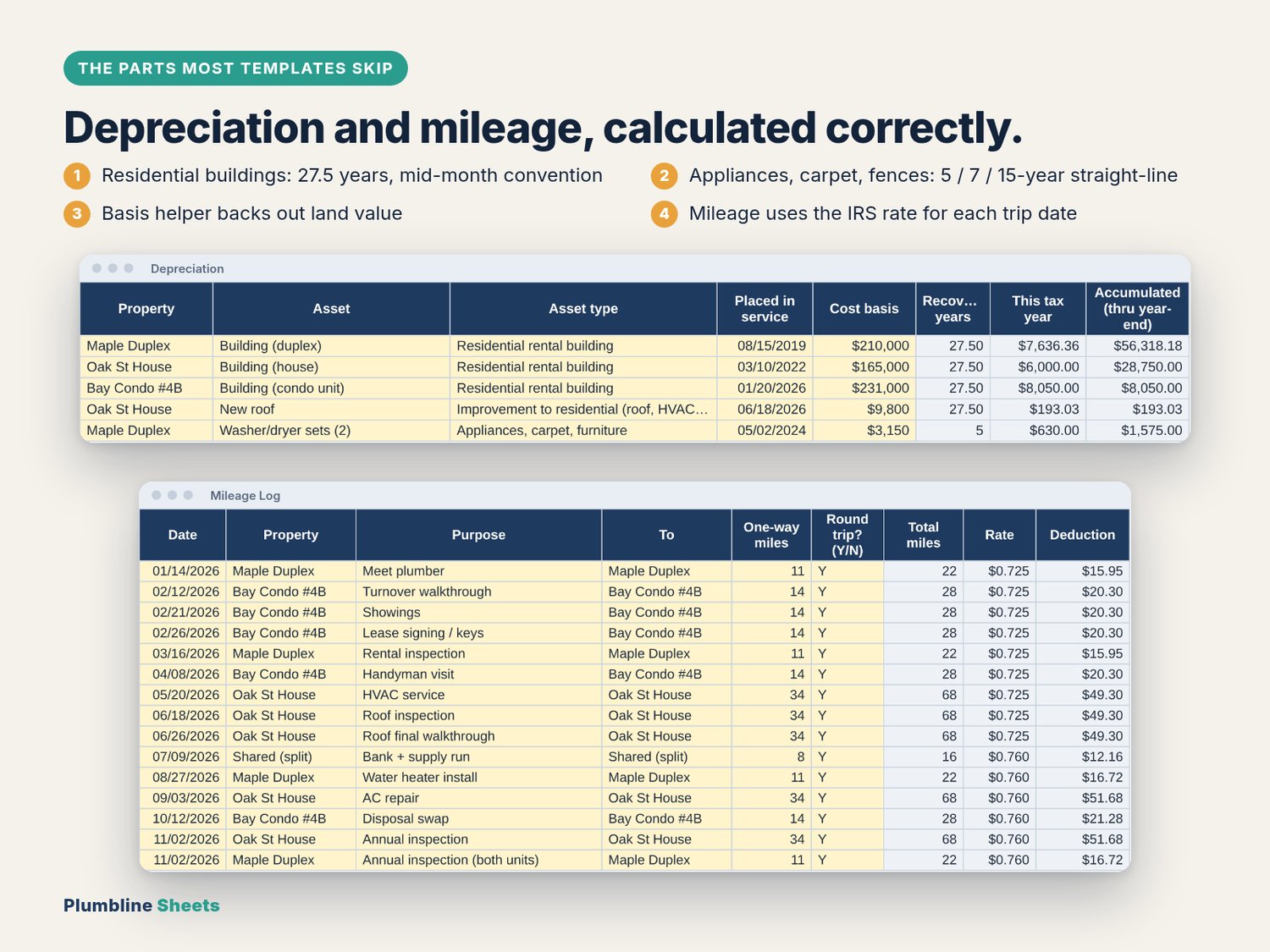
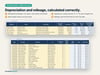
• Depreciation done properly. Residential buildings use 27.5 years with the mid-month convention. Appliances, carpet and land improvements use 5/7/15-year straight-line. A basis helper backs out land value.
• Mileage at the right IRS rate. The rate in effect on each trip date is applied automatically. 2026 has two rates: 72.5¢ through June 30 and 76¢ from July 1.
• Shared costs split for you. CPA fees, software, and trips for all properties are split by your percentages.
• 1099 check. Lists every contractor you paid and flags anyone at the $2,000 1099-NEC threshold for 2026 payments.
• Year-end checklist of every document to gather, with progress.
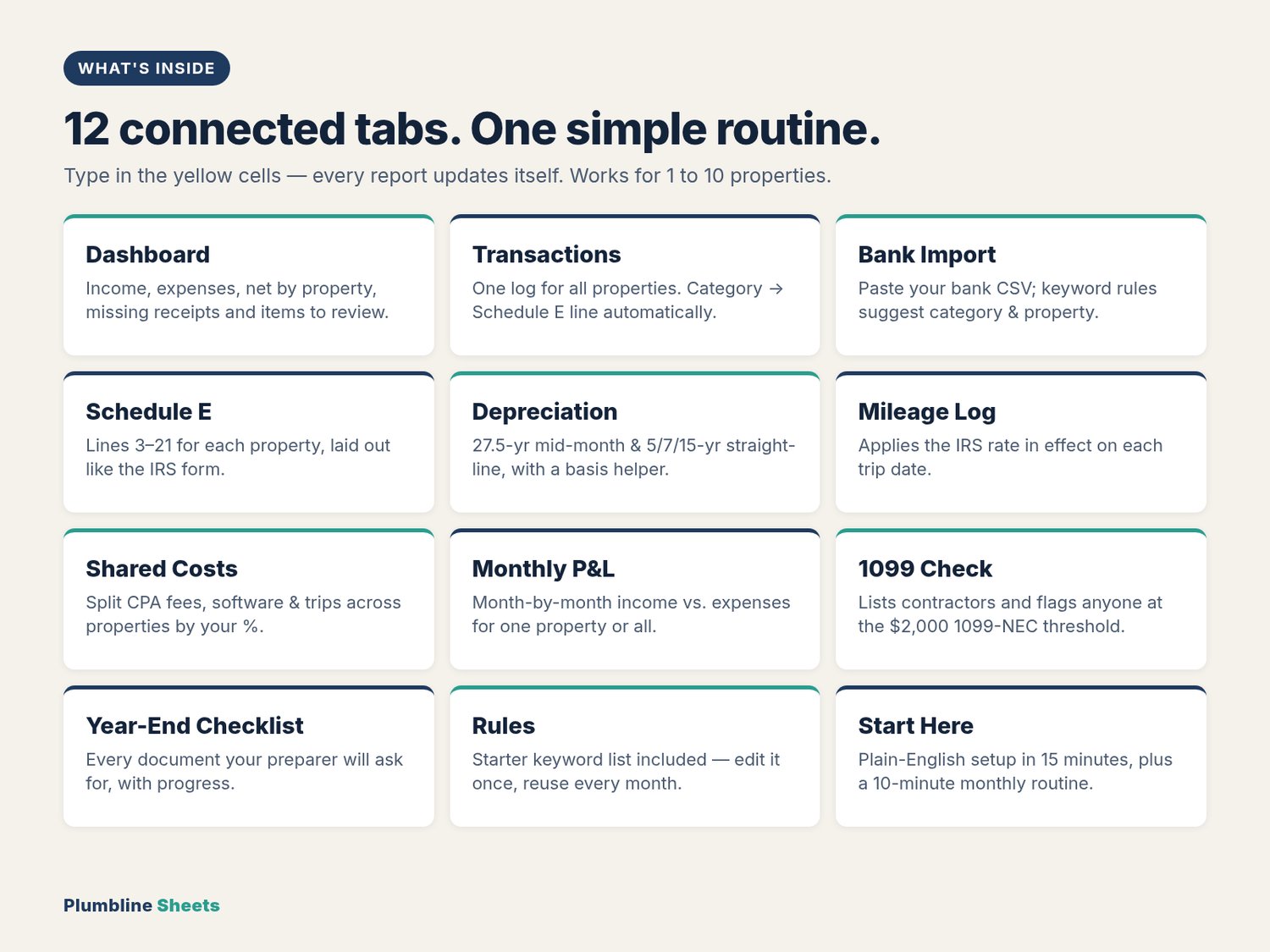
What's inside (12 tabs): Start Here · Dashboard · Settings · Transactions · Bank Import · Rules · Mileage · Depreciation · Schedule E · Monthly P&L · 1099 Check · Year-End Checklist
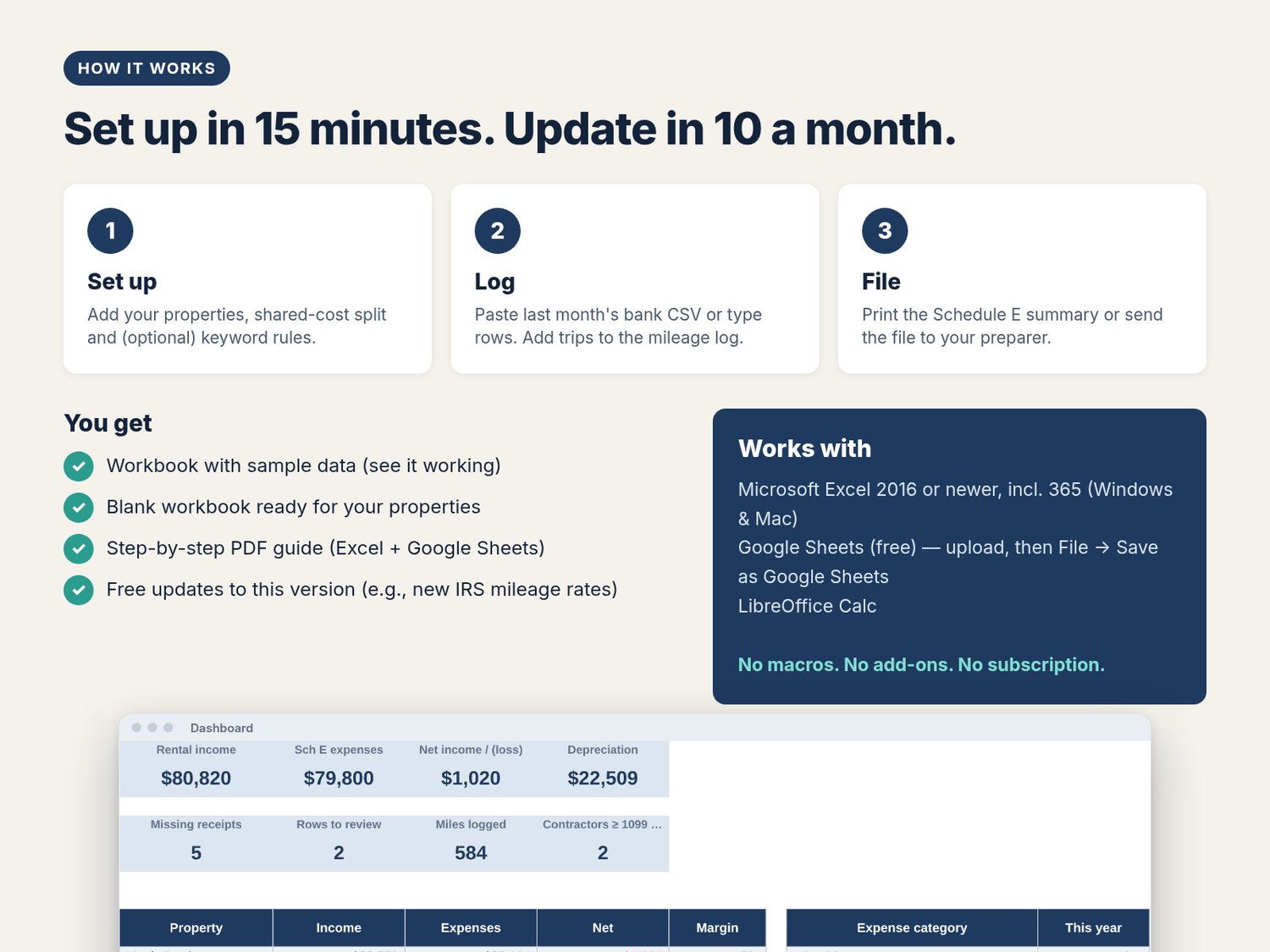
You get
• Workbook with a year of sample data, so you can see every report working
• Blank workbook ready for your properties
• 7-page PDF guide covering setup, the monthly routine, Excel and Google Sheets steps, and FAQs
Works with: Microsoft Excel 2016 or newer and Microsoft 365 (Windows and Mac), Google Sheets (free; upload, then File → Save as Google Sheets), and LibreOffice. No macros, add-ons or subscription. Not compatible with Apple Numbers.
Instant digital download. Nothing is shipped.
An organizing tool, not tax advice. Review your return with a qualified tax professional.