
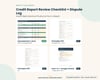
Credit Report Review Checklist + Dispute Log | Excel, Google Sheets, Printable
CREDIT REPORT REVIEW CHECKLIST + DISPUTE LOG | K&M Financial Publishing Group
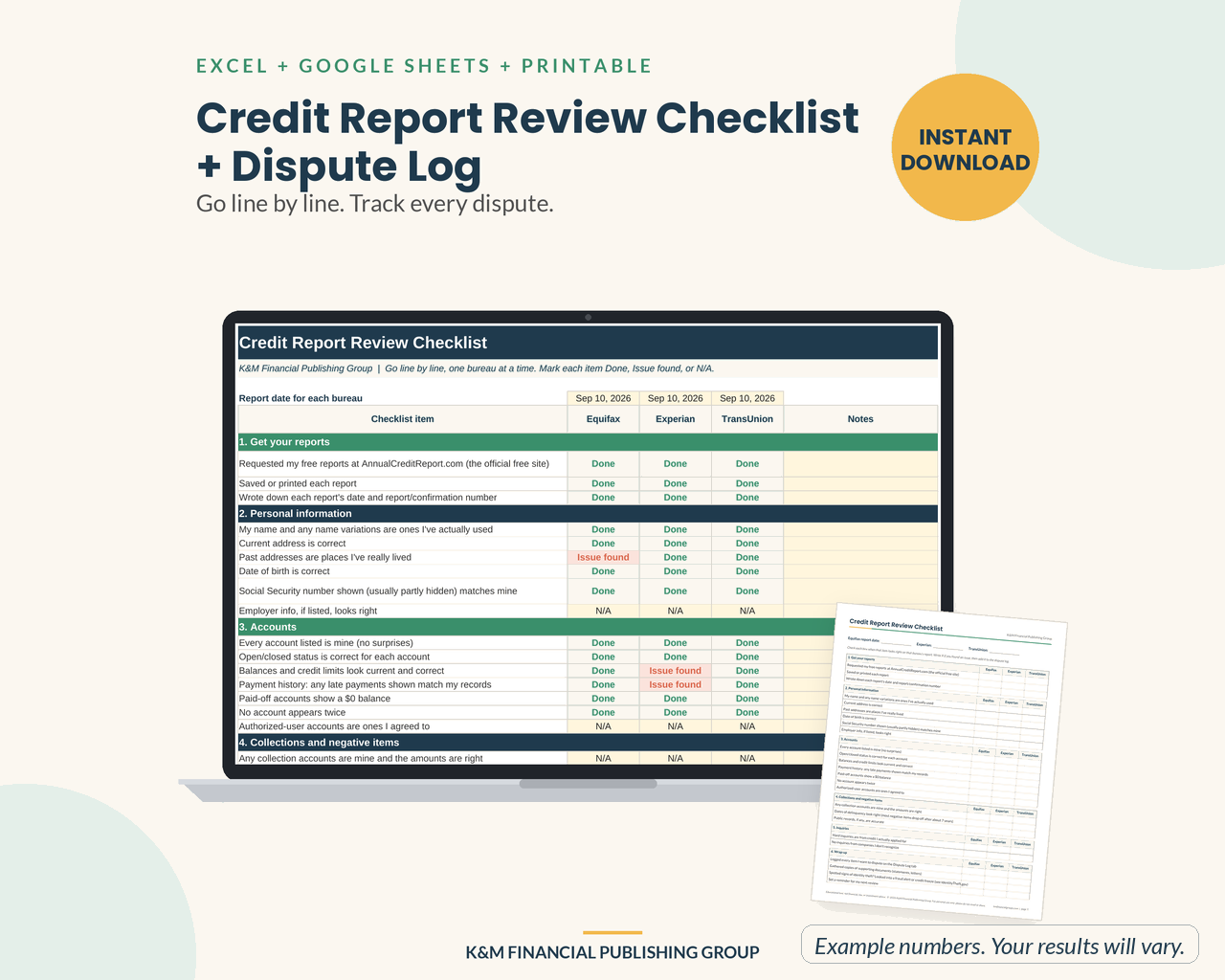
Go line by line. Track every dispute. A calm, organized way to review all three of your credit reports and keep a record of anything you ask to have corrected.
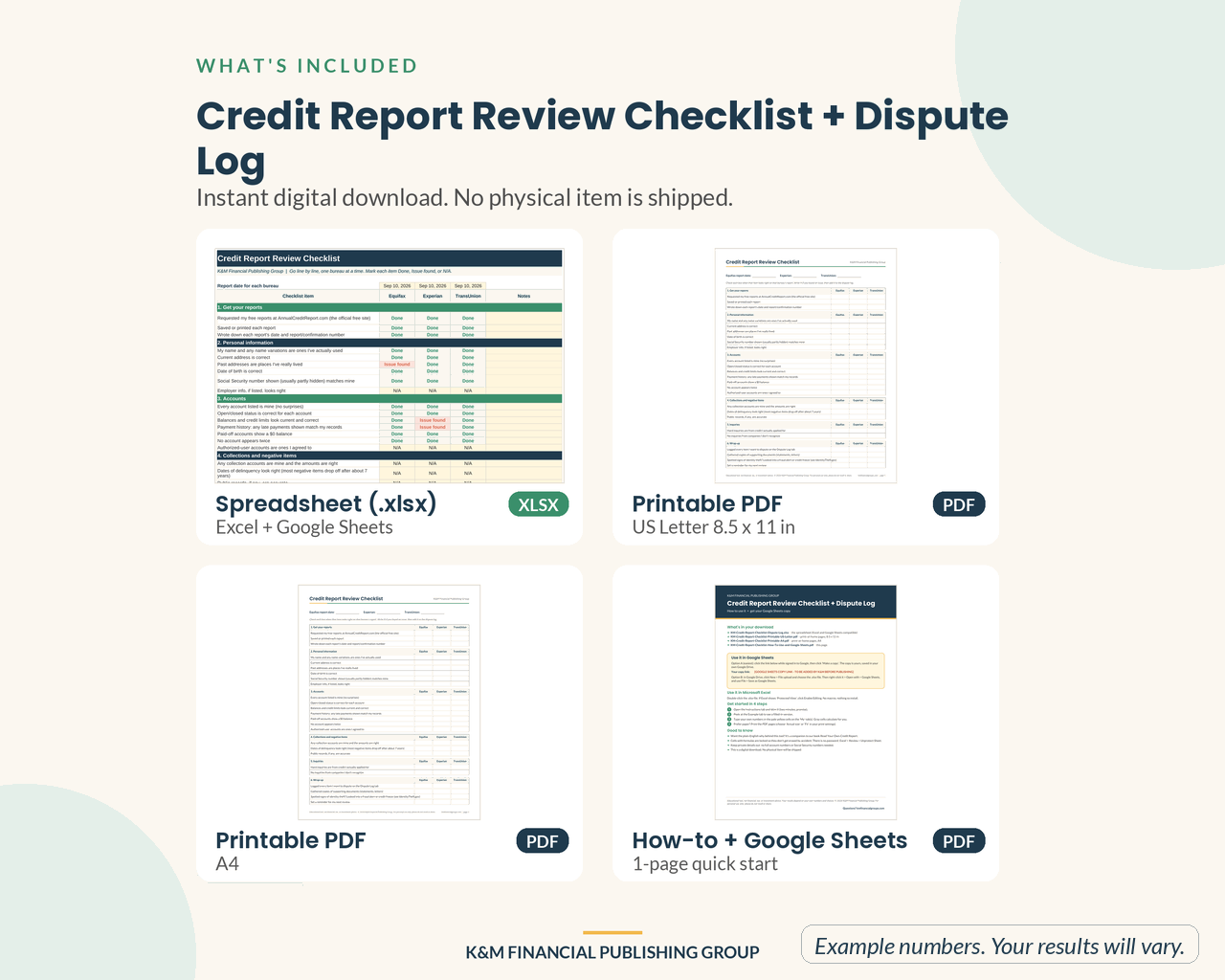
WHAT'S INCLUDED (instant download, one ZIP file)
- KM-Credit-Report-Checklist-Dispute-Log.xlsx: the spreadsheet, with an Instructions tab, a filled-in Example tab, and blank "My" tab(s) for you
- KM-Credit-Report-Checklist-Printable-US-Letter.pdf and -A4.pdf: ink-friendly pages to fill in by hand
- KM-Credit-Report-Checklist-Printable-US-Letter-FILLABLE.pdf and -A4-FILLABLE.pdf: the same printable pages as fillable PDFs you can type into on screen in a free PDF reader (type-in boxes; they don't calculate totals)
- KM-Credit-Report-Checklist-How-To-Use-and-Google-Sheets.pdf: a 1-page quick start
FEATURES
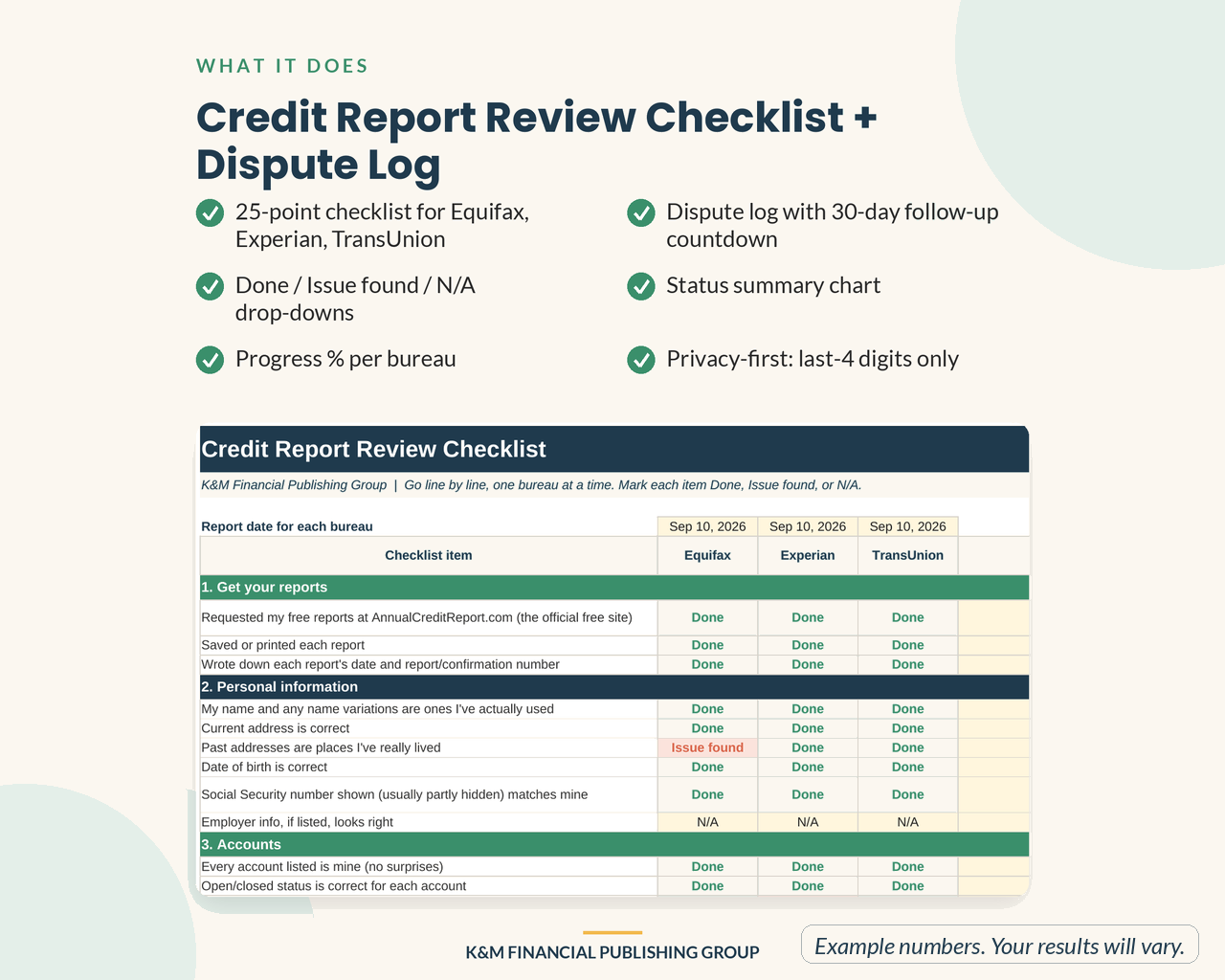
- 25-point checklist for Equifax, Experian, TransUnion
- Done / Issue found / N/A drop-downs
- Progress % per bureau
- Dispute log with 30-day follow-up countdown
- Status summary chart
- Privacy-first: last-4 digits only
HOW IT WORKS
1. Get your free reports at AnnualCreditReport.com (the official free site).
2. Mark each checklist item Done, Issue found, or N/A for each bureau.
3. Log anything you want corrected: where you sent it, how, and when.
4. The log sets a 30-day follow-up date and counts down the days.
Pairs with our plain-English book Read Your Own Credit Report (on Amazon). This checklist helps you organize your own review; it does not repair, evaluate, or change your credit.
HOW TO OPEN IT
1. After checkout you'll get a download link right away (it's also emailed to you). Unzip the file (Windows: right-click > Extract All; Mac: double-click).
2. Excel: double-click the .xlsx file (click Enable Editing if you see Protected View). Works in Microsoft Excel desktop or Excel for Microsoft 365.
3. Google Sheets (free Google account): at drive.google.com click New > File upload, choose the .xlsx, then right-click it > Open with > Google Sheets > File > Save as Google Sheets.
4. Prefer paper? Print the PDF pages (US Letter or A4), choosing Actual size or Fit to page.
SAVE WHEN YOU BUY MORE
Any 3 of our $5.99 downloads (these templates plus our newer $5.99 planners) for $13.99 with code PICK3, or any 6 for $24.99 with code PICK6. Enter the code at checkout. Codes work within the $5.99 tier.
GOOD TO KNOW
- Instant digital download. No physical item will be shipped.
- No macros, nothing to install. Formula cells are locked so they don't get erased by accident (no password; you can unprotect them).
- Colors may look slightly different between Excel, Google Sheets, and your screen.
- For personal use only. Please don't resell or share the files.
- Questions? Email service@kmfinancialgroups.com.
REFUNDS
These are instant digital downloads, so all sales are final. If a file won't open or is damaged, email service@kmfinancialgroups.com within 30 days and we'll send a replacement or refund your purchase.
Preview images show example numbers for illustration only.
Educational tool, not financial, tax, or investment advice. Your results depend on your own numbers and choices.
Designed by K&M Financial Publishing Group using digital design tools, including AI-assisted drafting; every design is reviewed and approved by us.