

KPI Business Dashboard | Google Sheets Template
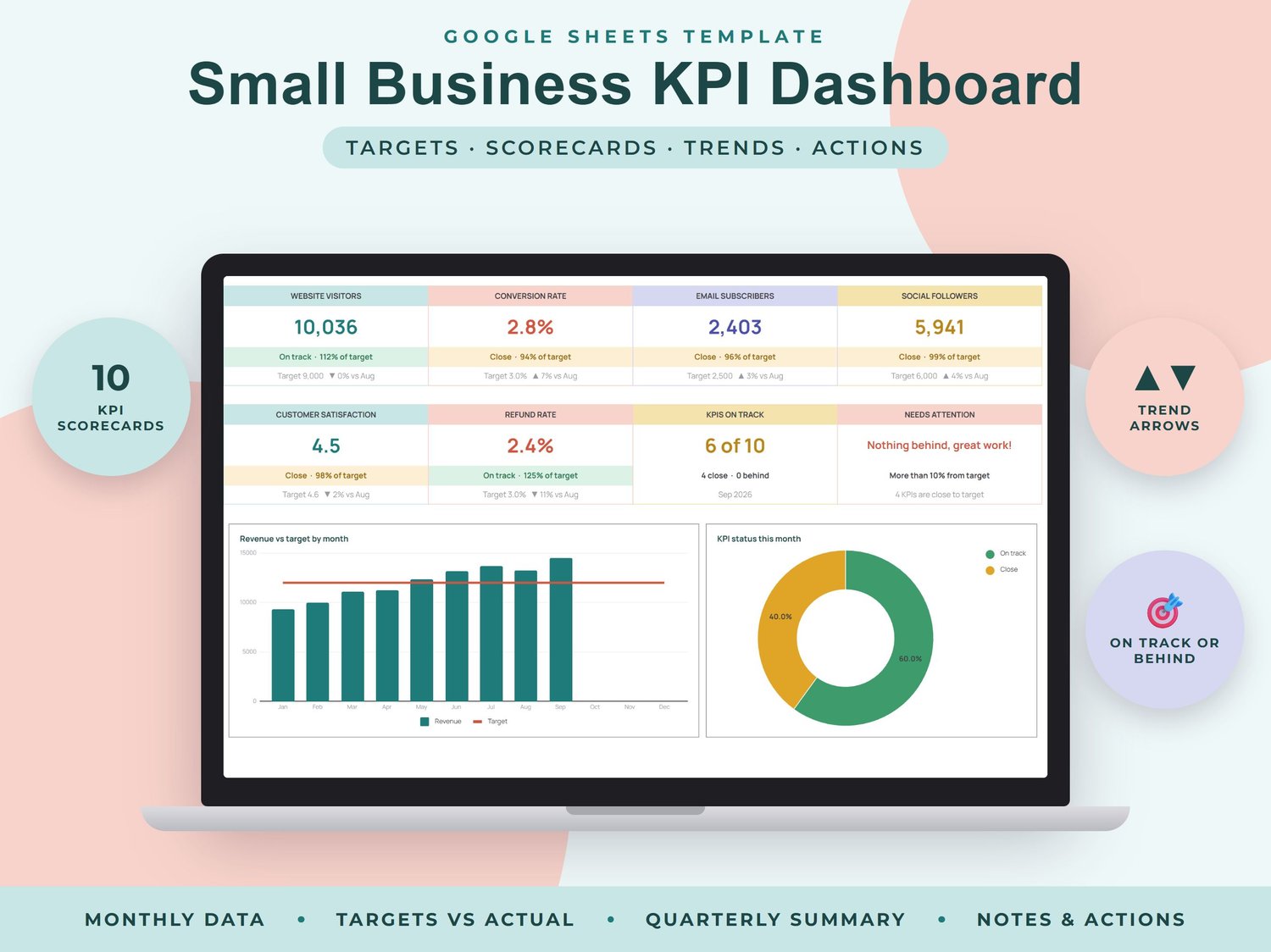
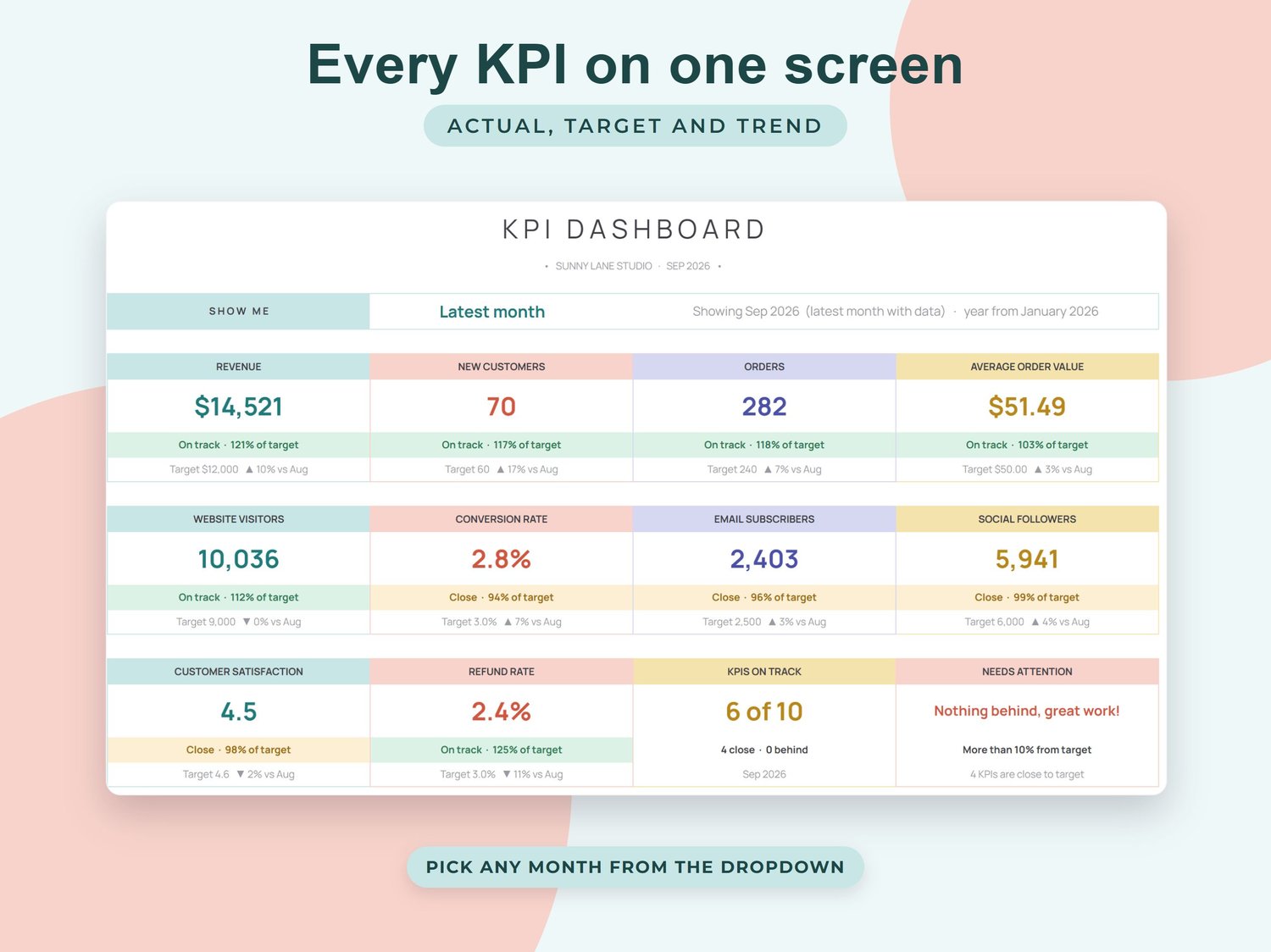
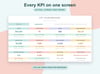
See in one screen whether your business is on track. Set a monthly target for each KPI, type your actual numbers once a month and this Google Sheet shows every KPI as a scorecard with % of target, a trend arrow and a green, amber or red status.
WHAT'S INSIDE (7 tabs)
- START HERE: quick setup steps and tips
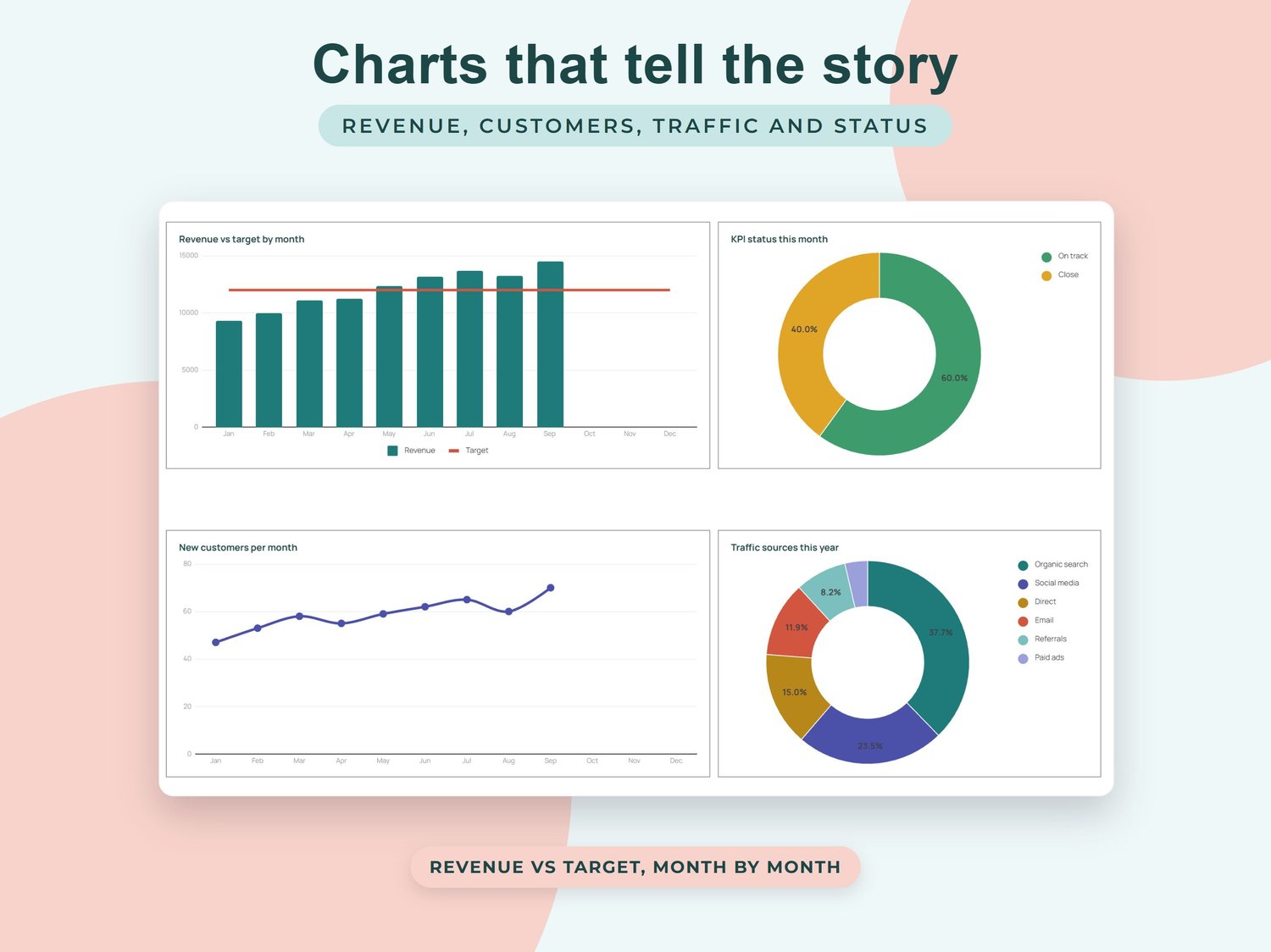
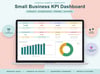
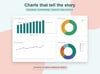
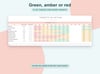
- Dashboard: pick any month (or the latest) to see 10 KPI scorecards with target, % of target and ▲▼ trend vs the month before, KPIs on track, what needs attention, revenue vs target chart, new customers chart, traffic sources, % of target for every KPI, status split and a summary table
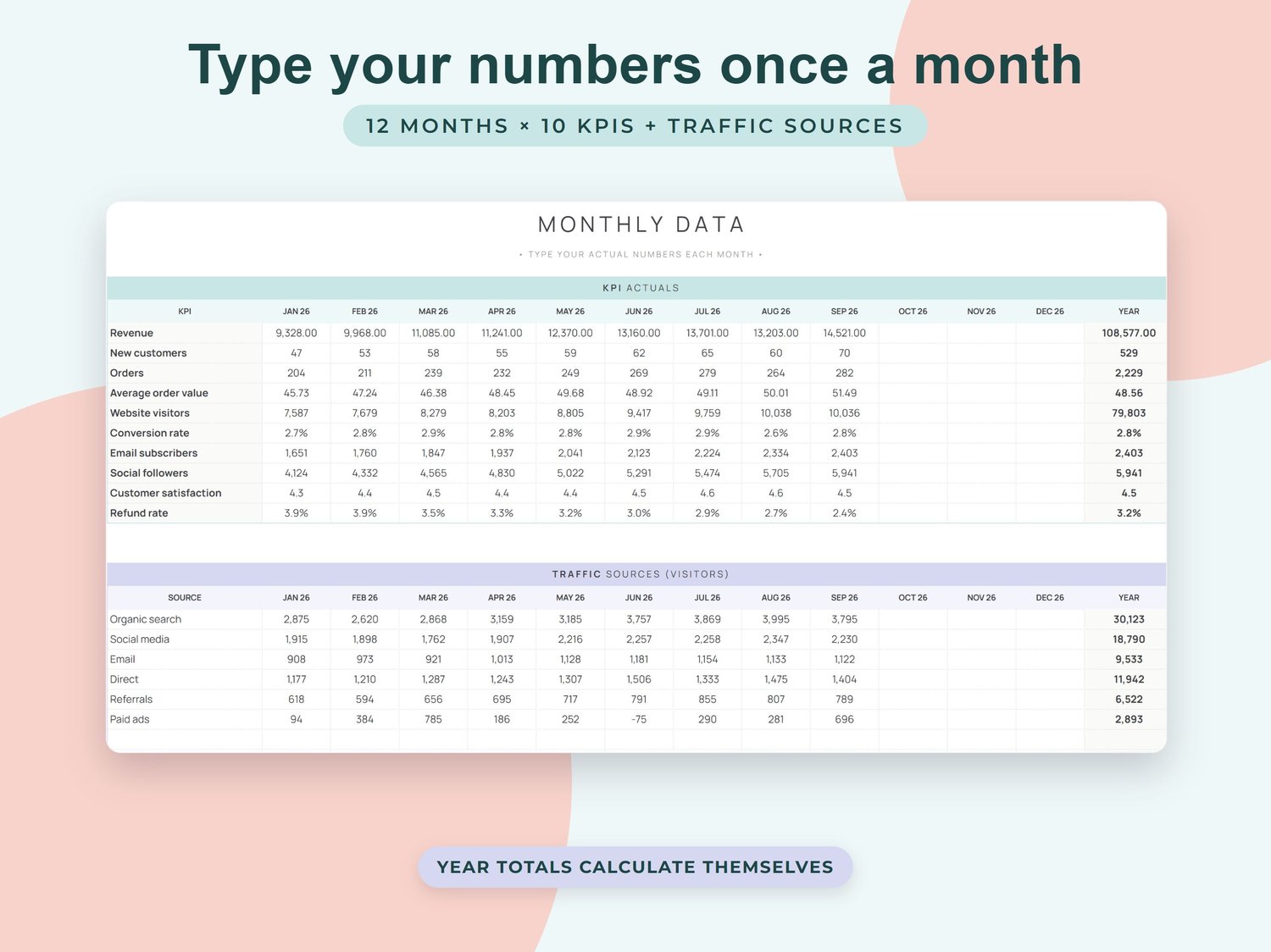
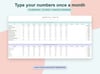
- Monthly Data: 12 months × 10 KPIs of actual numbers with automatic year totals, plus visitors by traffic source
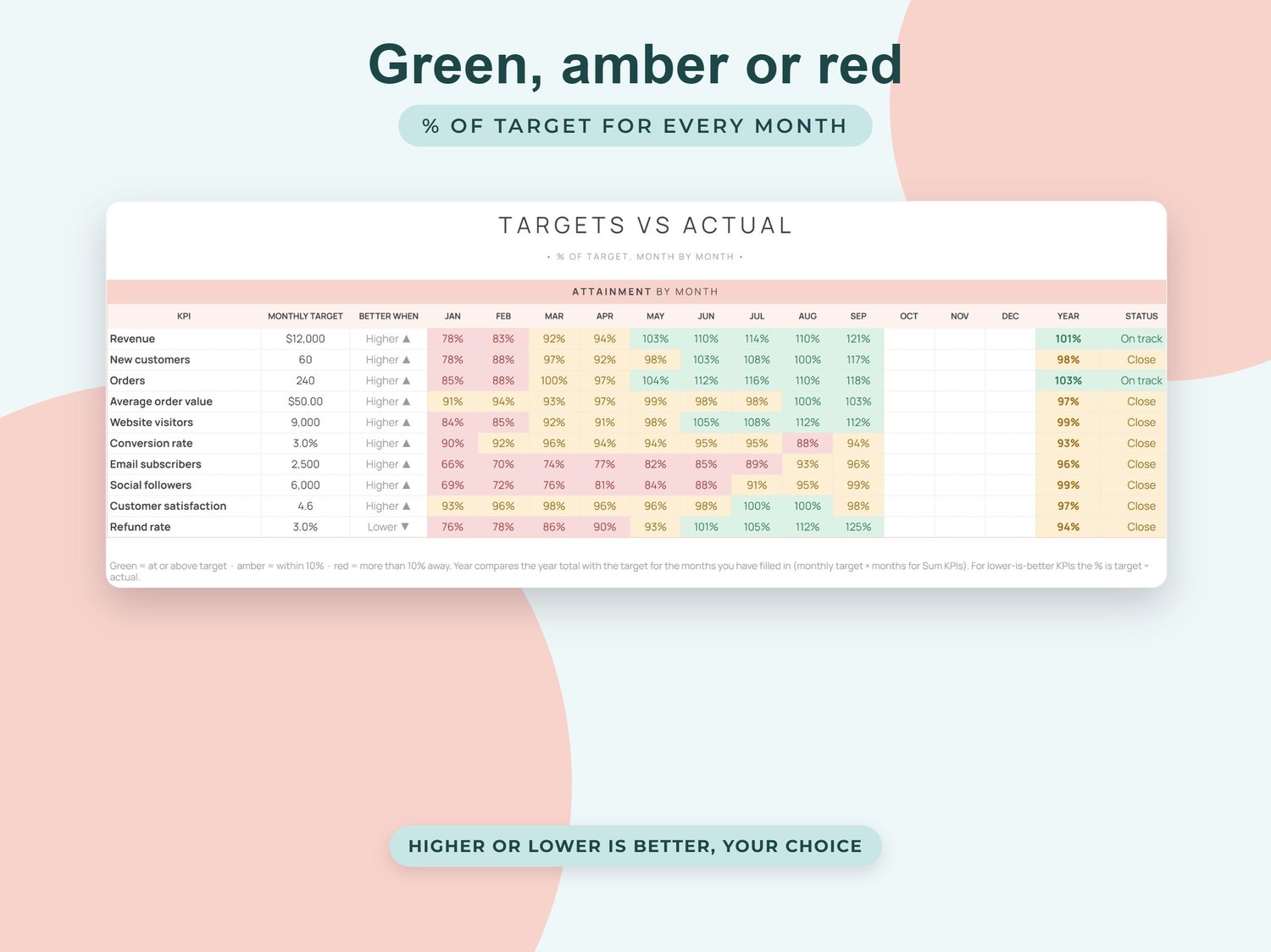
- Targets vs Actual: % of target for every KPI and month, coloured green, amber or red, with a year score and status
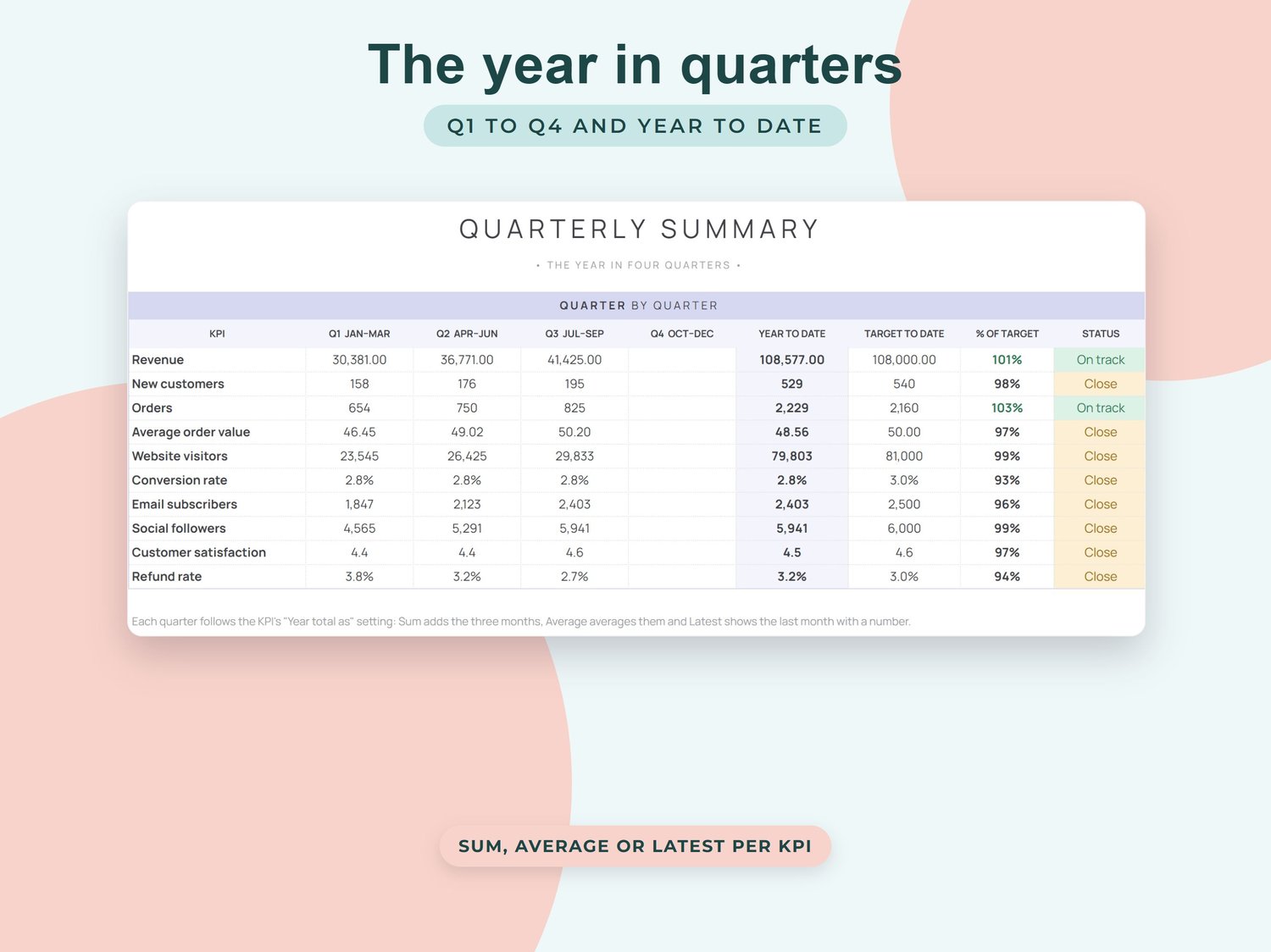
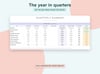
- Quarterly Summary: Q1 to Q4 and year to date for every KPI with target to date, % of target and status
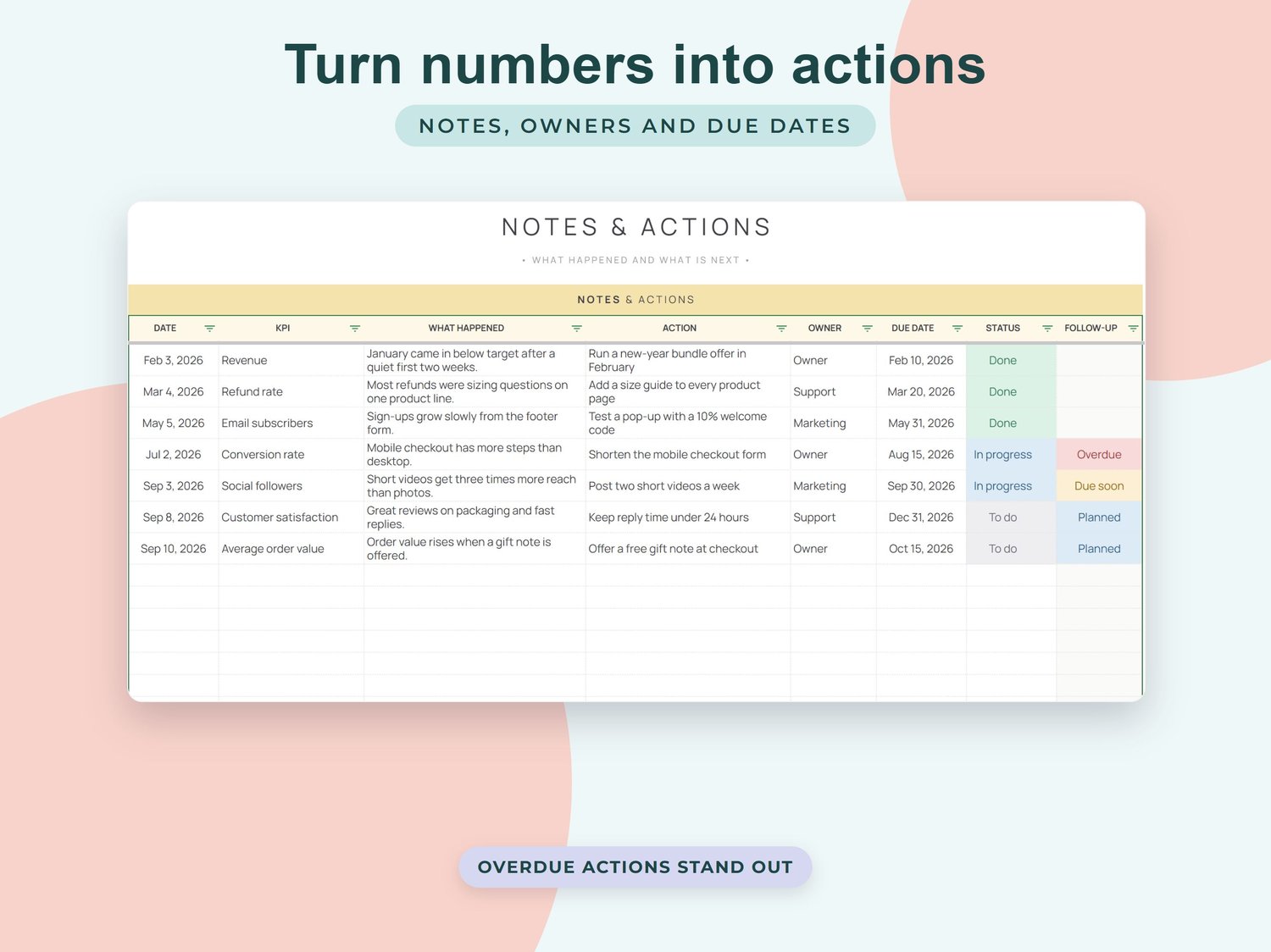
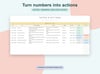
- Notes & Actions: what happened, the action you will take, owner, due date, status and overdue flags
- Setup: currency, business name, fiscal year start and your KPI list (name, type, monthly target, higher or lower is better, and how to total the year)
Sample KPIs: revenue, new customers, orders, average order value, website visitors, conversion rate, email subscribers, social followers, customer satisfaction and refund rate. Rename them to fit your business.
HOW IT WORKS
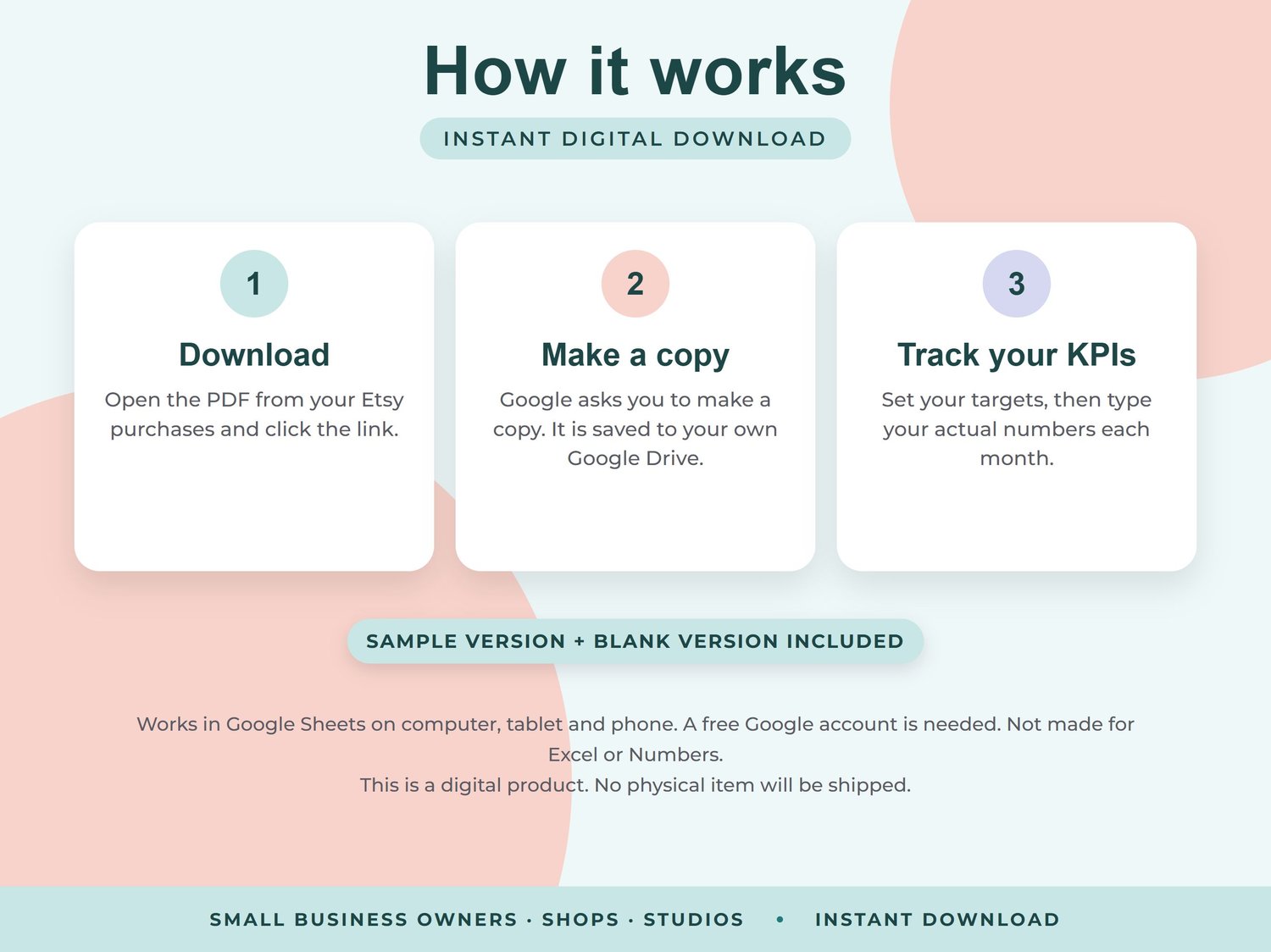
1. After purchase, download the PDF from the link in your confirmation email.
2. Click the link. Google asks you to make a copy, which is saved to your own Google Drive.
3. Set your targets once, then type your actual numbers each month. The scorecards and charts update automatically.
GOOD TO KNOW
- Two versions included: one with sample data to explore and a blank one ready for your business
- Works for a calendar year or a fiscal year starting in any month
- Each KPI can be currency, number, percent or rating, and higher or lower can be better (great for refund rate or costs)
- Works in any currency
- Works in Google Sheets on computer, tablet and phone. A free Google account is needed. Not made for Excel or Numbers
- Cells that calculate show a gentle warning if you try to edit them, so formulas are not deleted by accident
- This is a digital product. No physical item will be shipped
- For personal use only. Please do not share or resell
- Because this is a digital download, returns are not accepted. If you have any problem, reply to your download email and I will be happy to help