
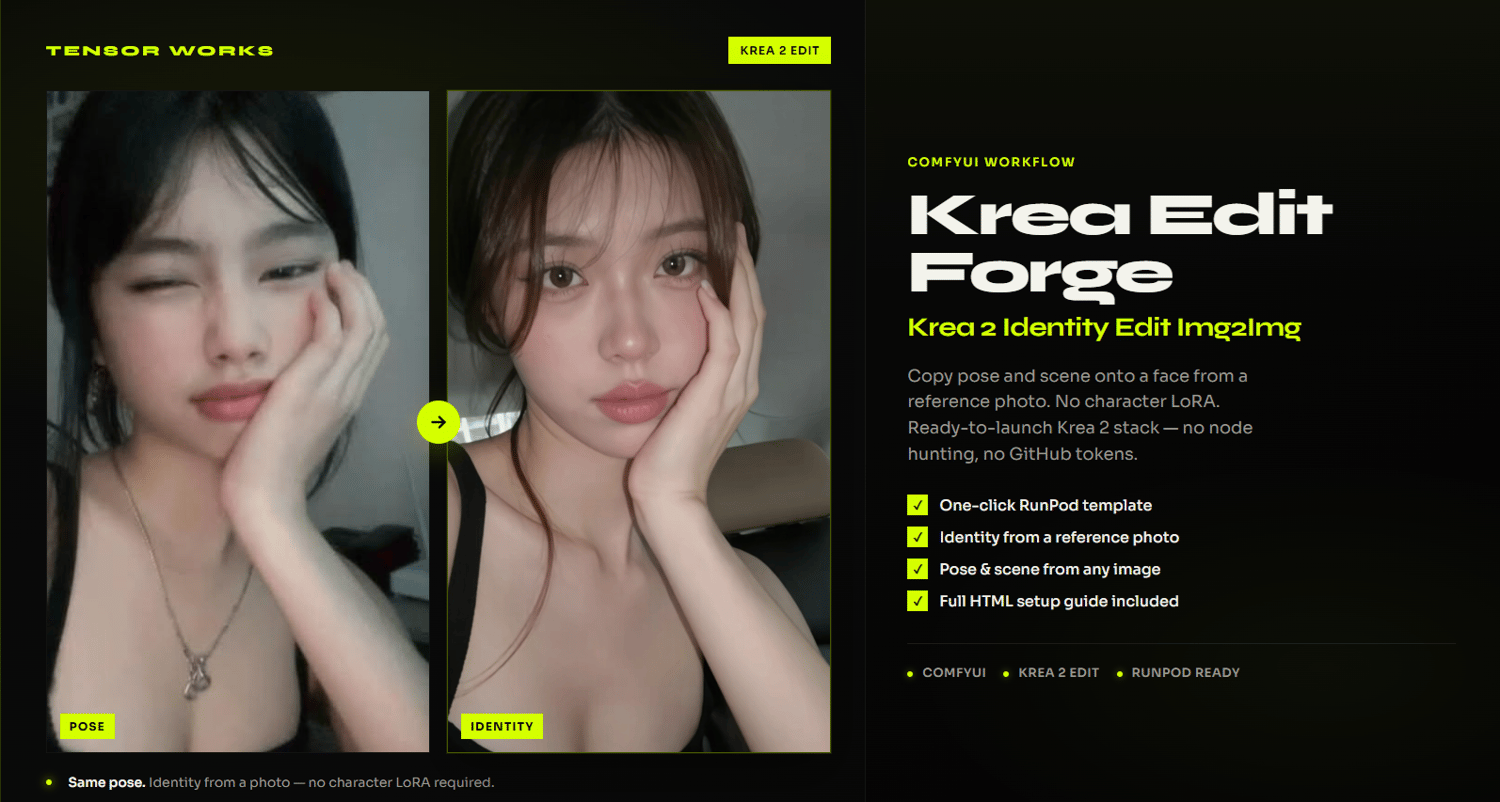
Tensor Works Krea2 Image2Image Edit
Tensor Works Krea Edit Forge copies pose, outfit, and scene onto a face taken from a reference photo. There is no character LoRA. Identity is lifted by the Krea 2 Edit nodes.
This is less predictable than Krea Forge (the LoRA-based workflow). That is expected. Use it when you want to run a face you have not trained a LoRA for.
You do not rebuild ComfyUI or manage GitHub tokens. Launch the Tensor Works Krea RunPod template, load this workflow, drop in two images, and generate. You do not write a prompt.
WHAT YOU CAN DO
• Copy pose, framing, outfit, and vibe from one photo onto a face from another
• Run without a trained character LoRA
• Generate with Krea 2 Edit on a one-click RunPod template
• Iterate on cloud GPUs without maintaining a local install
WHO IT IS FOR
Creators who want identity-from-photo img2img, not LoRA-based character workflows.
Works best with a clean identity photo and a separate Image To Copy with a readable pose.
WHAT YOU GET
• TensorWorks_Krea_Edit_Forge.json — the full ComfyUI workflow
• TensorWorks_Krea_Edit_Forge_Setup_Guide.html — professional step-by-step setup guide
• Krea RunPod template: https://console.runpod.io/deploy?template=4juwczx6nt&ref=wce04t8e
• Access to Tensor Works Discord support
WHAT YOU NEED
• A RunPod account and credits
• A GPU with 48 GB VRAM or more (recommended)
• A 200 GB+ persistent volume at /workspace (150 GB minimum)
• An identity photo and an Image To Copy
• No character LoRA required
RECOMMENDED HARDWARE
• Best: RTX PRO 6000 (96 GB), RTX 6000 Ada, A6000, L40S
• Volume: 200 GB+ persistent network volume at /workspace
• Lower VRAM cards may fail at higher resolutions
IMPORTANT NOTES
• This is a separate $9.99 product from Tensor Works Reference Forge (Z-Image) and Krea Forge
• RunPod usage is billed separately through your RunPod account
• First launch on a new volume downloads Krea 2 models (the raw UNET is about 26 GB)
• Do not change the Identity Edit LoRA or Turbo LoRA nodes
• If results repeat or freeze, use the Stuck switch as described in the setup guide
SUPPORT
Questions or stuck on deploy? Join our Discord:
https://discord.gg/kwZvdUKE6