

SSL Certificate & Domain Expiry Tracker (Excel + Google Sheets)
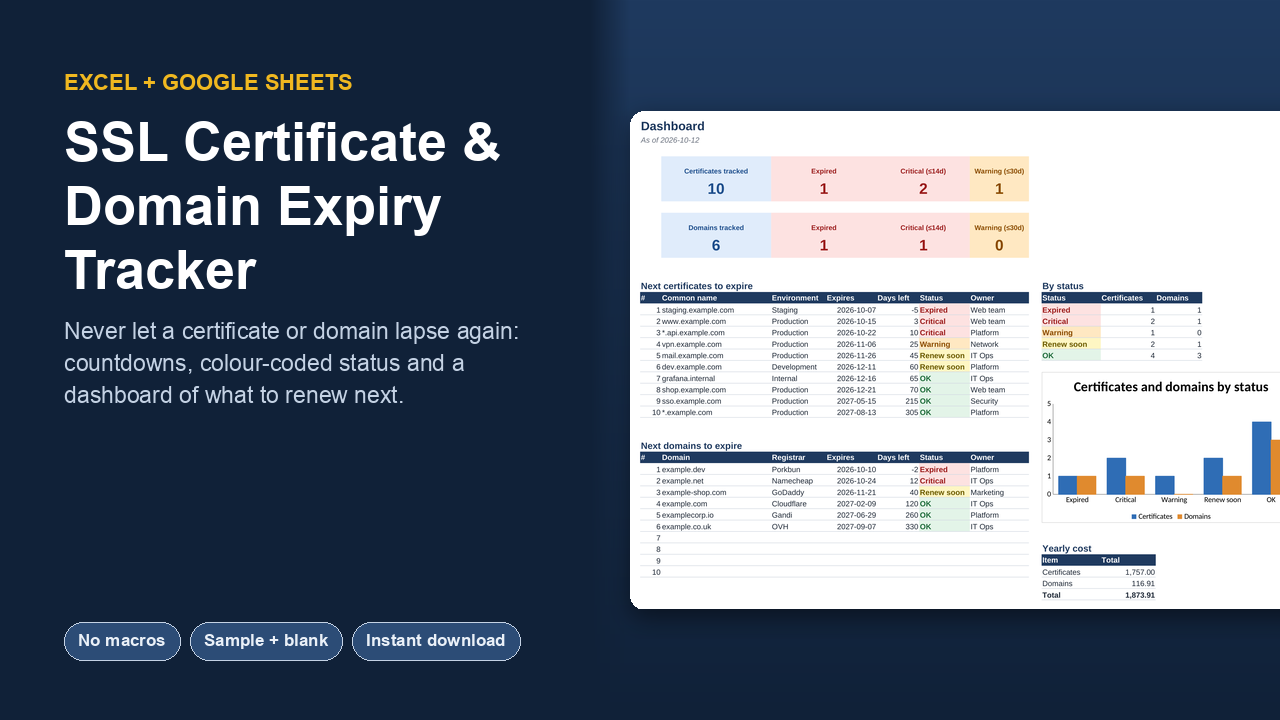
An expired certificate takes a site down, and an expired domain can take your email with it. This tracker keeps every certificate and domain you're responsible for in one place, with a countdown and a colour long before anything lapses.
What it does
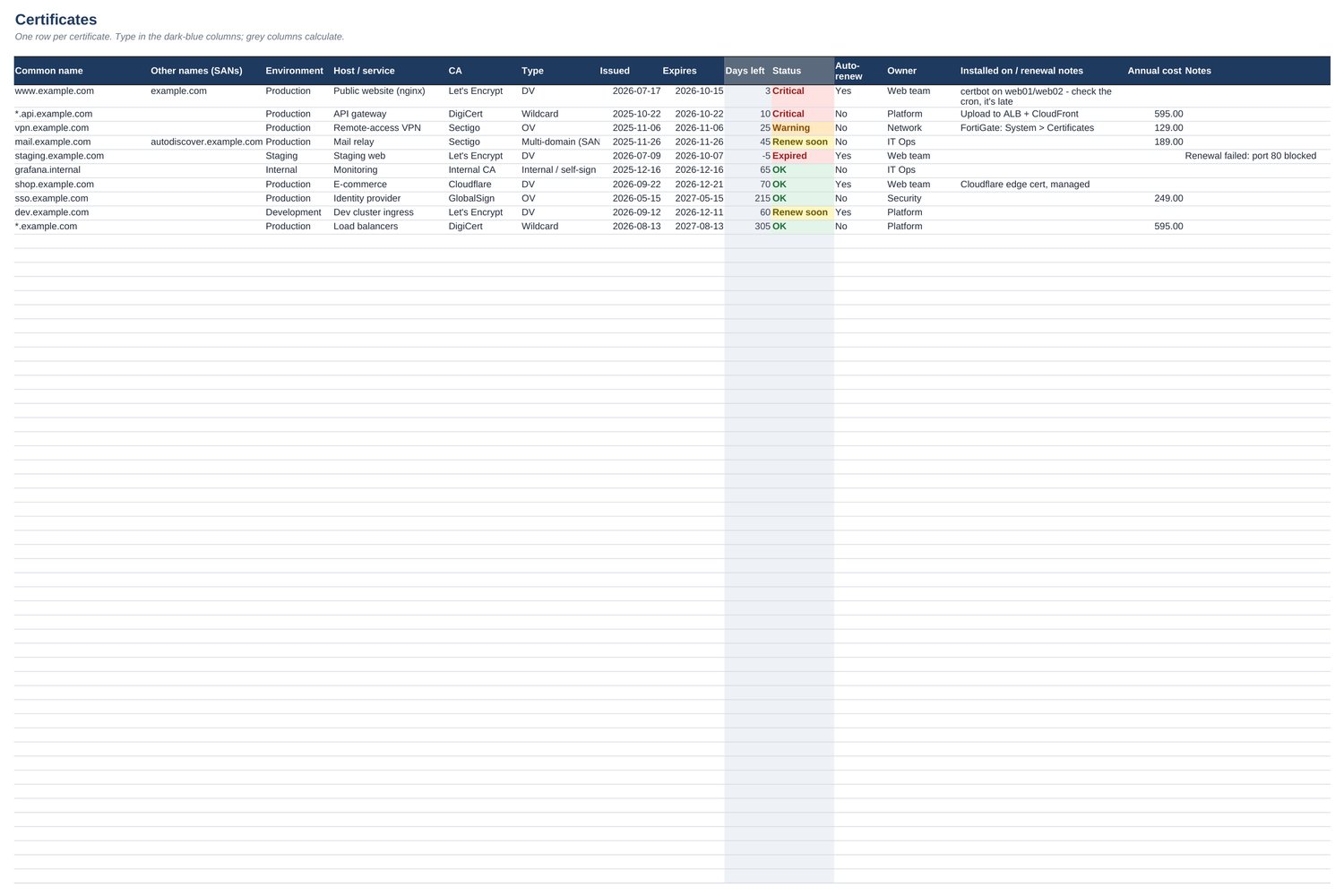
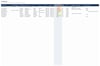
- Certificates tab: common name, SANs, environment, host, CA, type, issued and expiry dates, auto-renew, owner, where it's installed and how to renew it.
- Domains tab: registrar, registration and expiry dates, auto-renew, DNS provider, owner and yearly cost.
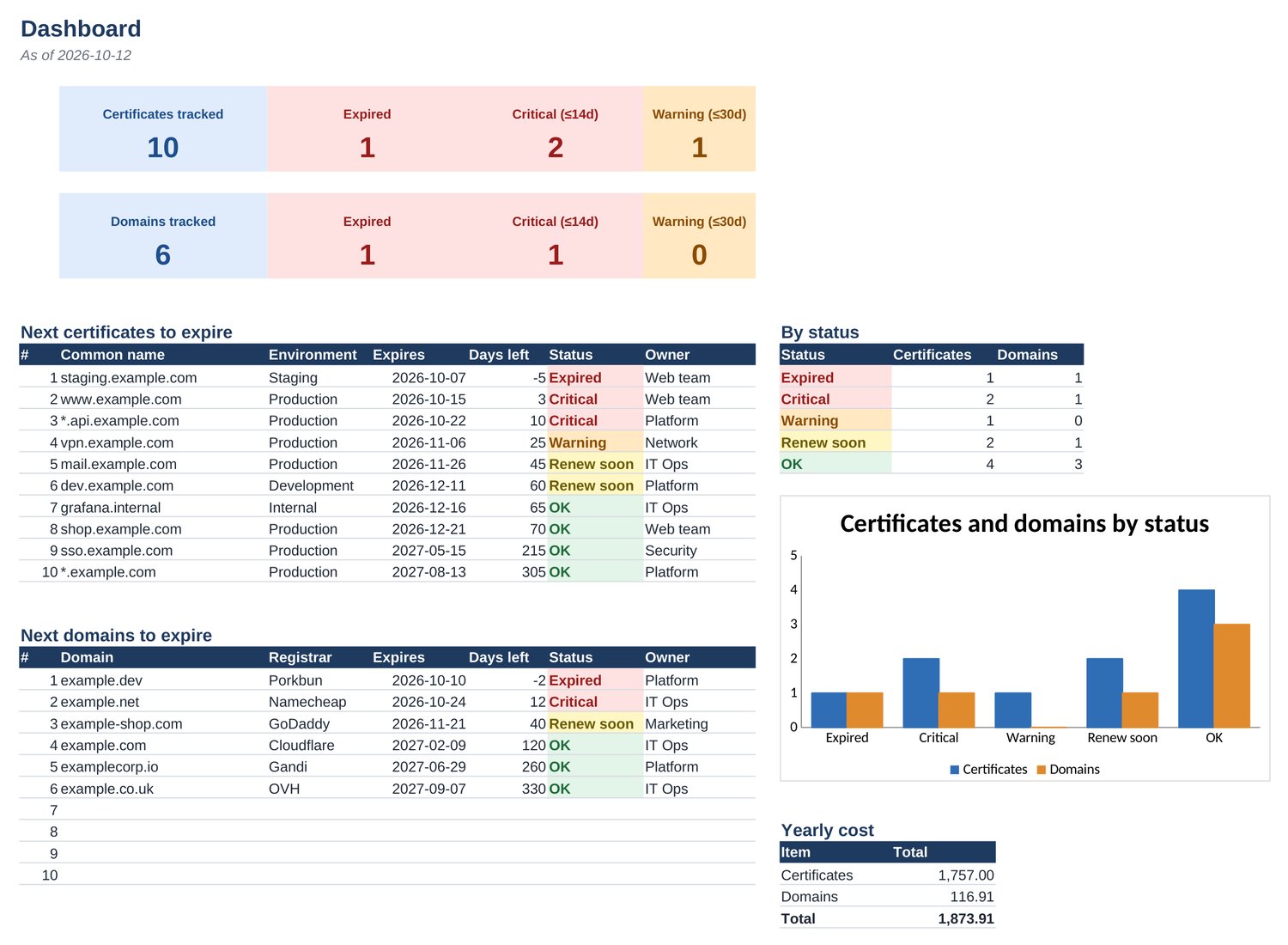
- Days left and status calculate themselves: Expired, Critical, Warning, Renew soon or OK. You set the thresholds (default 14 / 30 / 60 days).
- Dashboard: counts of expired and due-soon items, the next 10 certificates and the next 10 domains to expire, a status chart and your yearly certificate and domain spend.
- Dropdowns for environment, CA, certificate type and registrar, all editable on the Settings tab.
What you get
- Excel workbook with example data, so you can see it working straight away
- Blank Excel workbook ready for your own certificates and domains
- Google Sheets version (one click makes your own copy)
- Start Here tab with setup steps, plus a tip on reading expiry dates with openssl
Works in: Microsoft Excel 2013 or later (Windows and Mac), Microsoft 365, Excel for the web, LibreOffice Calc, and Google Sheets. No macros, no add-ons, no sign-ups: just formulas you can read.
FAQ
Do I need Excel?
No. You also get a Google Sheets version (a link that makes your own copy), and the .xlsx opens in LibreOffice Calc.
Does it contain macros?
No. Everything is plain formulas, so there are no security prompts and it works on Mac and the web.
Can I change it?
Yes. Dropdown lists and thresholds live on the Settings tab, and nothing is locked.
What's the difference between the two Excel files?
One is filled with realistic example data so you can see every feature working; the other is empty and ready for your own data.
Licence: use it for yourself or inside one company or organisation, with as many colleagues as you like. Please don't resell or share the template files publicly.