


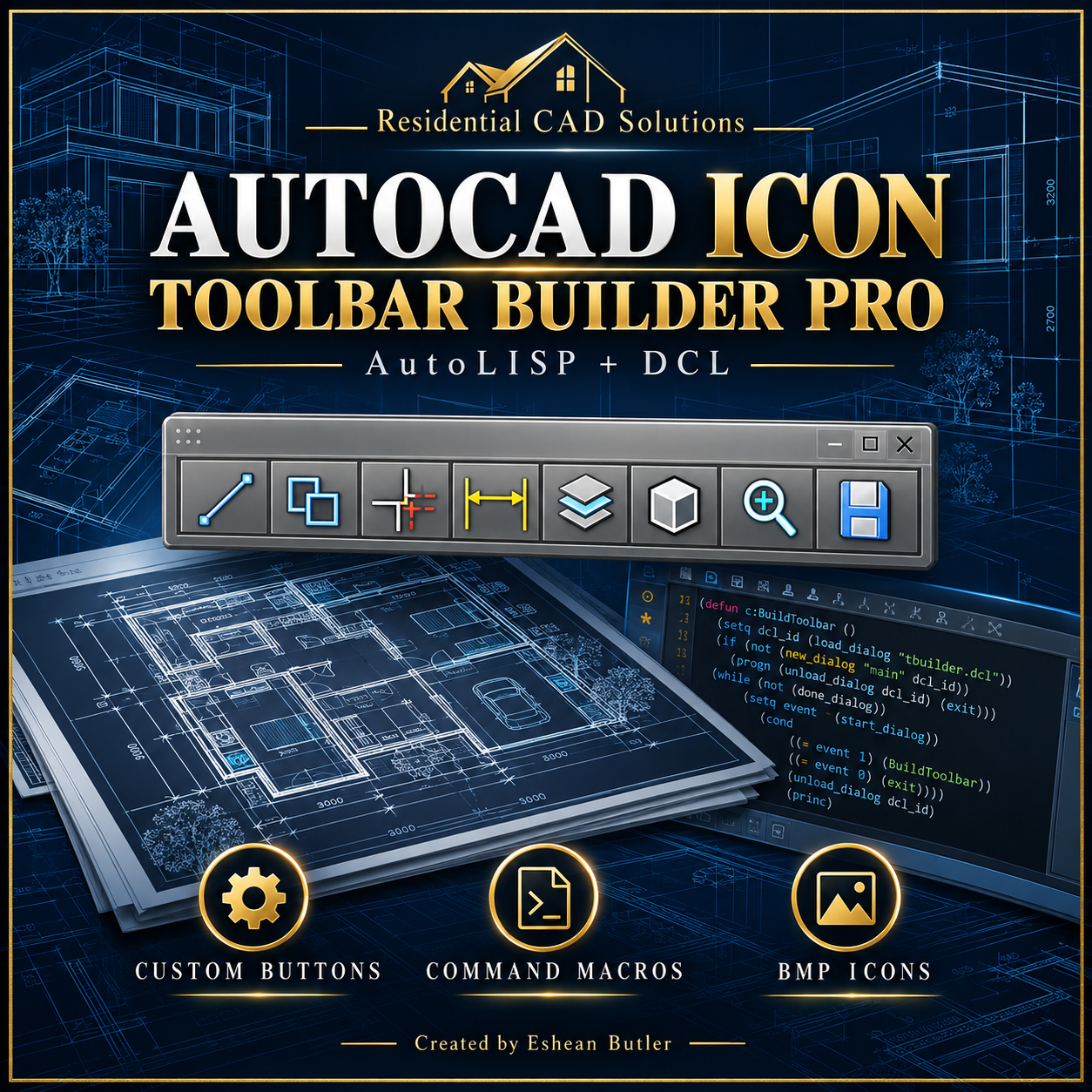
AutoCAD Icon Toolbar Builder Pro
AutoCAD Icon Toolbar Builder Pro — AutoLISP + DCL
Create classic AutoCAD toolbars with custom icon buttons and command macros. Organize your frequently used drafting commands and loaded LISP routines into a toolbar that fits your workflow.
Features
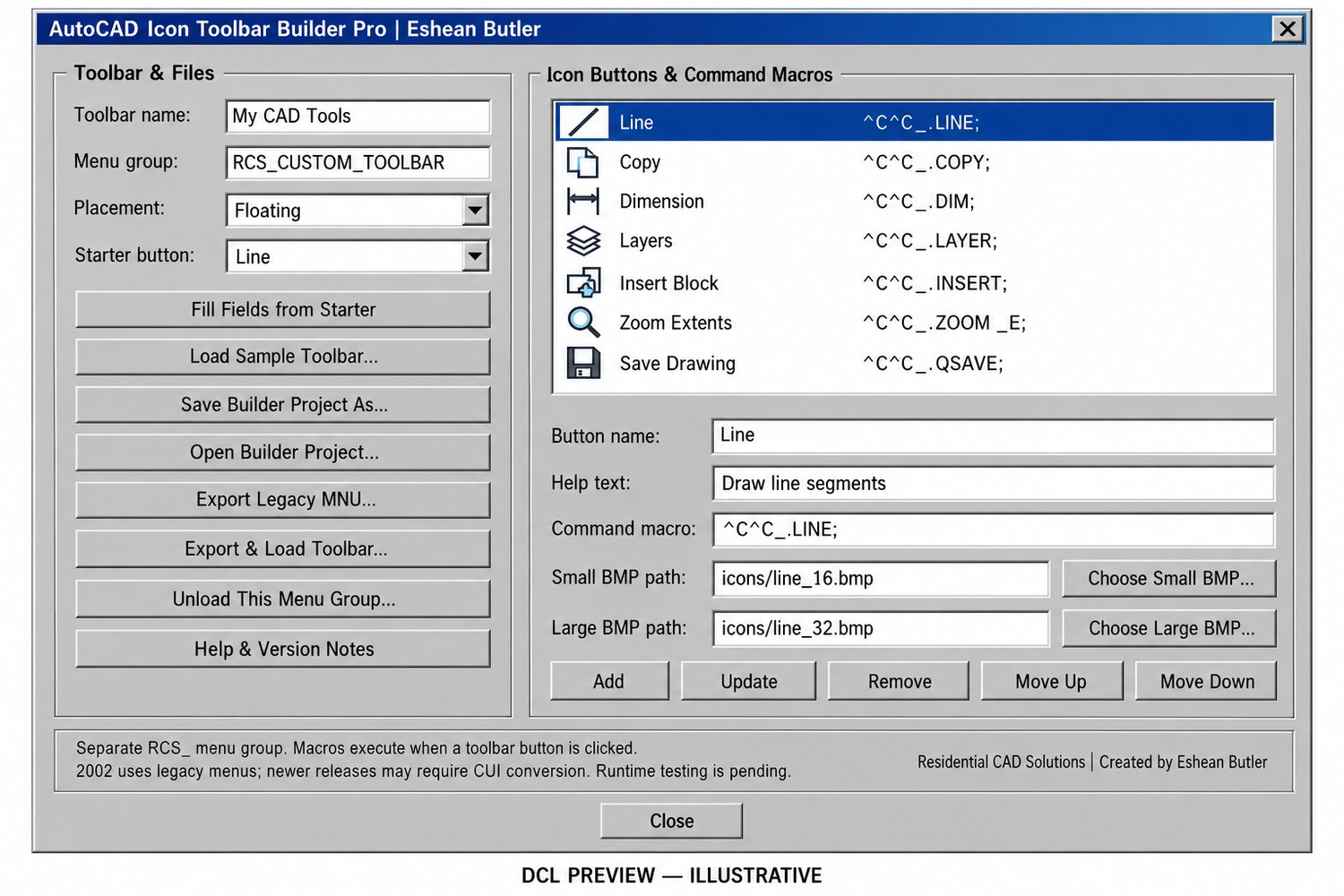
- Custom Toolbar Names: Name your toolbar and assign a separate RCS_ menu group.
- Button Editor: Add captions, help text, and command macros.
- BMP Icon Selection: Choose small and large BMP images for each button.
- Included Icons: Eight symbols supplied in 16×16 and 32×32 sizes—16 BMP files total.
- Starter Buttons: Examples for Line, Copy, Dimension, Layers, Insert Block, Zoom Extents, Save Drawing, and an optional AEC Studio shortcut.
- Button Organization: Add, update, remove, and reorder up to 50 buttons.
- Placement Controls: Choose floating, top, bottom, left, or right placement.
- Project Save & Reopen: Save toolbar definitions as .tbproj files.
- Legacy Menu Export: Generate a separate .mnu toolbar source.
- Automatic Load Attempt: Export and attempt to load the toolbar as a partial menu group.
Your Download Includes
- AutoLISP program (.LSP)
- Matching DCL interface (.DCL)
- 16 BMP icon files
- Sample toolbar menu and builder project
- Installation and version-specific loading instructions
- ZIP download package
Getting Started
Extract the complete package, follow the setup instructions, load the LISP with APPLOAD, then type ICONTOOLBARPRO.
Requirements & Important Details
Requires full Windows AutoCAD with Visual LISP, DCL, and ActiveX support. This creates classic toolbars, not ribbon panels.
AutoCAD 2002 uses legacy menu files. Newer releases may require conversion through the CUI editor; instructions are included. Custom LISP buttons require their associated programs to be loaded separately.
Source, project-format, menu-generation, and BMP checks have passed.
Created by Eshean Butler
Residential CAD Solutions