


Block & Slide Library Pro
Block & Slide Library Pro
Build Your Own Visual AutoCAD Block Library
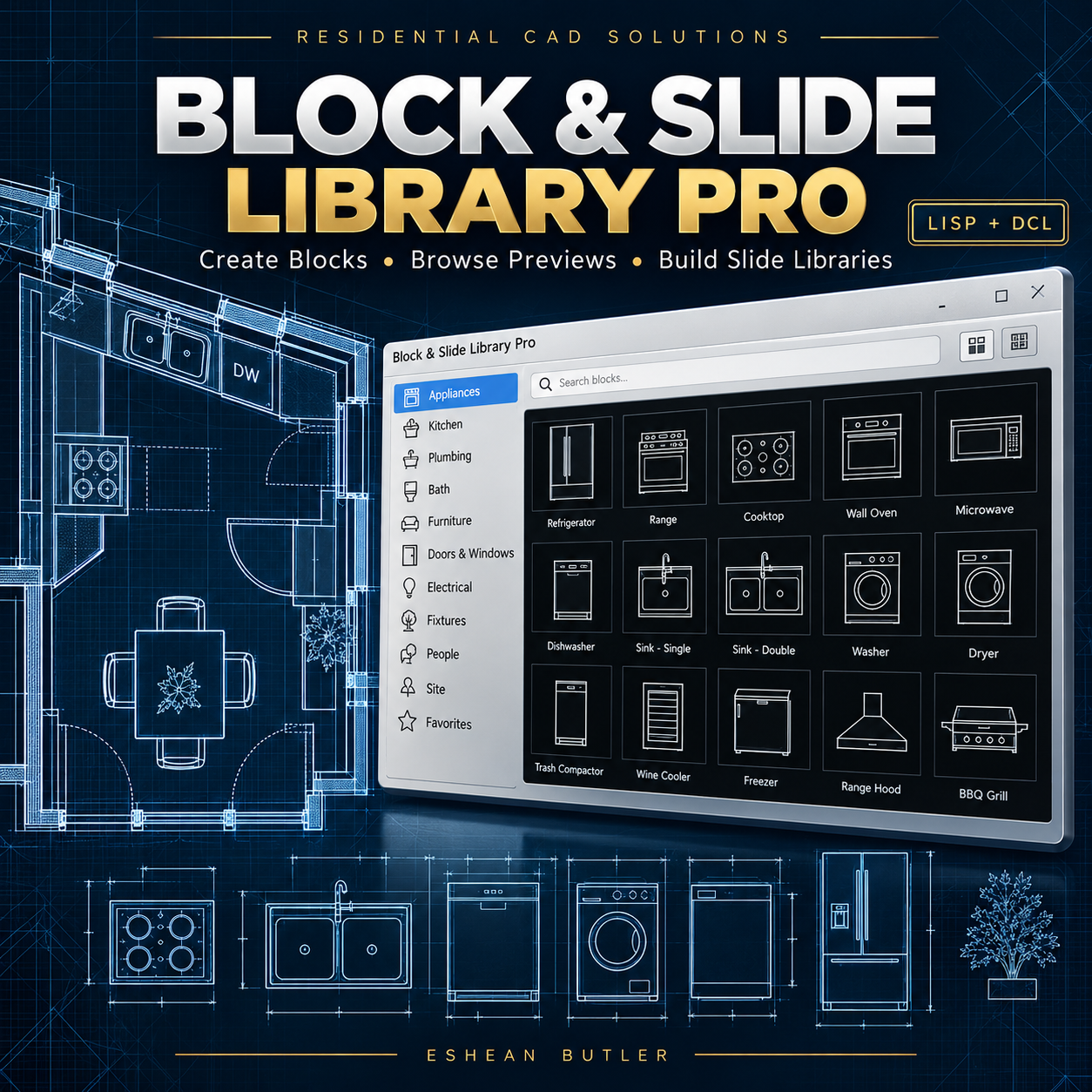
Turn your frequently used drawing objects into an organized, reusable block library. Create your own categories, capture slide previews, and browse your blocks through a classic DCL interface inspired by AutoCAD image menus.
Organize doors, windows, furniture, appliances, electrical symbols, structural details, and more—using your own library names and drawings.
Features
- Create reusable DWG blocks from selected model-space objects with a chosen insertion base point.
- Name your own categories to organize blocks around your workflow.
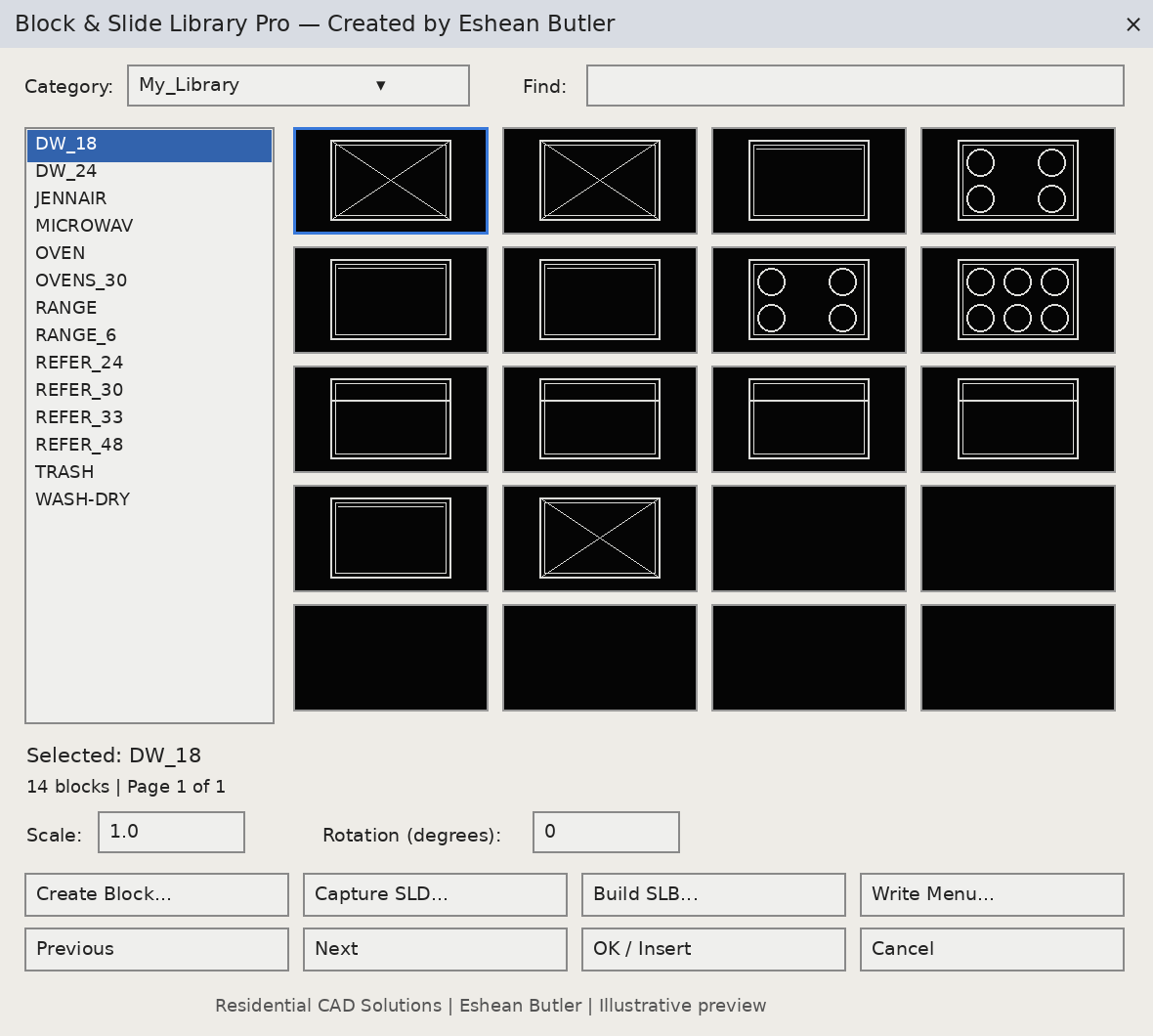
- Browse 20 thumbnails per page with a block-name list and Previous/Next controls.
- Filter blocks by name to find what you need.
- Insert blocks with scale and rotation settings.
- Capture SLD previews from the current drawing view.
- Prepare SLB compilation files for use with Autodesk’s SLIDELIB utility.
- Generate a partial pull-down menu with links to your library categories.
- Retain your original drawing objects during block export.
Your Download Includes
AutoLISP program, matching DCL dialog, illustrated preview, installation instructions, and a manual testing checklist.
Requirements
Full AutoCAD for Windows with AutoLISP, DCL, and Visual LISP support. Written using classic APIs intended for AutoCAD 2002 and later; compatibility requires testing in your specific release. Autodesk’s SLIDELIB.EXE is required for SLB compilation and is not included.
Preview capture and SLB compilation require user steps described in the instructions. Sample block drawings are not included. Preview images are illustrations.
Created by Eshean Butler | Residential CAD Solutions