
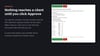

Agency Monthly Client Report (n8n template)
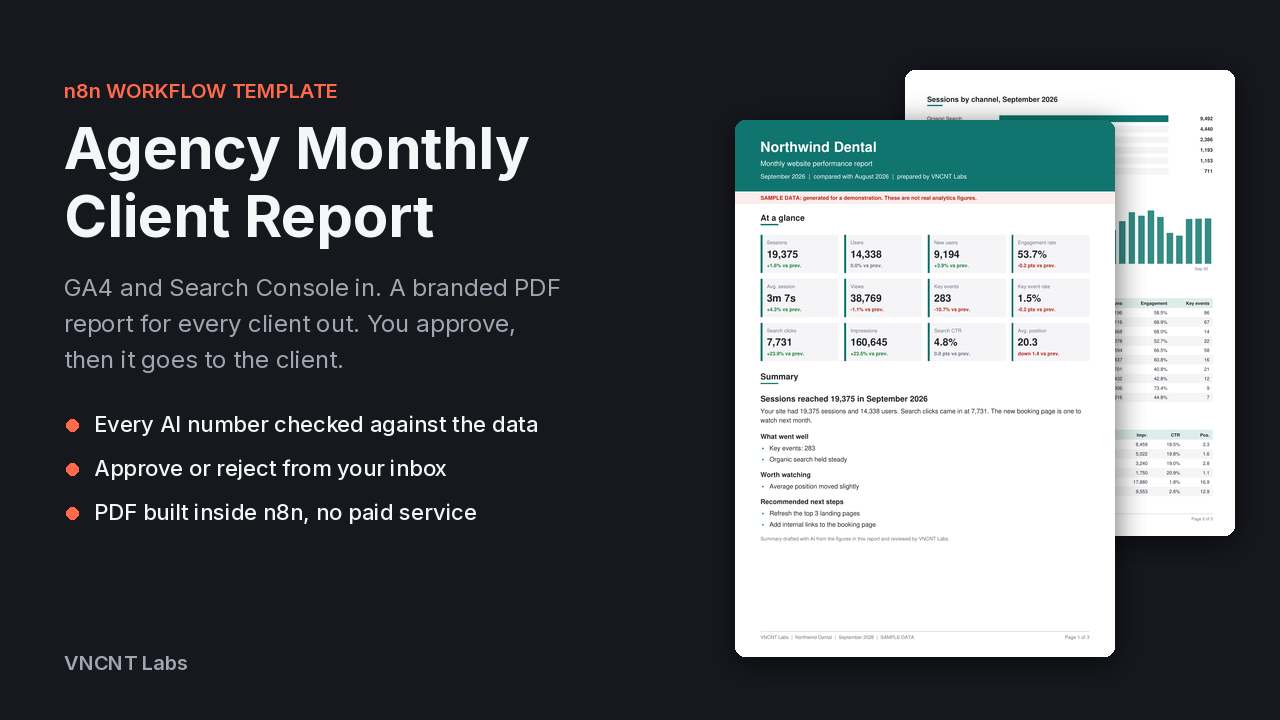
An n8n template for agencies and freelancers who send clients a monthly website report.
Once a month it goes through your client list and, for each client:
1. Pulls last month and the month before from Google Analytics 4 and Search Console.
2. Has Google Gemini write a short summary in plain English: headline, what went well, what to watch, next steps.
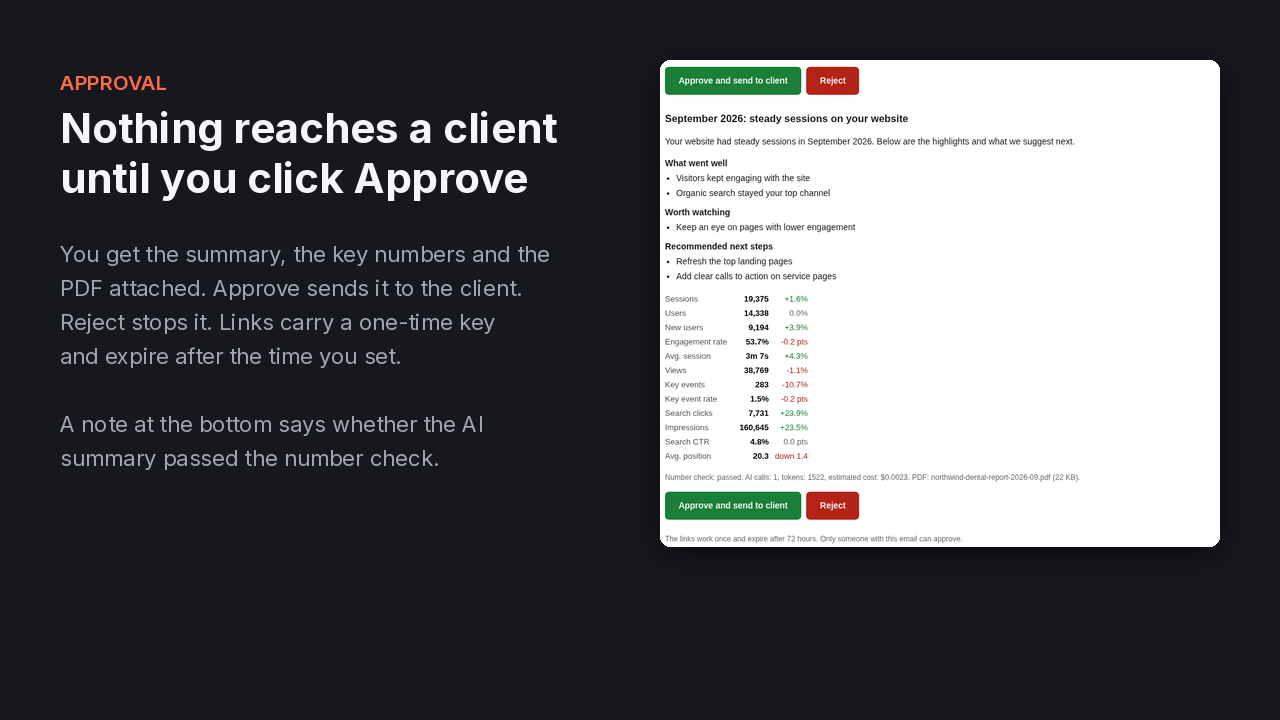
3. Checks every number in that summary against the data. If the AI writes a number that is not in the data, it is asked again. If it still gets it wrong, the report uses a summary built only from the data, and the approval email tells you.
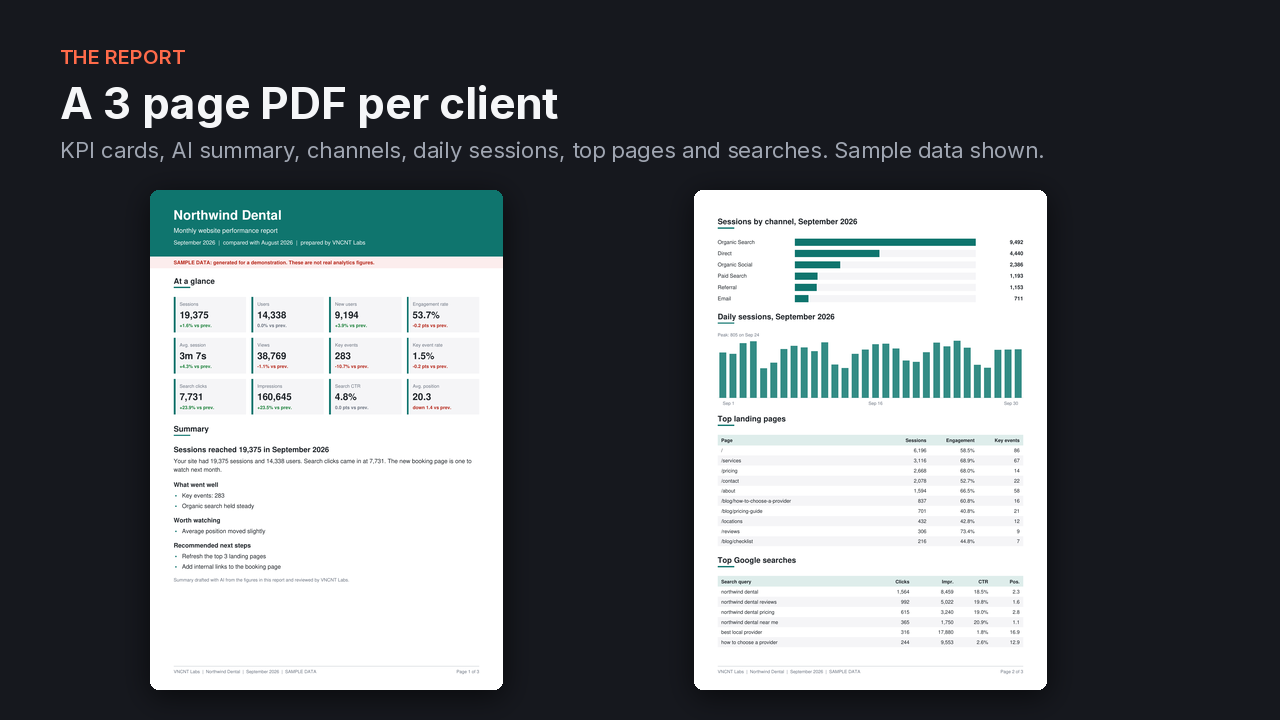
4. Builds a branded 3 page PDF with the client's logo and color: KPI cards, charts, top pages, top searches.
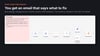
5. Emails the PDF to you with Approve and Reject buttons. Nothing goes to the client until you click Approve.
6. Sends the report to the client through Resend or Gmail.
7. Logs client, month, tokens, cost and status in an n8n Data Table, plus Google Sheets or Airtable if you like.
Details that save you trouble
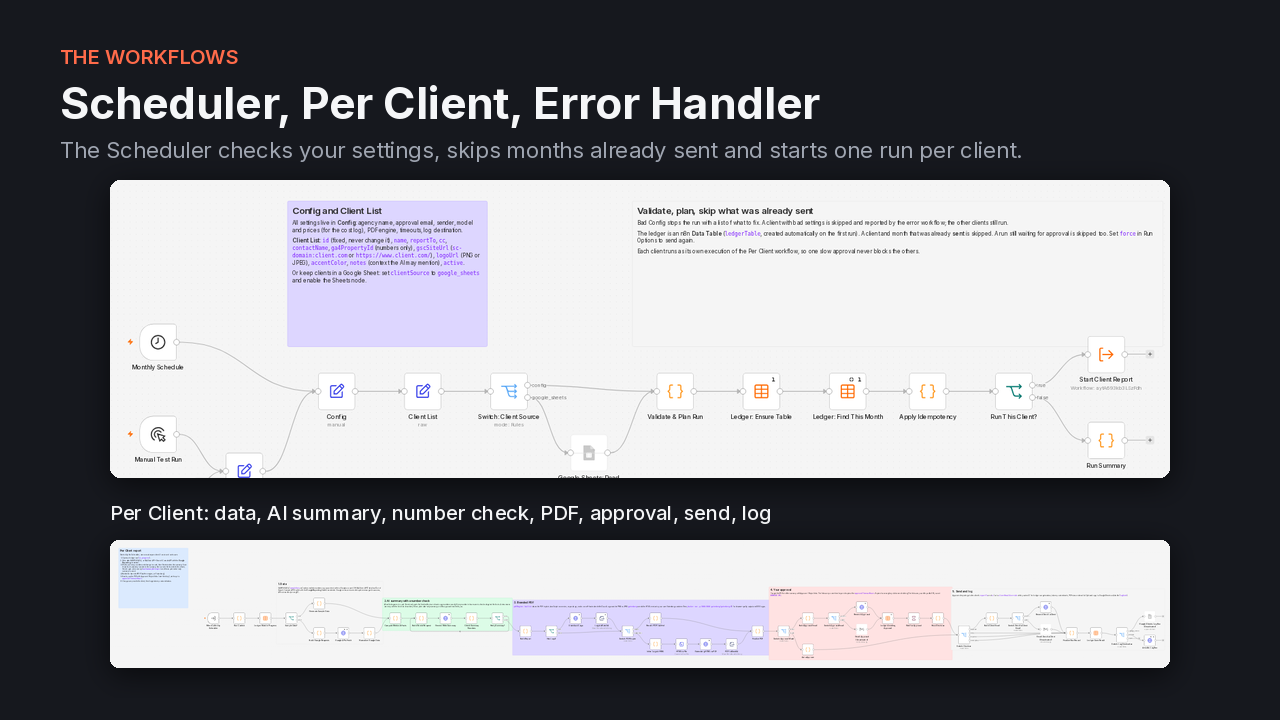
- One client list for all clients. A client with a bad setting is skipped and reported, and the others still go out.
- A client and month that was already sent is not sent again by accident, so re-running the same month is safe.
- The PDF is made inside n8n. No paid PDF service, no Docker. Gotenberg is supported if you want it.
- Sample data mode, so you can see the whole flow and the PDF before you connect Google.
- A test switch that sends every client email to you instead, marked [TEST].
- Every setting is checked before the run. A typo stops the run with a list of what to fix.
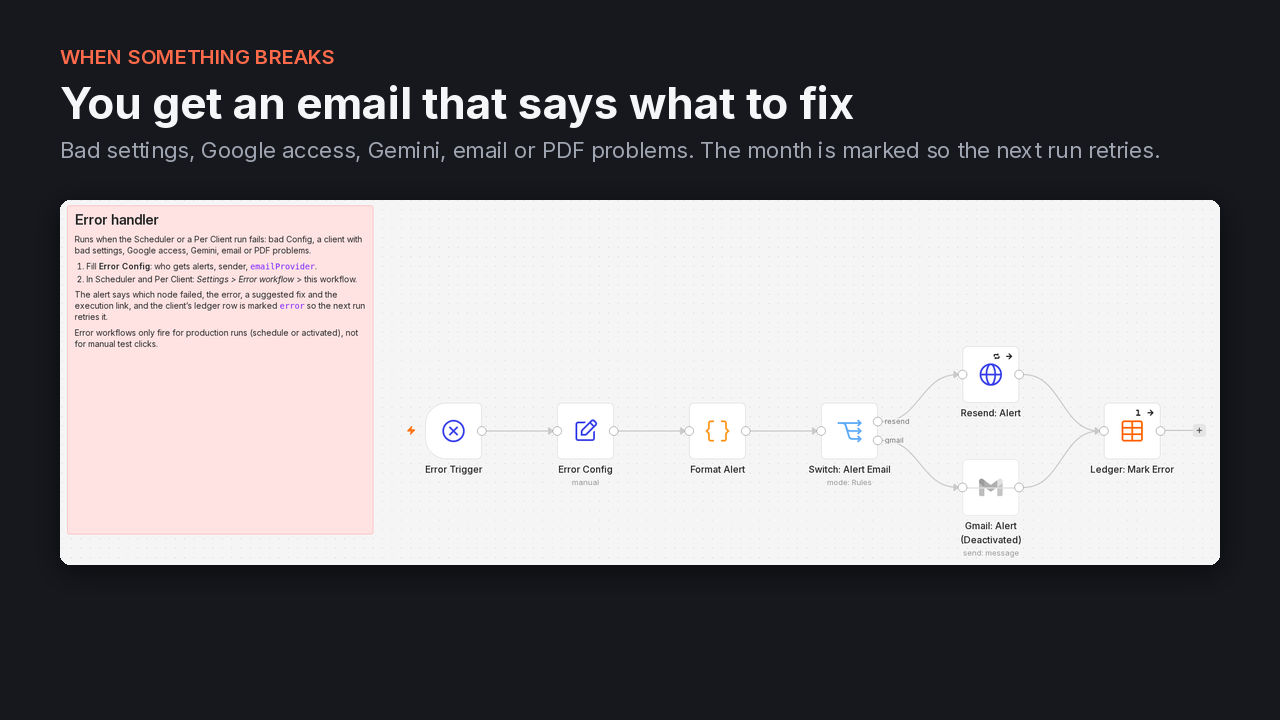
- An error workflow emails you what failed and what to do next, for example which Google property your account cannot see.
- No API keys inside the workflow files. They stay in n8n credentials.
- In our live test, one AI summary cost under one cent with the default Gemini model. Your provider bills you directly.
What I tested and what I didn't
Tested on self-hosted n8n 2.44.6:
- An automated suite of 19 scenarios with 63 checks, all passing. It runs the real workflows inside n8n with the outside services replaced by mocks, and covers approve, reject, an edited approval key, expiry, re-running a month, the number check catching an invented number, the data-only fallback, the Google request format, a Google access error, a retired Gemini model, an unverified sender domain, bad settings, a bad client row, logos and the Gotenberg engine.
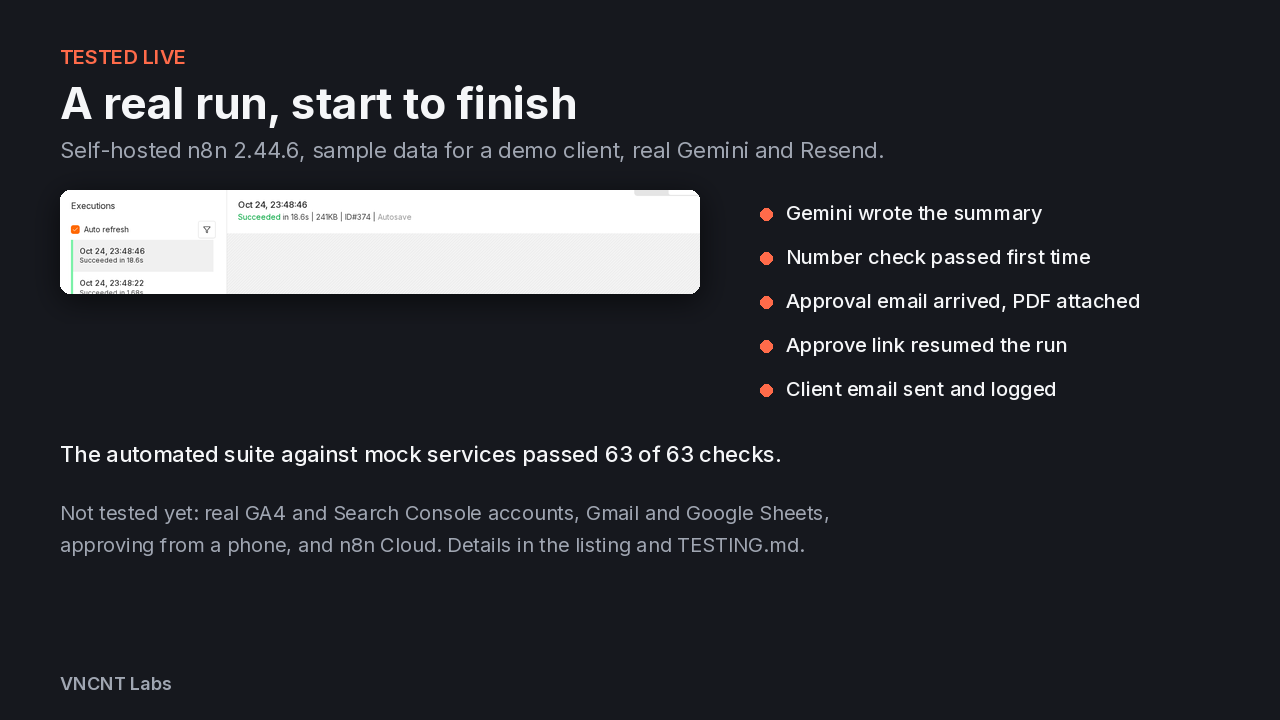
- A live run with real Gemini and real Resend, using sample data for a made-up client. The number check passed, the approval email arrived in a Gmail inbox with the PDF attached, the Approve link resumed the run, and the test client email arrived and was logged as sent.
- The PDF output: a valid 3 page A4 file from the built-in engine.
Not tested yet:
- Real Google Analytics 4 and Search Console accounts. The requests follow Google's documented formats and were tested against responses in that documented shape, but a real account could still behave differently.
- The Gmail sending option and Google Sheets as client list or log (these nodes ship switched off).
- Approving from a phone or another computer. This needs your n8n on a public HTTPS address (WEBHOOK_URL). Our tests ran on a local instance.
- Company email security tools that open links automatically. These could use up the approval link.
- Real Gotenberg (tested with a stand-in only).
- n8n Cloud, other n8n versions and queue mode with several workers.
The full test summary, including one known edge case, is in TESTING.md inside the download.
Requirements
- n8n with Data Tables, self-hosted. Built and tested on 2.44.6. n8n Cloud has not been tested.
- A Gemini API key from Google AI Studio.
- Resend with a verified domain, or a Gmail account.
- For real data: a Google account with access to your clients' GA4 and Search Console properties, and a Google OAuth credential in n8n. Sample data mode needs none of this.
- For approval links that work from your phone or inbox: n8n reachable at a public HTTPS address.
- Your own accounts with these providers. Their usage fees are billed to you by them.
Included files
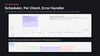
- agency-report-scheduler.json
- agency-report-per-client.json
- agency-report-error-handler.json
- README.md setup guide with every setting explained
- TESTING.md: a 5 minute check and the test summary
- LICENSE.txt
- Screenshots
Good to know
- Setup takes about 20 minutes, most of it the Google OAuth credential.
- The number check covers numbers written with digits. You still read each report before approving it.
- English by default. You can set another language in Config.
License, refunds and support
This is a downloadable, self-serve software template, not a service. You import it into your own n8n and run it on your own accounts. VNCNT Labs does not host it and has no access to your data.
License: single account. Use it in your own n8n instances and in instances you run for your clients. Do not resell or redistribute the template files. Full terms are in LICENSE.txt.
Refunds within 14 days, see vncntlabs.com/refund.
Questions: hello@vncntlabs.com
Sold by FAMVII LLC, doing business as VNCNT Labs. Google Analytics, Search Console, Gemini, Resend, Gmail and n8n are trademarks of their owners. VNCNT Labs is not affiliated with them.