






ADHD Finance Planner | Budget Spreadsheet for ADHD, Money Tracker & Subscription Audit | Google Sheets
Budgets with 47 categories get abandoned by February. This one won't — because it's built for ADHD brains: one simple money log, big visual numbers, gentle nudges, and zero shame when you miss a week.
Log money as it happens. The sheet does the rest.
Transparency note: this spreadsheet was designed with AI assistance, then hand-built and formula-tested by our shop.
**WHAT'S INSIDE** — a Google Sheets spreadsheet (instant "Make a copy" link) with 29 tabs:
- **Start Here** — the philosophy: the only habit is logging. Everything else is automatic.
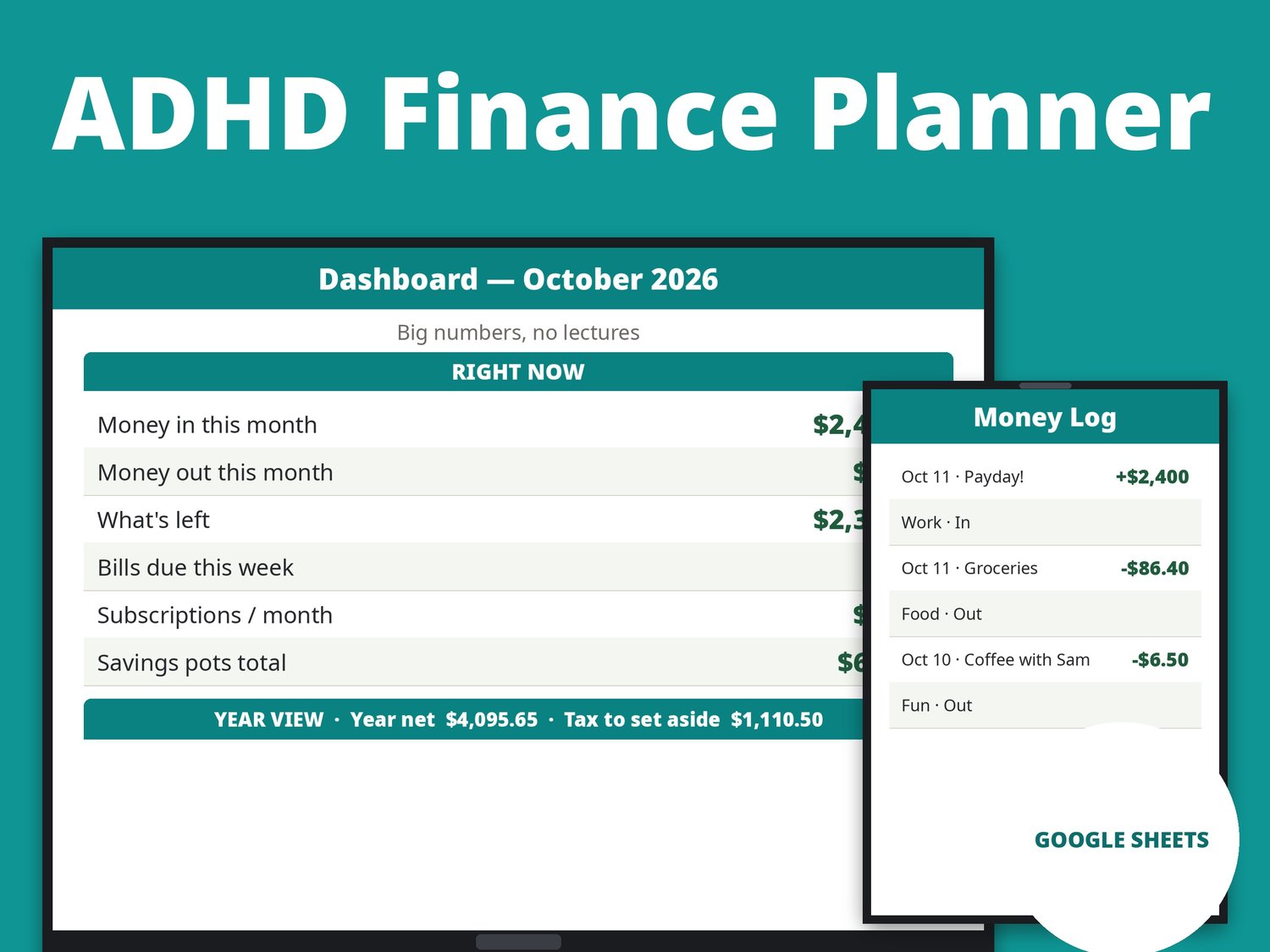
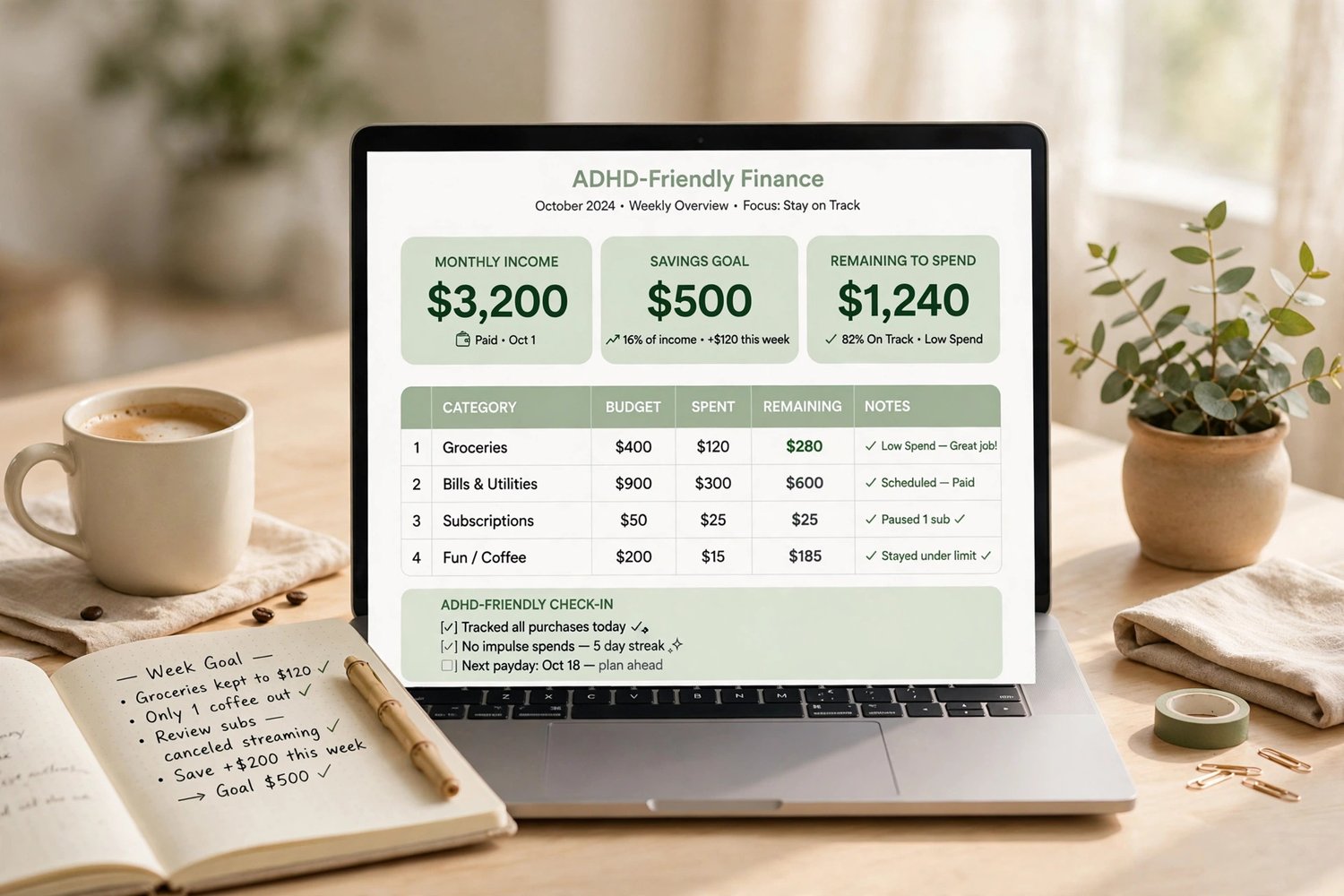
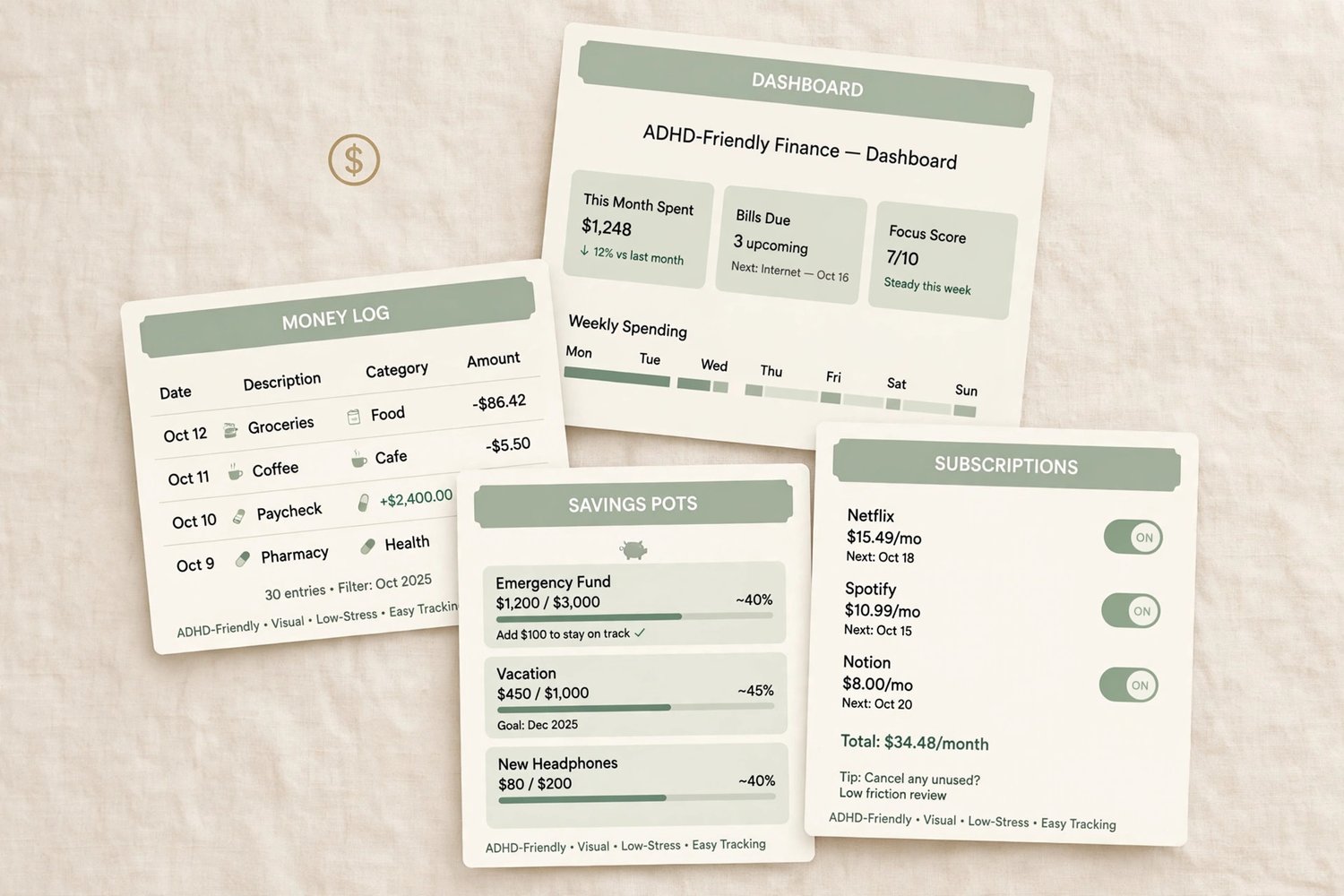
- **Dashboard** — money in, money out, what's left, bills due this week, subscription total, savings total, plus a year view with net worth, total debt, and tax set-aside — big numbers, no lectures
- **Category Setup** — your 8 budget categories and planned amounts, set once; every monthly tab pulls from here
- **Jan – Dec Budget (12 tabs)** — one budget tab per month: planned amounts from Category Setup, actual spending filled in automatically from your logs
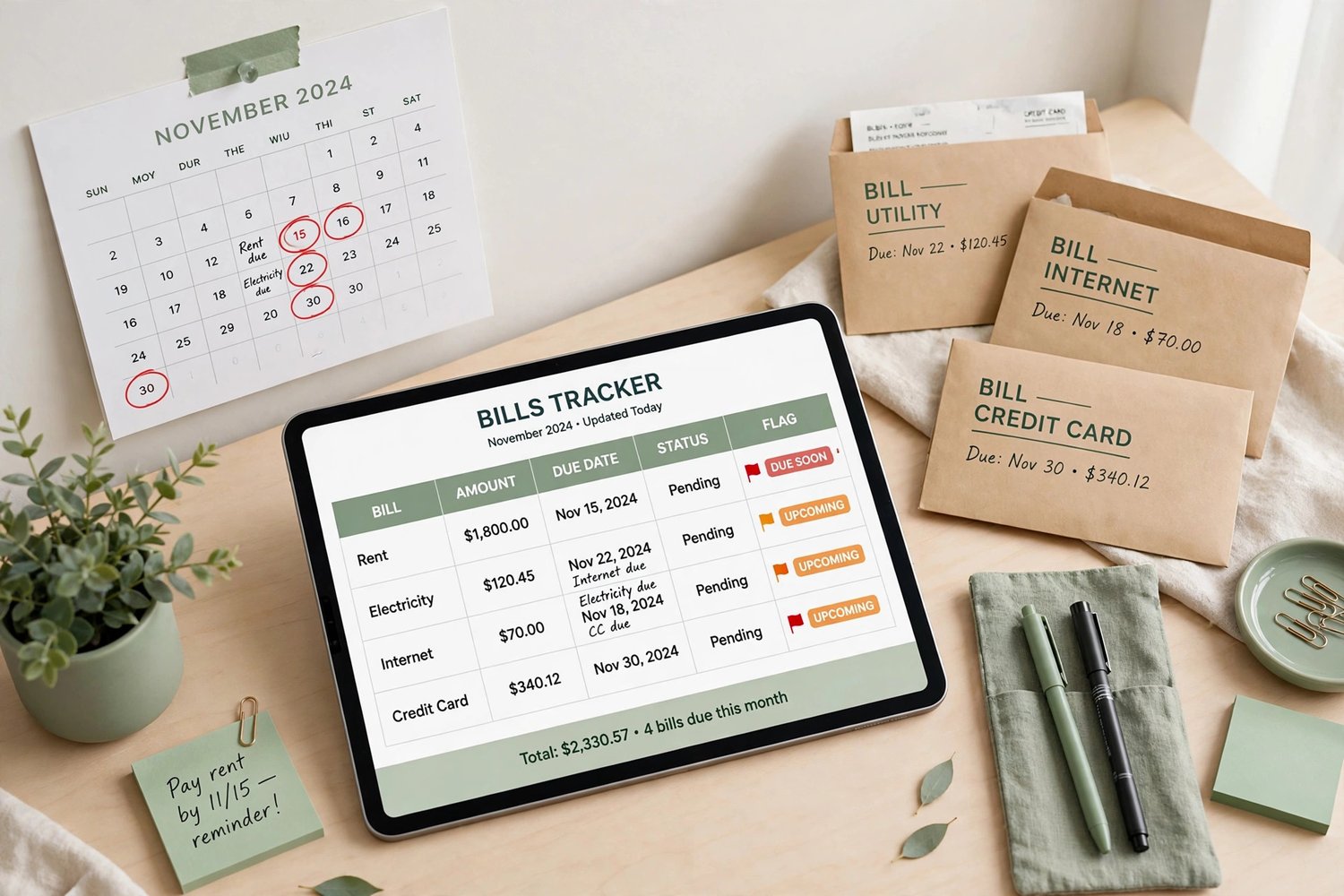
- **Bills** — 20 bills with due dates, paid check-offs, and automatic THIS WEEK flags so nothing surprises you
- **Bills Calendar** — every bill on one calendar-style page, with totals for each week of the month
- **Subscriptions** — every service: monthly cost, renewal date, keep-or-cancel, and the true yearly cost
- **Subscription Audit** — the deep dive: yearly cost, last used, a worth-it score for each service, and exactly what cancelling saves you per year
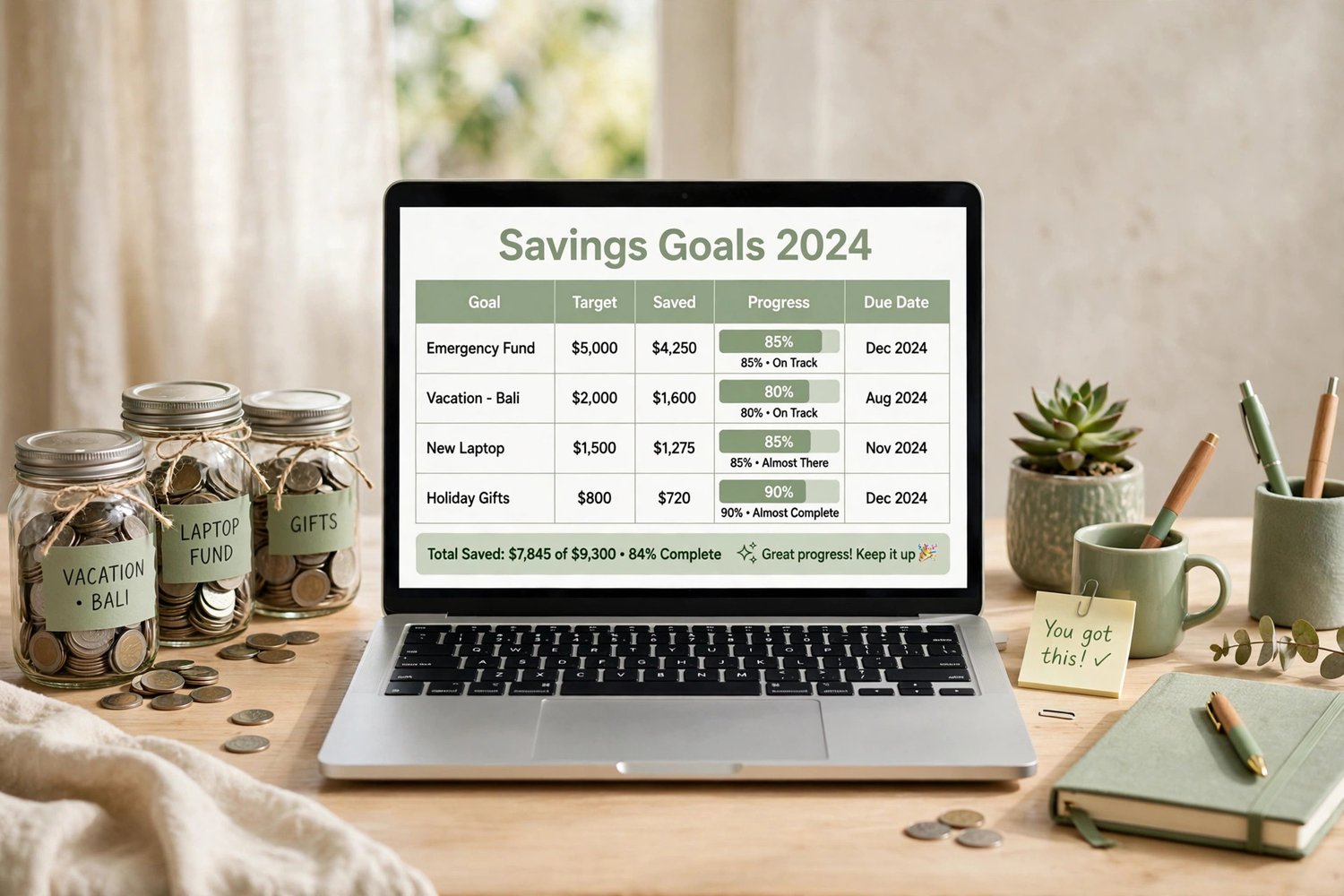
- **Savings Pots** — 10 pots with progress percentages and visual fill bars. Watching them fill is the dopamine.
- **Savings Goals** — bigger goals with target dates and the exact amount to save each month, worked out for you
- **Debt Payoff** — snowball and avalanche rankings side by side, total debt, minimums, and one clear first target each way
- **Net Worth** — what you own minus what you owe, with your savings pots and debts pulled in automatically
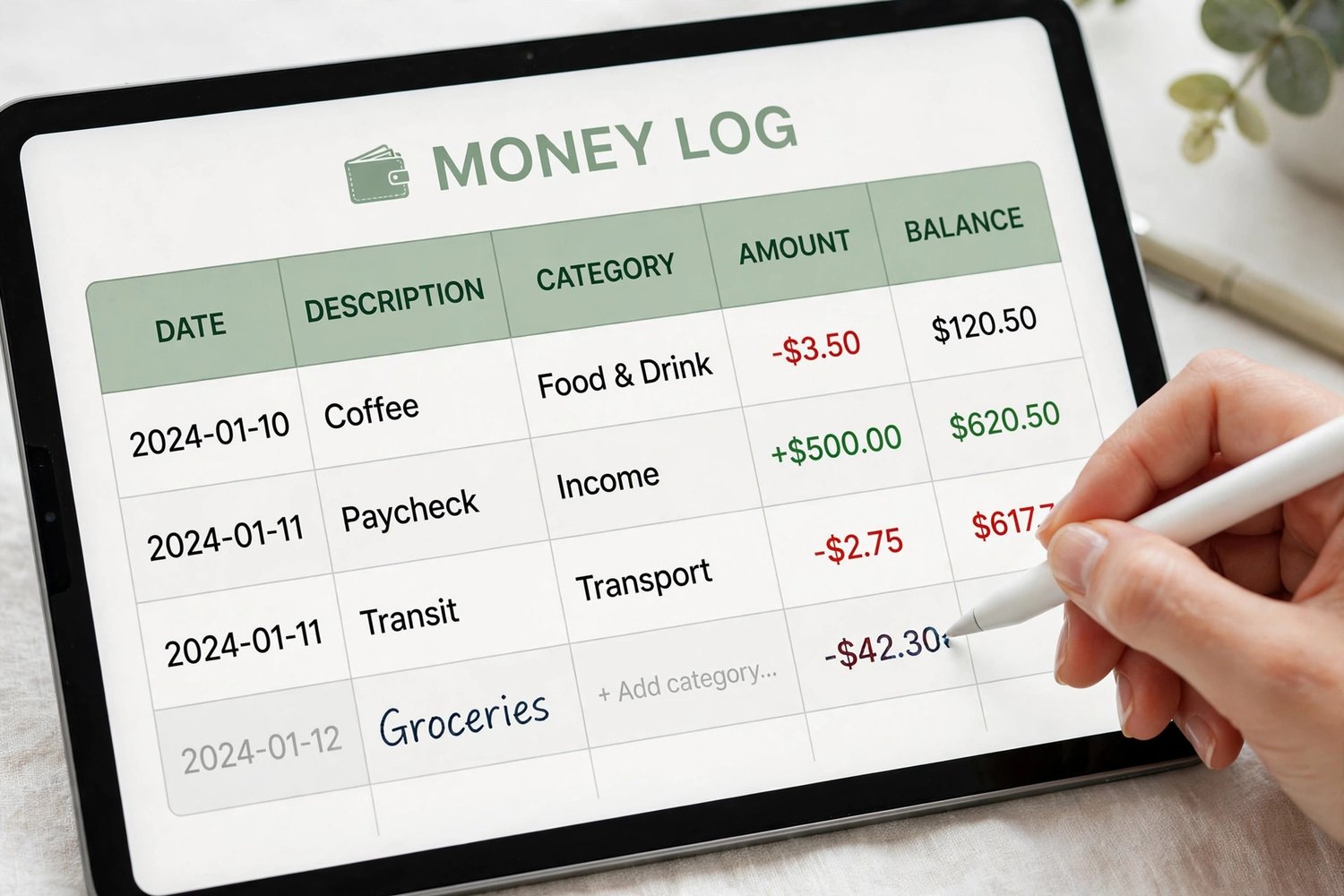
- **Money Log** — 100 rows. Date, what, in or out, category. Log it and move on.
- **Income Log** — 100 rows for money in; feeds your monthly budgets, annual summary, and tax tab
- **Expense Log** — 100 rows for money out, by category; feeds your monthly budgets and annual summary
- **Annual Summary** — your whole year in 12 rows: income, expenses, net, running total, and spending by category
- **Tax Set-Aside** — pick a percentage and see what to set aside from your income, by quarter too
- **Year Review** — best month, hardest month, and three kind questions to close the year
Includes marked EXAMPLE rows so you can see how it works — delete them when ready.
**REQUIREMENTS:** a free Google account. Click the link in your download PDF, hit "Make a copy," and the spreadsheet is yours — no Excel needed, works on any device.
**HOW IT WORKS:** Log spending on Money Log, check Bills for what's due this week, audit your subscriptions, and watch your Savings Pots fill. Missed a week? Start again from today.
This is a digital product — no physical item will be shipped, and all sales are final (we can't accept returns or cancellations on digital downloads). Your files are available instantly after checkout. But don't worry: if anything isn't working right, message us anytime and we'll fix it for you — no time limit.