
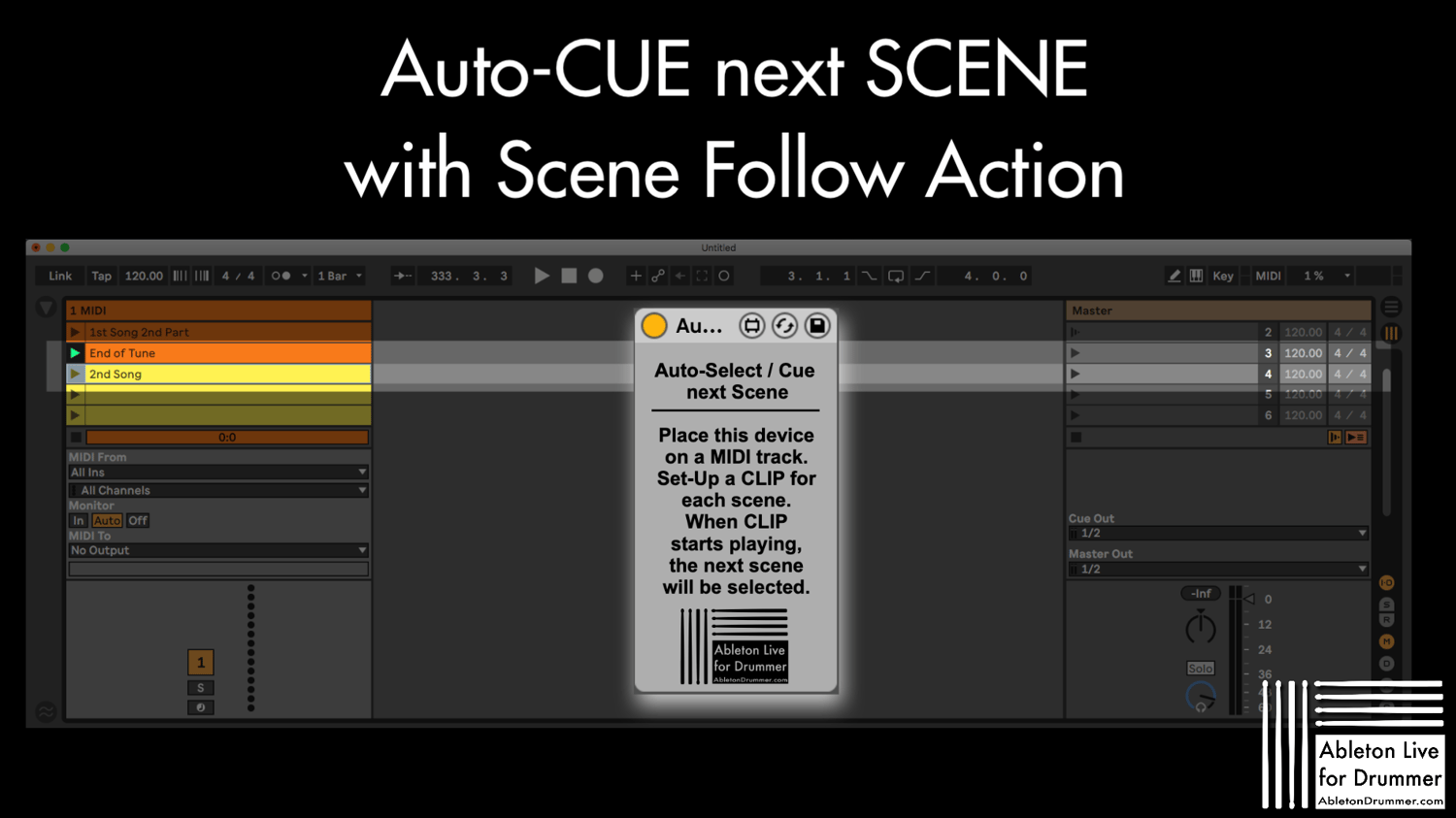

Auto CUE and select next scene for Scene Follow Action in Ableton Live - Max for Live device
This Max for Live device fixes a missing feature when using Ableton Live Scene Follow Action introduced in Ableton Live 12: Auto-Select + CUE the next scene!
Please check here to find out more about how to automatically select next scene in Ableton Live
and here: https://blog.abletondrummer.com/how-to-play-next-scene-in-ableton-live/
Note: Please de-activate "Select Next Scene on Launch" in Ableton Lives's Preferences (-> "Record/Warp/Launch") to have only this device being in charge of Scene selection.
---------------------------------------------
How to Install Max for Live devices instruction CLICK HERE!
Compatibility: Ableton Live 10/11/12 Suite or Ableton Live 10/11/12 Standard with Max for Live installed
OS: Mac & WIndows
Min. Requirements: MaxforLive is essential
-------------------------------------------
Please check my other devices HERE!
www.AbletonDrummer.com
----------------------------------------------------------------------------------------------------------
By purchasing this device (even for "0" USD/Euro) you agree to the End User License Agreement (EULA) as stated HERE and you agree to be added to the AbletonDrummer mailing list, where you will get informed on updates on devices like this and other infos regarding Ableton Live and drumming. You can un-sub any time of course via the links provided in each email or contacting me directly.
Check out more Max for Live devices here:
- All Devices - https://maxforlivedevices.com/category/all-devices/
- Collections - https://maxforlivedevices.com/category/collections/
- Control - https://maxforlivedevices.com/category/control/
- Free - https://maxforlivedevices.com/category/free-max-for-live/
- Hardware - https://maxforlivedevices.com/category/hardware-control/
- How To and FAQ - https://maxforlivedevices.com/category/faq/
- MIDI Tools - https://maxforlivedevices.com/category/midi-tools/
Max for Live not only for drummers:
https://blog.abletondrummer.com/free-max-for-live-devices/
How to install Max for Live devices:
https://blog.abletondrummer.com/how-to-install-max-for-live-devices-in-your-user-library/
List of best Max for Live for live music performance in 2022:
https://maxforlivedevices.com/best-max-for-live-devices-in-2022/
How to get Max for Live devices:
https://maxforlivedevices.com/how-to-get-max-for-live-devices/
Frequently Asked Question and How To Max for Live: