




Basic Linux Commands (Must‑Know)
Basic Linux Commands (Must‑Know)
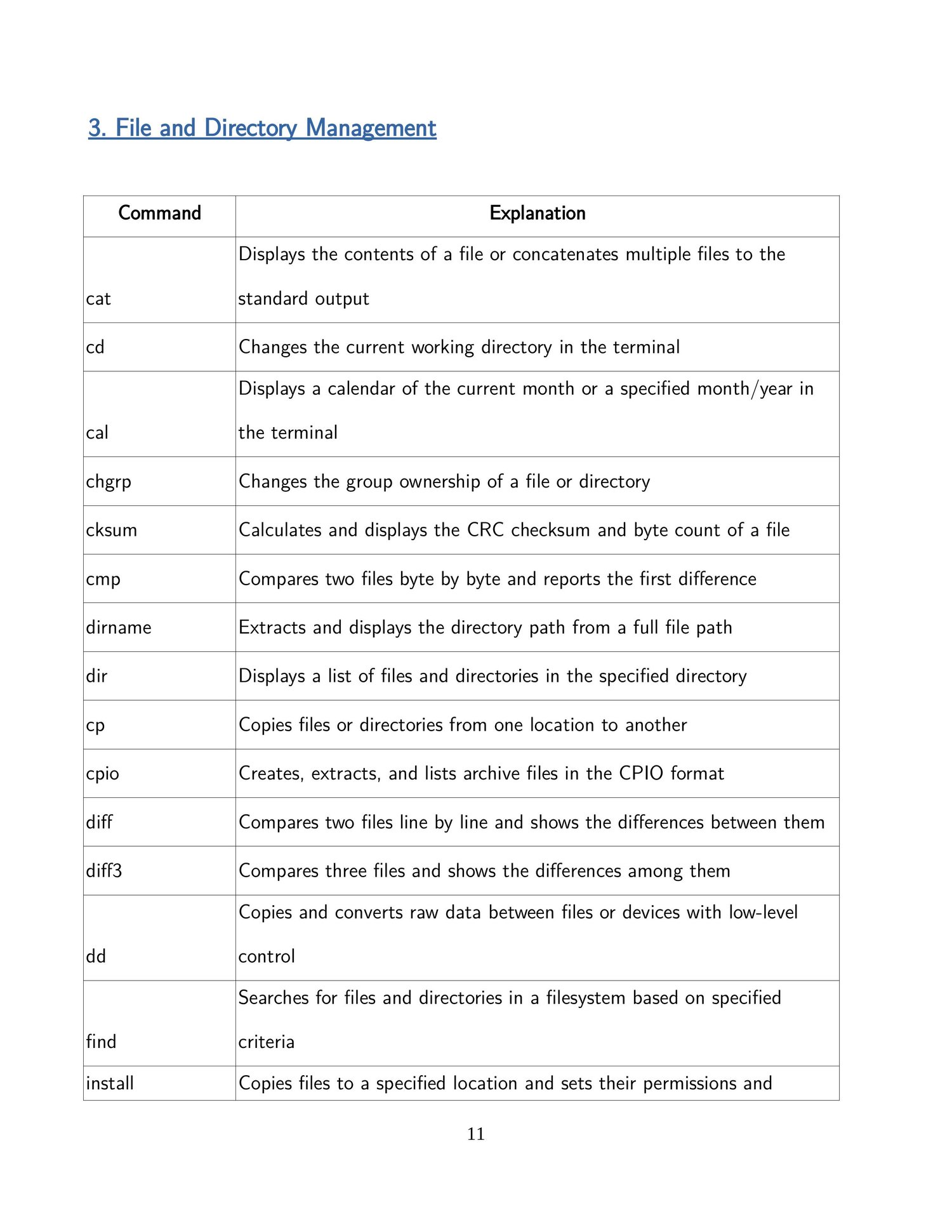
📁 File & Directory Management
pwd # Show current directory
ls # List files and folders
ls -la # Detailed list (including hidden files)
cd folder # Change directory
cd .. # Go back one level
mkdir dir # Create directory
rmdir dir # Delete empty directory
rm file # Delete file
rm -r dir # Delete directory recursively
📄 File Operations
touch file.txt # Create empty file
cat file.txt # View file content
less file.txt # Scroll through file
head file.txt # First 10 lines
tail file.txt # Last 10 lines
tail -f log.txt # Live log view
cp src dest # Copy file
mv old new # Move / rename file
👤 User & Permission Commands
whoami # Current user
id # User ID info
chmod 755 file # Change permissions
chown user file # Change ownership
sudo command # Run as admin
📌 Permission meaning:
- r = read
- w = write
- x = execute
🔍 Search & Find
find / -name file.txt # Find file
grep "text" file.txt # Search text in file
grep -i error log.txt # Case‑insensitive search
🌐 Networking Commands
ip a # Show IP addresses
ip r # Show routing table
ping google.com # Test connectivity
netstat -tuln # Listening ports (older)
ss -tuln # Modern netstat replacement
curl url # Test web request
wget url # Download file
⚙️ System & Process Commands
top # Live process view
htop # Better top (if installed)
ps aux # All running processes
kill PID # Stop process
uptime # System running time
df -h # Disk usage
free -h # Memory usage
📦 Package Management (Ubuntu/Debian)
apt update
apt upgrade
apt install package
apt remove package
📦 Package Management (CentOS/RHEL)
yum install package
dnf install package
📜 File Viewing & Editing
nano file.txt # Easy text editor
vi file.txt # Advanced editor
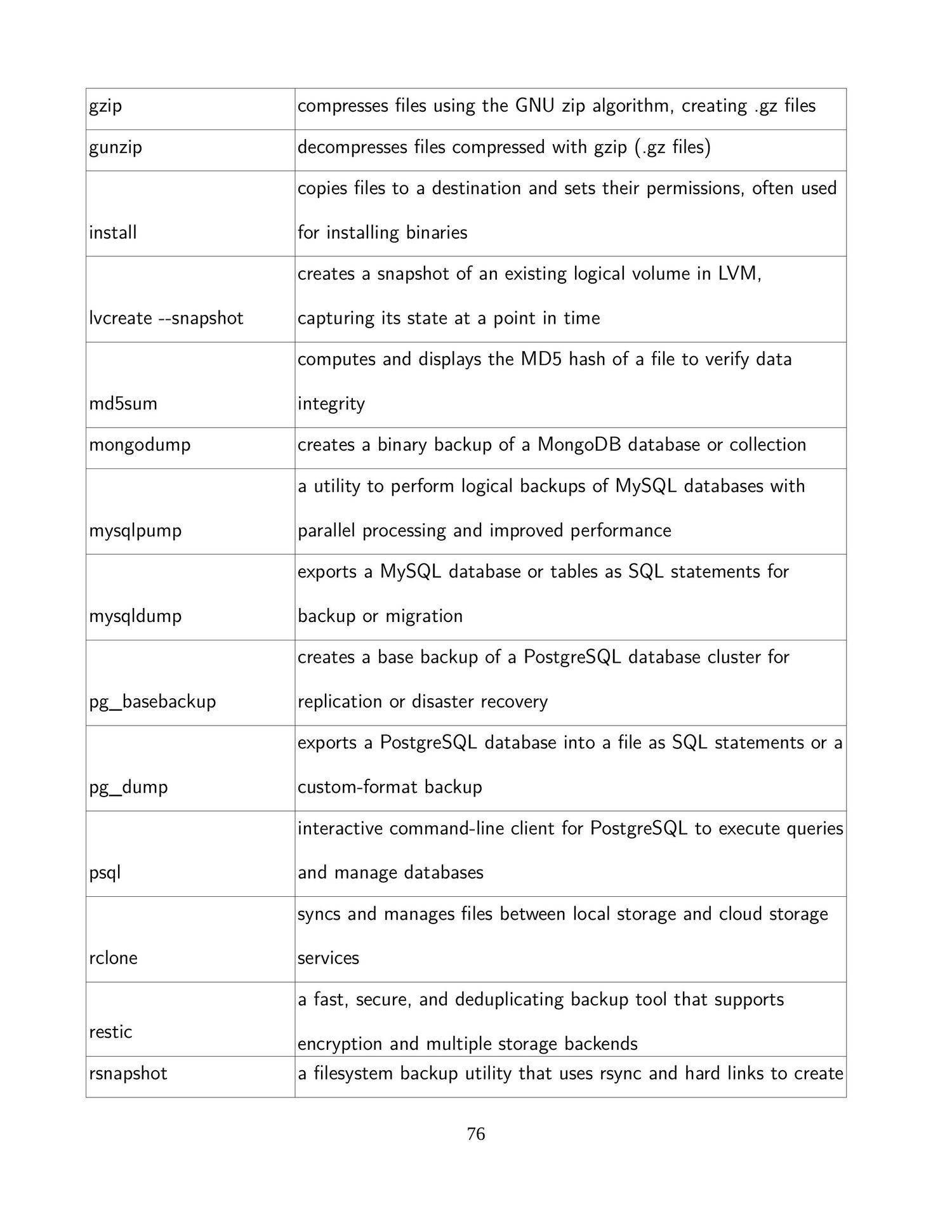
🔐 Archive & Compression
tar -cvf file.tar dir
tar -xvf file.tar
zip file.zip file
unzip file.zip
🧠 Exam / Interview Tip
👉 Linux is command‑line driven — knowing these commands is essential for networking, cloud, DevOps, and cybersecurity roles.