

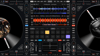
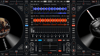
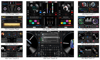

Virtual DJ skins Pack - Original 10 choices that change your mixing style
🎧 New! Custom interface for Virtual DJ – Mix like a pro!
Discover a modern, intuitive interface optimized for performance.
Designed especially for DJs who want total control, speed, and a design that inspires.
✅ Ergonomic layout
✅ Quick access to effects and loops
✅ Compatible with the latest versions of Virtual DJ
✅ Ideal for live performances, parties, and studio sessions
Are you curious on how can you start to DJ and mix music, but don't have money for DJ equipment?
GOOD NEWS... You can DJ on touch screen, without a DJ controller or other hardware. Let's see how:
If you want to mix music directly on a touch screen, then firstly, you need to have a Windows touch screen laptop, tablet or touch monitor and second of all you need to have a software with multi-touch capabilities...
Such a software is Virtual DJ and you can download and use it for free in windows 10 and 11.
I don't have a mac computer so I have not try to see if it works on mac.
So, if you mix music directly on touch screen, then you will not need an external mixer, and that means that you don't need to buy any license for the Virtual DJ software if you don't use a DJ controller... and so you can use it for free for personal use.
And so because Virtual DJ default interface, was not designed for touch screen mixing, then, all you need is an additional interface as a plug in, just like the ones I have designed for touch screen mixing, in order to mix directly on touch screen.
OK, now, to add my multi touch interfaces to Virtual DJ software (that is installed on your windows computer), you need to buy this skins pack and you will have 10 touch skin options...
After purchase, you will receive the interfaces pack in a zip format.
The steps need it in order to use VDJ Multi-touch interfaces are the following:
STEP1: Install Virtual DJ software, on your windows computer if you don't have it (it is free for personal use), and open it. You can download from the official site www.virtualdj.com
STEP2: Unzip the pack that you have purchased from here, copy & paste the VDJ Multi-touch interfaces (individual folders) into virtualdj/skins folder on your computer (you can select and copy-paste all at once).
Note: if you have windows 10 or 11 this will be the location: user/.../appdata/local/VirtualDj/Skins. For older versions of windows (older than windows 10) they may not work properly.
STEP3: Open Virtual DJ software, go to settings - interfaces, and choose one of the new skins. That's it.
STEP4: ENJOY MIXING ON TOUCH SCREEN :)
If you want detailed installing steps (with photos) check out my site:
https://sites.google.com/view/virtual-dj-mixer/installing
VirtualDJ is a software used by DJs to replace their turntables and CD players, and use digital music instead of vinyl and CDs. It lets you "mix" your songs, by playing two or more tracks at the same time, adjust their relative speed so that their tempo will match, apply effects like loops etc, and crossfade from one side to the other. It also lets you scratch your songs, set and recall cues, and all the other regular features DJs expect to find to be able to mix. It will let you organize your collection of tracks and group them easily in a DJ-friendly way, using filter to find the hot songs, or find compatible bpm or key, access your previous playlists. And if you're missing a track, VirtualDJ will automatically find it on the Internet and stream it directly (*requires an additional subscription). And, using the millions of automatic reports we get every day from other VirtualDJ users around the world, it will give you meaningful advices on which songs other DJs consider to go well after what you just played. VirtualDJ can play not only audio tracks, but also video or karaoke, if you connect your computer to a projector or the club's screens.
WHAT IS NEW INTO SOME OF THIS INTERFACES? ... STEM SEPARATION
VirtualDJ first introduced real-time stems separation back in 2020, and started this revolution of DJing. Since then, the hardware market kept evolving, opening up new possibilities of what can be reasonably done with consumer laptops. Today, VirtualDJ 2023 uses our latest Stems 2.0 engine, that offers the best quality in the market for stem separation, with incredible clarity on acapellas!
WHAT DIGITAL PACKAGE DOWNLOADS WILL YOU RECEIVE AFTER PURCHASE:
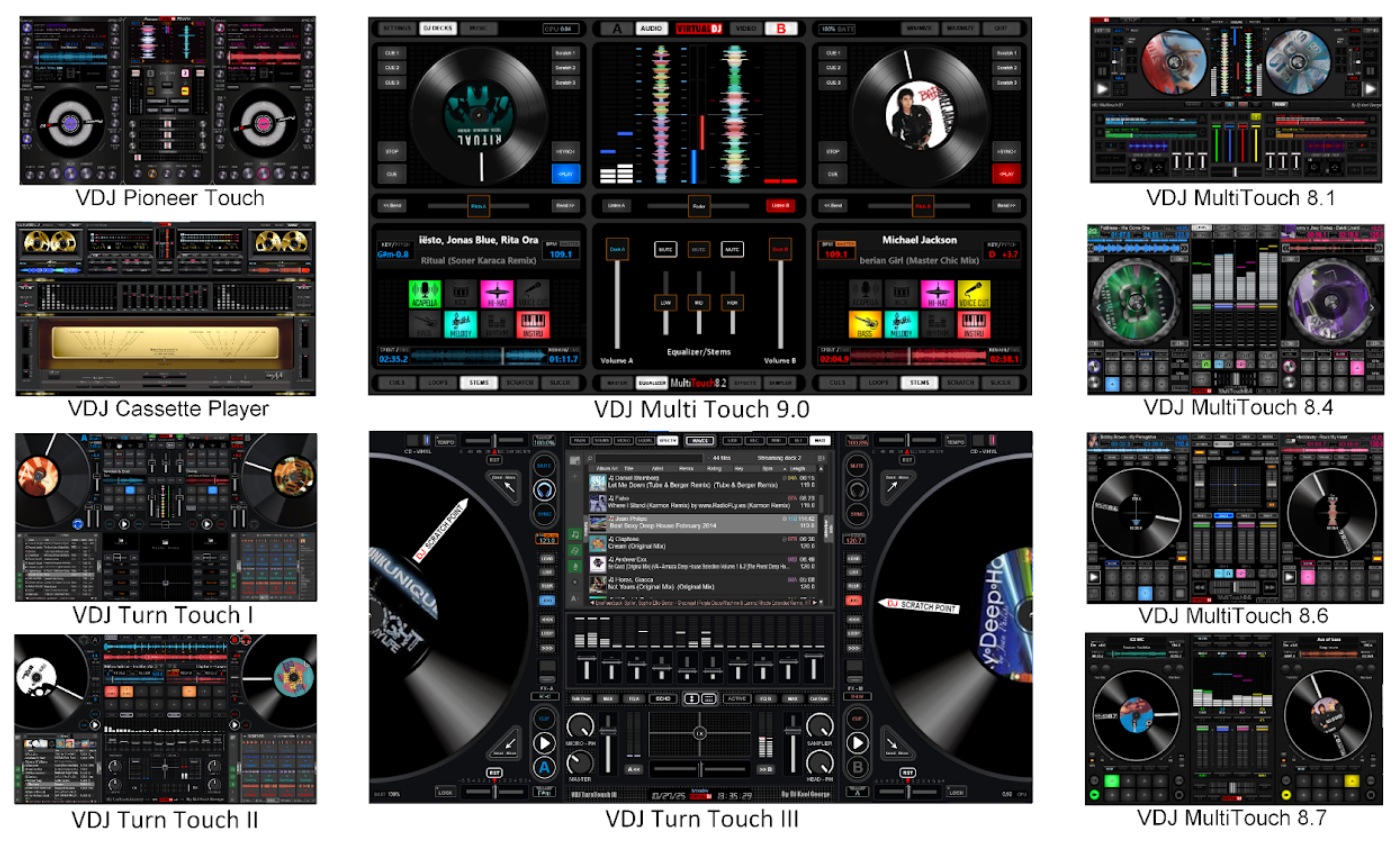
1-VDJ Cassette Player
2-VDJ Multi-touch 8.1
3-VDJ Multi-touch 8.4
4-VDJ Multi-touch 8.6
5-VDJ Multi-touch 8.7
6-VDJ Multi-touch 9.0
7-VDJ Pioneer Touch
8-VDJ TurnTouch I
9-VDJ TurnTouch II
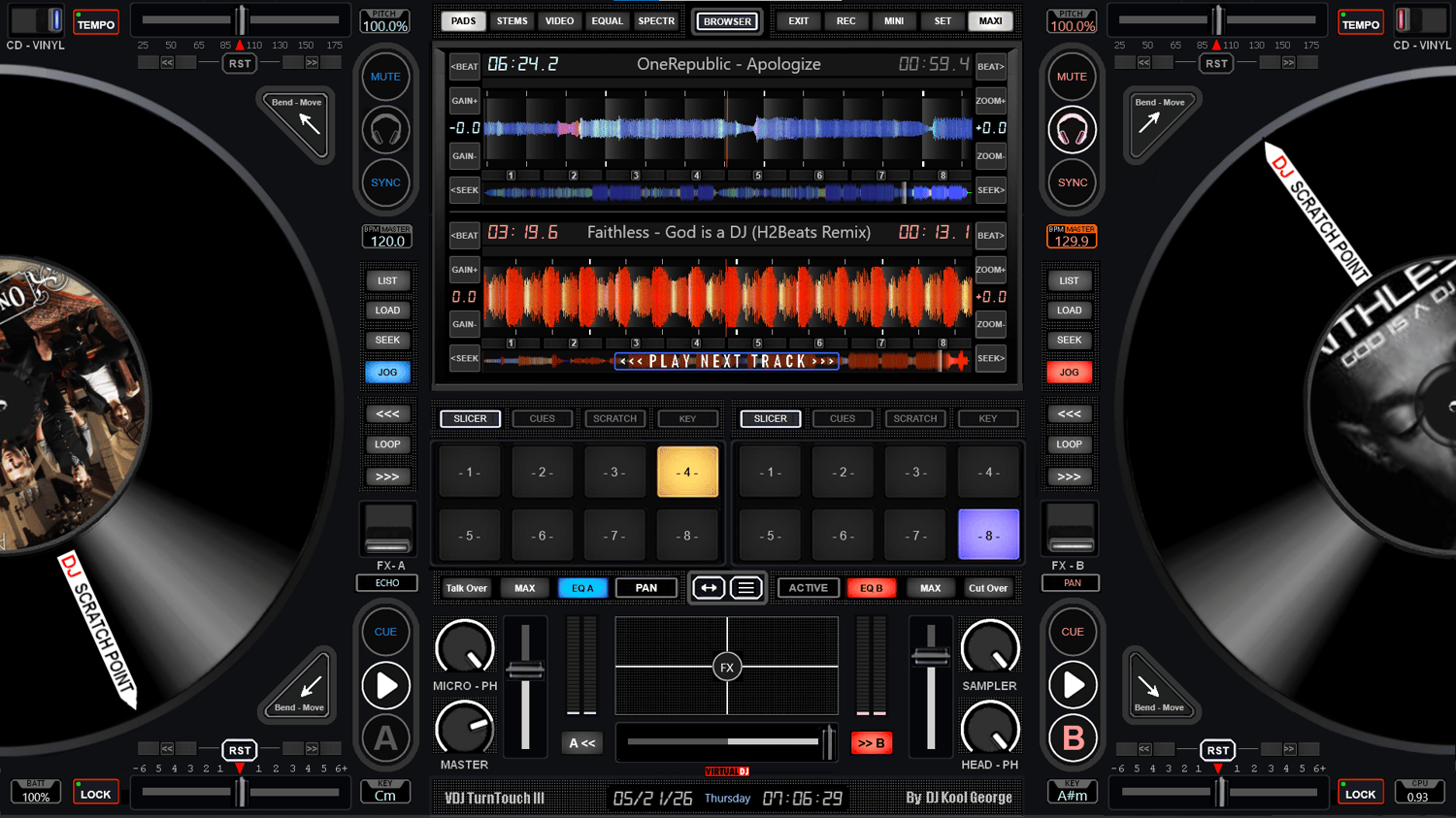
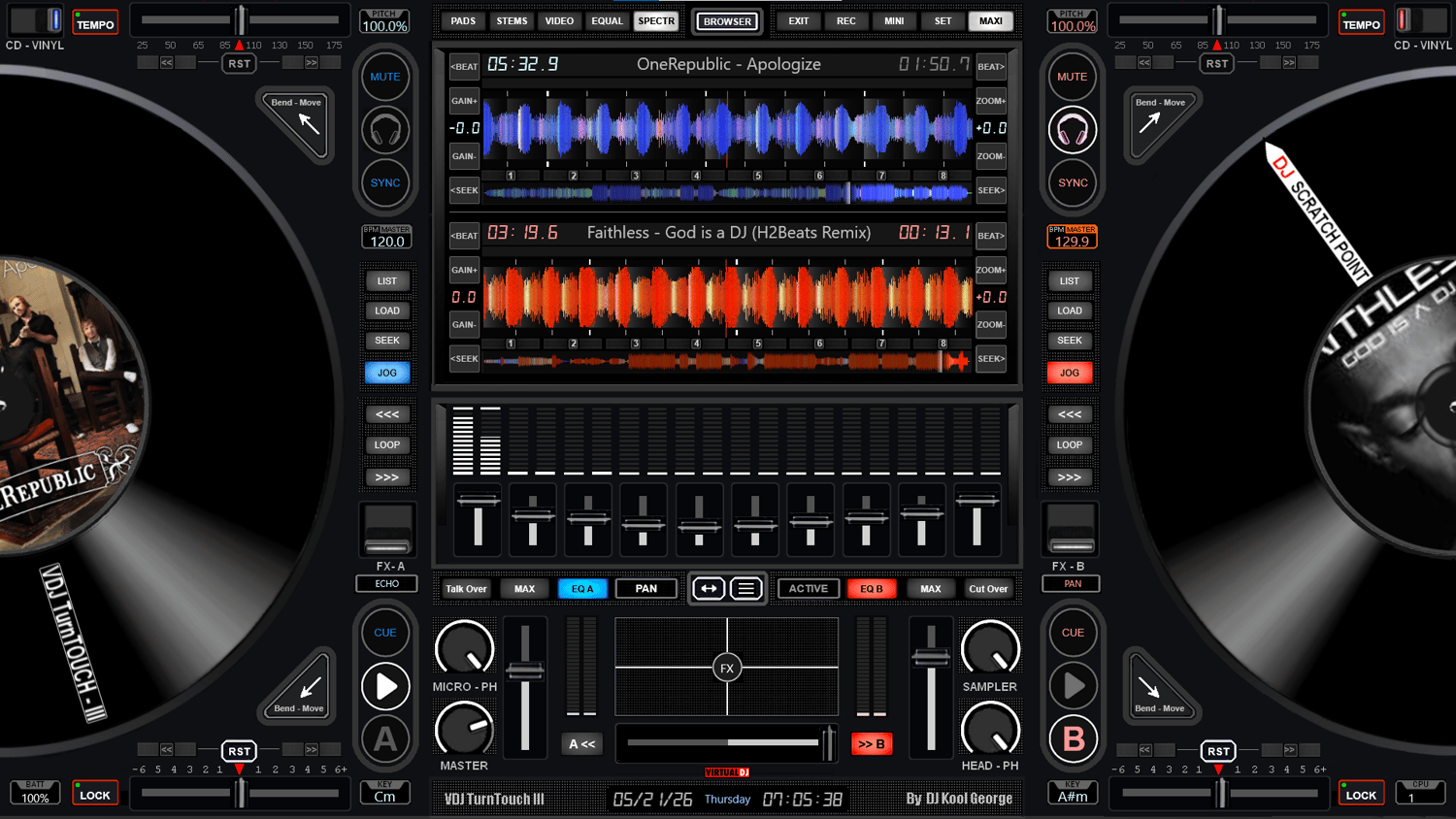
10-VDJ TurnTouch III
(will be all in one zip file)
Note (important): The touch-screen interfaces are digital products and so they are not refundable. If you have any questions please ask me before you buy :) you can e-mail me: dj.kool.george@gmail.com