
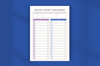
30 Day Study Challenge Planner
30-Day Study Challenge Planner | Canva Editable Study Tracker Template | Daily Academic Planner | Printable & Digital Student Organizer
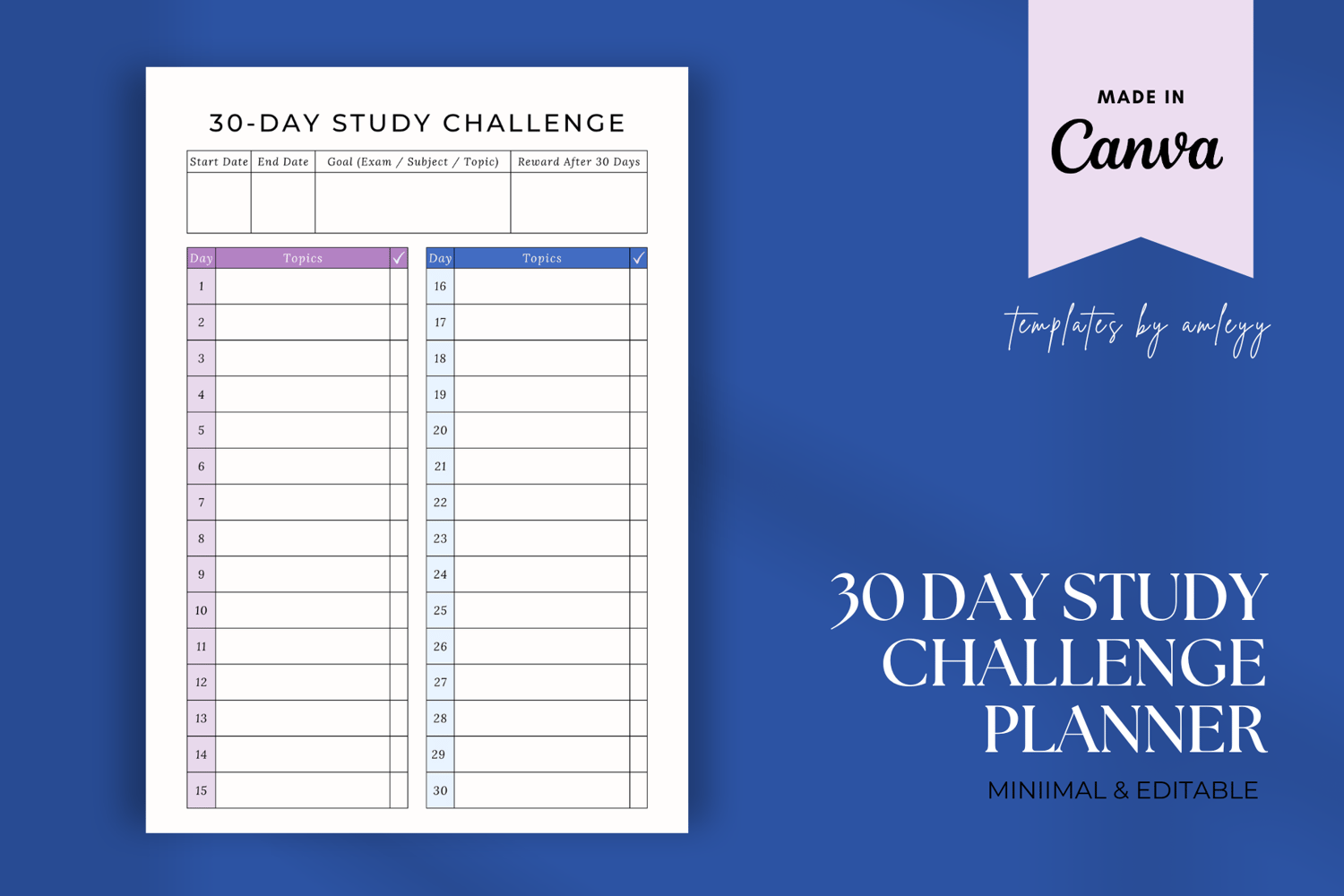
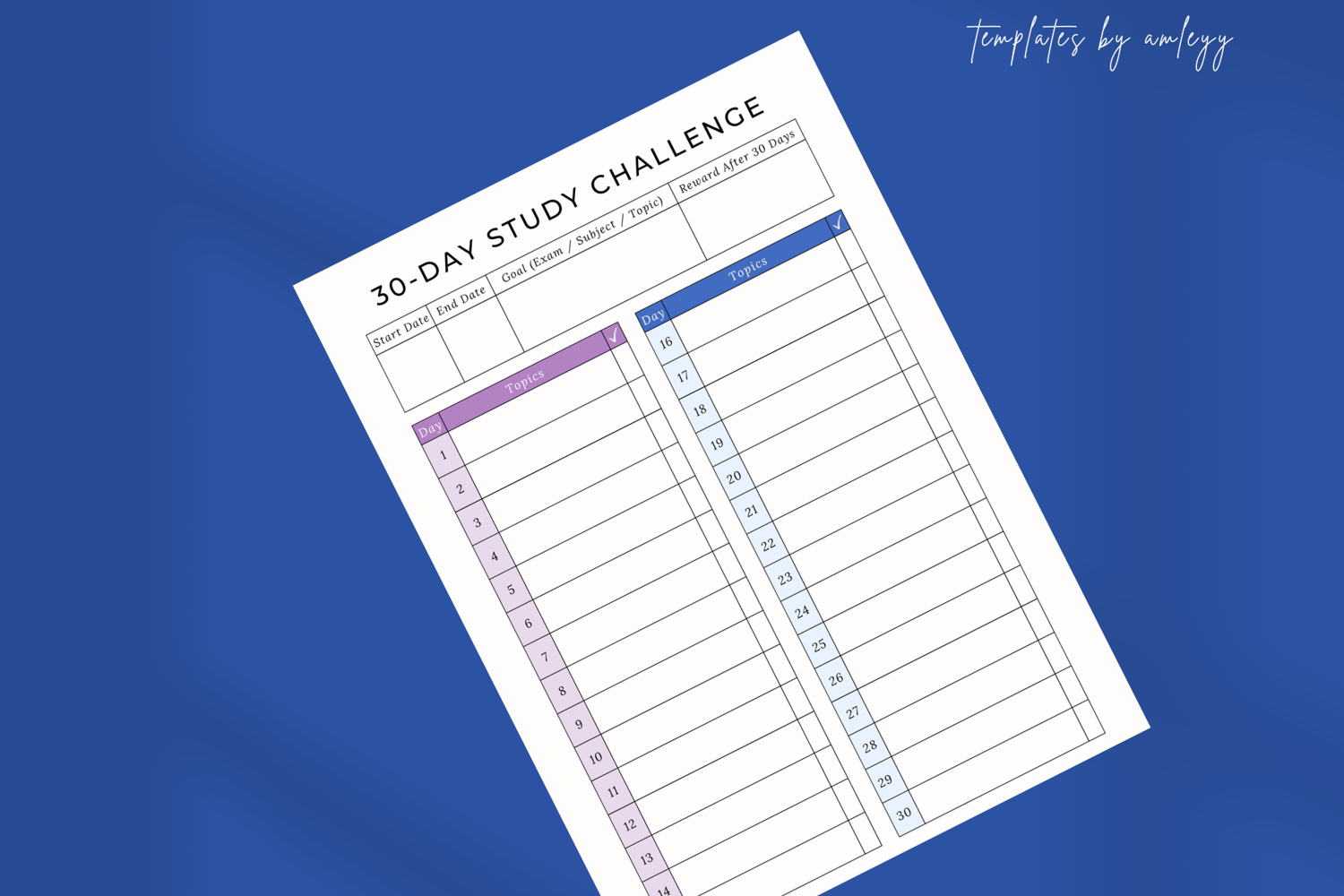
Level up your learning with this 30-Day Study Challenge Planner, designed to boost productivity, accountability, and motivation! Whether you're prepping for exams, catching up on missed topics, or building a daily study habit, this easy-to-use Canva template is the perfect tool to stay on track.
🧠 Plan, Track, and Succeed – One Day at a Time
This planner helps you set daily goals, track your study time, reflect on progress, and stay consistent for a full 30 days. With a clean and motivational layout, it’s the ideal companion for students, lifelong learners, and academic coaches.
💻 100% Editable in Canva
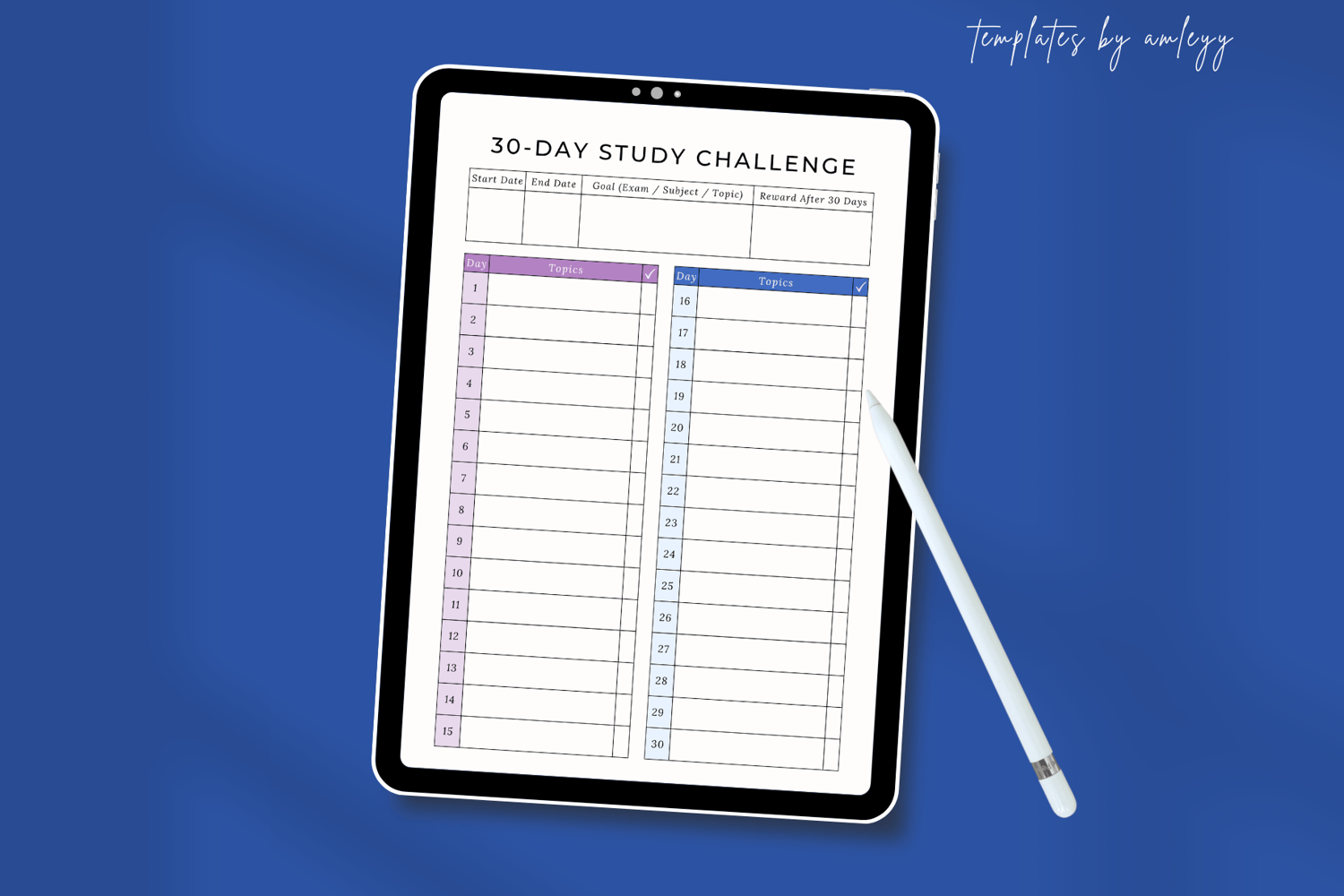
No design experience needed. Easily customize this planner in Canva’s free platform—change text, colors, fonts, or sections to make it your own. Use it digitally or print it and add it to your binder or wall planner.
🎯 Perfect For:
Students preparing for tests or finals
Habit-building for consistent studying
Homeschoolers and online learners
Academic coaches setting client challenges
Personal development and productivity planning
📦 What’s Included:
1 x Planner Template (Canva link + PDF)
1 x 30-Day Study Challenge Template PNG
Size: A4 (Easily resizable in Canva to US Letter, A5, etc.)
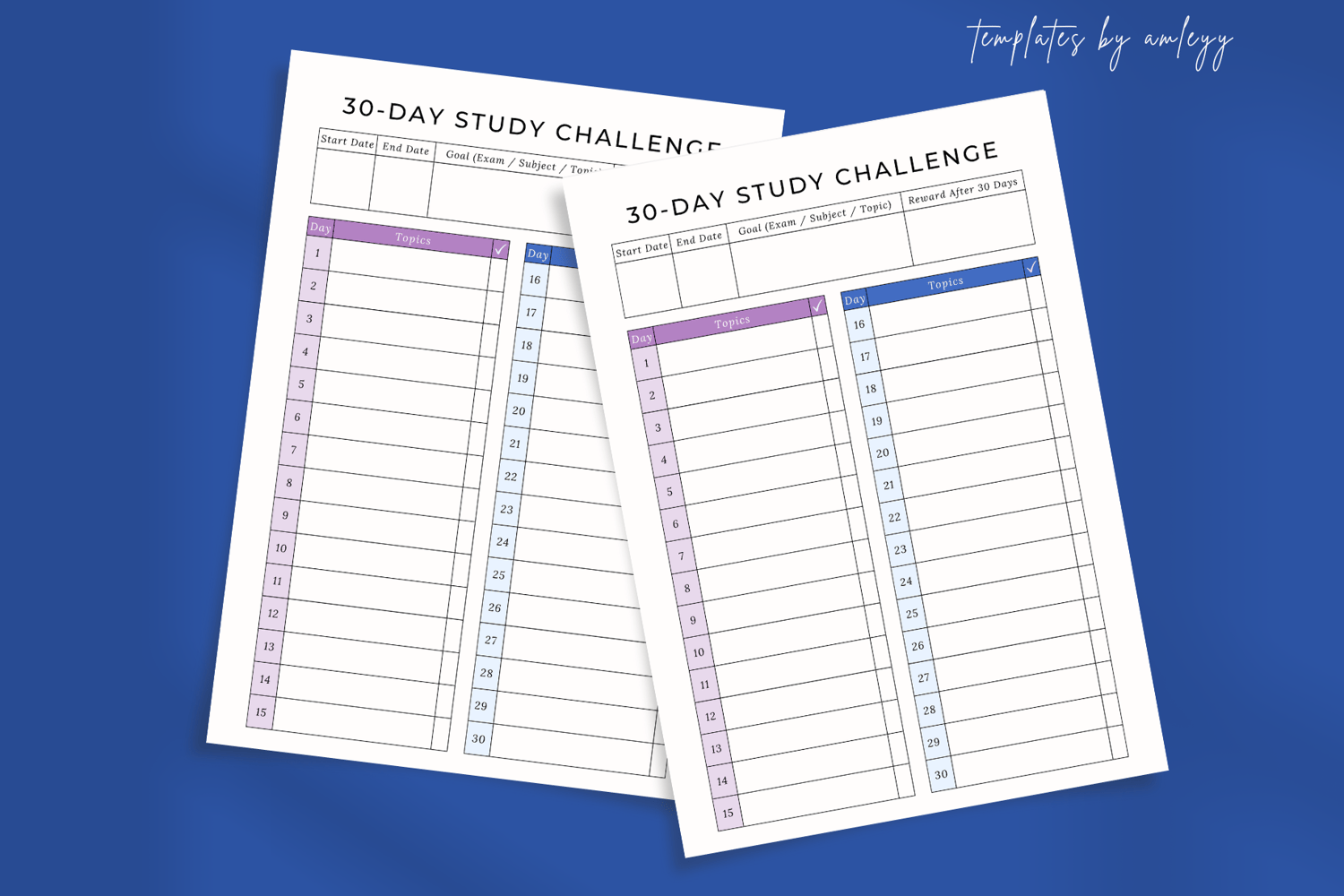
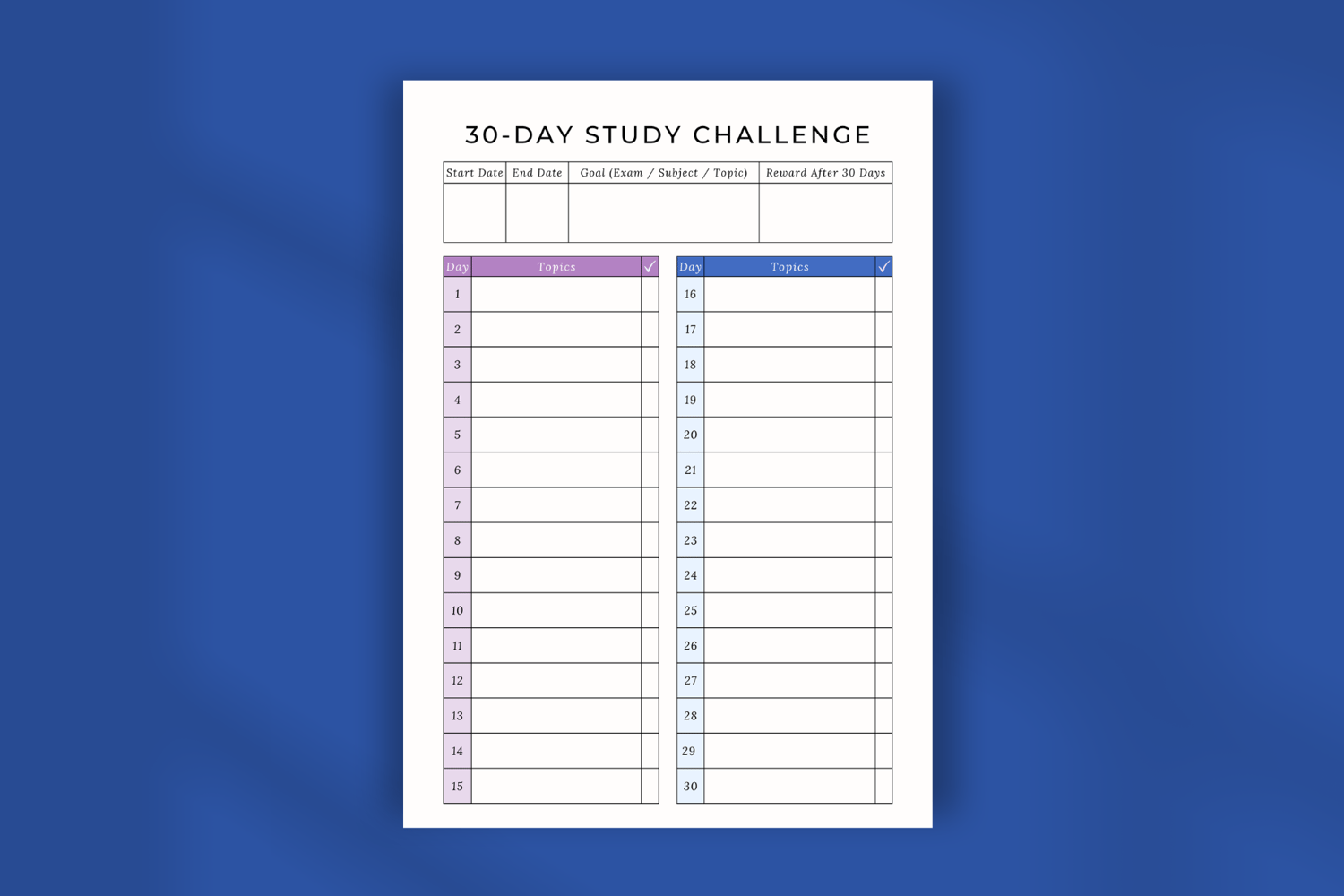
Daily study log for 30 days
Study goals and reflection prompts
Printable and digital use compatible
PDF file with Canva access + instructions
✅ Features:
Fully editable Canva template (free version compatible)
Daily structure to build study consistency
Goal-setting and motivational sections
Clean, minimalist design
Can be reused monthly or for group challenges
👉 How to use it:
1. Download the PDF: After purchasing, download the included PDF file
2. Open the PDF (canva template link)
3. Find the Canva Link: Inside the PDF, you will find a clickable link to the editable Canva template.
4. Click the Link: Simply click on the link provided in the PDF. This will redirect you to the Canva design where you can fully customize the template.
5. Edit the Template: Once on Canva, you can personalize the template by editing text, images, colors, and more.
❤ Leave a review if you love our work! ❤