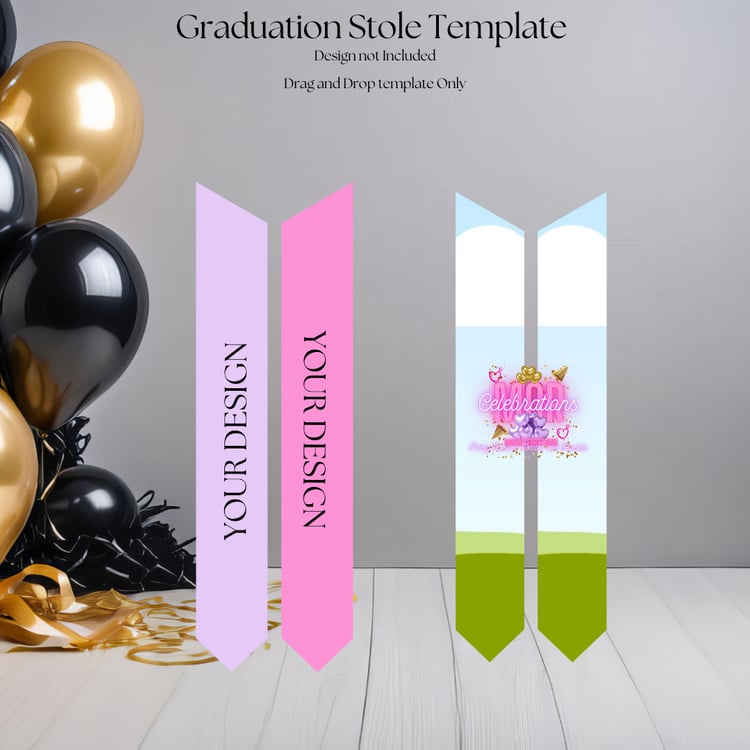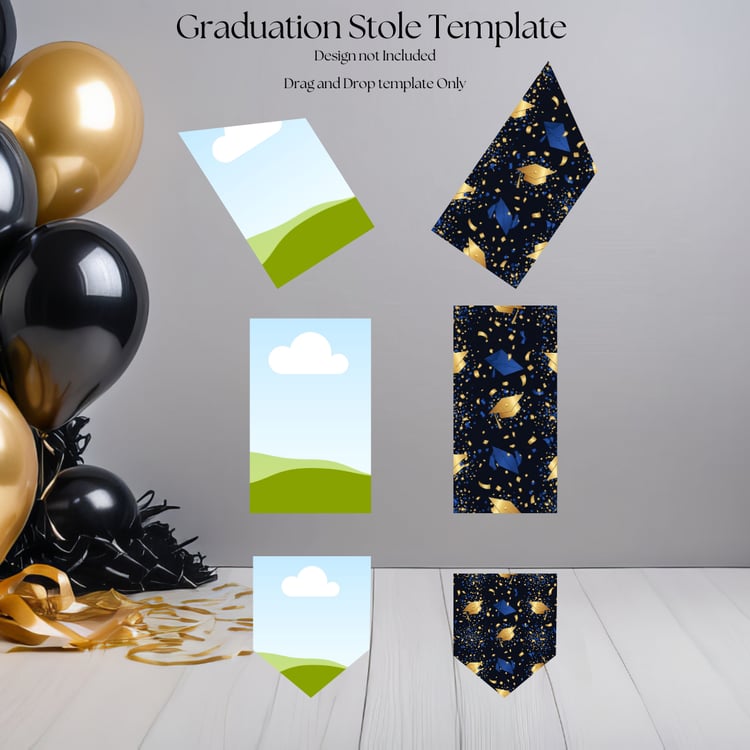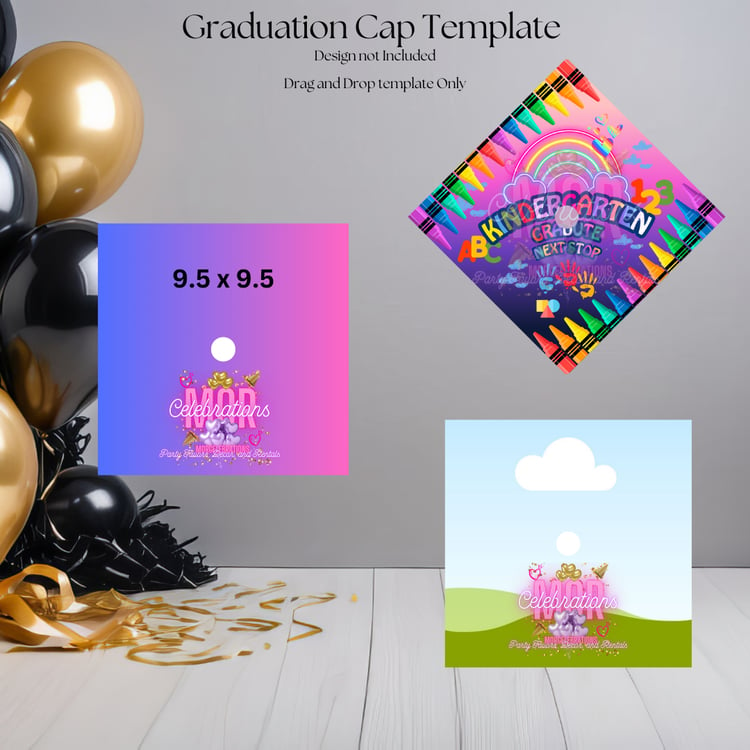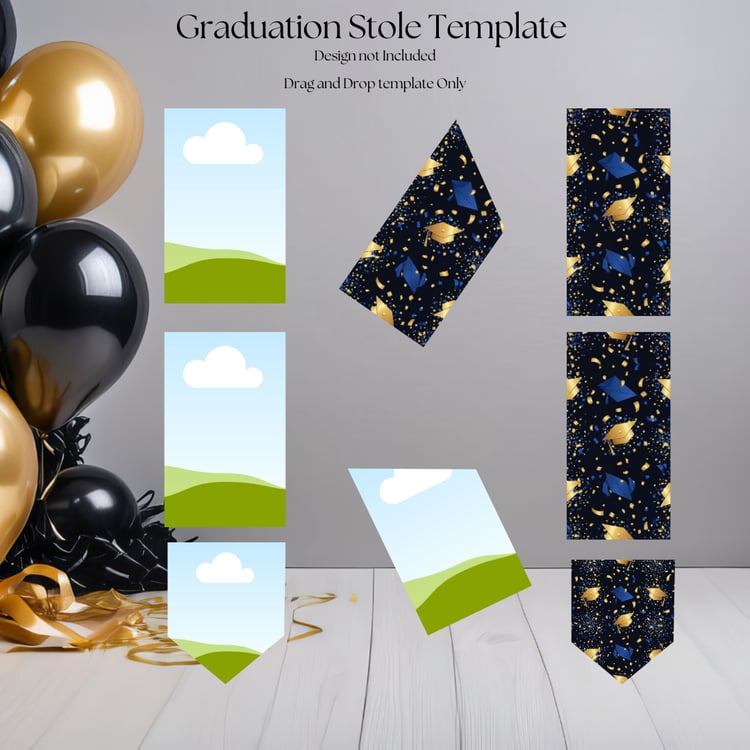

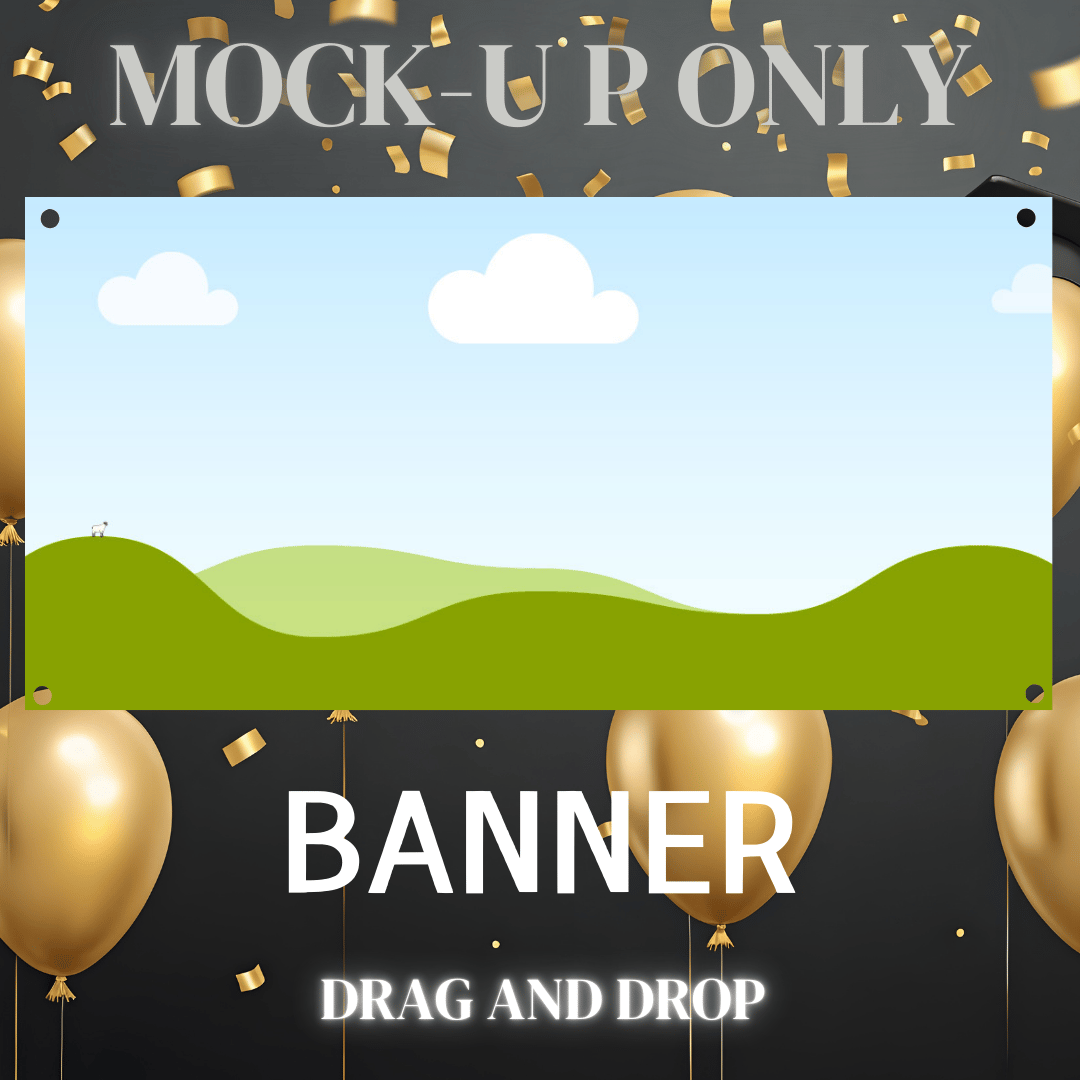

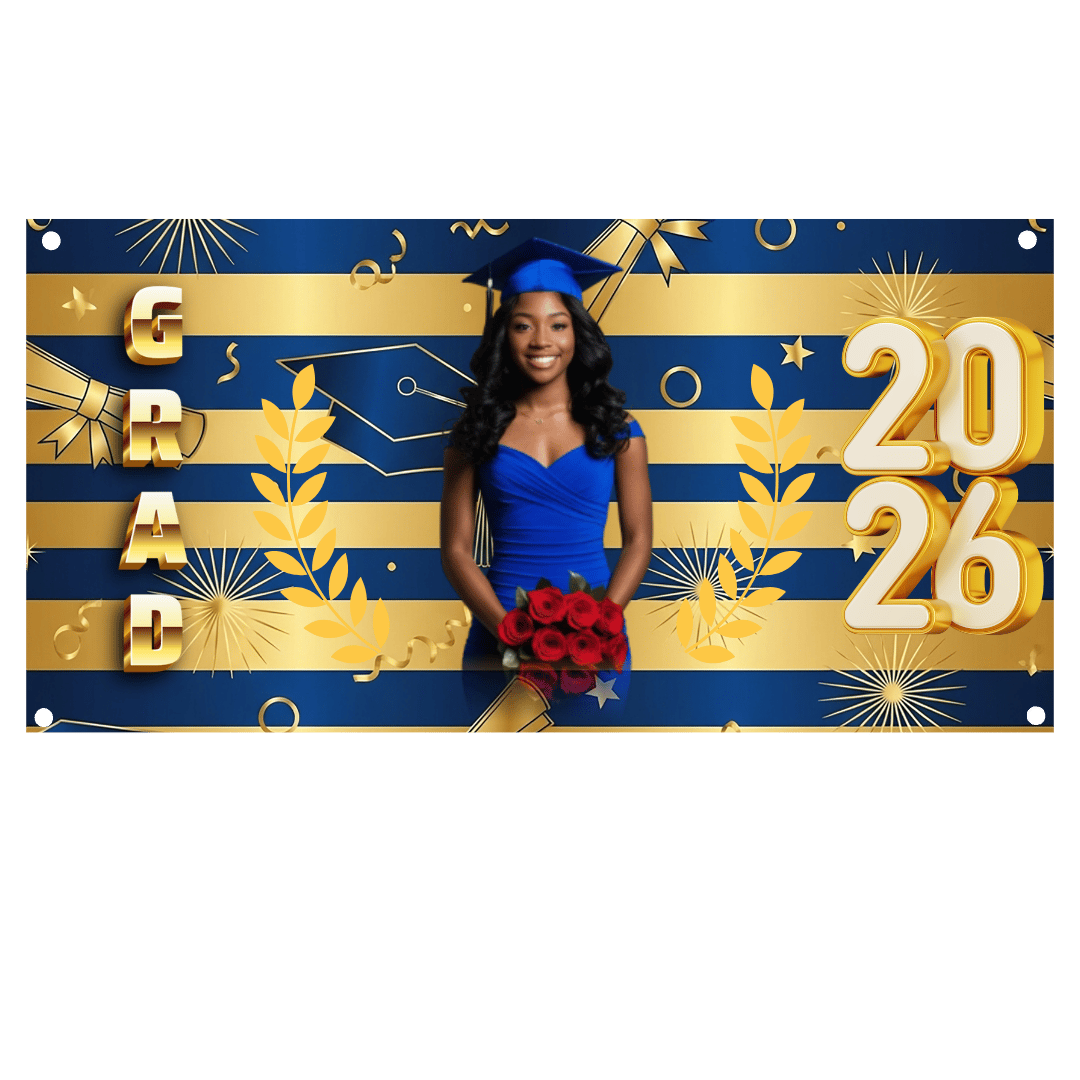


Graduation Banner Mock-Up
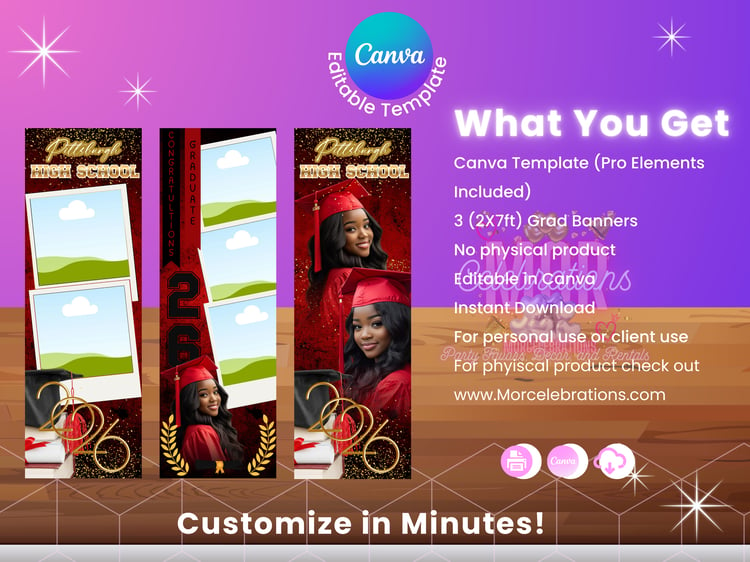
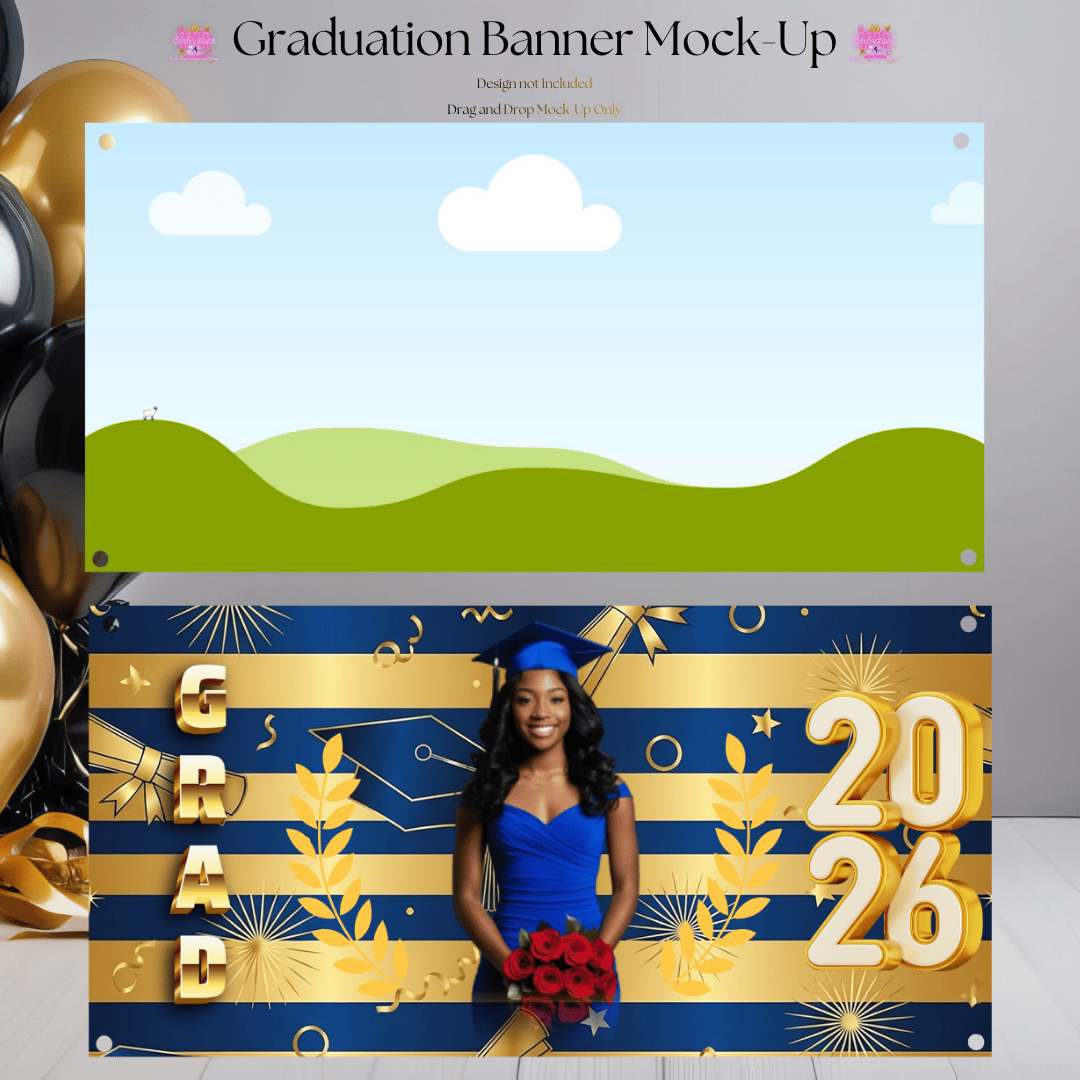
Showcase your graduation designs like a pro with our Graduation Banner Mock-Up by MorCelebrations!
This is a DIGITAL MOCK-UP ONLY—perfect for designers, small businesses, and creators who want professional product photos without printing or photography costs.
Simply upload your design, drag & drop in Canva, and instantly create eye-catching visuals for your shop, website, or social media.
✨ No design skills required
✨ Beginner-friendly & fully editable
✨ High-quality, realistic banner presentation
✅ WHAT’S INCLUDED
✔ Canva Editable Graduation Banner Mock-Up
✔ Easy Drag-and-Drop Design Area
✔ Instant Digital Download
✔ Reusable for Unlimited Designs
❌ NOT INCLUDED
🚫 This is NOT a physical banner
🚫 No printing or shipping included
🖨️ WANT A PHYSICAL BANNER?
Order a professionally printed banner directly from us:
👉 www.MorCelebrations.com
PRINTING INSTRUCTIONS
Recommended size: 2x4, 2x6, or 2x8
Use high-resolution PNG or PDF
Print on vinyl or heavyweight banner material
𝐃𝐢𝐠𝐢𝐭𝐚𝐥 𝐒𝐚𝐥𝐞𝐬 𝐏𝐨𝐥𝐢𝐜𝐲:
All digital sales are considered final, and refunds are not available. If you require assistance, please don't hesitate to reach out to us via email MorCelebrations@gmail.com or Esty Messager.
MorCelebrations strictly prohibits the resale, sharing, or free distribution of any templates or bundles purchased from us. We retain sole ownership of all templates and photos available on MorCelebrations.etsy.com, www.MorCelebrations.com, and any other selling platform. Unauthorized use, distribution, or resale of our templates or photos is strictly forbidden and may result in legal action.
⚠️ Copyright ⚠️
We do not sell or claim ownership over the clipart or characters. They belong to their respective Copyright Owners. You are paying for our time to collect, clean, resize, organize, and design. All copyrighted and trademarked characters belong to their respective copyright and trademark holders..
After purchasing, you’ll receive:
1 document with a direct link to the Canva template where you have access to the template shown for editing in Canva
Canva IS REQUIRED to edit and use some elements in some template
**A tutorial/instructions on How to edit is NOT included. Please ensure you are familiar with compatible design software prior to purchasing**
HOW TO ACCESS YOUR FILES → Once payment is complete, a link to download the purchased files will be provided on the page.
HOW IT WORKS
1. After purchasing this listing, you’ll access the template link via a clickable PDF document.
2. Sign up for your Canva account.
3. Make a copy of the design and start editing the template
4. Once you are done editing save and download your preferred format PNG, JPEG or PDFs. ——————————————- WHAT CAN BE EDITED •
You can edit text, change font, font size, colors and placement or delete them completely. • Edit your photos (cut, resize etc.) in Canva, no additional software required. • Insert new design elements. • Insert and arrange as many photos as you want. • Create and personalize additional pages.
Download Instructions: After completing your purchase, your files will be available for download.
NO REFUNDS ON DIGITAL PRODUCTS. ALL SALES ARE FINAL.
********************************************************