






Smart Transportation Planner
From a list of structures to a costed transport plan.
Plan which vessels carry your subsea structures to the field: deck layouts drawn to scale, trip dates, vessel hire and cost, and an optimiser that finds the cheapest plan. A Windows desktop app that needs no installation.
What it does
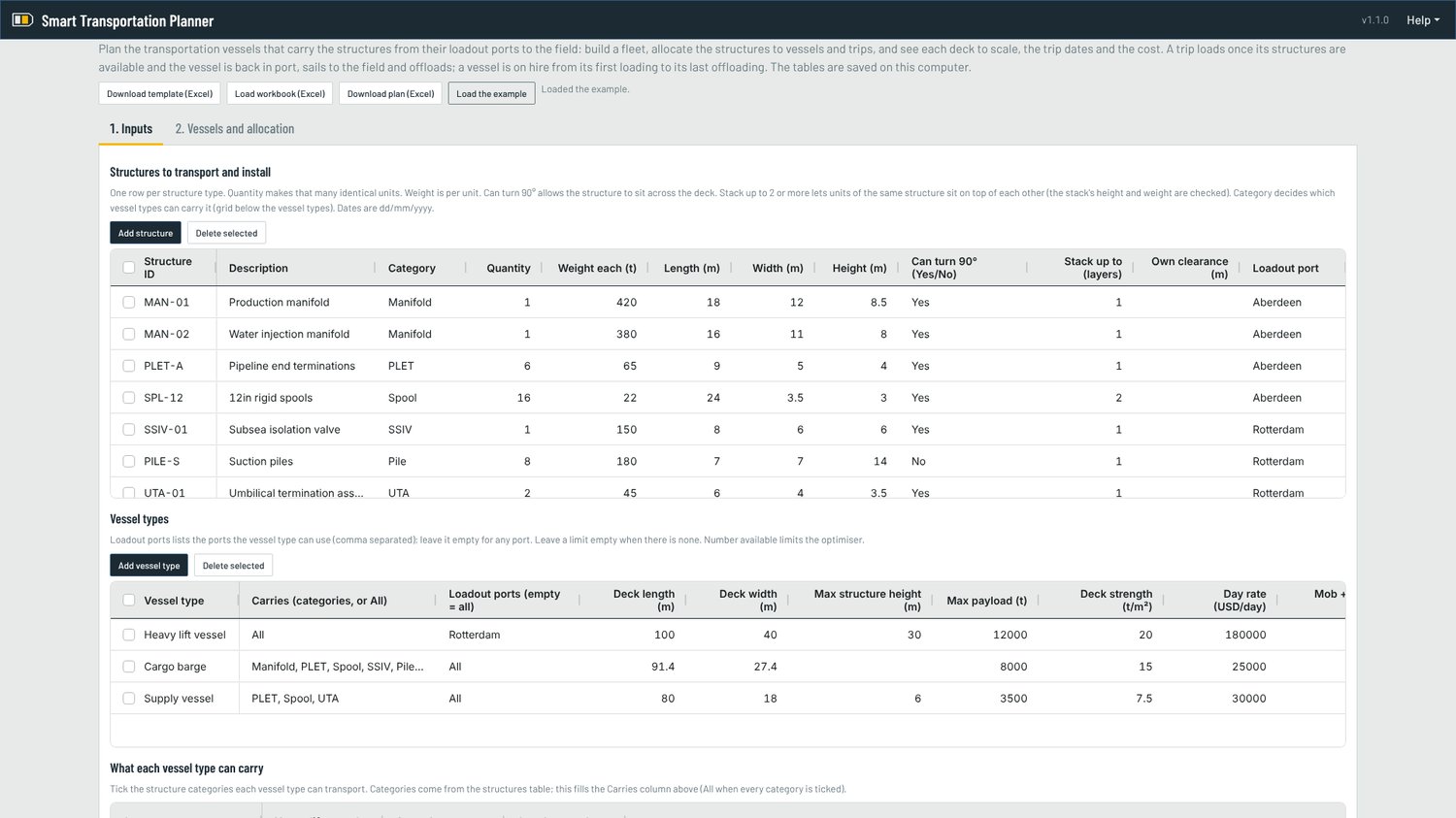
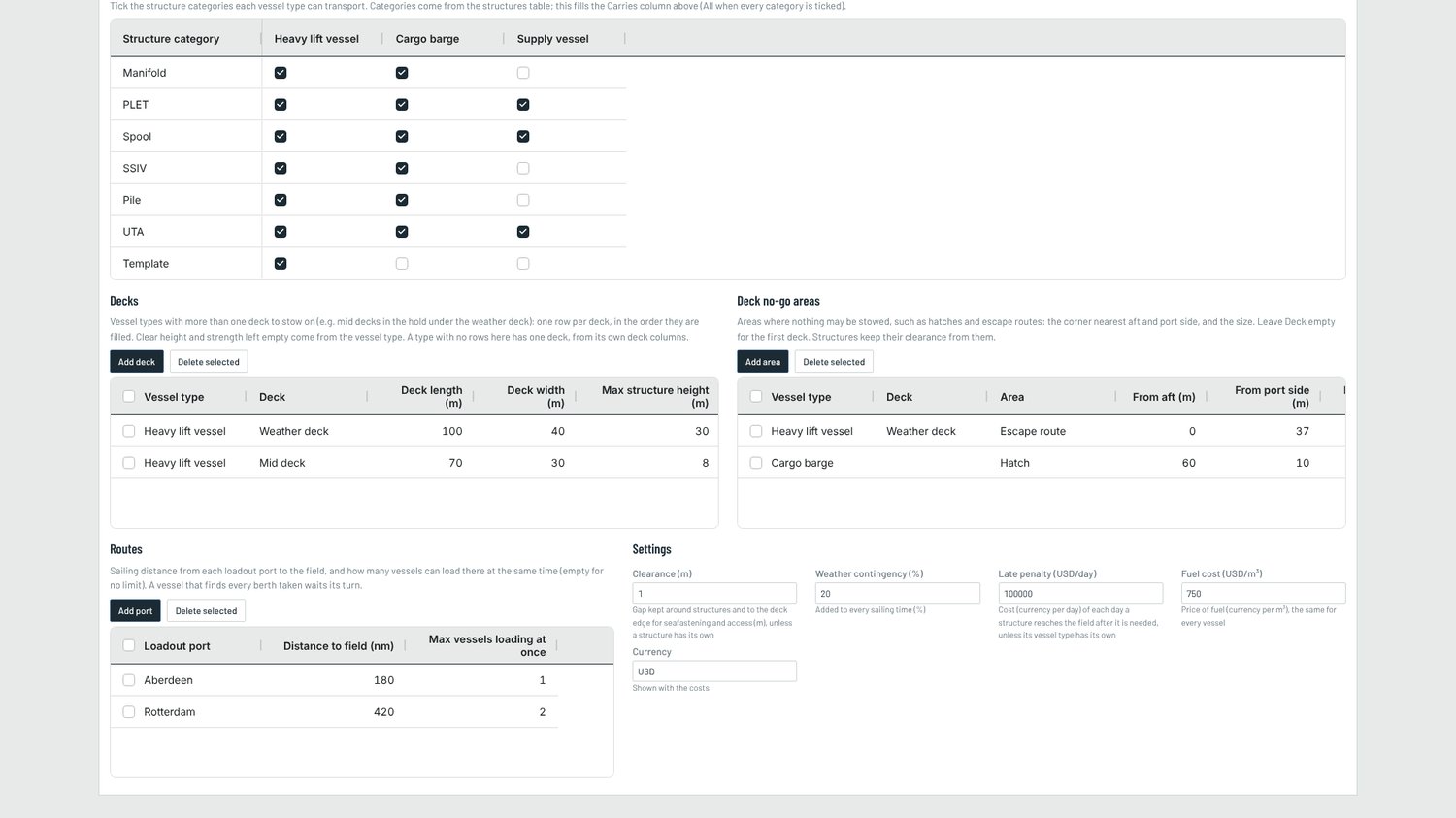
Structures: quantity, weight, dimensions, whether each can turn 90 degrees on deck, how many may be stacked, loadout port, date available and date needed on the field.
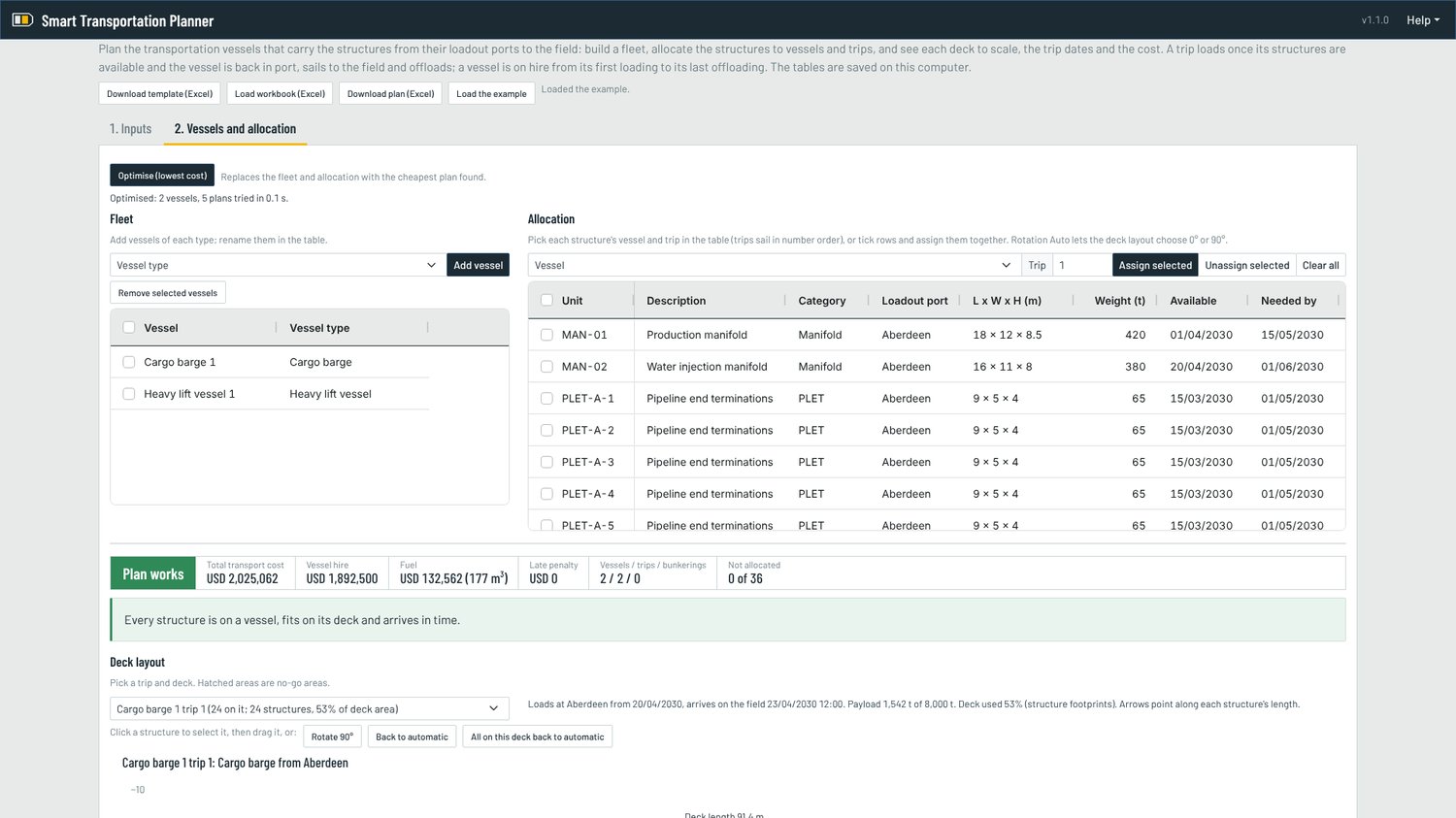
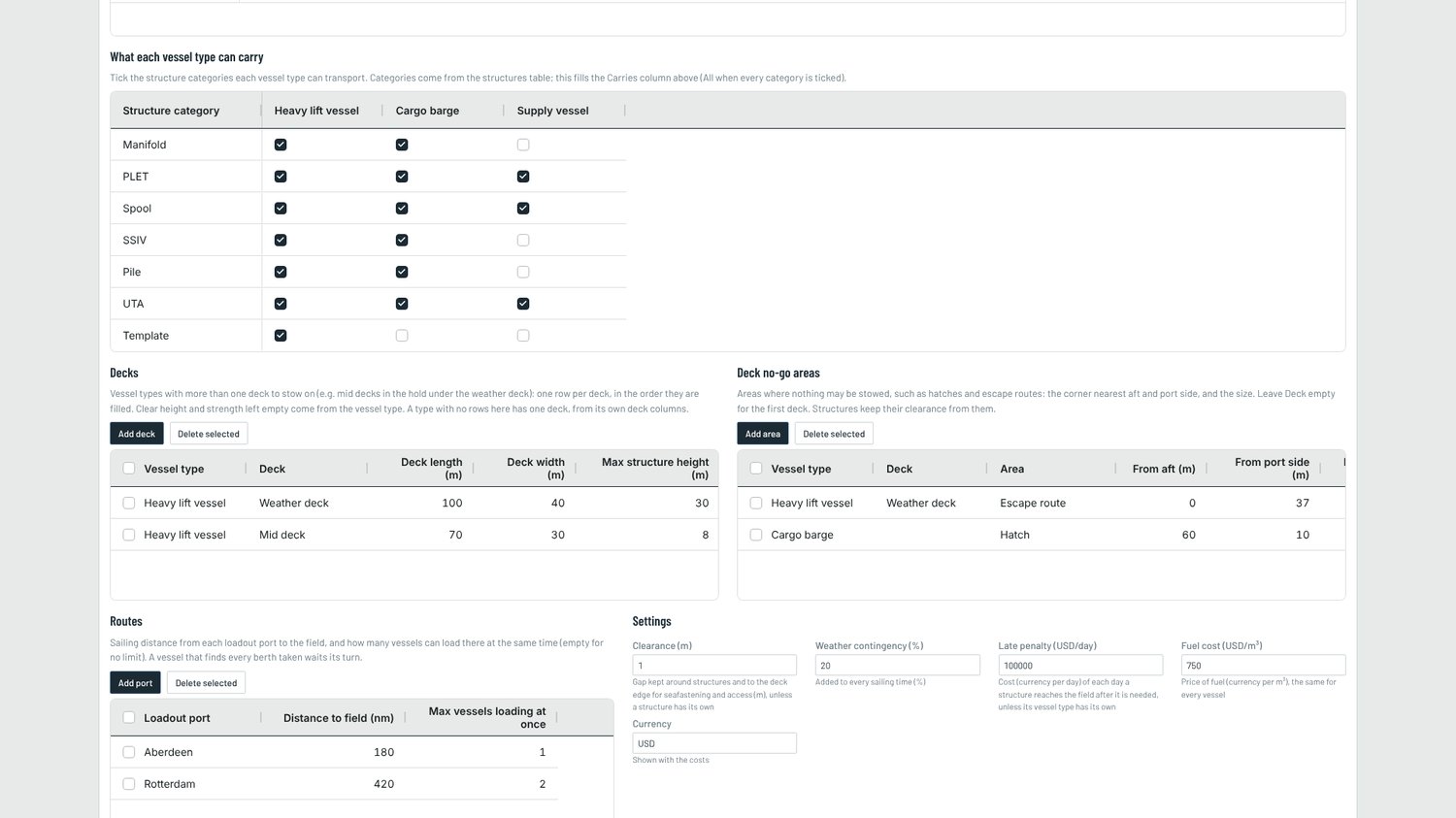
Vessels: deck size, height limit, payload, deck strength, day rate, mobilisation and demobilisation cost, speed, loading and offloading time, ports each can use and which structure categories each can carry.
Ports: sailing distance to the field and how many vessels can load at once, with later vessels waiting for a berth.
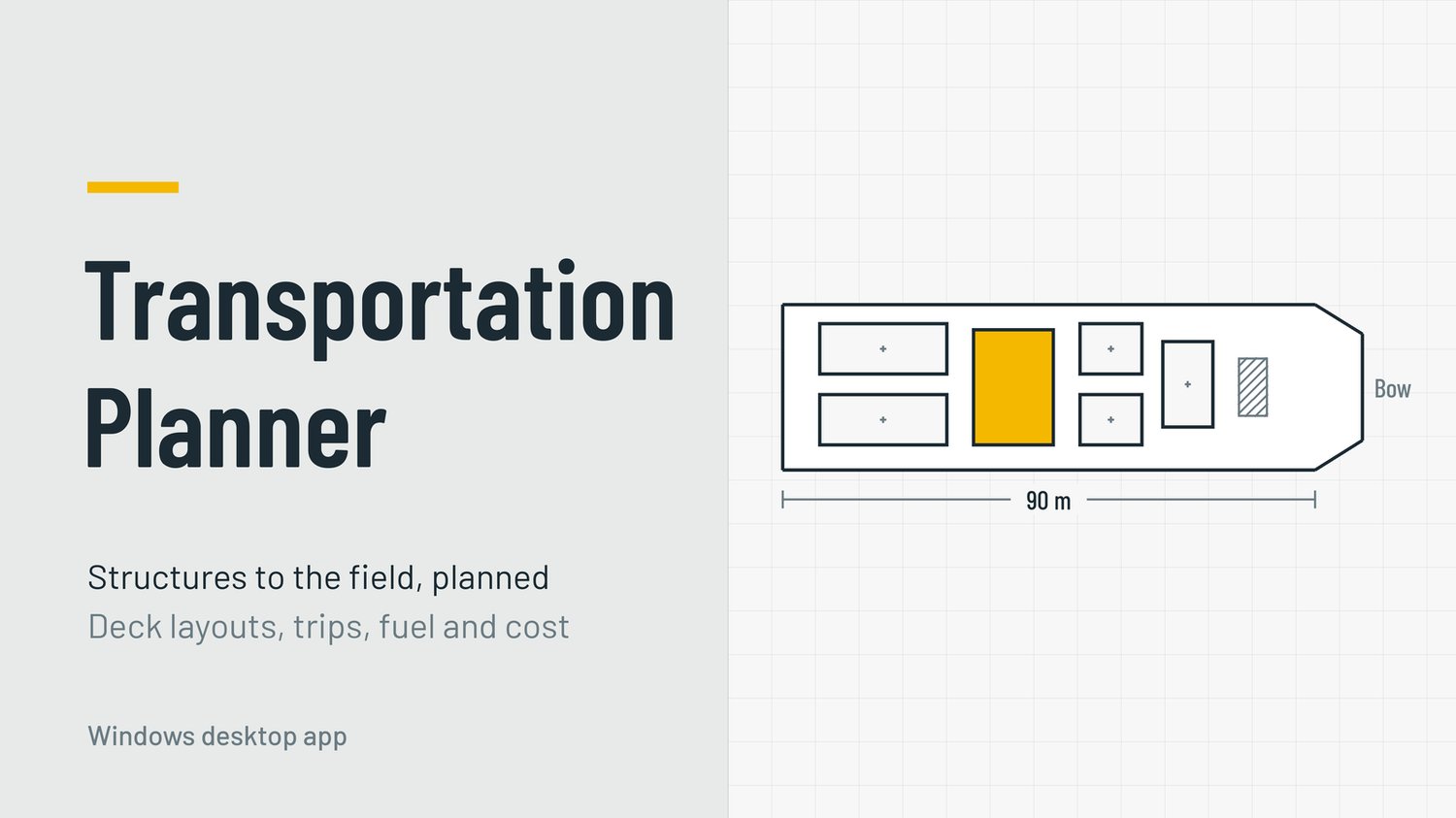
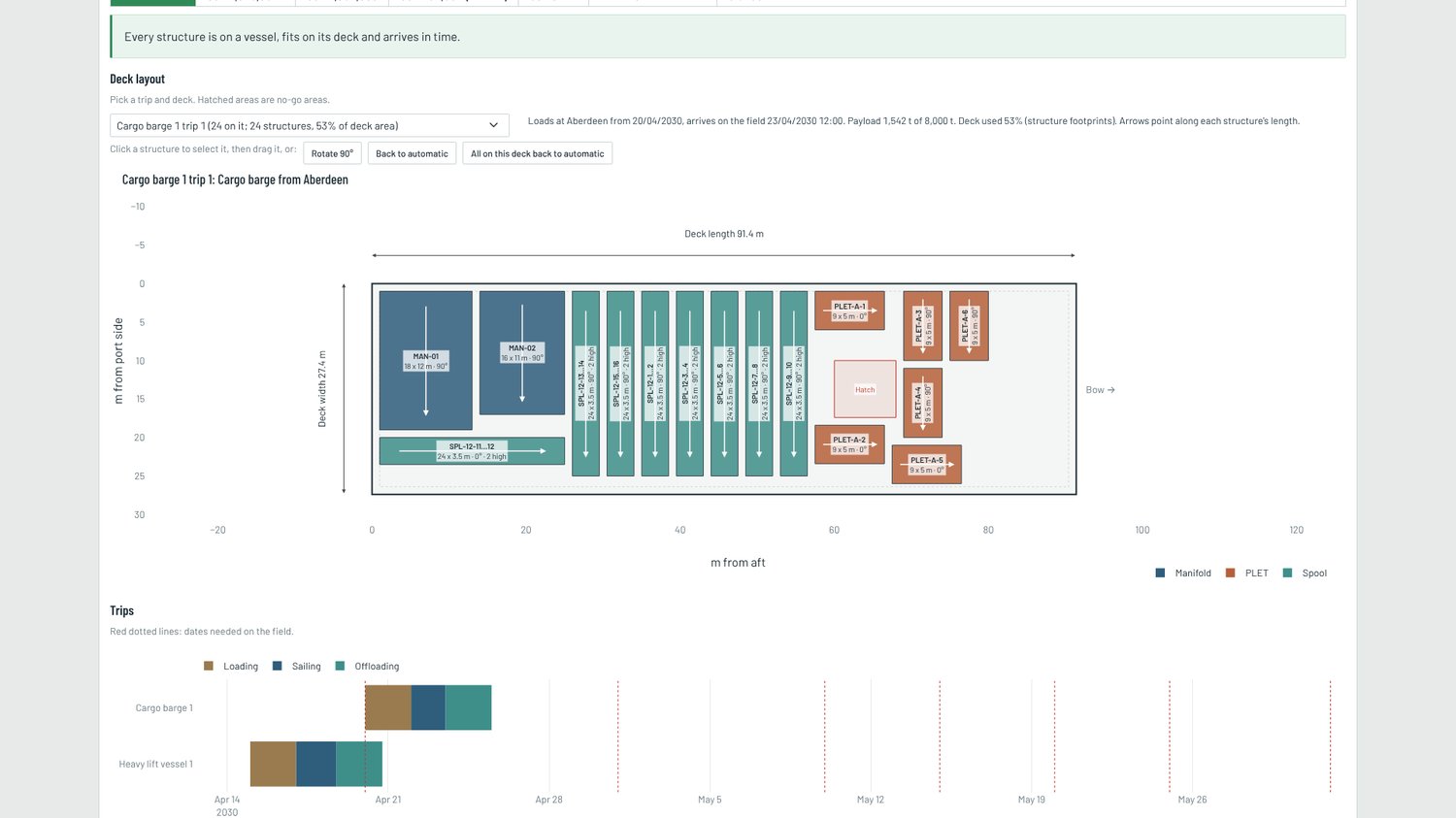
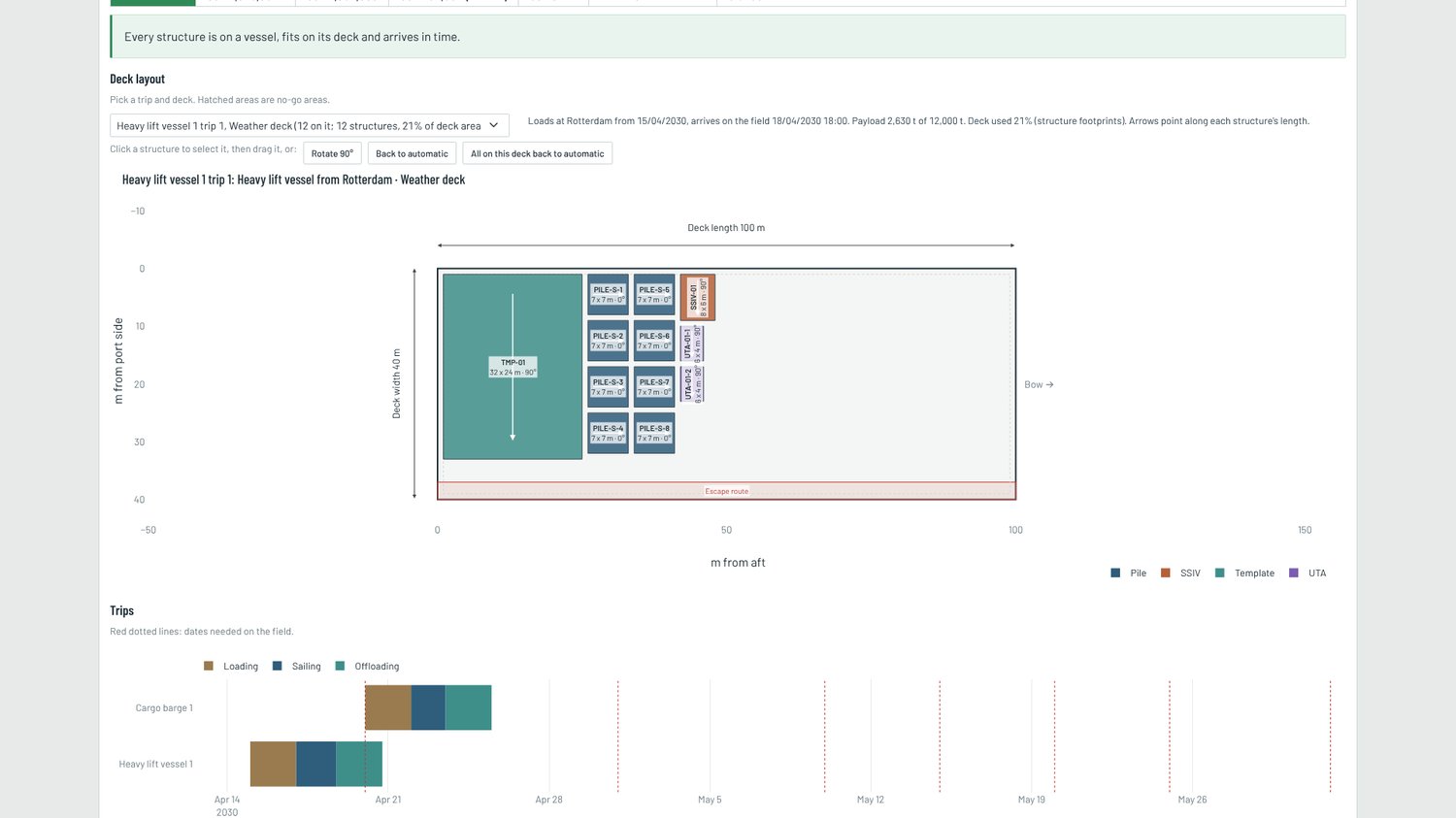
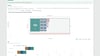
Deck layouts to scale: every trip's deck is drawn with each structure labelled with its size and orientation.
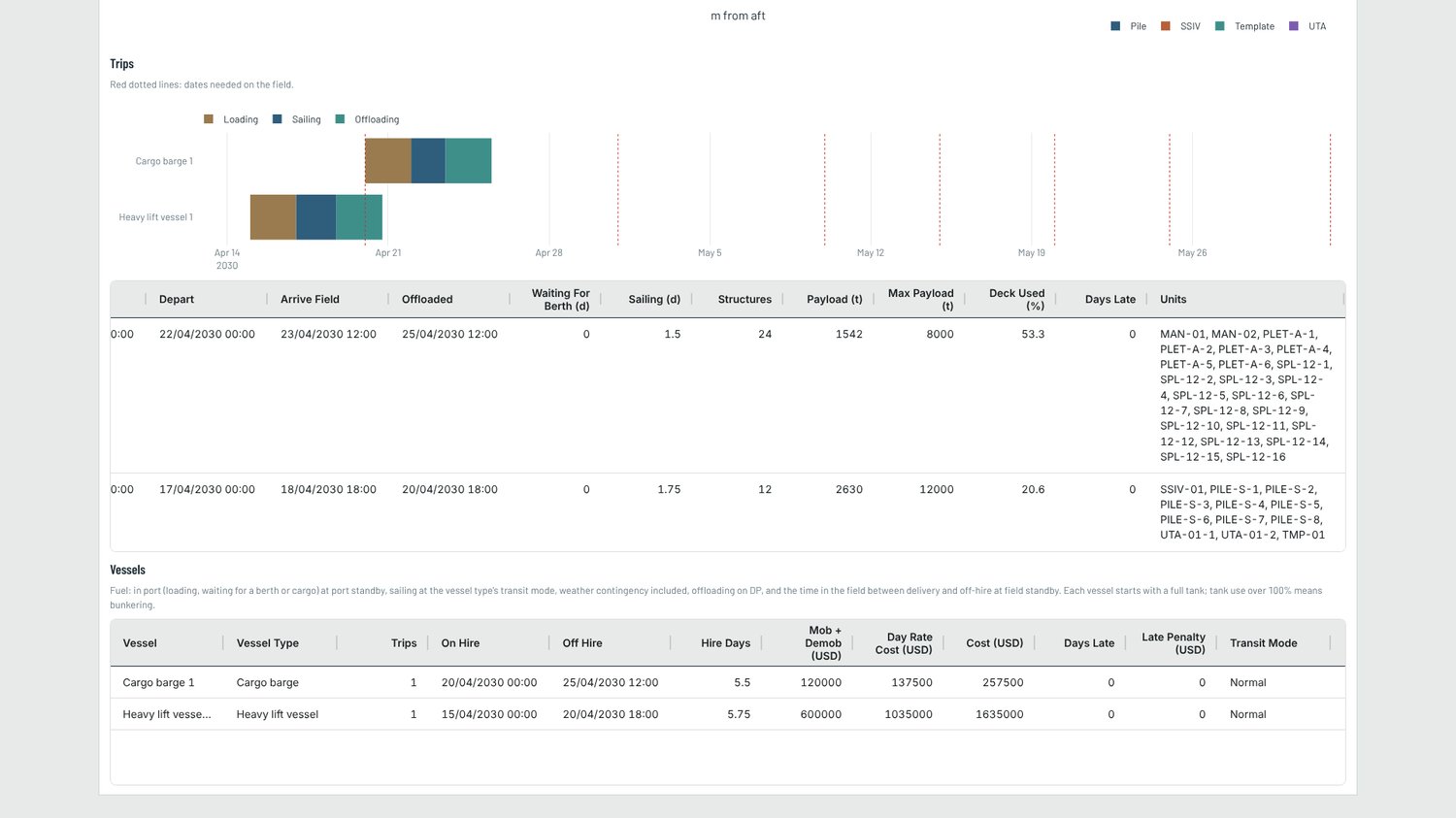
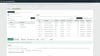
Trips and cost: trip dates with a chart, vessel hire days and total cost, including weather contingency and the cost of late delivery.
Problem list: no deck room, too tall, too heavy for the payload or deck, a category the vessel doesn't carry, a port it can't use, or arriving after the date needed.
Optimise: proposes a fleet and allocation with the lowest cost it can find. It is a heuristic: good plans quickly, with no proof of optimality.
Excel in and out: download a template, load your workbook, and download the plan with its deck positions. An example plan is built in.
Who it is for
Installation, marine and logistics engineers and planners on subsea, SURF and offshore construction projects.
What you get
Smart Transportation Planner.exe for Windows 10 and 11 (64-bit), with no installation and no Python needed; the terms of use; 12 months of updates.
Licence
One licence key per purchase, valid for 12 months on one computer. Activation needs internet once; after that the app works offline for up to 30 days at a time. Move the licence to a new computer from Help > Deactivate licence on this computer. Your plans stay on your computer; the app only contacts Payhip to check the licence.
Please note
Smart Transportation Planner is a planning aid. Results must be checked by a competent person before they are used for any operation.