

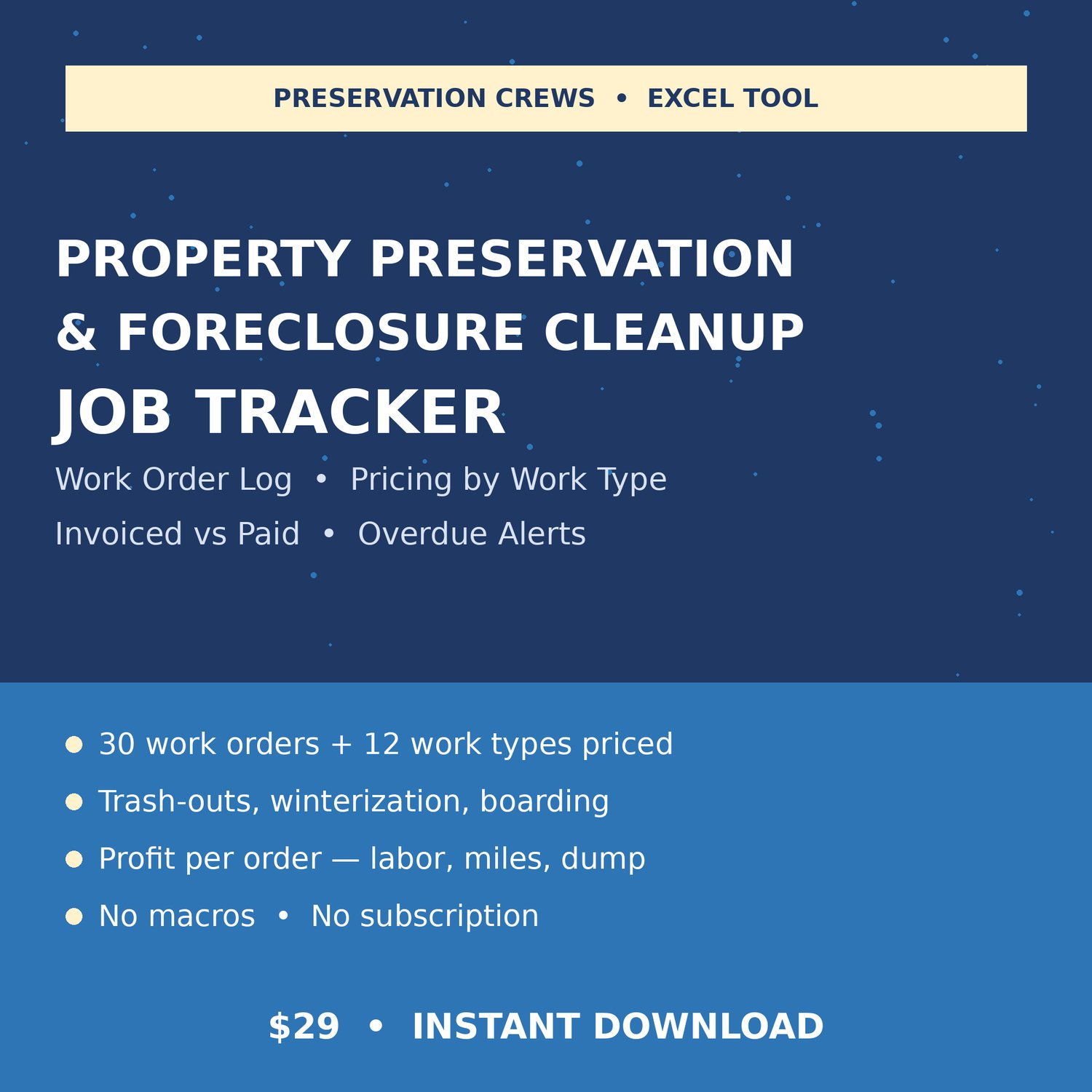
Property Preservation Job Tracker — Foreclosure Cleanup Work Order, Pricing & Invoice Excel
Work orders arrive from three asset companies by email and portal. One trash-out is due Friday, one winterization is already late, and nobody can say which October orders were invoiced, which were paid, and which are still open.
This Excel tracker fixes the record. One work order log. One pricing sheet. One client sheet. One dashboard.
WHAT IT DOES:
- Logs 30 work orders in one Work Order Log: received date, due date, completed date, WO number, client / asset company, property address, work type, status, qty, labor hours, miles, and other cost (materials + dump fees).
- Prices orders from a 12-type Work Types & Pricing sheet: trash-out / debris removal per cubic yard, lock change / rekey, lock box install, winterization, dewinterization, initial and recut lawn cuts, boarding per opening, roof tarp, interior cleaning / maid service, property inspection, and photo documentation only.
- Calculates unit price, photo / documentation fee, line total (qty x price + photo fee), total cost (labor + mileage + other cost), profit per order, amount invoiced vs paid, balance due, days to complete, and an OVERDUE flag for past-due open orders.
- Tracks 10 clients on the Clients sheet — asset companies, banks, and field-service firms — with orders, invoiced, paid, and balance due per client calculated automatically.
- Shows one Dashboard: total orders, completed, open, overdue, paid, revenue, total invoiced, collected, unpaid balance, completed-but-not-invoiced money, total cost, profit, average line total, and average days to complete.
WHAT YOU GET:
- property-preservation-job-tracker.xlsx — Instructions + Settings (mileage, labor rate, photo/doc fee defaults) + Work Types & Pricing (12 types) + Work Order Log (30 rows, 15 pre-filled with sample data) + Clients (10 rows) + Dashboard. Yellow cells are the only ones you type in. White cells calculate. No macros.
- property-preservation-job-tracker-guide.pdf — Setup steps, how charges calculate, a worked example, a daily and weekly invoicing routine, and photo / client-rule notes.
Sample prices in the workbook are placeholders. Replace them with your rates or your client's approved rates.
No new software. No monthly fee. One payment. Instant download (.xlsx + .pdf). Works in Excel and Google Sheets.
Note: this tool calculates from your entries. It does not submit work orders or invoices, upload photos, guarantee client approval or payment, and gives no legal, tax, or safety advice. Follow each client's work-order and photo rules and local rules for debris disposal, winterization, and property entry. Do not enter a property without a valid work order.