

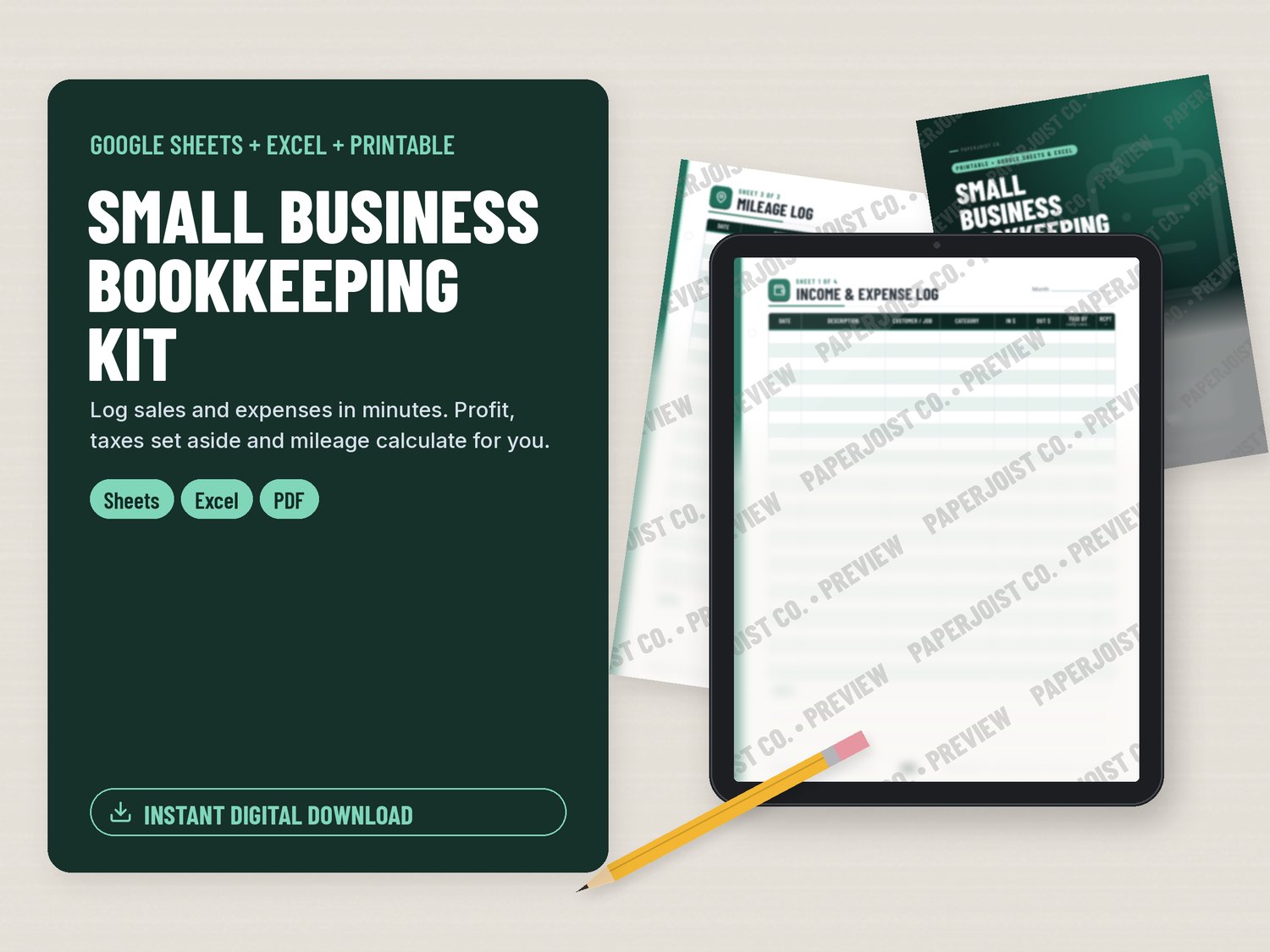
Small Business Bookkeeping Spreadsheet Template | Income Expense Tracker Google Sheets & Excel
Know your real profit every month, without accounting software or a monthly subscription.
Most small operators don't find out what they actually made until tax time. This kit shows you where you stand every month. It's built for service and trade businesses: handymen, cleaners, lawn care, pool techs, mobile mechanics, contractors, freelancers and side hustles. Log a sale or expense in seconds and the spreadsheet does the rest.
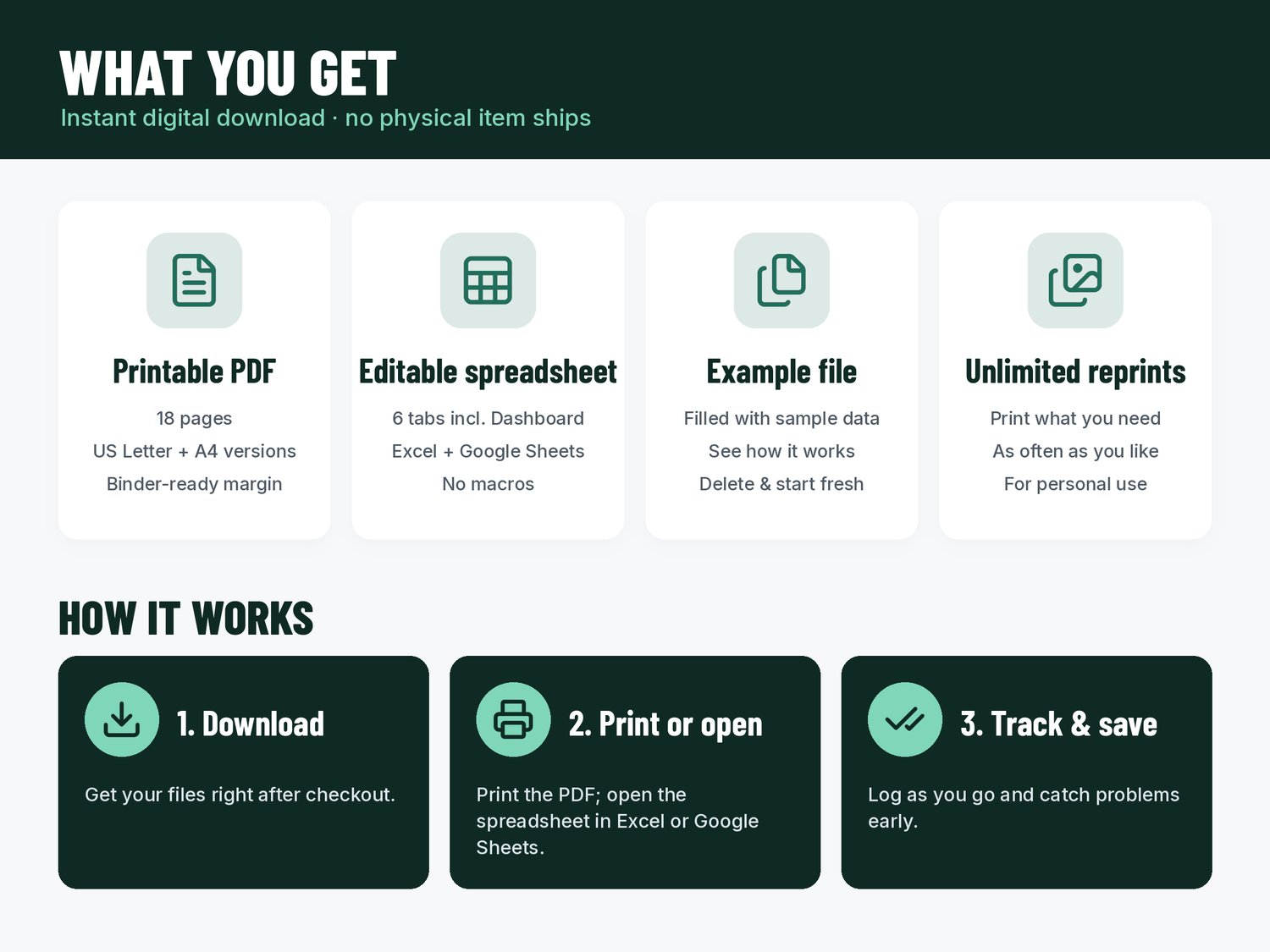
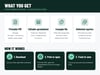
WHAT YOU GET
✔ Editable spreadsheet for Google Sheets and Excel (6 tabs, no macros)
✔ EXAMPLE copy filled with sample data, so you can see how it works
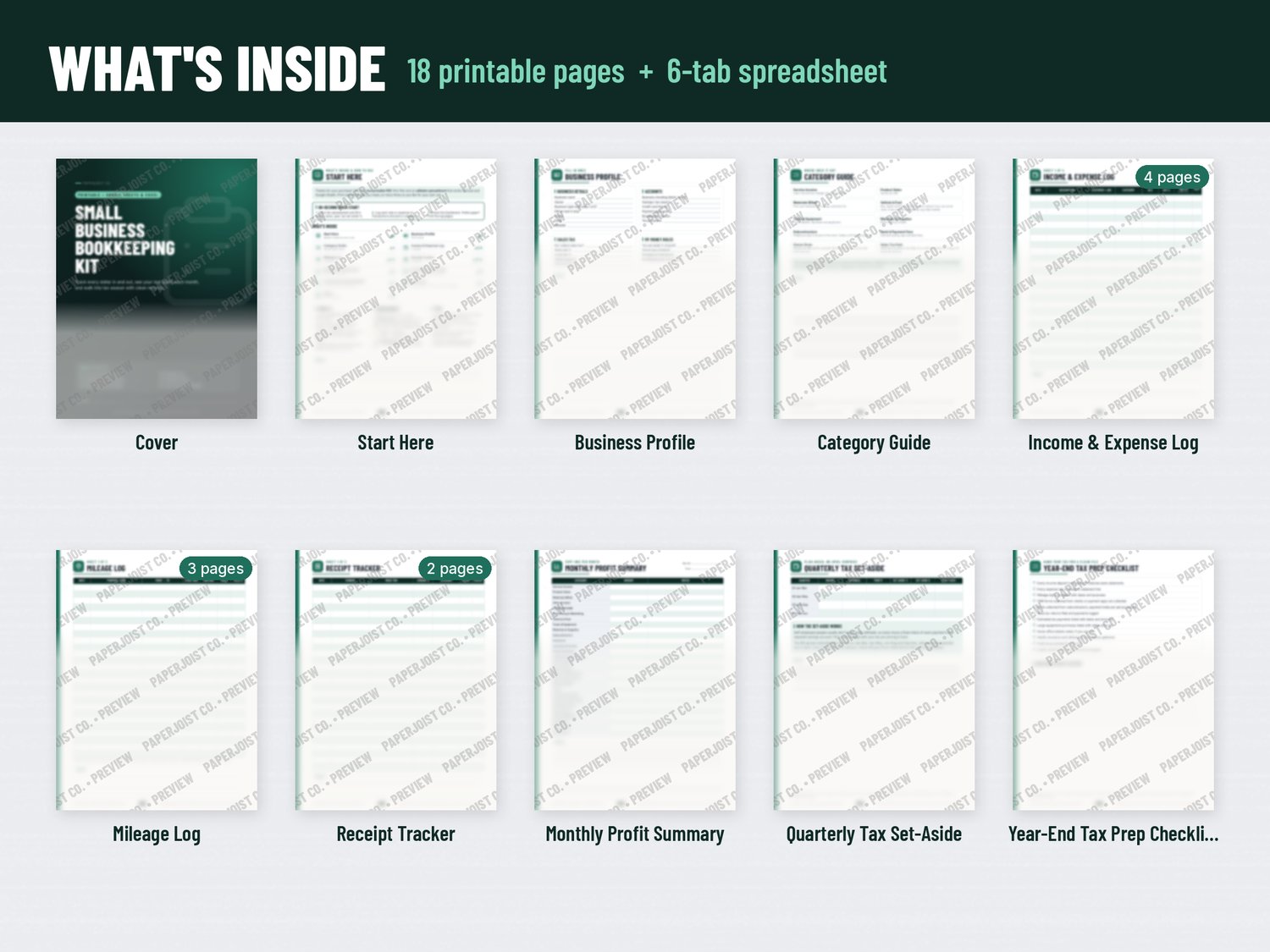
✔ 18-page printable PDF for paper records and receipts (US Letter + A4 versions)
✔ CSV templates for any other spreadsheet or app
SPREADSHEET FEATURES
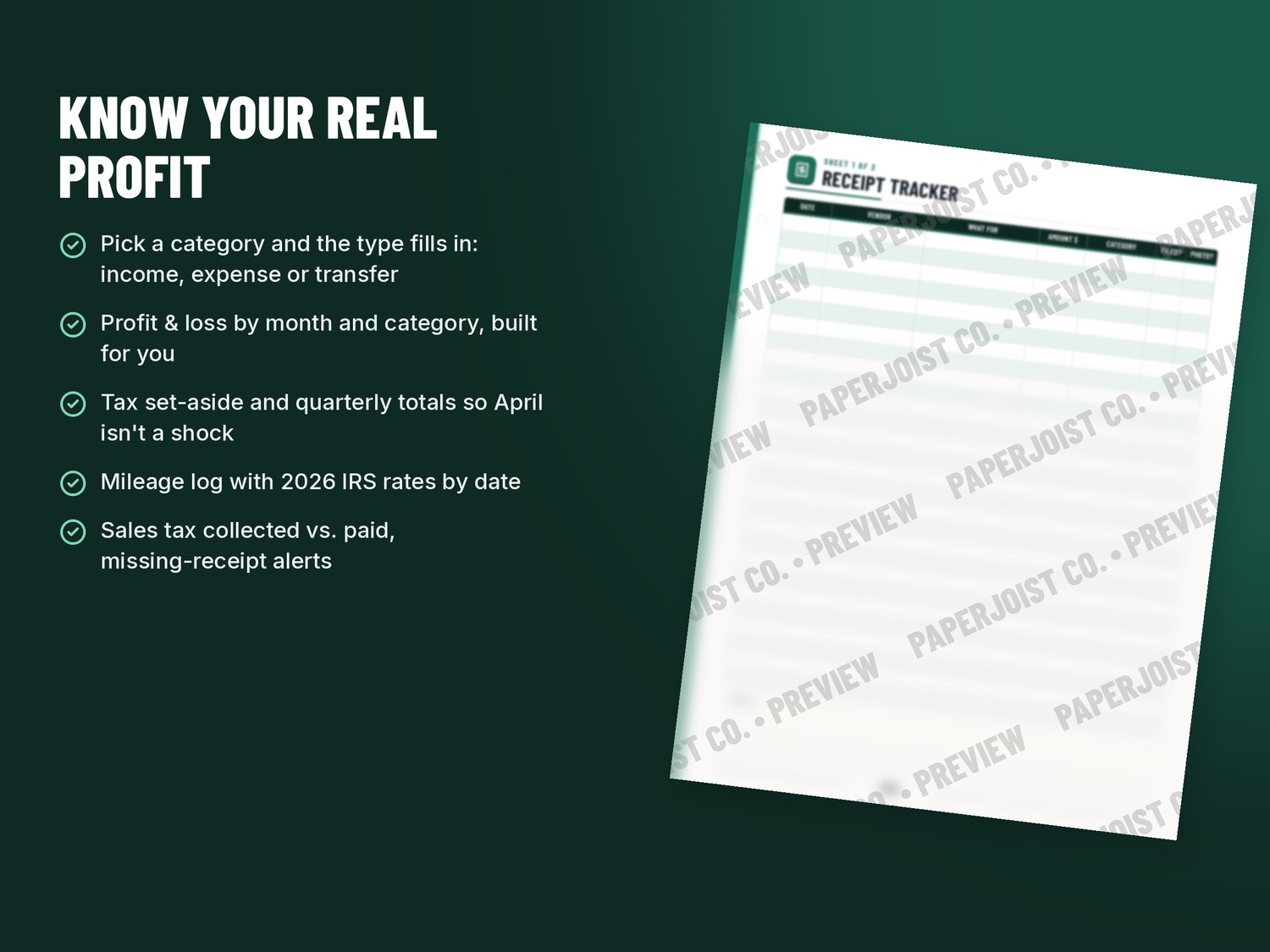
✔ Transactions log (1,000 rows): pick a category and it files itself as income, expense or transfer
✔ Profit & loss by category and month, with percent of income
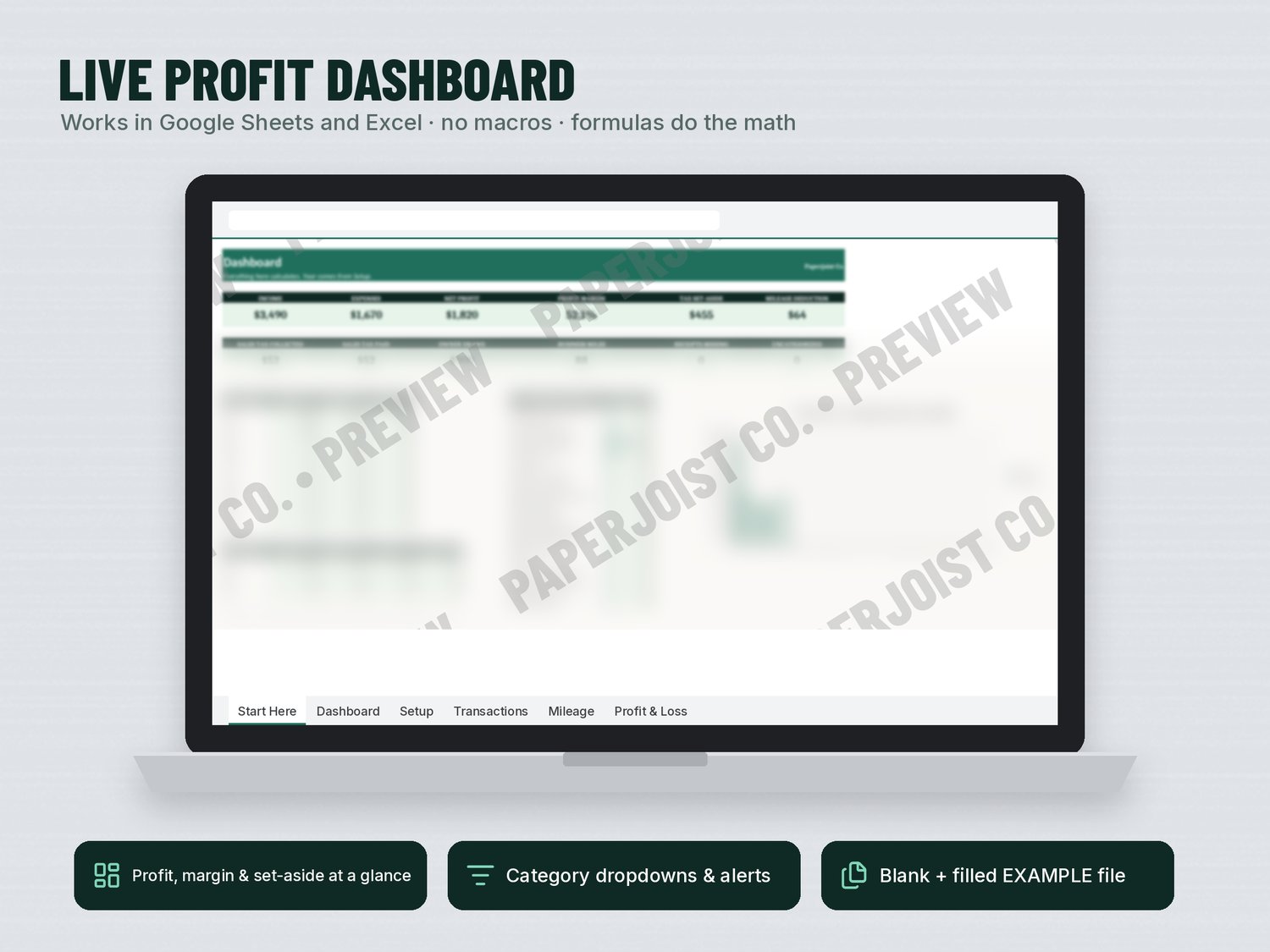
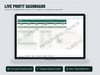
✔ Dashboard: income, expenses, net profit, margin, monthly chart and top expenses
✔ Tax set-aside estimate and quarterly totals at the percentage you choose
✔ Mileage log with 2026 IRS business rates by date (72.5¢ through June 30, 76¢ from July 1)
✔ Sales tax collected vs. paid, plus alerts for missing receipts and unknown categories
✔ Owner draws and transfers kept out of profit, the way they should be
PRINTABLE PAGES
✔ Business profile, category guide, income & expense log (4 pages), mileage log (3 pages), receipt tracker (2 pages), monthly profit summary, quarterly tax set-aside worksheet, year-end tax prep checklist, plus a blank log and notes page for anything else
HOW IT WORKS
- Download the files right after checkout.
- 2. Open the spreadsheet in Excel, or upload it to Google Drive and save it as a Google Sheet.
- 3. Fill in Setup once, then log as you go.
Instant digital download; nothing ships. US Letter PDF. Record-keeping tool only, not tax, legal or accounting advice. For personal or single-business use; please don't share or resell the files.
Questions or problems? Message us through Payhip and we'll make it right.
Q: What's included?
A: An 18-page printable PDF (US Letter and A4), a blank 6-tab spreadsheet, a filled EXAMPLE copy and CSV templates. Tabs: Start Here, Dashboard, Setup, Transactions, Mileage and Profit & Loss.
Q: Do I need Microsoft Excel?
A: No. Upload the .xlsx to Google Drive and open it in free Google Sheets, or open it in Excel 2016 or newer. Everything works in both, with no macros.
Q: Does it connect to my bank?
A: No. You type or paste transactions yourself, so nothing links to your accounts. A short weekly session keeps it current.
Q: Can I change the categories?
A: Yes. Rename any category on the Setup tab and everything follows the new name. Six spare rows let you add your own categories; they get their own lines on the profit & loss.
Q: Is this tax advice?
A: No. It's a record-keeping tool that organizes your numbers. Your tax professional decides how they go on your return.
Q: Can I use it again next year?
A: Yes. Save a copy, change the year on Setup and start fresh. Your old year stays in the old copy.
Q: Questions or problems?
A: Message us through Payhip and we'll make it right.
Questions or problems? Message us through Payhip and we'll make it right.
© 2026 Paperjoist Co. All rights reserved. For personal use; not for resale.