
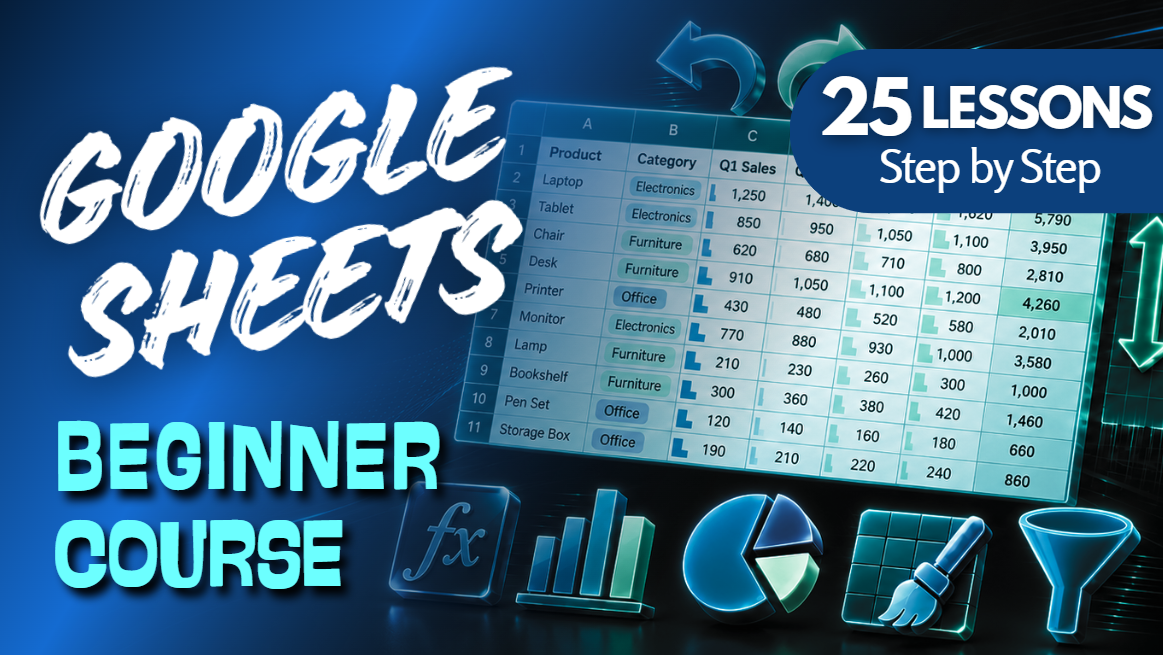
Google Sheets Beginner Course Bundle | 25 Lessons & 24 Practice Workbooks
Ready to learn Google Sheets from the beginning?
Spreadsheets don't have to be hard. We do them on Easy Mode! 💜
This beginner-friendly Google Sheets Beginner Course Practice Workbook Bundle from Easy Mode Excel Tutorials includes 24 hands-on practice workbooks covering 25 essential lessons.
From understanding cells, rows, and columns to creating formulas, organizing information, making charts, and preparing spreadsheets for printing, this bundle helps you build practical Google Sheets skills one lesson at a time.
No previous spreadsheet experience required!
What You'll Practice
Cells, Rows & Columns
✓ Learn how spreadsheets are organized into cells, rows, and columns
✓ Practice navigating a blank spreadsheet and identifying cell locations
Bold, Color & Alignment
✓ Apply bold formatting and font colors to highlight important information
✓ Practice aligning cell contents to create neat, readable spreadsheets
Currency, Percent & Commas
✓ Format numbers as currency and percentages
✓ Use comma separators to make large numbers easier to read
Margins
✓ Explore margin settings when preparing spreadsheets for printing
✓ Practice adjusting page margins to improve printed layouts
Find & Replace
✓ Find specific information within your spreadsheet
✓ Practice replacing text or values without editing each cell individually
Wrap Text
✓ Display longer text within spreadsheet cells
✓ Practice wrapping text to improve readability
Add, Subtract, Multiply & Divide
✓ Create simple formulas using basic arithmetic operations
✓ Practice calculating results using spreadsheet cells
SUM Basic Function
✓ Use SUM to add groups of numbers together
✓ Practice calculating totals without adding each cell manually
Borders & Cell Fill Color
✓ Apply borders to organize spreadsheet information
✓ Use cell fill colors to highlight important data
Merge Cells
✓ Combine selected cells into larger cells
✓ Practice creating headings and organizing spreadsheet layouts
Sorting
✓ Organize information in ascending or descending order
✓ Practice sorting spreadsheet data for easier comparison
Freeze Panes
✓ Keep important rows or columns visible while scrolling
✓ Practice freezing and unfreezing spreadsheet sections
Filtering
✓ Display information that matches selected conditions
✓ Practice applying and removing filters
Average, MIN & MAX
✓ Calculate averages and identify the smallest values
✓ Find the largest values using the MAX function
Autofill & Flash Fill
✓ Practice filling cells with sequences and repeating patterns
✓ Explore ways to complete information more efficiently
Printing
✓ Explore print settings and preview spreadsheets before printing
✓ Practice preparing spreadsheets for clearer printed results
Charts — Column, Line & Pie
✓ Create column and line charts to compare values and display trends
✓ Practice using pie charts to represent parts of a whole
Page Orientation — Portrait vs. Landscape
✓ Explore portrait orientation for taller page layouts
✓ Practice using landscape orientation for wider spreadsheets
Headers, Footers & Gridlines
✓ Explore adding useful information to printed headers and footers
✓ Practice showing or hiding gridlines when printing
Copy & Paste
✓ Copy information from one cell or range to another
✓ Practice duplicating spreadsheet information efficiently
Cut & Move Cells
✓ Move information between spreadsheet locations
✓ Practice rearranging cell contents without retyping
Undo & Redo
✓ Reverse changes using Undo
✓ Practice restoring changes using Redo
Insert & Delete Rows and Columns
✓ Add rows and columns where they're needed
✓ Practice removing unnecessary rows and columns
Insert & Delete Cells
✓ Insert cells and shift existing information
✓ Practice deleting cells while managing surrounding data
Row Height & Column Width
✓ Adjust row heights to accommodate information
✓ Resize columns to improve readability
What's Included
✓ 24 Google Sheets practice workbooks covering 25 lessons
✓ Links to create your own editable workbook copies
✓ Beginner-friendly examples and hands-on exercises
✓ Practice with formatting, formulas, organizing data, charts, and printing
✓ Workbooks you can keep and revisit whenever you need a refresher
The introductory Cells, Rows & Columns lesson uses a blank spreadsheet, so no separate workbook is required.
Bundle & Save!
Get all 24 practice workbooks for just $33.99 USD!
Purchased separately, these workbooks would cost $59.76 USD.
Your bundle savings: $25.77 USD — approximately 43% off!
That's 25 beginner lessons and 24 matching practice workbooks in one convenient bundle!
Learn by Doing!
Watching a tutorial is helpful, but practicing the skills yourself makes them easier to remember!
Create your own copies of the workbooks, follow along with the lessons, and complete the exercises at your own pace.
Perfect for Google Sheets beginners! Whether you're learning spreadsheets for work, school, budgeting, organizing information, or personal projects, this collection gives you a practical foundation to build on.
Watch the FREE Video Lesson Compilation
Follow along with all 25 Google Sheets beginner lessons:
This purchase includes access to 24 Google Sheets practice workbooks. A Google account may be required to create and edit your own copies.