
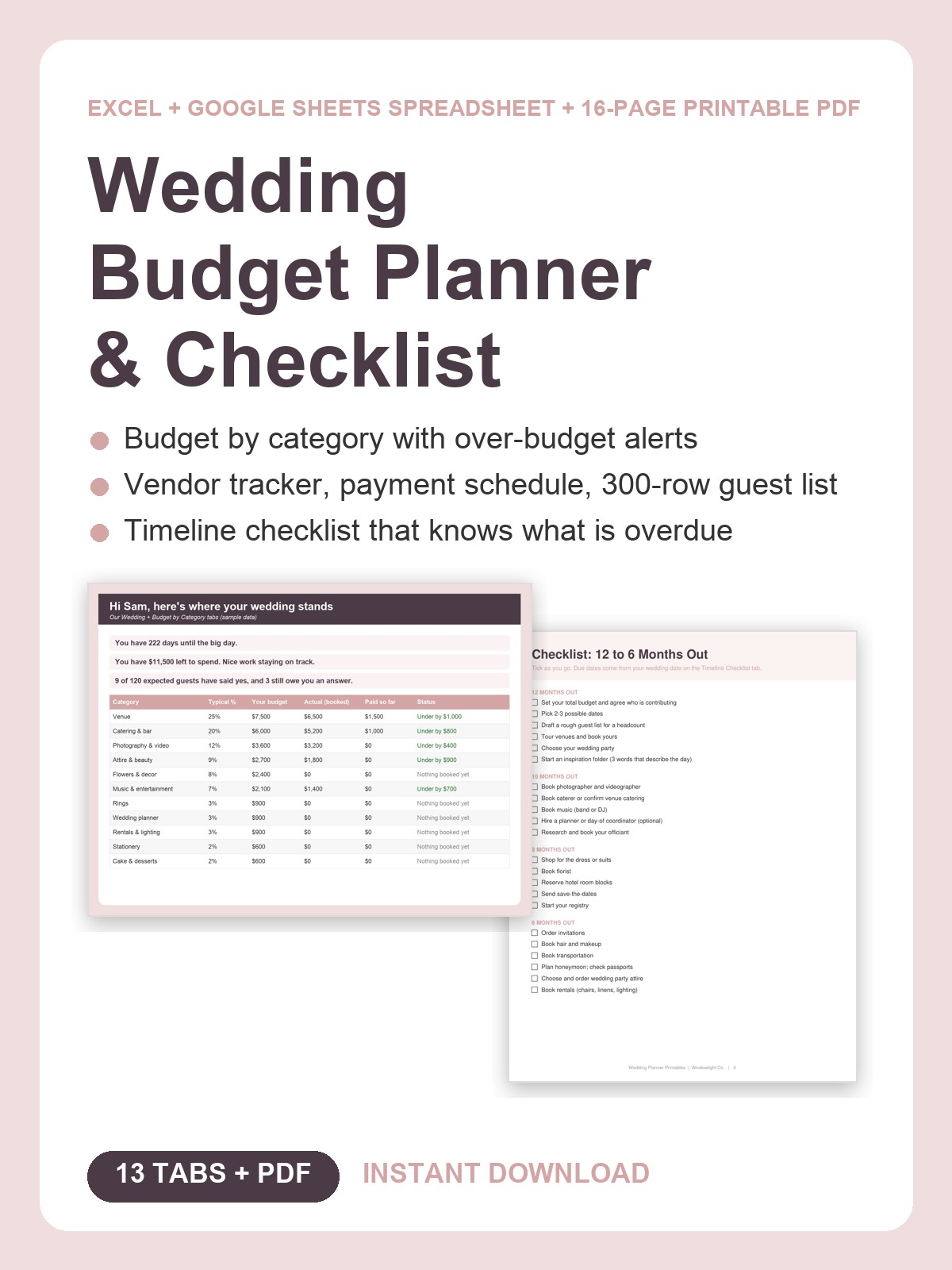
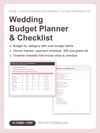
Wedding Budget Planner & Checklist | Excel, Google Sheets + Printable PDF
Planning a wedding on a real budget, and tired of the numbers living in six different places?
The venue wants a deposit by Friday, Aunt Carol has not RSVP'd, the florist quote is sitting in your inbox, and you honestly could not say right now whether you are $500 under budget or $3,000 over. Every "quick check" turns into an hour of scrolling.
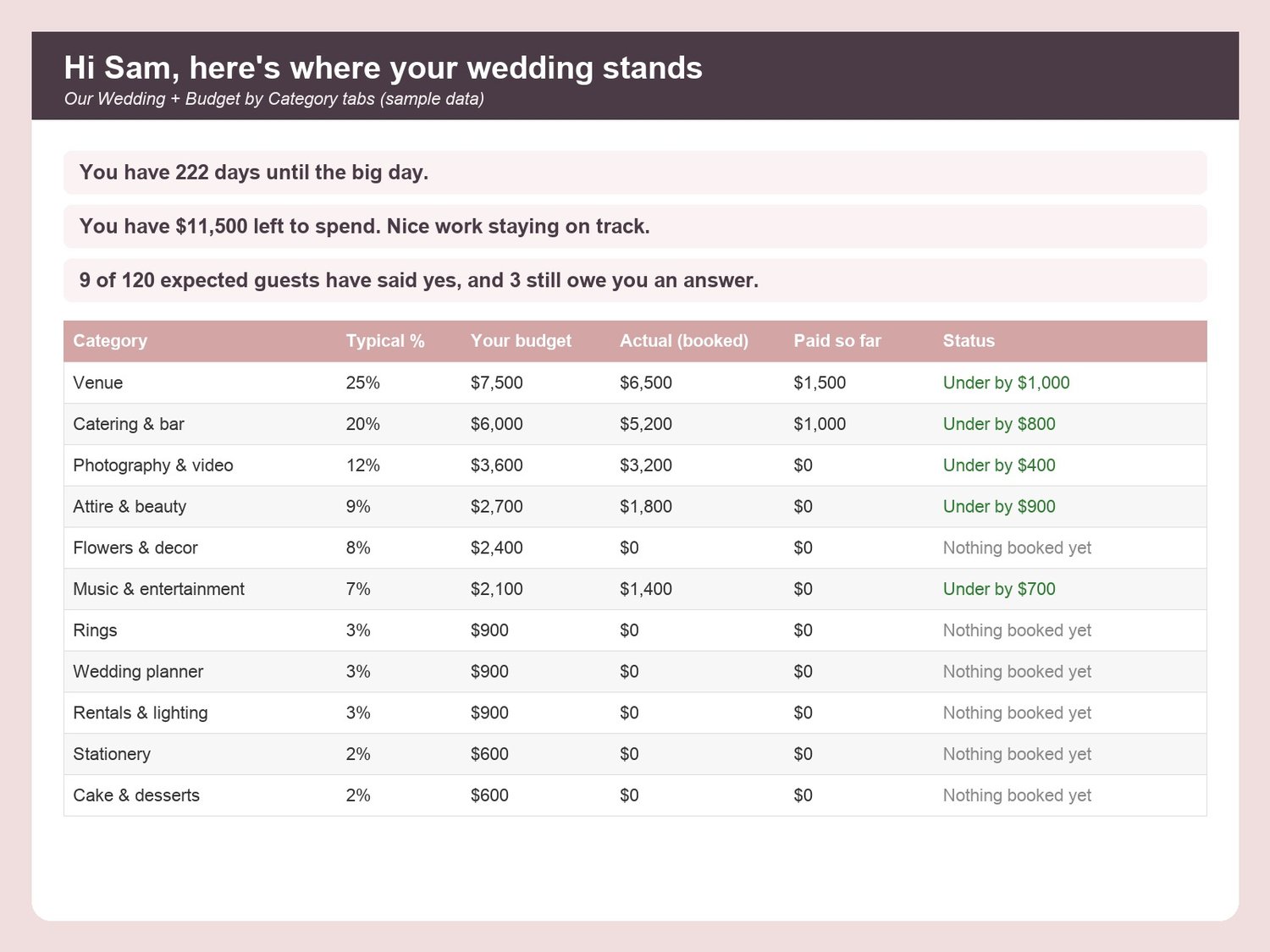
The Wedding Budget Planner & Checklist puts all of it in one spreadsheet that does the math for you, plus a 16-page printable PDF for the binder and the day itself. Type your date, budget and guest count once, and every tab greets you by name and tells you in plain English where you stand: "You have 221 days until the big day. You have $7,900 left to spend. 9 of 120 guests have said yes."
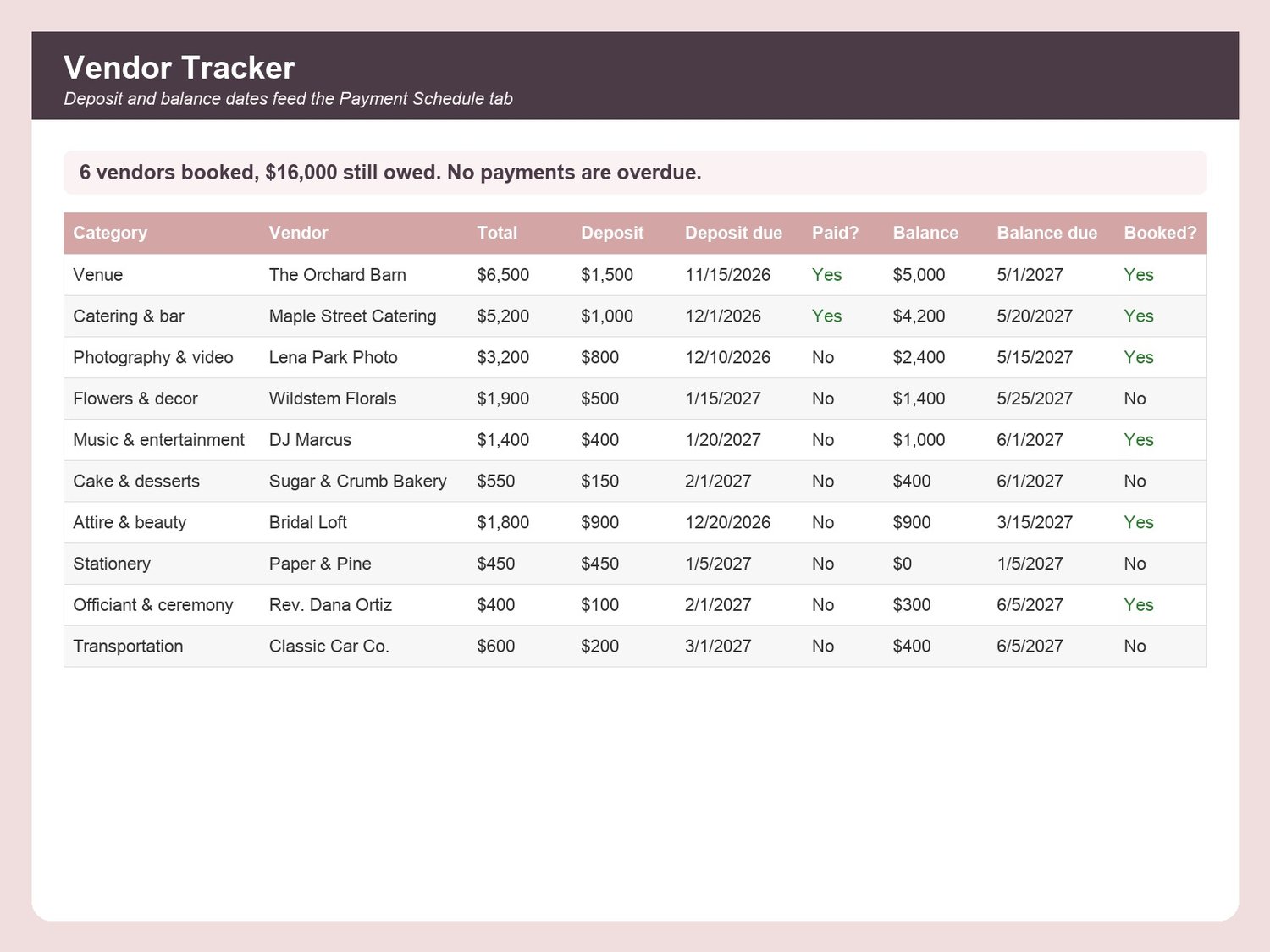
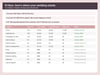
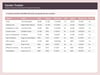
WHAT IT DOES- Budget by Category: a typical % split suggests a budget for 15 categories; your actual booked costs fill in from the vendor tracker; over-budget rows turn red- Vendor Tracker (50 vendors): quote, deposit, balance, due dates, paid and booked status; red dates mean overdue- Payment Schedule: what is due each month, what is paid, and your next payment date and amount- Guest List (300 rows): party, side, RSVP, meal, table, gift received, thank-you sent, with live counts- Seating Helper: tables needed and seats left per table, from your RSVPs- Timeline Checklist: 60+ tasks from 12 months out to the day, due dates set from your wedding date, overdue count on the dashboard- Day-of Timeline, Registry & Gifts, Honeymoon budget, Monthly Review, Settings for every dropdown- Our Wedding dashboard: countdown, budget status, RSVP and task progress bars, your top 3 priorities
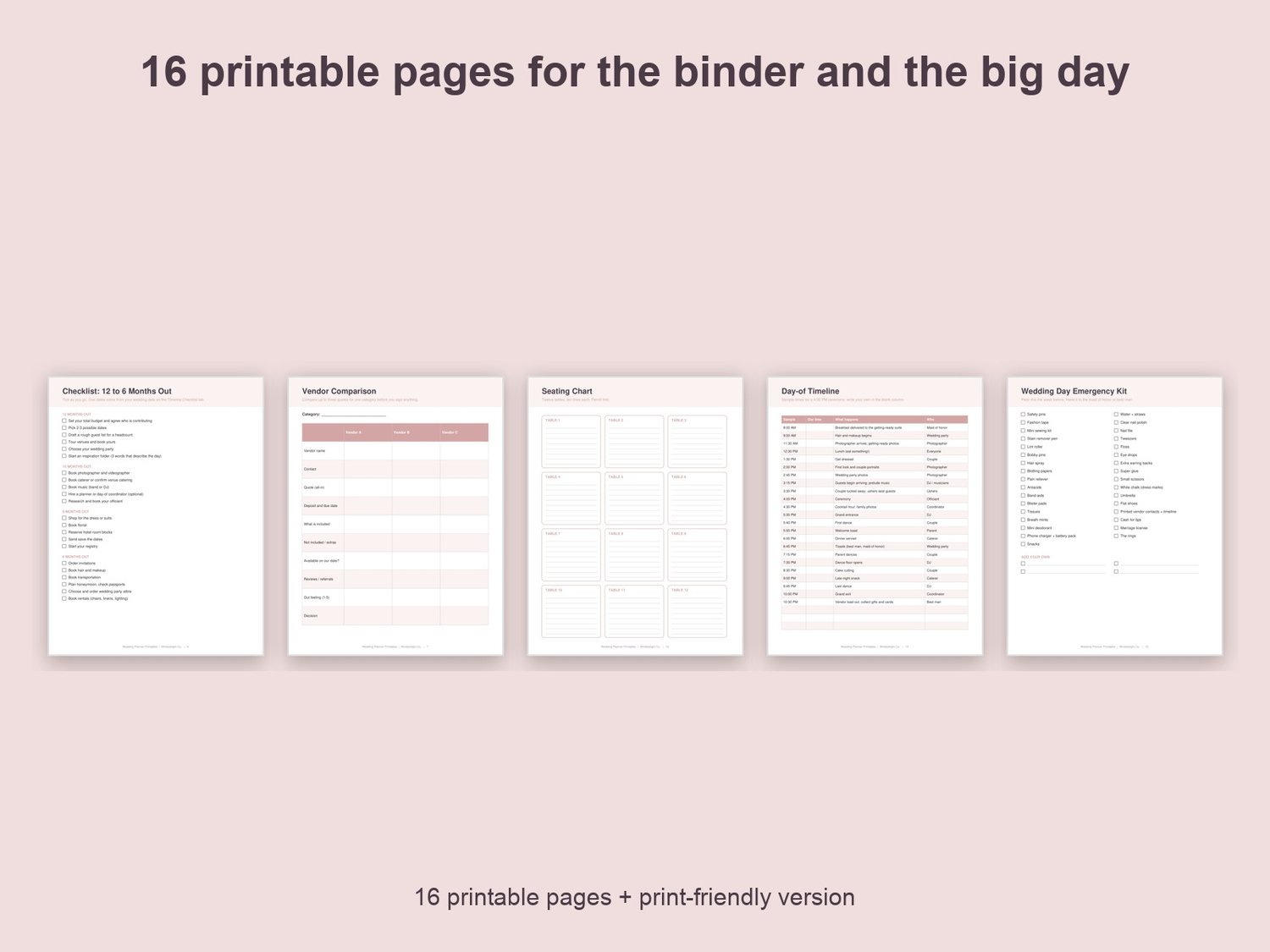
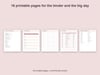
THE PRINTABLE PDF (16 pages, US Letter, plus a print-friendly black-and-white version)Budget worksheet, month-by-month checklist (3 pages), vendor comparison sheets (2), vendor contact sheet, payment schedule, guest/RSVP tracker (2), seating chart grid, day-of timeline, emergency kit checklist, honeymoon budget.
WORKS WITHMicrosoft Excel (desktop or free online) and Google Sheets (upload to Drive, then Open with Google Sheets). No formulas to write, only yellow cells to fill in. Sample rows marked "delete me" show you how.
WHAT YOU GET1 Excel file (.xlsx, 13 tabs) + 2 PDFs (color and print-friendly). Instant download; nothing is shipped. Personal use. If anything does not open, reply to your receipt and I will help.
Made with AI assistance and checked by a human.