
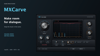

MXCarve - Dialogue-Aware Spectral Carving | macOS & Windows AAX, VST3 & AU
Keep your dialogue clear without losing the character of the score.
MXCarve is a dialogue-aware spectral carving plug-in from Sound Freak Studios. Insert it on your music track or bus, send dialogue to its external sidechain, and shape a moving pocket around the dialogue spectrum.
From subtle clearance to a more assertive carve, MXCarve gives you direct control over how much space the music makes, where that space sits, and how naturally it opens and recovers.
Shape the pocket
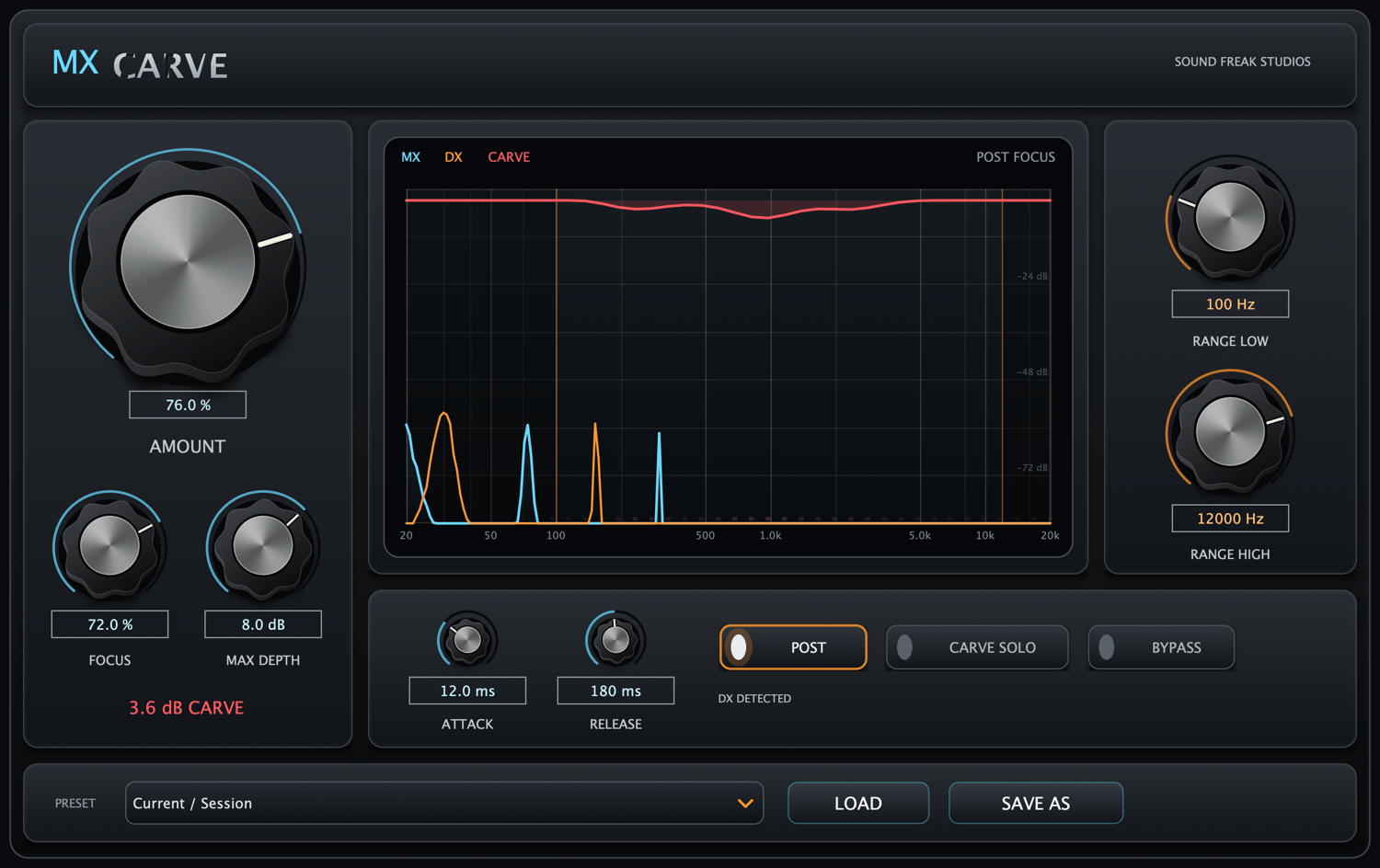
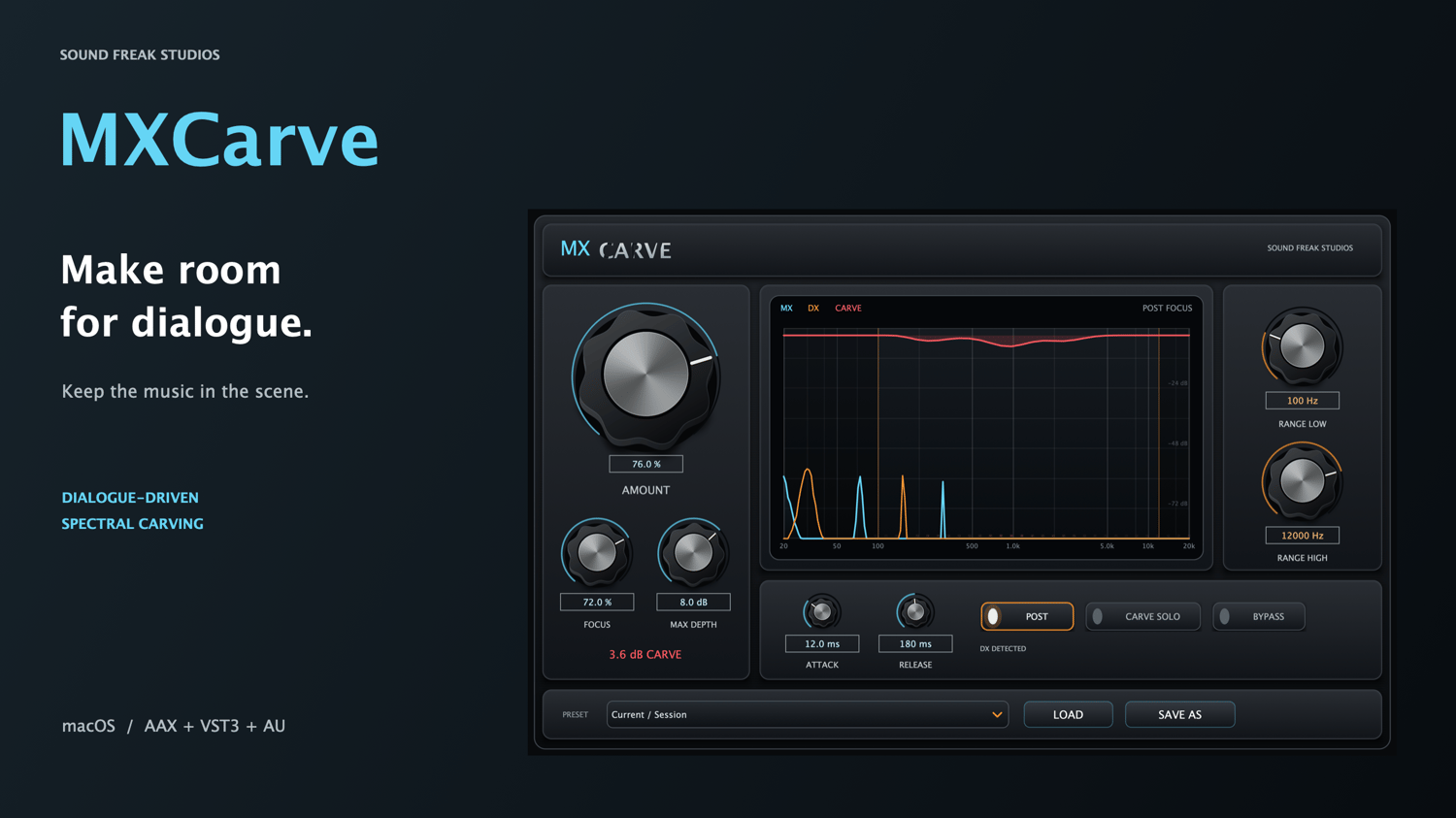
- Amount: dial in the strength of the carve, with an assertive middle range and a neutral 0% starting point.
- Focus: move from a broad, smooth pocket to tighter spectral following.
- Max Depth: set the maximum requested reduction per band, up to 12 dB.
- Range Low and Range High: choose the frequency region where carving is applied.
- Attack and Release: control how quickly the pocket opens and how smoothly the music returns.
- POST: apply dialogue-focused weighting that reduces bass participation and eases the carve in the upper frequencies.
See and hear what is changing
Watch the music, dialogue and reduction together in the live analyzer. Use the hover readout to inspect frequencies, then switch on Carve Solo to audition the music being removed. Turn Carve Solo off and compare with Bypass to judge the result in context.
Built for stereo and surround sessions
MXCarve supports matching mono, stereo, surround and height layouts, including 5.0, 5.1, 7.0, 7.1, 7.0.2 and 7.1.2, with additional standard layouts through 9.1.6 where the host and format support them.
The Windows installer includes a choice of Standard AAX for supported surround and height layouts, or Legacy AAX for older Pro Tools systems using conventional layouts up to 7.1. Install one AAX edition at a time.
A linked reduction curve is applied across the full-range channels, while LFE passes through unchanged. The engine reports zero algorithmic latency to the host.
Six factory starting points
Init, Gentle Dialogue, Feature Film, Dense Score, Fast Promo and Broad Natural help you get started. Fine-tune the result and save your own MXCarve presets for future sessions.
What you get
- MXCarve for macOS and Windows.
- macOS: AAX Native, VST3 and Audio Unit (AU), with universal builds for Apple Silicon and Intel.
- Windows: AAX Native and VST3 for 64-bit Intel and AMD systems.
- One signed, Apple-notarized PKG installer for macOS.
- One digitally signed EXE installer for Windows, with Standard or Legacy AAX selection.
- A 20-page installation and user manual covering macOS and Windows setup, activation, routing, controls, presets and troubleshooting.
- License activation on up to two computers, including a mix of Mac and Windows.
Requirements and activation
macOS: macOS 11 or later and a compatible 64-bit audio host with external sidechain support.
Windows: Windows 10 or 11, a 64-bit Intel or AMD processor, and a compatible 64-bit VST3 or AAX host with external sidechain support.
Your DAW may have additional system requirements. Available surround layouts depend on the host, track format, plug-in format and selected AAX edition. Audio Unit (AU) is available on macOS only.
Activate online using the purchase email and MXCarve license key from your order. Payhip and Gumroad purchases use the same licensing service. A successful check provides up to 30 days of offline authorization. No customer iLok hardware or iLok license is required for MXCarve; your DAW’s own licensing requirements still apply.
Includes both macOS and Windows installers.
Make room for dialogue. Keep the music in the scene.
Key features
- Dialogue-driven 32-band spectral carving
- Zero algorithmic latency
- Mono, stereo, surround and height layouts
- Linked full-range processing with LFE preserved
- Live MX / DX / CARVE analyzer
- Carve Solo audition
- Six factory presets and user preset saving
- macOS: AAX Native + VST3 + AU
- Windows: AAX Native + VST3
- Apple Silicon + Intel on macOS; Intel + AMD x64 on Windows
- Standard and Legacy AAX options in the Windows installer
- Two-computer activation across macOS and Windows