
OBS-Mouse-Effect-Pro
On Sale
$9.99
$9.99
Stop Losing Viewers Because They Can’t See Your Cursor
People don’t leave your tutorial because it’s bad. They leave because they can’t follow what you’re doing. A tiny cursor on a busy screen is invisible. That’s enough to lose attention in seconds.
OBS Mouse Effect Pro fixes that instantly.
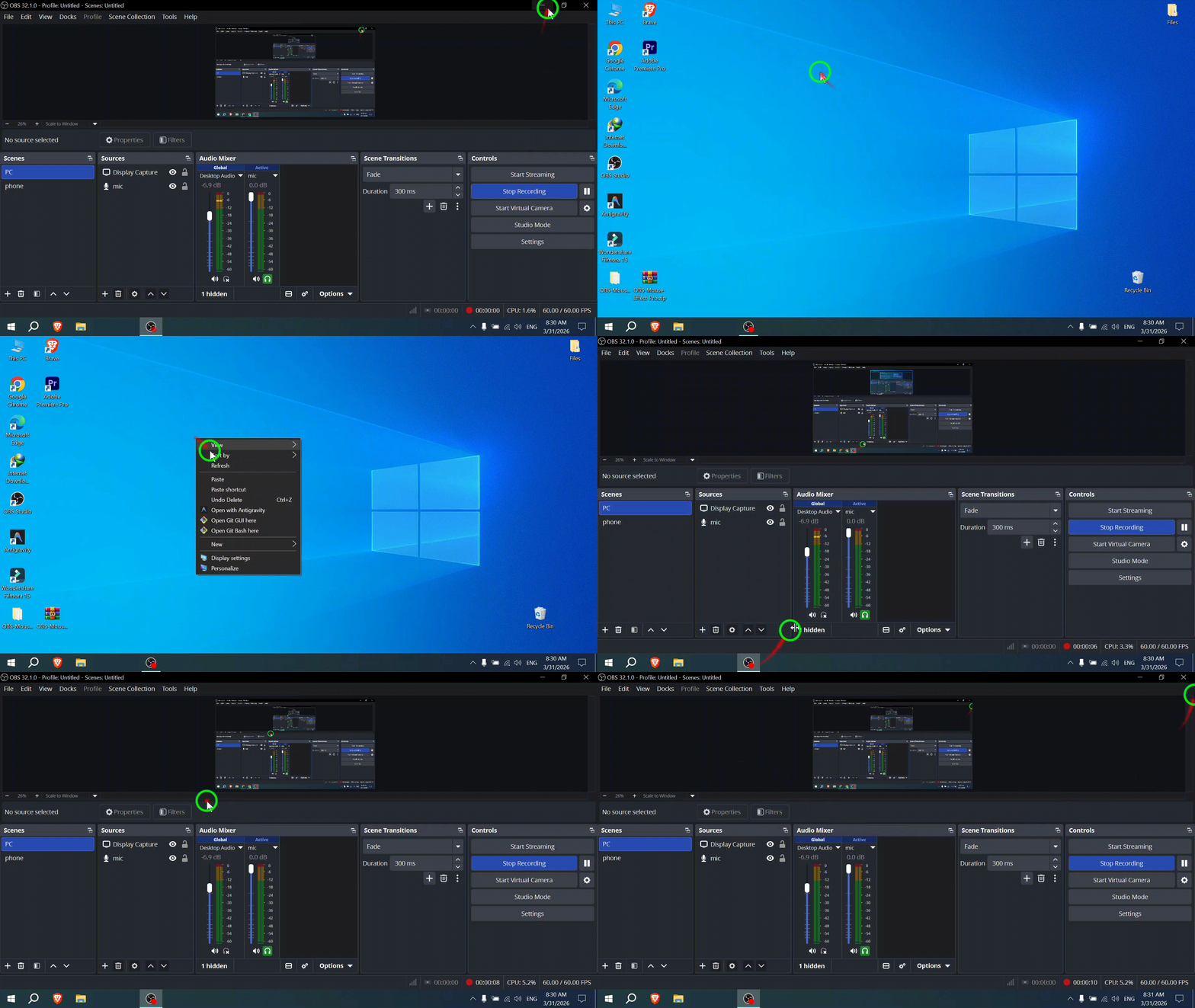
It adds a clear circle around your mouse, a smooth motion trail, and visual click effects — so your viewer always knows:
- where you are
- where you moved
- what you clicked
No guessing. No rewinding.
What It Does?
- Cursor Highlight
- A clean circle follows your mouse in real time. Fully customizable color and size.
- Smooth Movement Trail
- A fading trail shows your cursor path so nothing gets lost.
- Click Effects
- Left and right clicks show different visual feedback. Viewers instantly understand your actions.
Built for Real Use
- Runs directly inside OBS
- Works on low-end PCs (integrated graphics supported)
- No extra apps, no lag, no crashes
Setup (2 Minutes)
- Install ShaderFilter plugin
- Add filter to your source
- Load the script
Done.
Who Needs This?
- Tutorial creators
- YouTubers
- Course creators
- Streamers
- Anyone recording their screen
If your cursor matters, this makes it visible.
Why Not Free Tools?
- External apps = more crashes
- Editing manually = wastes hours
- Built-in effects = outdated and ugly
This works inside OBS, clean and smooth.
What You Get
- Lua script
- Shader effect file
- Quick setup guide
Price:
$9.99 — one time payment
No subscription. Free updates included.
You can keep making videos where viewers guess what you’re doing…
Or make everything instantly clear.
Download it. Install it. Fix your recordings in minutes.