

Prop Payout Planner: Consistency Rule & Payout Calculator for Funded Traders (Excel + Google Sheets)
You passed. You're funded. Then the payout request says "not eligible". It's usually the consistency rule.
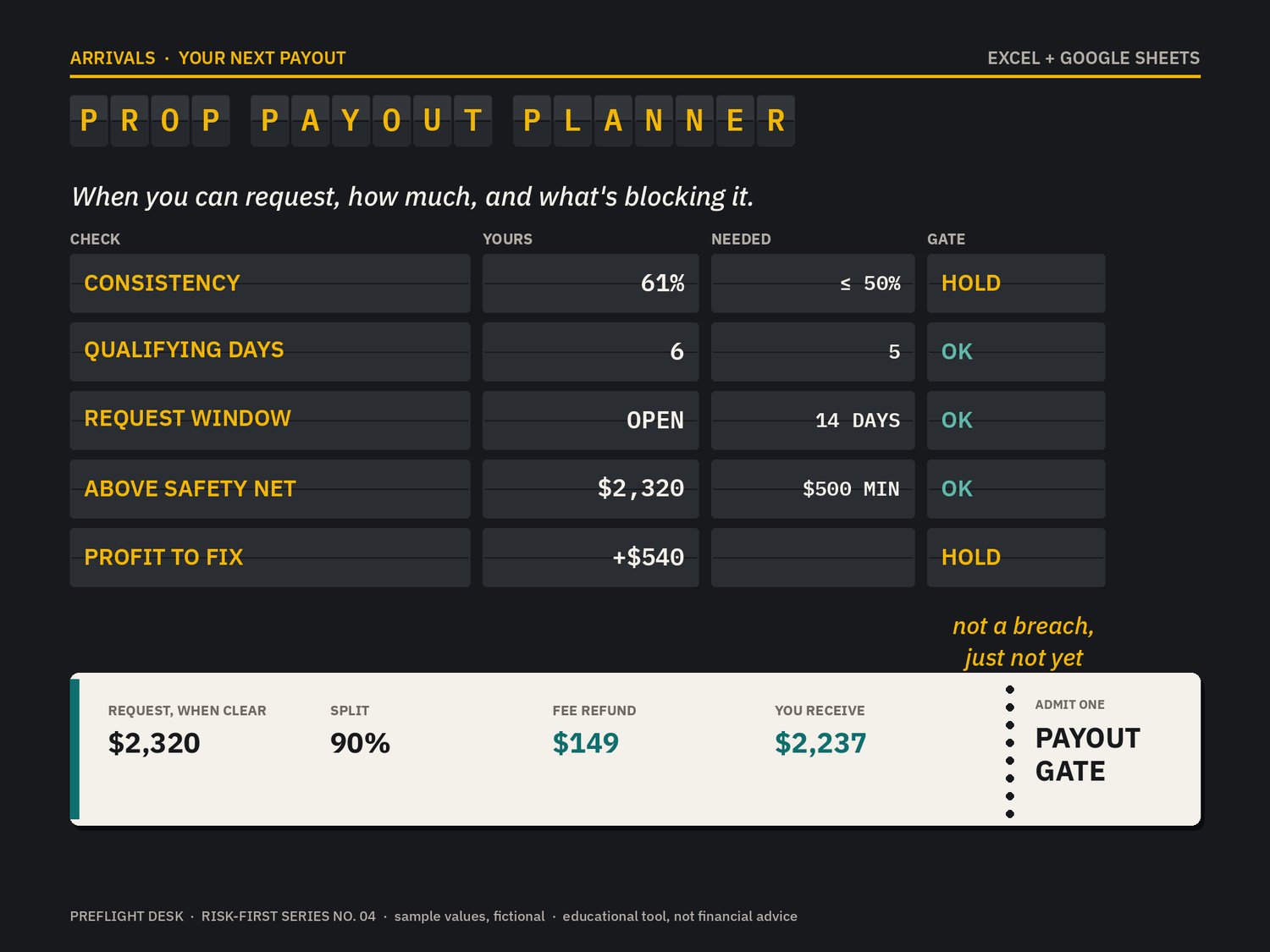
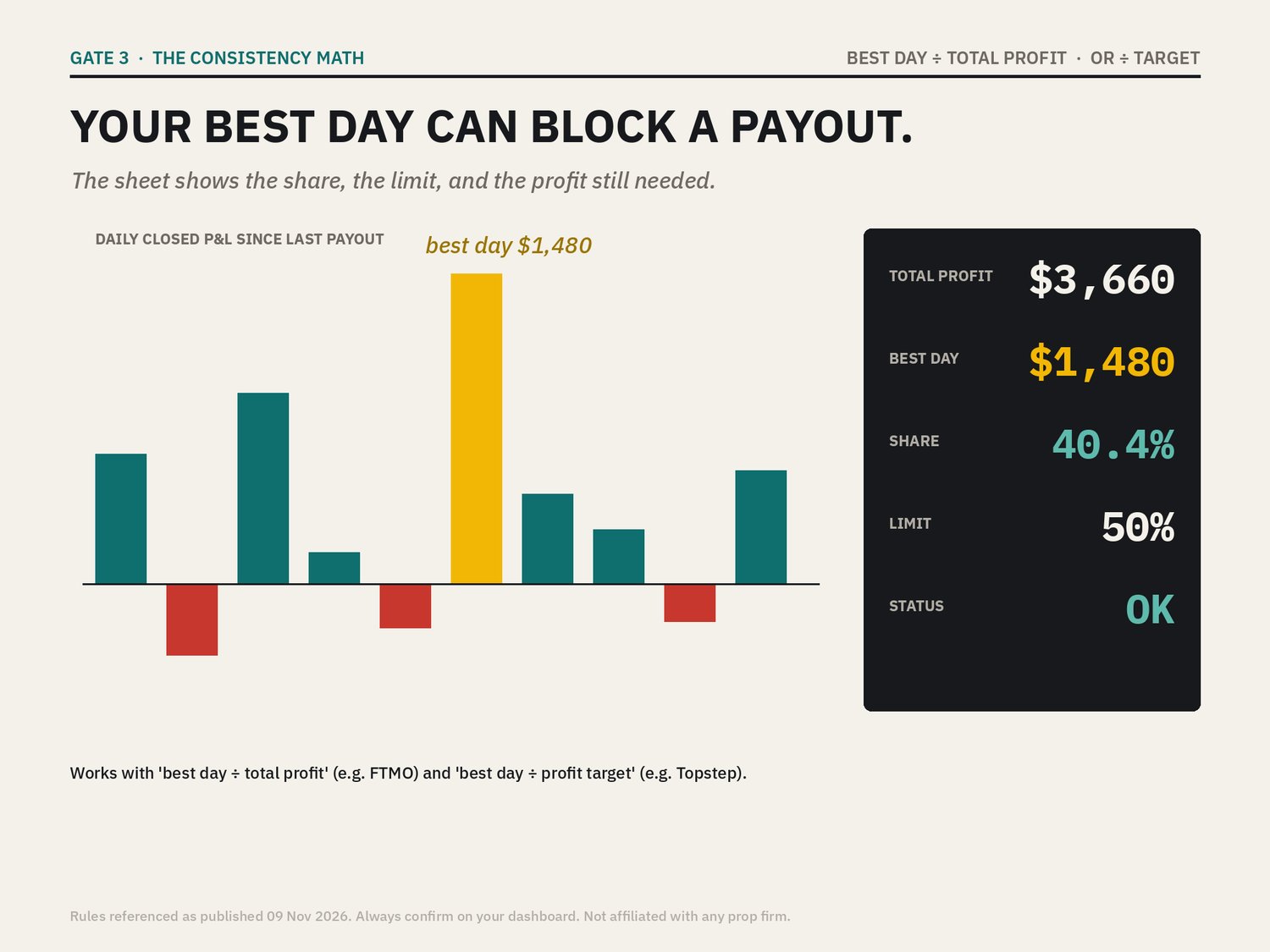
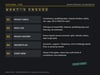
The Prop Payout Planner checks every payout condition before you request: consistency, qualifying days, the request window, the safety net, minimums and caps. Each one shows OK or HOLD. It also tells you exactly how much profit you still need if your best day is too big.
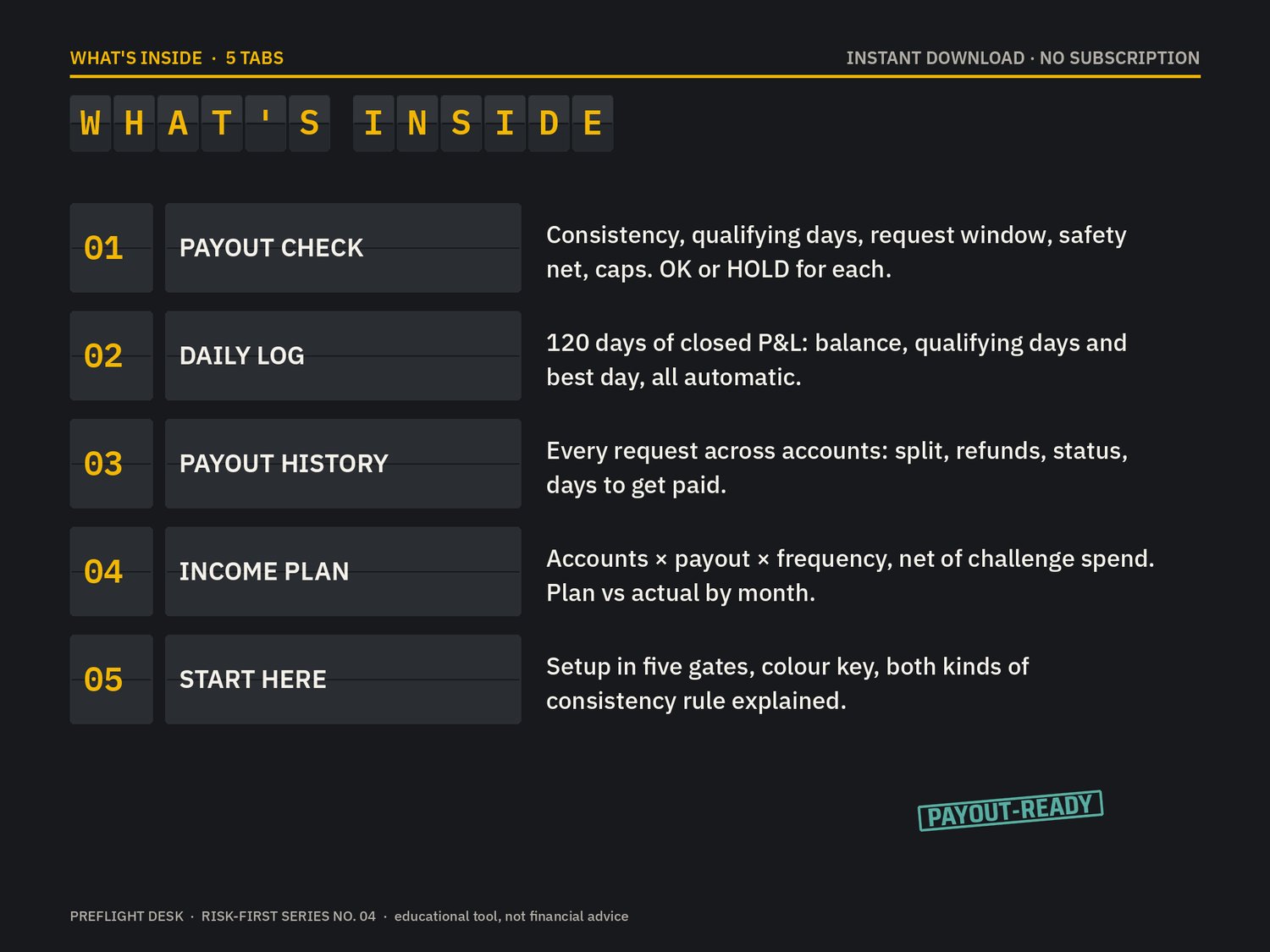
WHAT'S INSIDE (5 tabs)
- Payout Check: type your account's payout rules once. The board shows current balance, best day, best-day share, consistency status, profit needed to fix it, qualifying days, next request date, withdrawable above the safety net, request after the cap, and what you actually receive after the split and any fee refund.
- Daily Log: 120 rows of closed P&L. Balance, qualifying days and best day so far are all automatic.
- Payout History: every request across every account, with split, fee refunds, status (Requested / Paid / Rejected), days to get paid, totals and pending amounts.
- Income Plan: funded accounts × average request × requests per month × split × approval rate, minus challenge spend. You also get break-even and plan vs actual by month.
- Start Here: setup, colour key, and the two kinds of consistency rule.
BOTH CONSISTENCY STYLES
- Best day ÷ total profit (e.g. FTMO's Consistency rule for orders from 12 Oct 2026: best day ≤ 50%).
- Best day ÷ profit target (e.g. Topstep Trading Combine: best day under 55% of the target).
AN HONEST NOTE
Payout rules differ by firm and change often. You enter your own, and it stays correct whatever firm you use. Sample data is fictional. Educational tool, not financial advice. Not affiliated with or endorsed by any prop firm.
Works in Microsoft Excel and Google Sheets. Instant download, no subscription.