
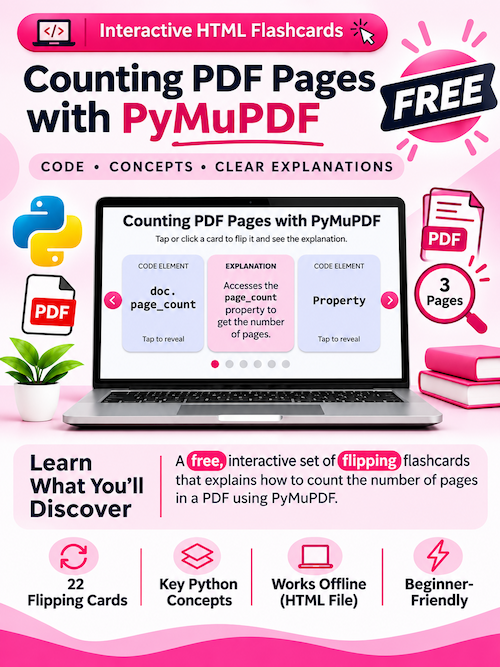
Counting PDF Pages with PyMuPDF – Interactive Flashcards
On Sale
$0.00
Make learning PyMuPDF and Python easier with these interactive flashcards! This beginner-friendly study resource helps you understand how to count the number of pages in a PDF using PyMuPDF in Google Colab. Learn the essential Python concepts behind the process through simple explanations and interactive flip cards.
📚 What's Included?
- 22 interactive flip flashcards
- Simple explanations of PyMuPDF and working with PDF files
- Key Python concepts including modules, functions, variables, objects, keywords, and strings
- Understanding import pymupdf and how to import the library
- Learning how to open a PDF using pymupdf.open("data.pdf")
- Understanding the doc variable and the document object
- Learning about doc.page_count and how it counts the total number of PDF pages
- Clear explanations of properties and dot notation
🎯 Who Is This For?
- Python beginners
- Students learning PyMuPDF
- Students learning how to work with PDF files in Google Colab
- Anyone interested in extracting information from PDF documents
- Learners who prefer visual and interactive study materials
- Students who want a simple way to review Python programming concepts
📦 Product Details
- Format: Interactive HTML flashcards
- Number of flashcards: 22
- Digital download
- Works in modern web browsers
- No additional software installation required to open the flashcards
- Can be used offline after downloading
A simple, engaging way to understand PDF page counting, practice Python concepts, and build confidence working with PyMuPDF and Google Colab!