

Quality Method for TikTok
Em promoção
$4.99
$4.99
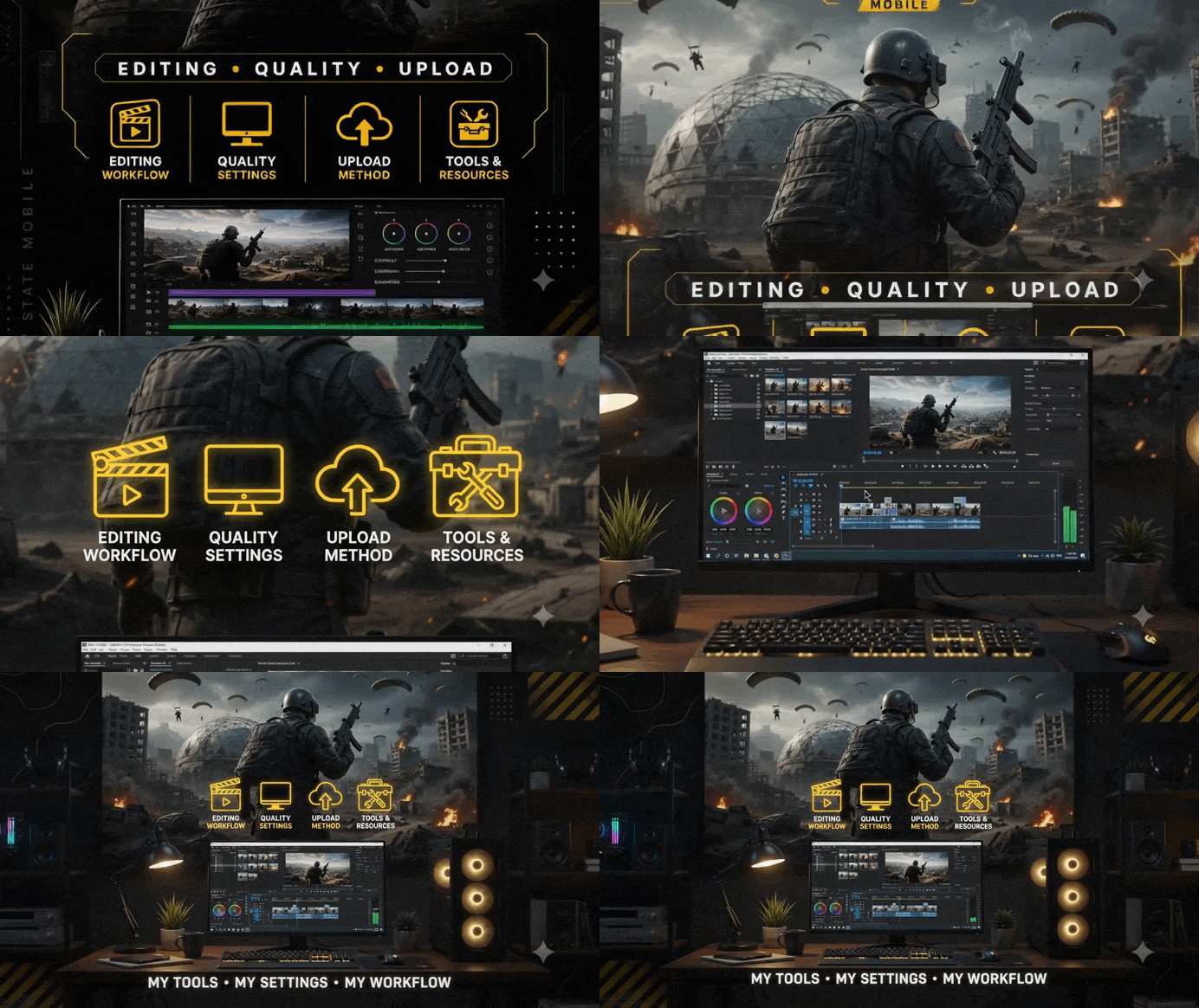
Upload your gameplay clips with better sharpness, smoother FPS, and higher overall quality, using the same process and settings I use to prepare my videos before uploading.
📦 WHAT YOU'LL GET
- Custom 60/120 FPS Patcher — A custom configuration designed to help your videos maintain smoother playback.
- CapCut Color Preset — The color adjustment I use to make videos look cleaner and stand out more.
- Blur Settings — Settings designed to create a smoother and more polished look.
- Topaz Video AI Settings — Optimized settings focused on improving image quality and detail.
- HandBrake Settings — Settings designed to optimize file size while maintaining the best possible quality.
- Apps & Files Included — Everything is organized and ready for you to use.
🎮 MADE FOR GAMING CONTENT
Perfect for creators who want their gaming clips on TikTok to look sharper, cleaner, and smoother, from editing to uploading.
Quality → FPS → Processing → Upload
⚠️ IMPORTANT — READ BEFORE BUYING
- PC required.
- This pack is exclusively focused on video quality, not improving in-game graphics or performance.
- Results may vary depending on the quality of your original footage, hardware, settings, and the compression applied by TikTok.
I acknowledge that I am purchasing a digital, non-physical product. I understand that once I complete the purchase and access the digital content, the sale is final, and I waive my right to a refund or chargeback. I also confirm that I am the authorized user of the payment method used.
By making this purchase, you agree to these terms.
Thank you!