

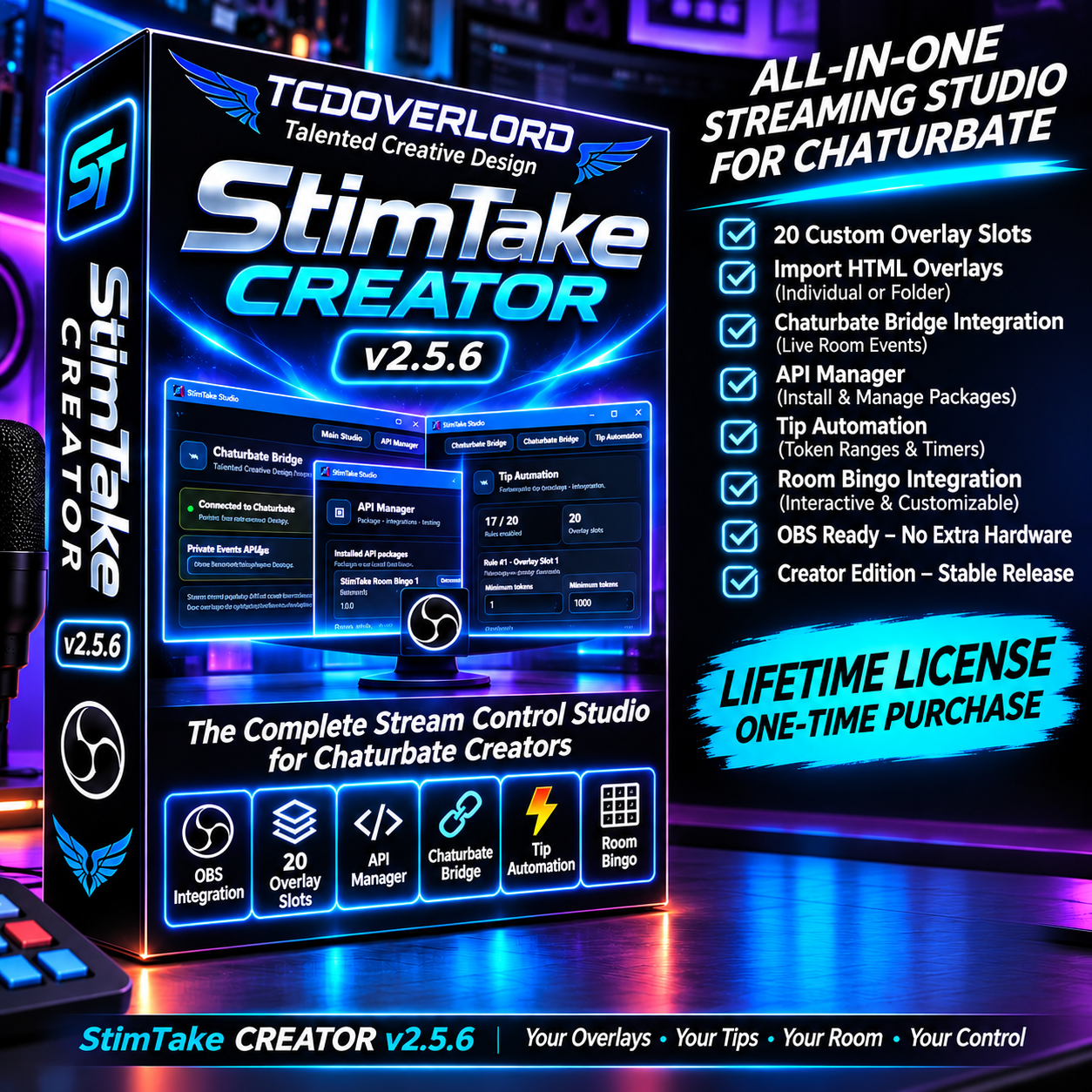

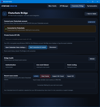


StimTake Creator – Chaturbate OBS Overlay & Tip Automation Software
🍌 ARE YOU GETTING THE MOST OUT OF YOUR STREAM?
Ever wonder how much more engaging your Chaturbate shows could be with the right tools?
Already experimenting with AI-generated overlays? Tired of manually managing multiple overlays, browser sources, and automations inside OBS?
What if you could bring it all together in one simple desktop studio?
Meet StimTake Creator.
Your personal streaming command center.
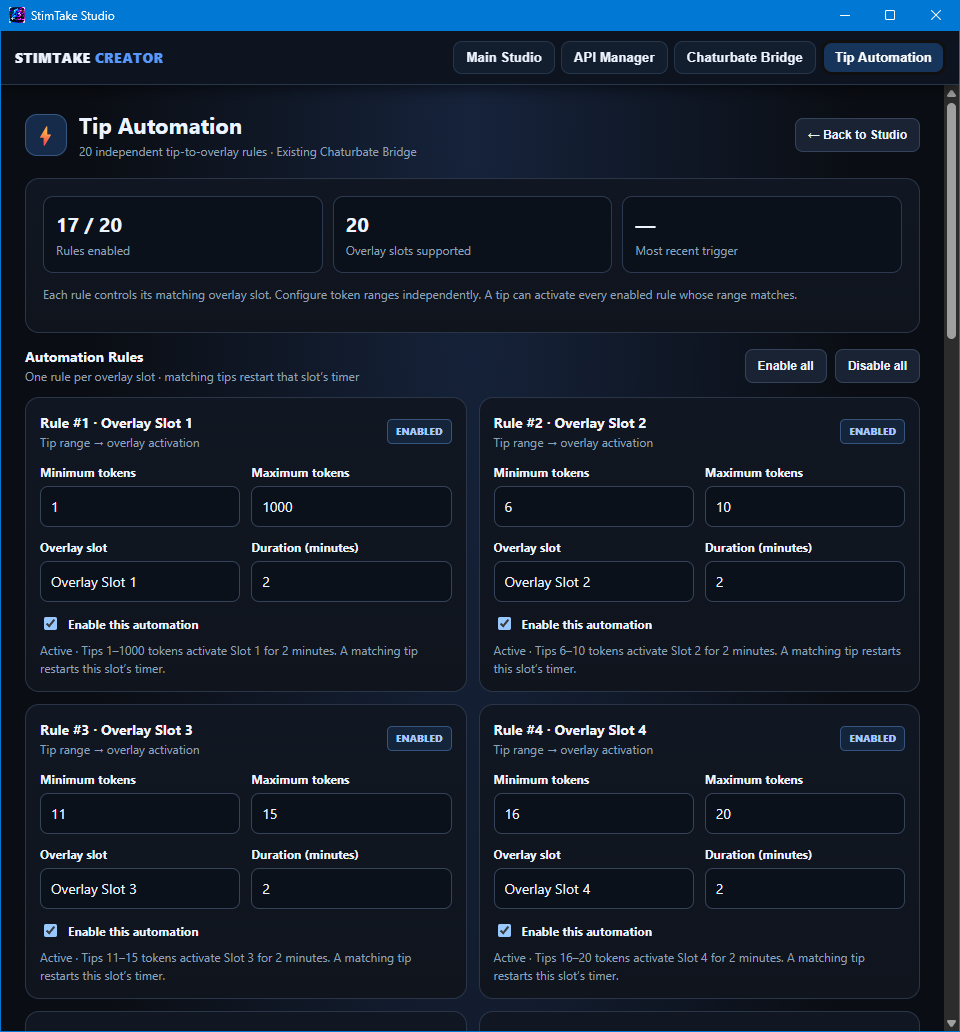
🎯 TIP-ACTIVATED OVERLAYS
Let matching tips automatically activate your custom visual experiences.
🎨 CUSTOM OVERLAY MANAGEMENT
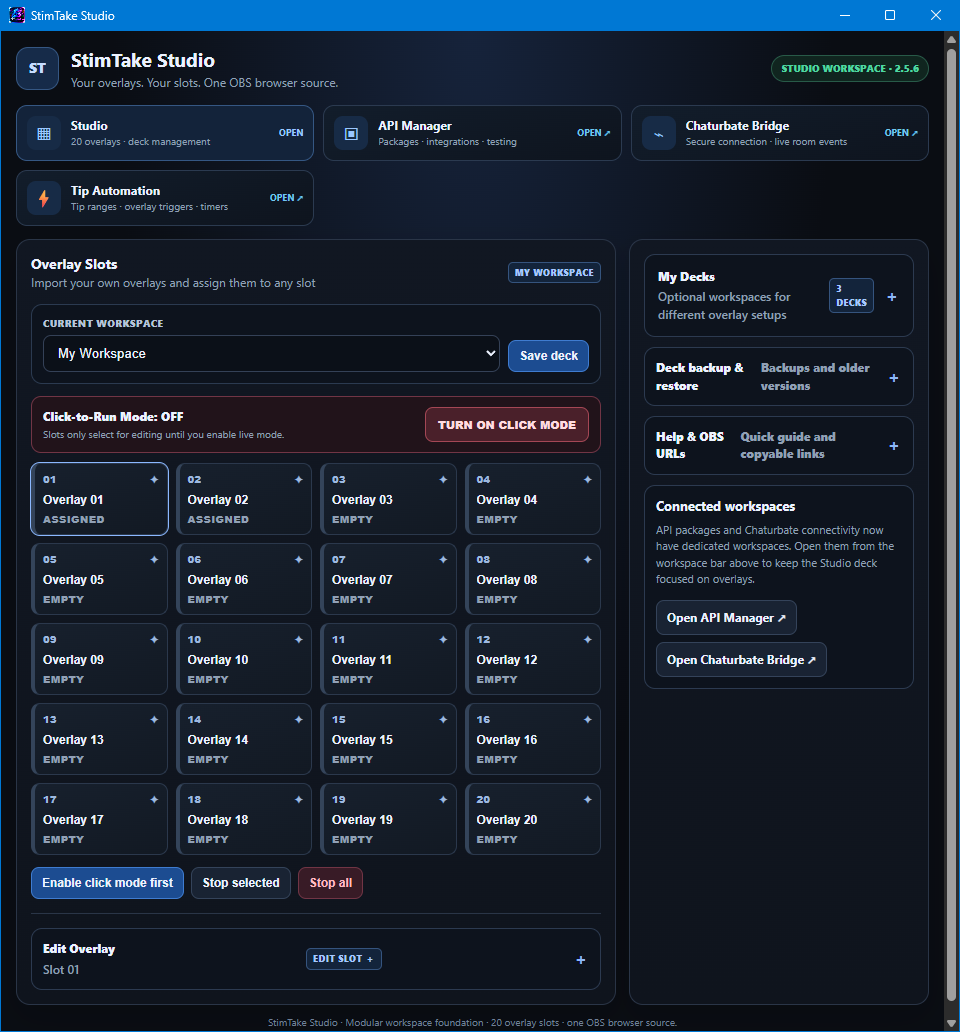
Import your own HTML overlays. Organize up to 20 overlay slots in one place.
⚡ AUTOMATION WITHOUT THE HEADACHE
Set up independent tip-to-overlay rules and let StimTake handle the triggers.
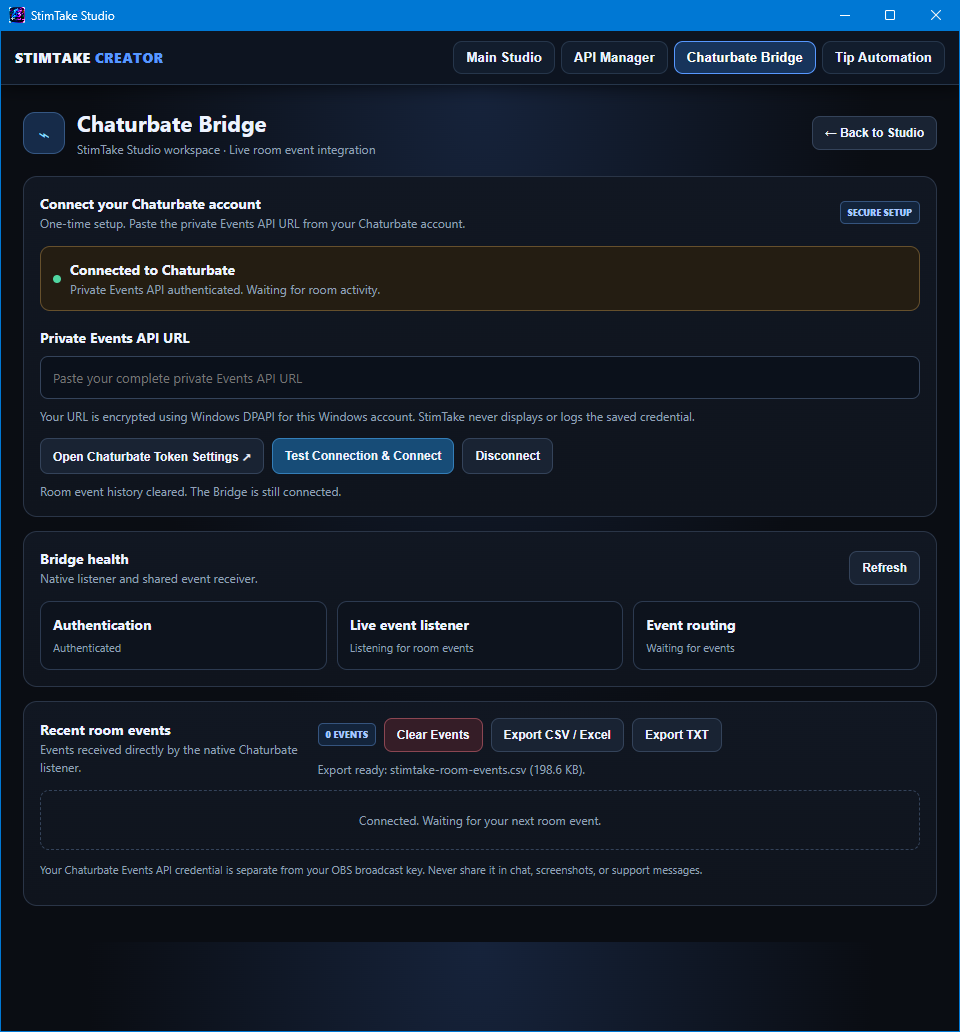
📊 ROOM ACTIVITY & CUSTOMER LOGS
Connect your Chaturbate room events and export activity records for your own tracking.
🖥️ LESS OBS MANAGEMENT
Manage your overlay collection from StimTake instead of constantly juggling individual browser sources.
🤖 CREATE WITH AI
Use AI tools to help create custom HTML overlays and bring your ideas into your studio.
STOP MANAGING OVERLAYS. START CREATING EXPERIENCES.
Your creativity brings viewers in. Your interactive tools give them more ways to participate.
StimTake Creator puts the controls in your hands.
Your Overlays. Your Stream. Your Control.
Independent software for Chaturbate broadcasters. Not affiliated with or endorsed by Chaturbate or OBS Project.
Compatibility & Requirements
Works with StimTake Creator Desktop Software (Windows).
StimTake Studio is the Chaturbate companion app for StimTake Creator. The desktop application is required to receive, manage, and use your Chaturbate room events with compatible overlays, games, and streaming integrations.
Download and install StimTake Creator before configuring this companion app.
Required: StimTake Creator desktop application and a Chaturbate broadcaster account.
🔗 StimTake Studio — OBS Browser Source URLs
Connect your StimTake overlays and interactive applications directly to OBS Studio using these local browser-source URLs.
🎥 Main StimTake OBS Overlay
http://127.0.0.1:8790/obs.html
🎮 Room Bingo — OBS Display Overlay
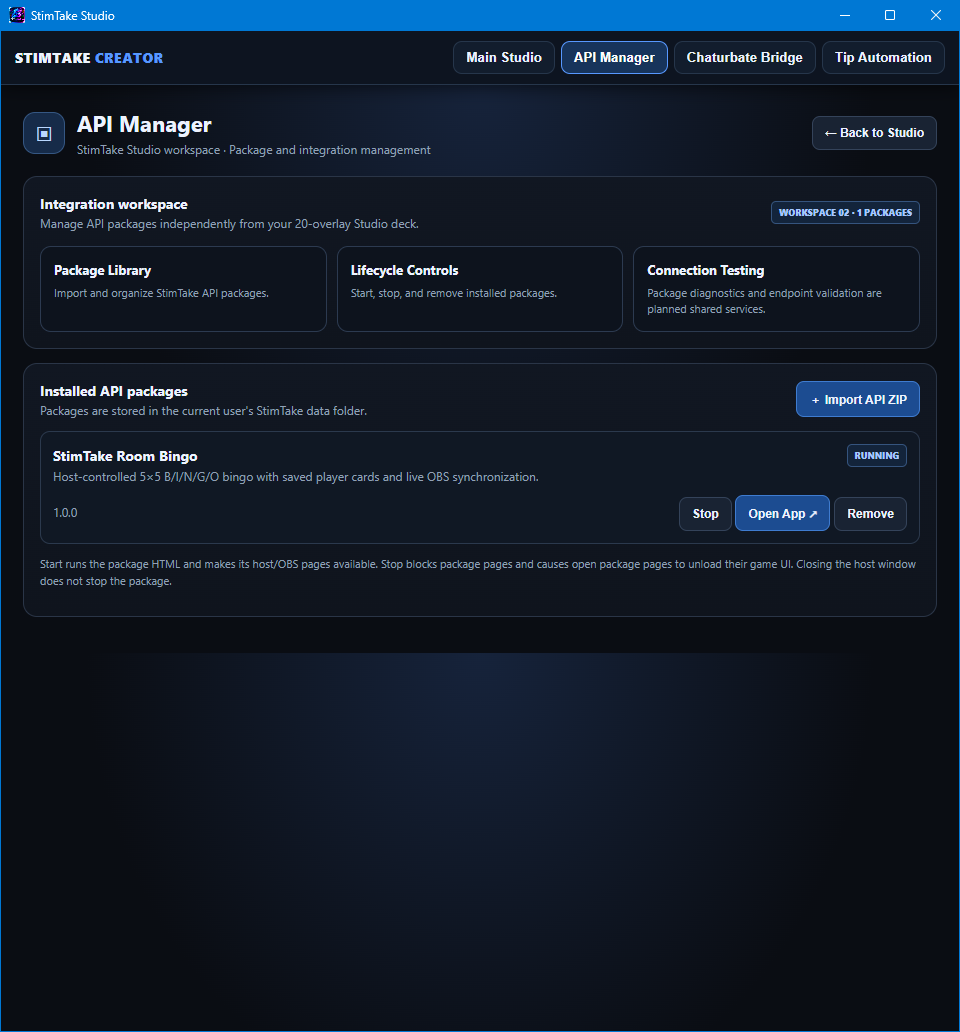
http://127.0.0.1:8790/api/packages/room-bingo/obs.html
🎯 Room Bingo — Host / Control Interface
http://127.0.0.1:8790/api/packages/room-bingo/host.html
💻 StimTake Studio Local Server
Requirements
- Windows PC with StimTake Creator installed.
- StimTake Creator must be running.
- Local server must be active on port 8790.
- Room Bingo must be installed and running to use its URLs.
- Add the appropriate URL as an OBS Browser Source.
Important: These are local URLs, not public internet links. They work on the computer running StimTake Creator.
Patch Notes — Version 2.5.14.1 · November 19, 2026
The desktop installer included in this download contains the November 19 update.
- Import complete overlay packs — Load a compatible deck ZIP, such as Monkey & Banana, with its overlay files, slot assignments, and display layers already in place.
- Export a deck as a portable ZIP — Package a complete deck to share, sell, or move to another computer.
- Create and restore full backups — Save your decks, overlay assets, and Studio settings. This update removes the previous 60 MB backup limit.
- Turn chat notification sounds on or off — Play a chime when your connected Chaturbate Bridge receives a supported chat event. Use Test sound to preview the chime.
- Follow the new START-HERE guide — The download includes instructions for installation, deck imports, OBS setup, the Chaturbate Bridge, tip automation, and backups.