


Detail Callout & Sheet Reference Manager Pro
Detail Callout & Sheet Reference Manager Pro
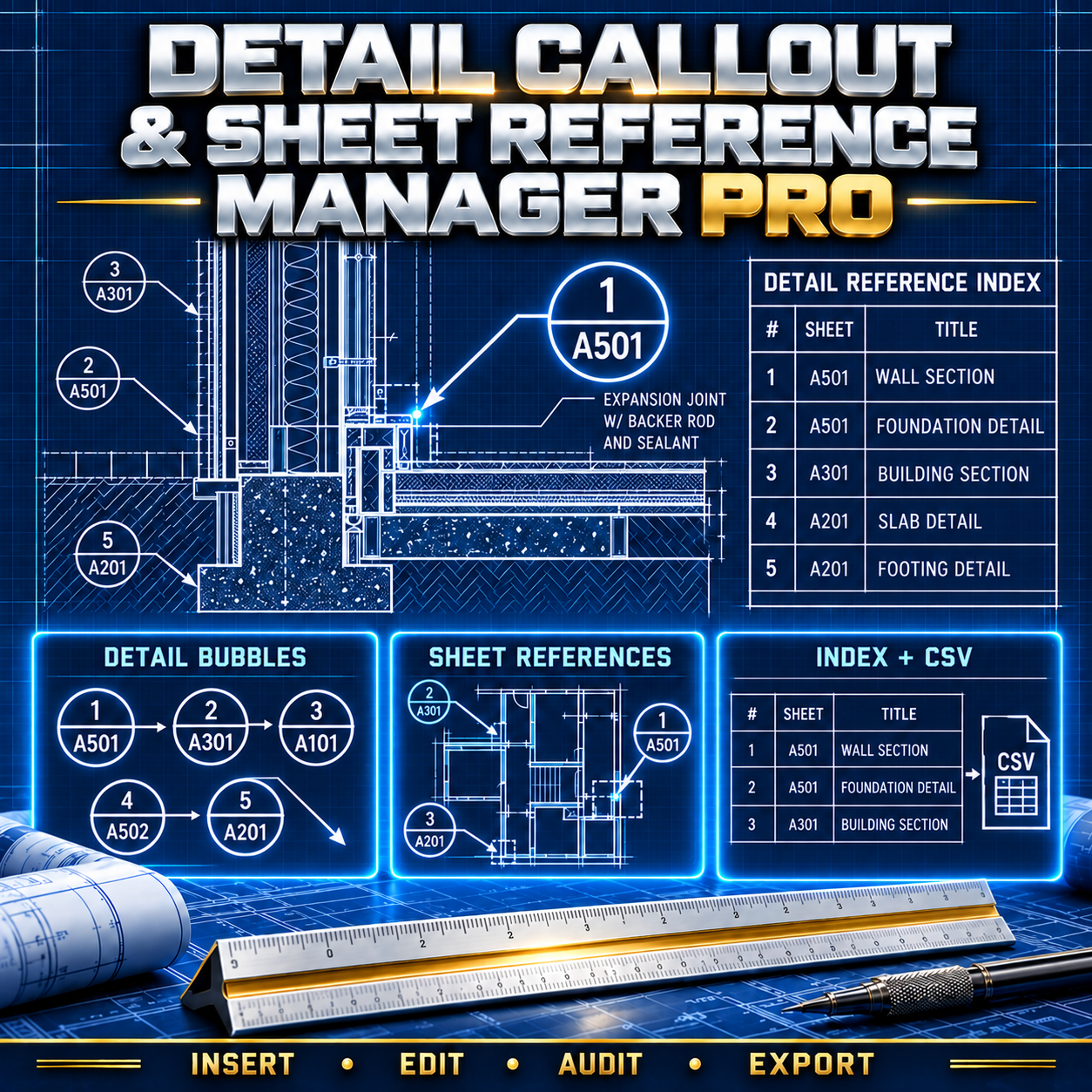
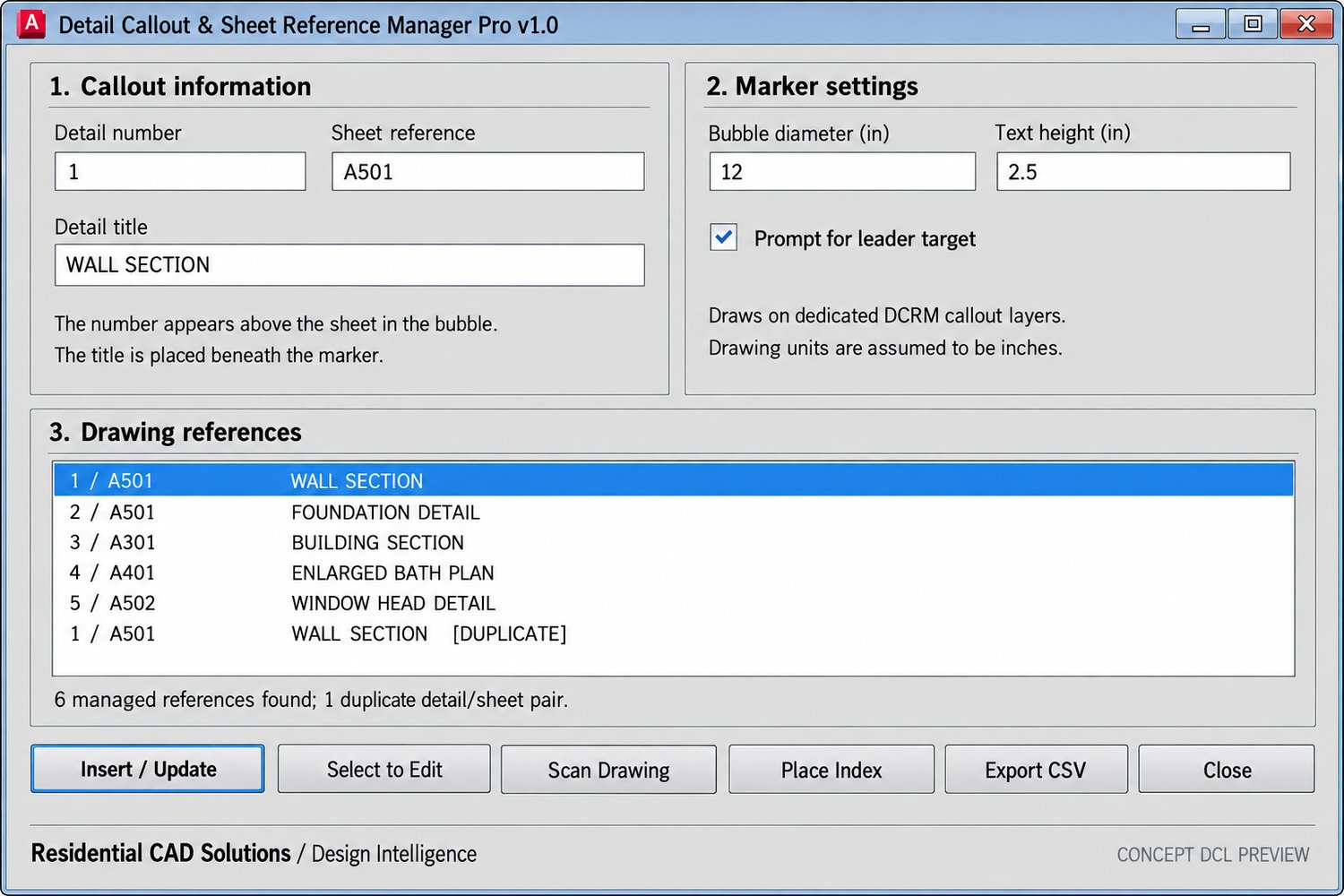
Create and manage detail callouts in AutoCAD with an AutoLISP routine and DCL control panel. Enter a detail number, sheet reference, and title, then place a circular callout with an optional leader.
Select an existing managed bubble to edit its reference. Scan the current drawing for duplicate detail and sheet pairs, place a detail reference index in the drawing, or export the index to CSV.
Included: AutoLISP file, DCL file, and setup instructions. Designed for AutoCAD 2002 and drawings measured in inches.
The index covers managed callouts in the current drawing. It does not check whether referenced details exist on other sheets or update an already placed index automatically. Review all references before issuing your drawing set.