
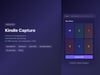

Kindle Capture — Convert Kindle Books to Searchable PDF/EPUB
Turn Your Kindle Library Into Searchable PDFs
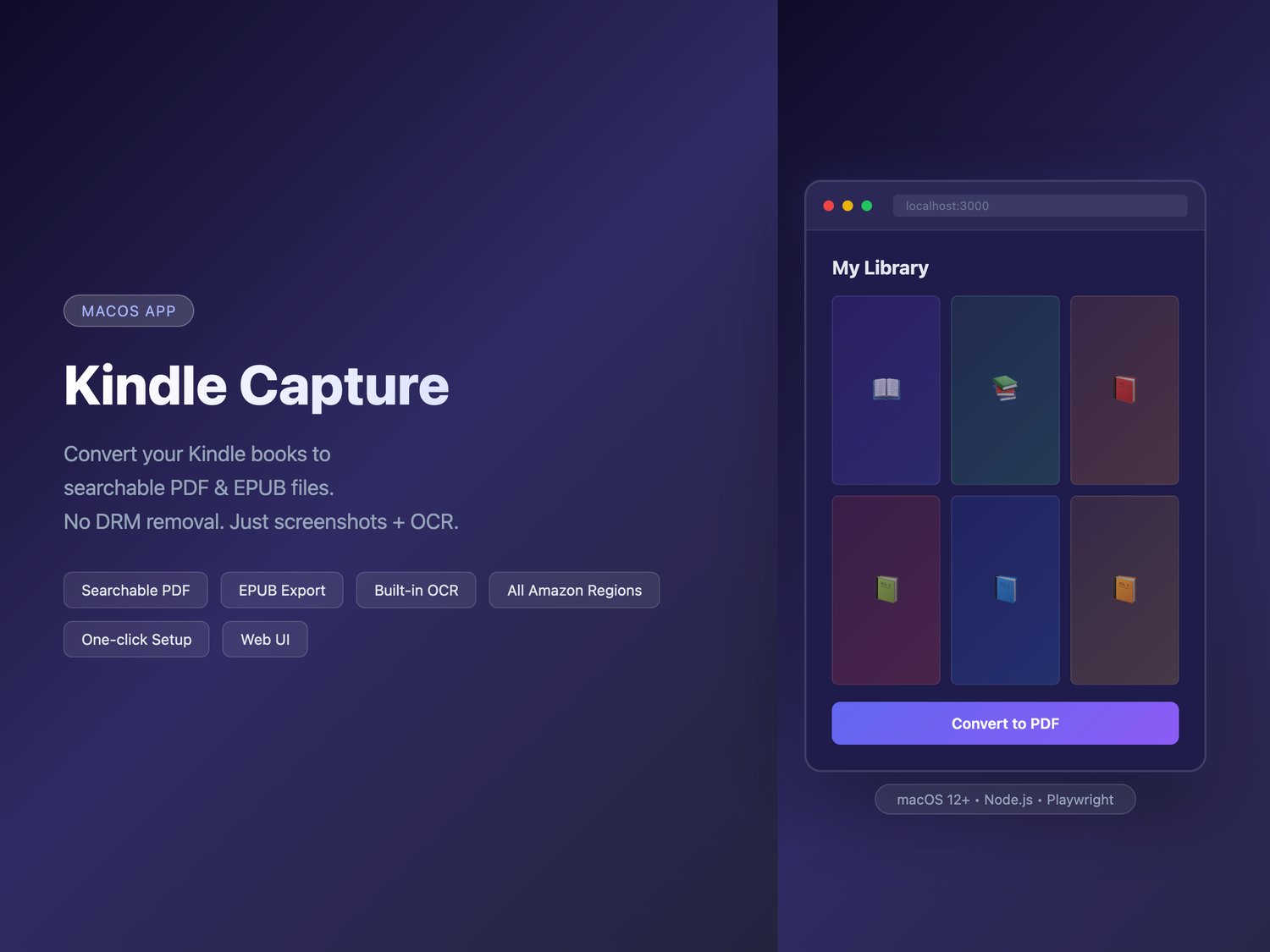
Kindle Capture converts your Kindle books into high-quality, searchable PDF or EPUB files — right from your Mac. Just double-click to start.
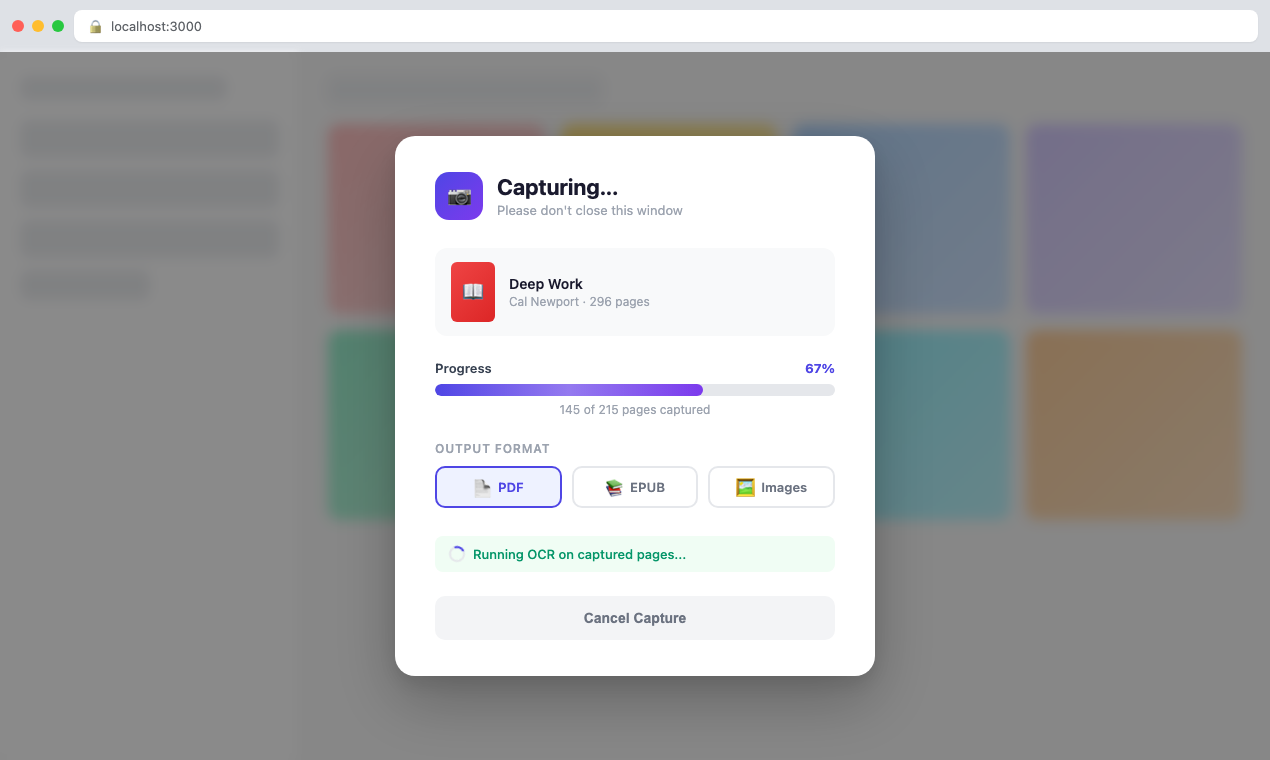
How it works: The app opens your books in Kindle Cloud Reader, captures each page as a high-resolution screenshot, and runs OCR to make the text fully searchable. No DRM removal or file hacking involved.
How to Use
1. Unzip and double-click Kindle Capture.command (first time only — auto-setup)
2. After setup, double-click Kindle Capture.app to launch
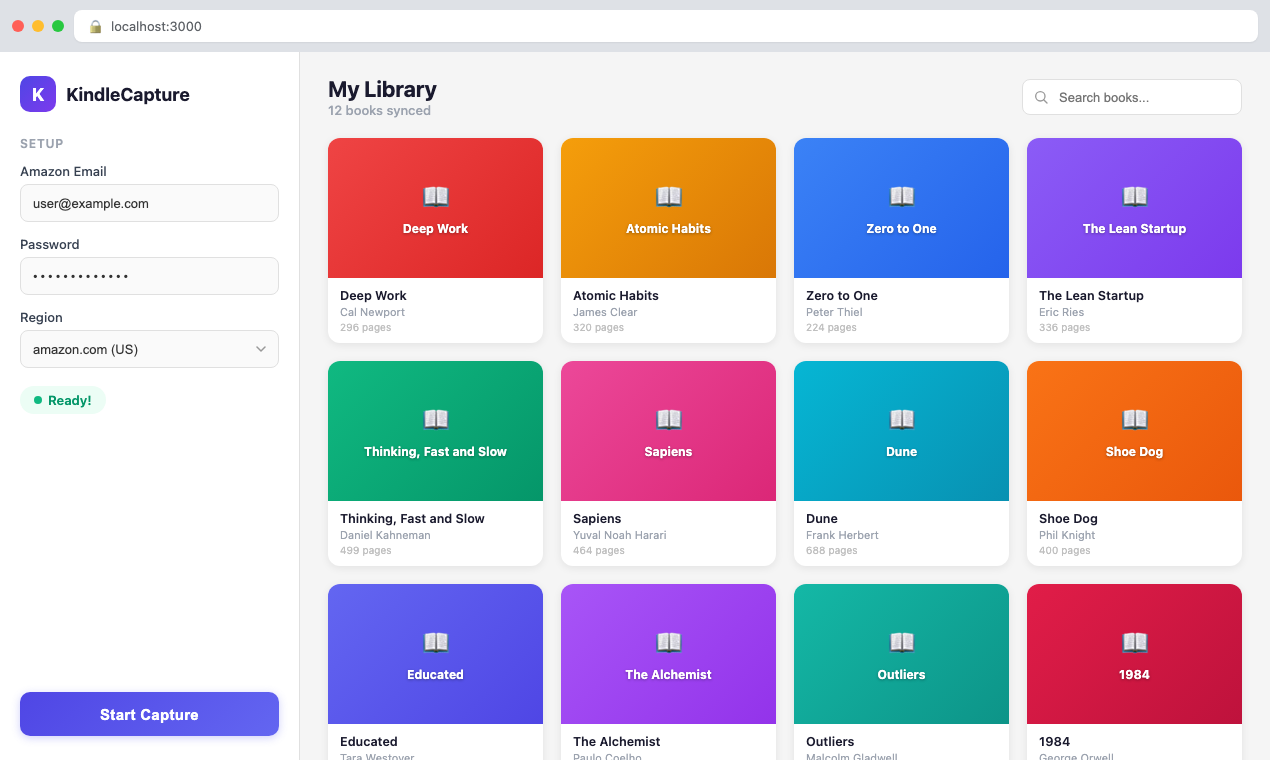
3. Enter your Amazon credentials and pick a book
4. Click "Convert" and save the PDF/EPUB wherever you want
Features
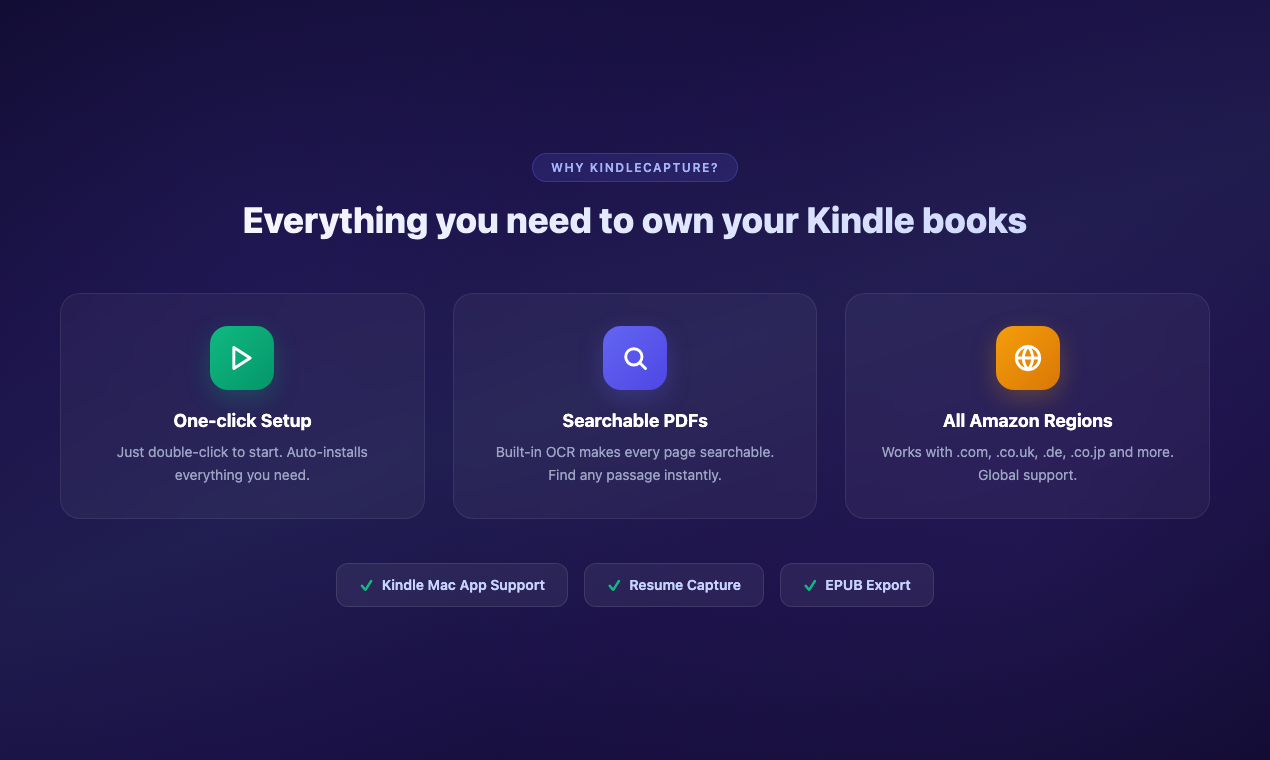
✅ One-click setup — Double-click to start. Node.js, dependencies, and browser auto-installed.
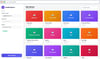
✅ Simple web UI — No command line skills needed.
✅ Searchable PDFs — Built-in OCR (Apple Vision or Tesseract) on every page.
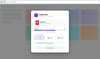
✅ Save anywhere — Finder dialog lets you choose where to save your files.
✅ EPUB export — Choose between PDF and EPUB formats.
✅ All Amazon regions — .com, .co.uk, .de, .co.jp, and more.
✅ Kindle Mac App support — For fixed-layout books and comics.
✅ High resolution — 3x upscaling for crystal-clear output.
✅ Auto page detection — Knows when the book ends.
✅ Resume capture — Pick up where you left off if interrupted.
✅ Set page count — Manually set total pages if auto-detect stops early.
✅ Logout & switch accounts — Easy account switching built in.
Requirements
• macOS 12+ (recommended: macOS 14+ for best OCR)
• Internet connection
• Amazon/Kindle account
That's it. No complicated setup, no DRM tools, no subscriptions.