

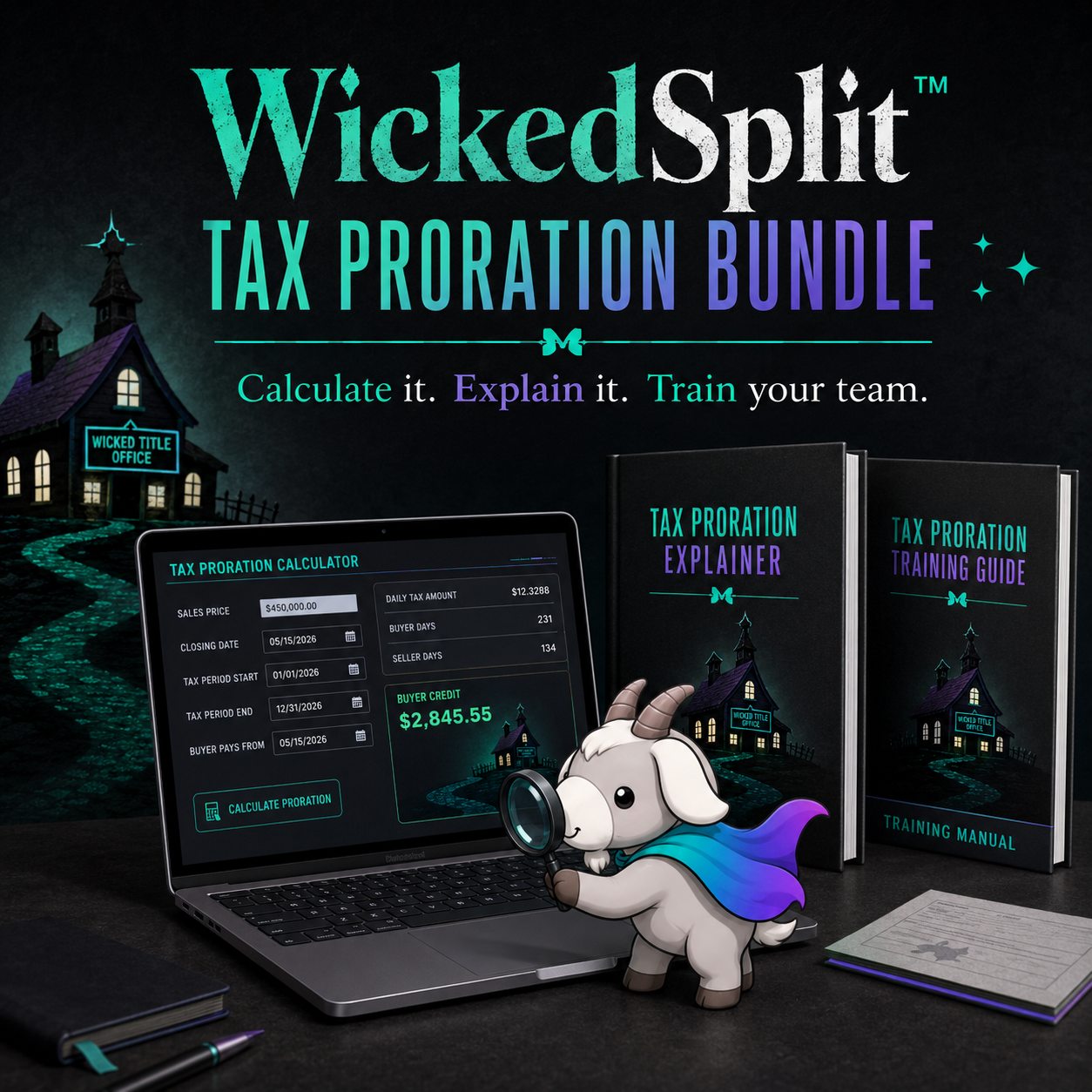







💼 WickedSplit™ Tax Proration Bundle
Your software can calculate a tax proration. Can your team tell when it is wrong?
Tax prorations look simple—until the tax year does not match the calendar year, the bill has not been issued, an exemption may disappear after closing, or someone needs to explain the charge or credit to a buyer or seller.
WickedSplit™ gives your title agency both sides of the solution:
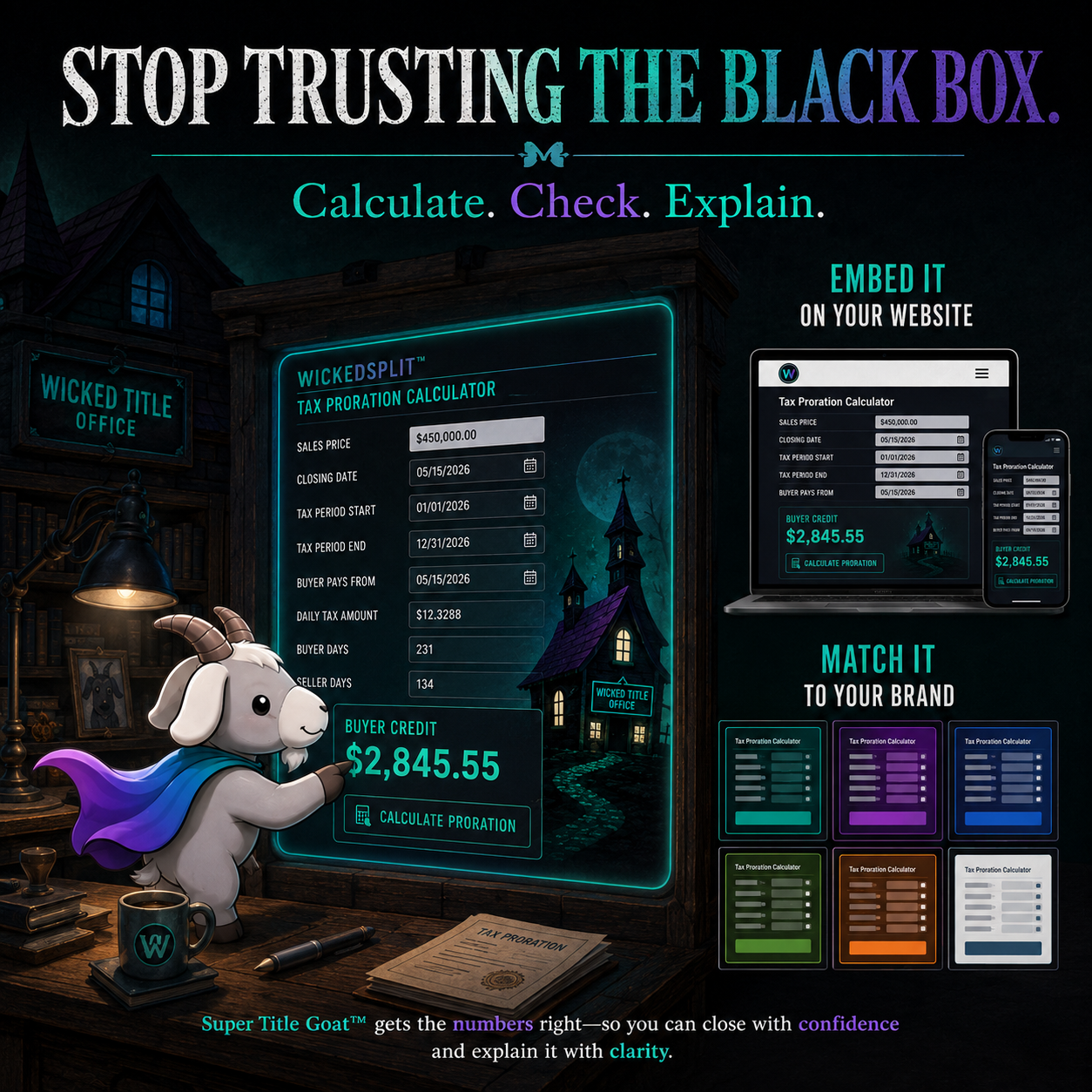
- a client-facing tax-proration calculator you can embed on your website and match to your brand; and
- a practical operations and training manual that helps your team understand what the calculator is doing behind the scenes.
Instead of blindly trusting the software, your processors can calculate, check, explain, and train from the same system.
What you receive
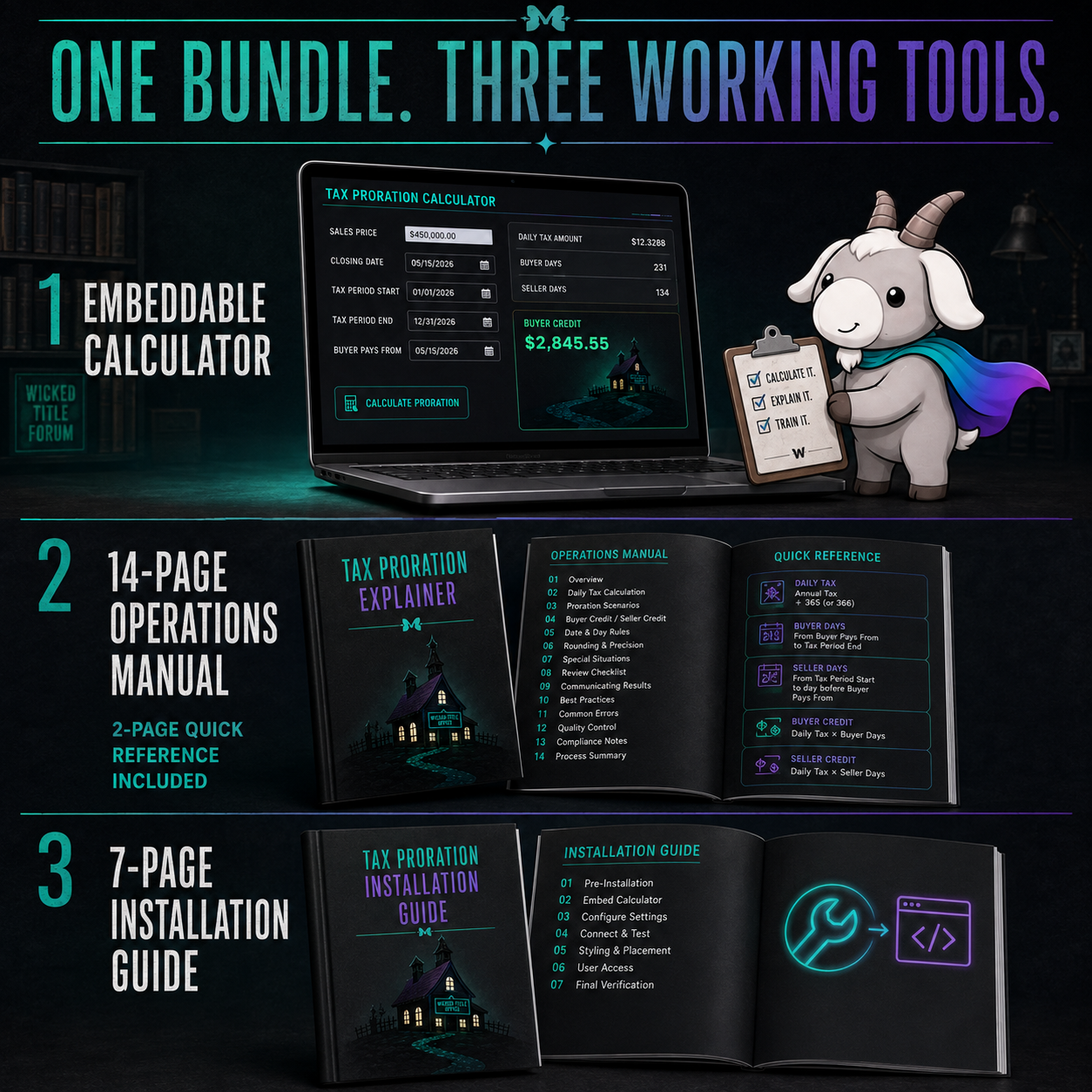
- WickedSplit™ Tax Proration Calculator — an embeddable calculator for a website that accepts HTML embed code.
- Brand-color customization — adjust the calculator’s accent, background, and text colors without changing the underlying code.
- 7-page rebranding and installation guide — copy-and-paste instructions for WordPress, Squarespace, GoDaddy, and other website platforms that accept HTML embeds.
- 14-page Tax Proration Operations Manual — a no-fluff guide for title processors covering the purpose and logic of prorations, the dates and numbers to verify, calculation steps, paid-versus-unpaid treatment, common questions, exemptions, deferrals, rollback risks, and special situations.
- 2-page Quick Reference: Tax Proration Cheat Sheet — included inside the operations manual for fast desk-side reference.
- Editable, brandable training materials — customize permitted portions in Canva for use with your team and customers.
Built for the moments when “the system calculated it” is not enough
Use WickedSplit™ to help your agency:
- give staff a reliable way to check the math;
- create a consistent approach to tax-proration decisions;
- answer buyer and seller questions without scrambling;
- train new processors on the logic behind the numbers;
- flag issues involving unpaid taxes, unissued bills, leap years, discounts, exemptions, deferrals, and possible rollback taxes; and
- add a useful, branded calculator to your own website.
Installation is copy, paste, and publish
You do not need to build a calculator or hire a developer. If your website accepts HTML embed code, follow the included instructions, paste the provided embed, adjust the color values if desired, and publish it on the page of your choice.
Important: WickedSplit™ is not compatible with Canva Websites or website builders that do not permit HTML embeds.
Who this is for
WickedSplit™ is designed for title agencies, settlement companies, processors, closers, trainers, and operations leaders who want more than a number on a screen. It is especially useful for teams that need a consistent training resource, a client-facing calculator, or a stronger way to verify and explain prorations.
Digital product and usage notes
- This is a digital product. No physical item will be shipped.
- A free or paid Canva account may be needed to edit the brandable training files; some Canva features may require a paid subscription.
- The materials may be used and distributed for your own business or organization as permitted by the included terms. They may not be resold as standalone products or repackaged into a paid course for profit.
- Tax practices, contract requirements, local customs, and underwriter guidance vary. Review the calculator and training materials for your jurisdiction and company procedures before use.
- This resource provides general educational and operational guidance. It is not legal, underwriting, tax, or financial advice.
Give your team the calculator—and the judgment to know when the answer needs a second look.