

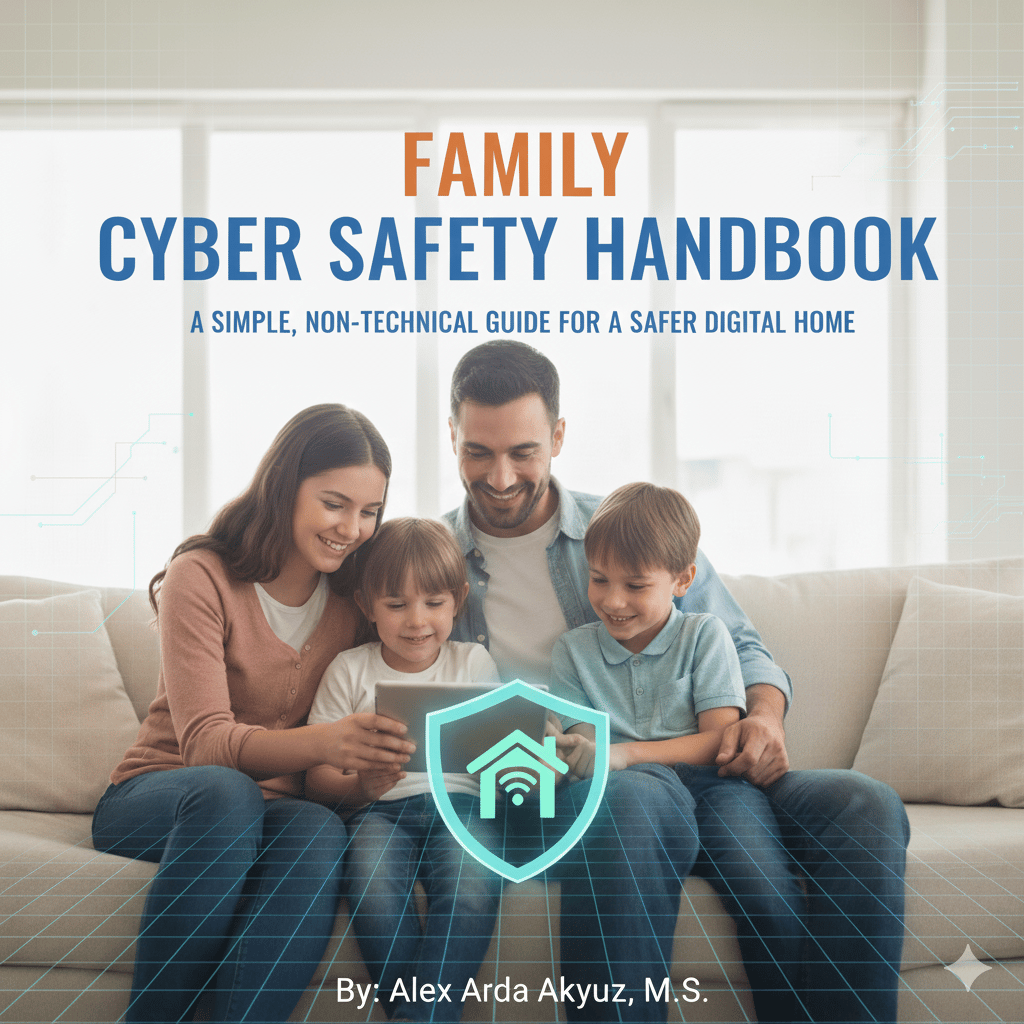
Family Cyber Safety Handbook Guide 2026
🔒 Protect Your Family Online — For Less Than $5
Introducing the Family Cyber Safety Handbook
A simple, non-technical guide designed to keep your home safe in today’s digital world.
💻 Smartphones. Wi-Fi. Social media. Online threats are everywhere — but protecting your family doesn’t have to be complicated.
For just $4.98, you’ll learn:
✔ How to create hacker-proof passwords
✔ How to secure your home Wi-Fi network
✔ How to spot scams before they trick you
✔ How to protect your kids online
✔ What to do if you get hacked
👨👩👧👦 Written in plain English — perfect for parents, kids, and even grandparents.
🎯 No tech background needed. Just real, practical steps that work.
👉 Download instantly and start protecting your family today.
💰 Price: $4.98
🔐 Peace of mind: Priceless
#CyberSecurity #FamilySafety #OnlineSafety #DigitalParenting
📘 What’s Inside (Content Breakdown)
Here’s a structured extraction and explanation of the handbook’s content:
🔐 Chapter 1: Password Security
- Explains weak vs strong passwords
- Introduces passphrases (easy + secure)
- Recommends password managers (Bitwarden, Google, Apple)
- Covers Two-Factor Authentication (2FA)
- ✅ Action checklist included
👉 Value: Immediate improvement in account security
🌐 Chapter 2: Home Network Protection
- Securing your Wi-Fi router (WPA2/WPA3, admin changes)
- Creating a guest network
- Identifying signs of network compromise
- Safe use of public Wi-Fi + VPNs
👉 Value: Prevents hackers from entering your home network
🎣 Chapter 3: Scams & Phishing Awareness
- Real-world phishing examples
- “Golden Rule”: If you didn’t expect it — don’t click
- Covers common scams:
- IRS scams
- Tech support scams
- Romance scams
- Package scams
👉 Value: Protects finances and identity
💻 Chapter 4: Device Security
- Importance of software updates
- Antivirus basics (Windows Defender included)
- Device locking practices
- Smart home device risks
👉 Value: Secures every device in the household
👨👩👧 Chapter 5: Children’s Online Safety
- How to talk to kids about online risks
- Family rules for internet usage
- Parental control tools (iOS, Android, Windows)
- Warning signs of online danger
👉 Value: Critical for parents — reduces child vulnerability
🕵️ Chapter 6: Privacy Protection
- Social media privacy settings
- What NOT to share online (very practical table)
- Digital footprint awareness
- Tools like private browsing & DuckDuckGo
👉 Value: Reduces exposure to identity theft and tracking
🚨 Chapter 7: Incident Response
- Step-by-step actions if:
- You clicked a malicious link
- Your account is hacked
- You’re a victim of identity theft
- Includes official resources (FBI, FTC)
👉 Value: Turns panic into a clear action plan