
Baby Budget Planner Kit (Guide and Calculator)
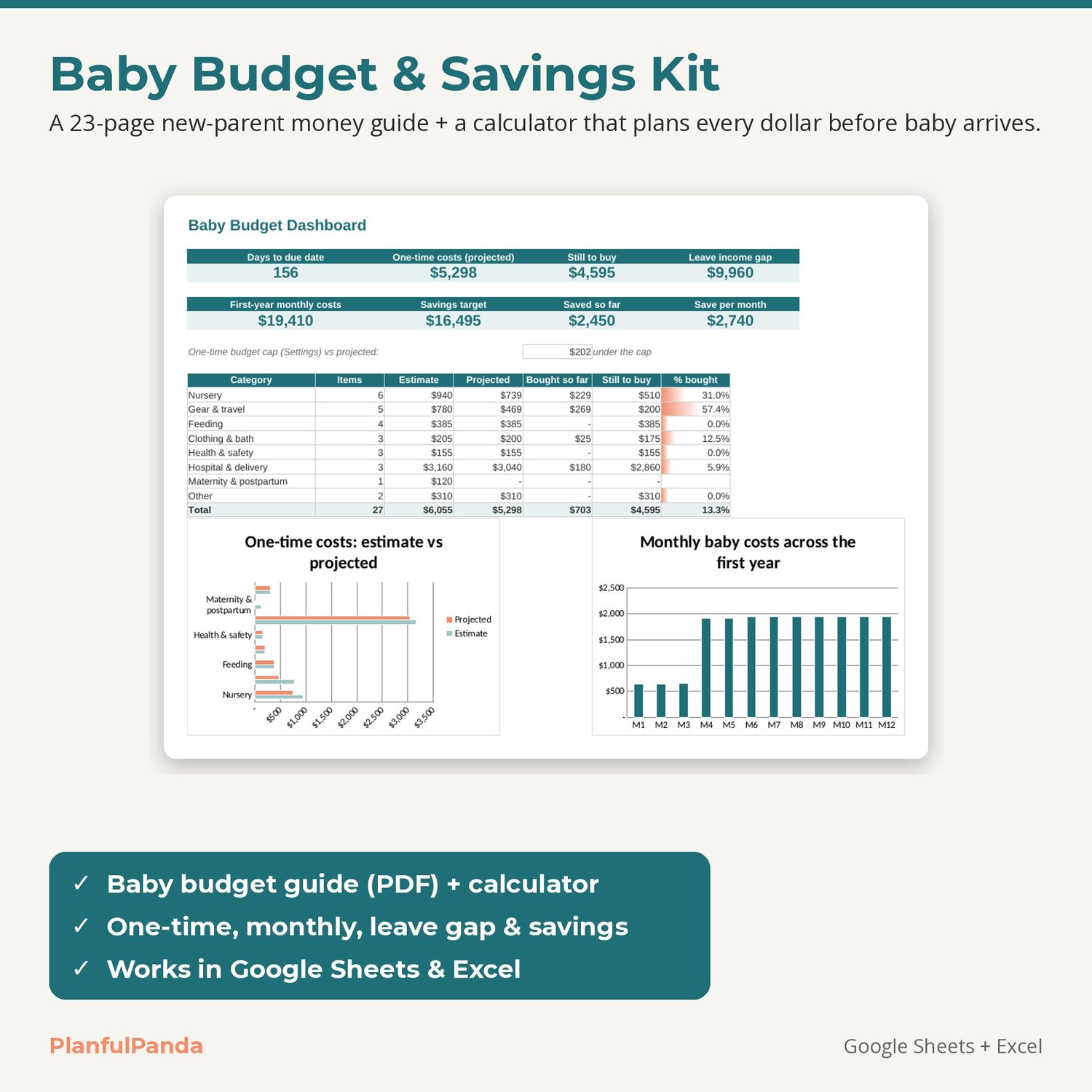
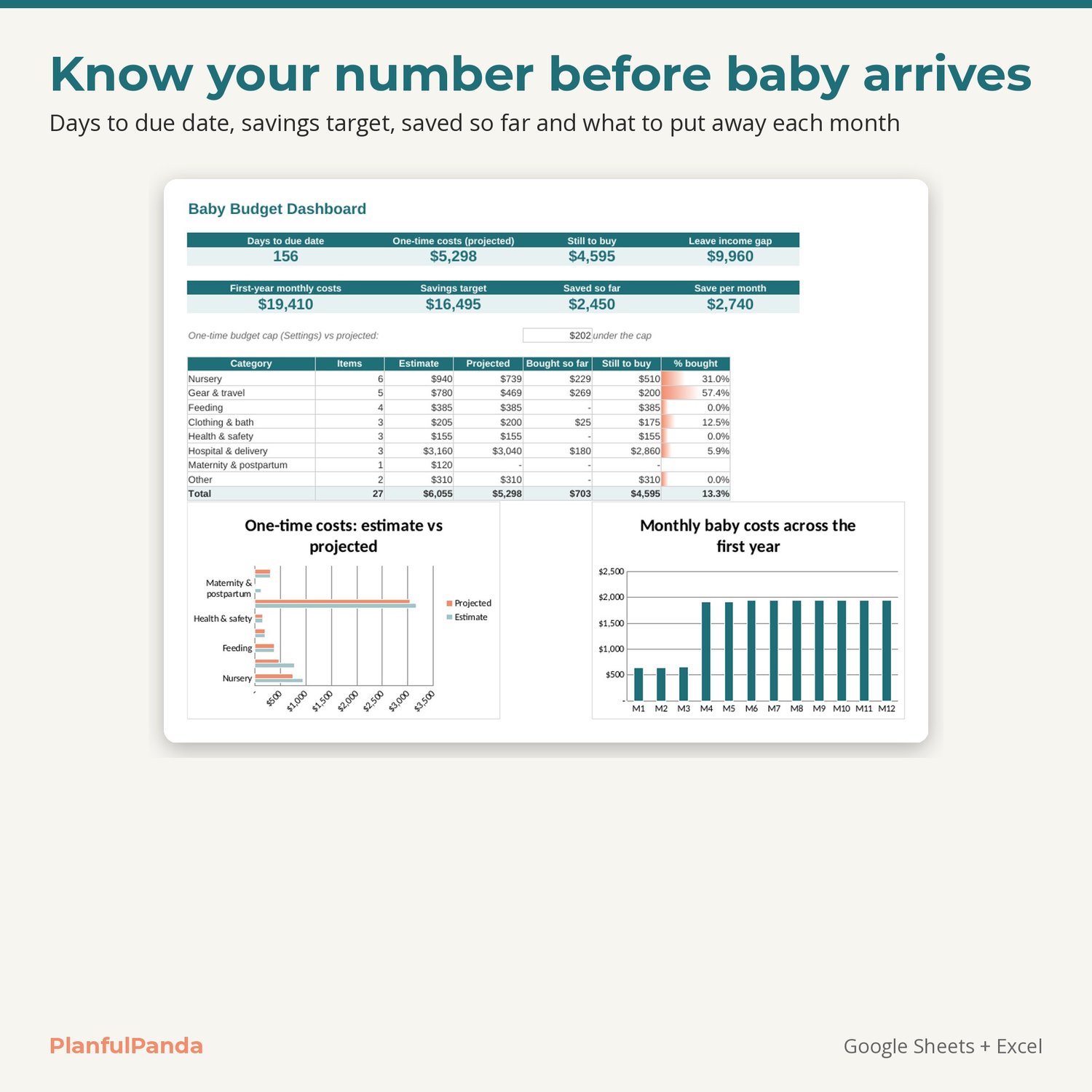
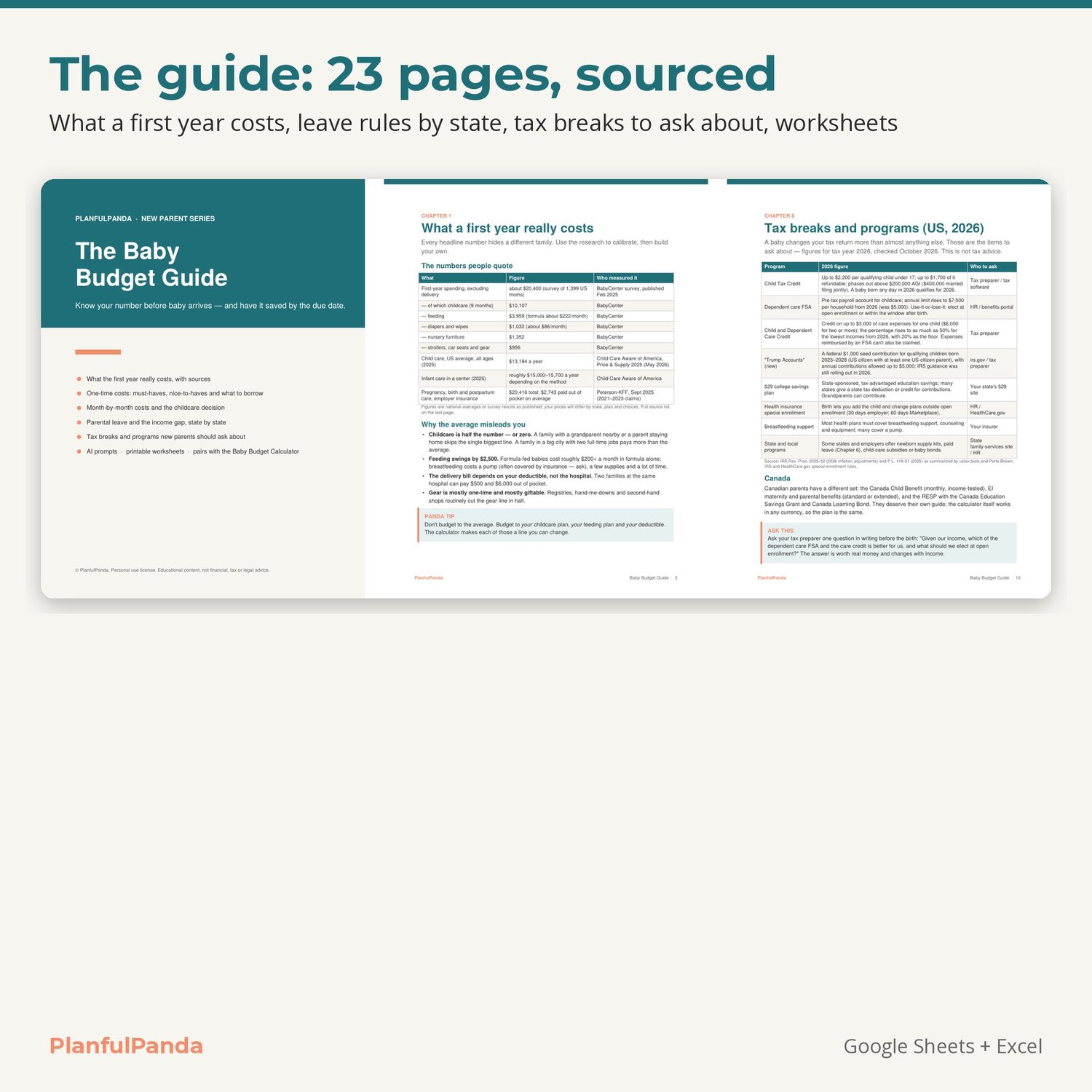
Know your number before baby arrives. The Baby Budget & Savings Kit pairs a 23-page new-parent money guide with an easy-to-edit Baby Budget Calculator for Google Sheets and Excel. List every one-time cost, map the first year month by month, add up the parental-leave income gap, and get one monthly savings amount that has it all covered by the due date.
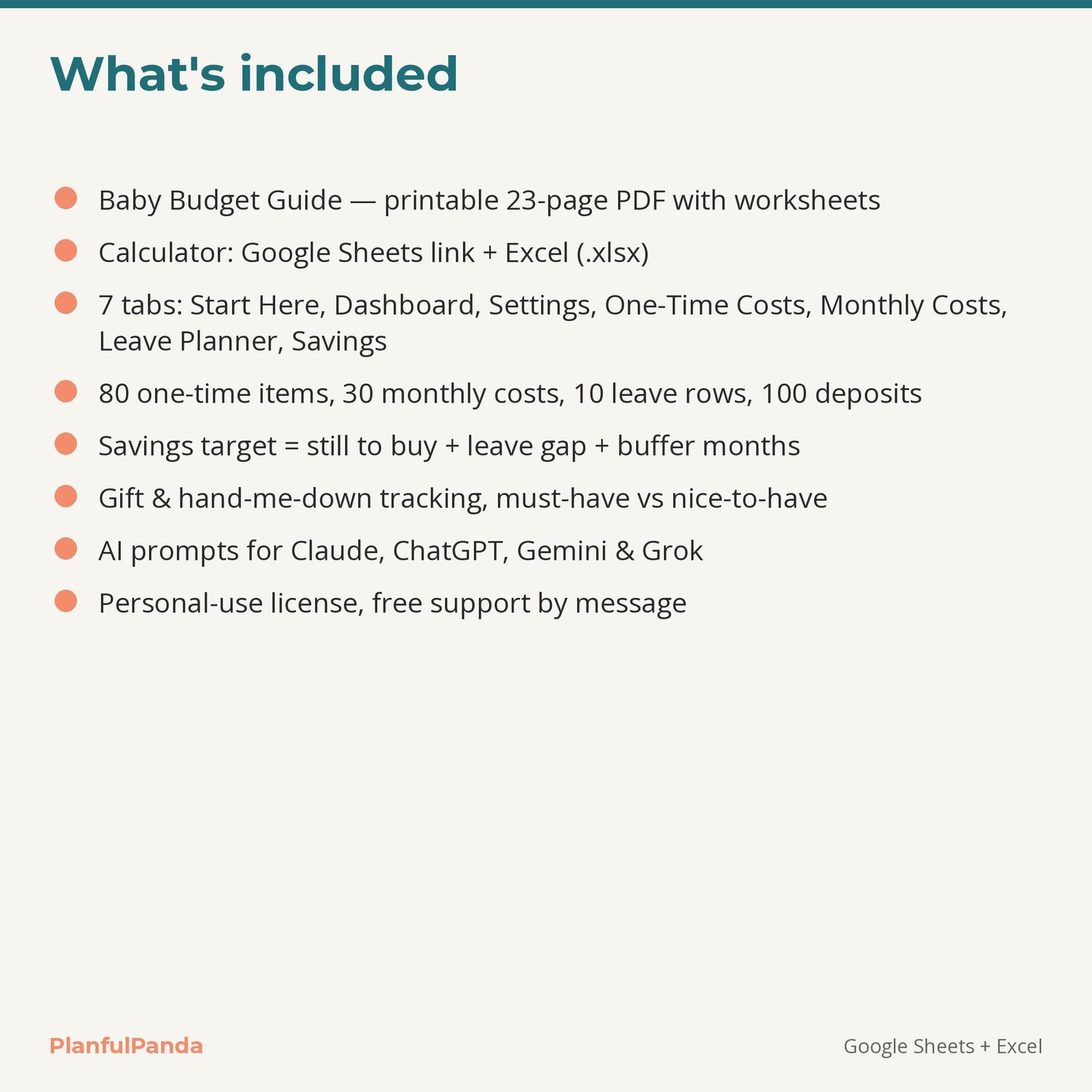
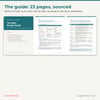
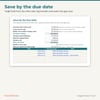
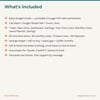
WHAT'S IN THE KIT• Baby Budget Guide (PDF, 23 pages, printable): what a first year really costs with sources, must-have vs nice-to-have gear and the registry strategy, month-by-month costs, the childcare decision, parental leave and state paid-leave programs, the delivery bill and insurance deadlines, a 2026 US tax-breaks snapshot (Child Tax Credit, dependent care FSA, care credit, new seed accounts — not tax advice), a save-by-the-due-date plan, AI prompts, and 8 printable worksheets.• Baby Budget Calculator (Google Sheets copy link + Excel .xlsx).• Download guide PDF with your Google Sheets link.
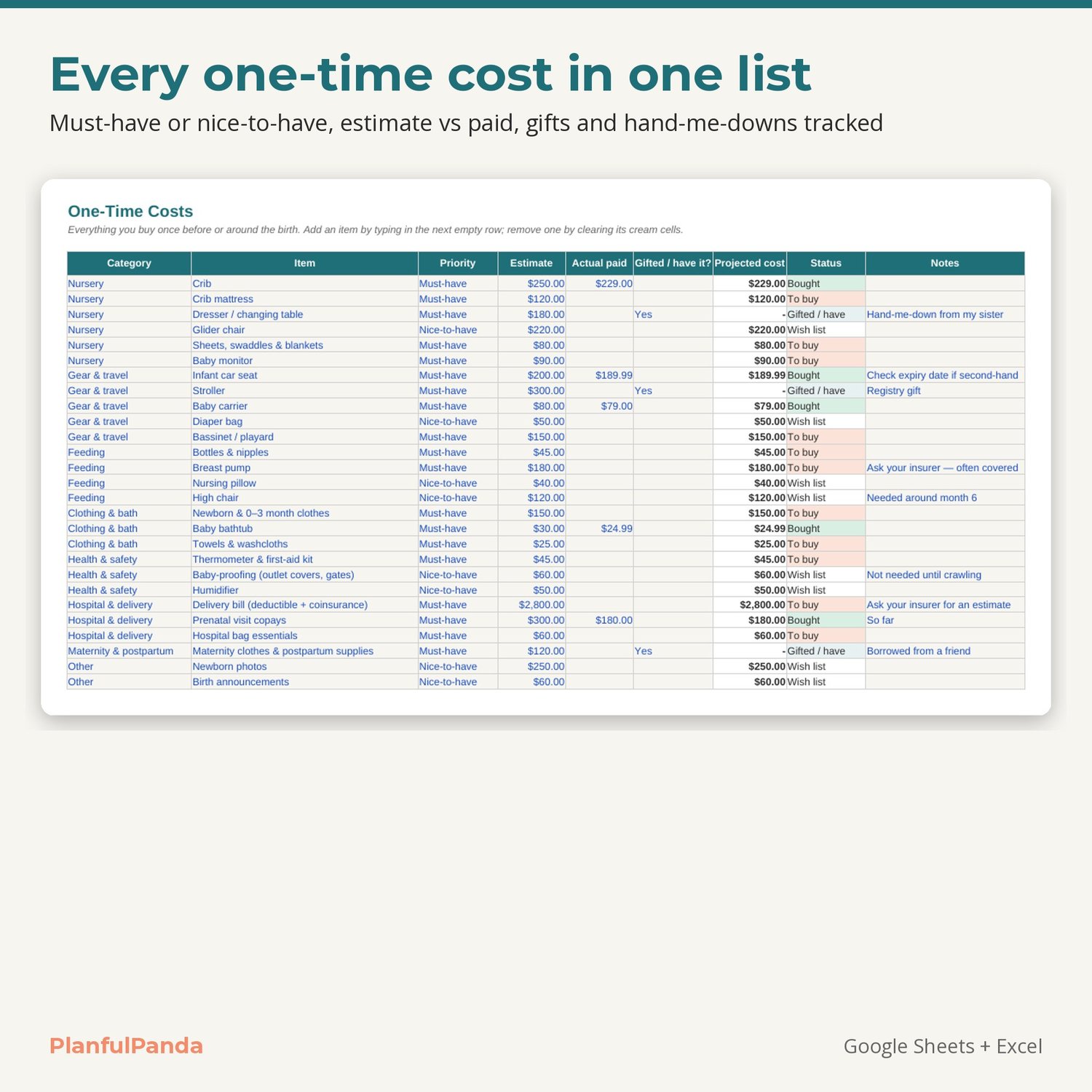
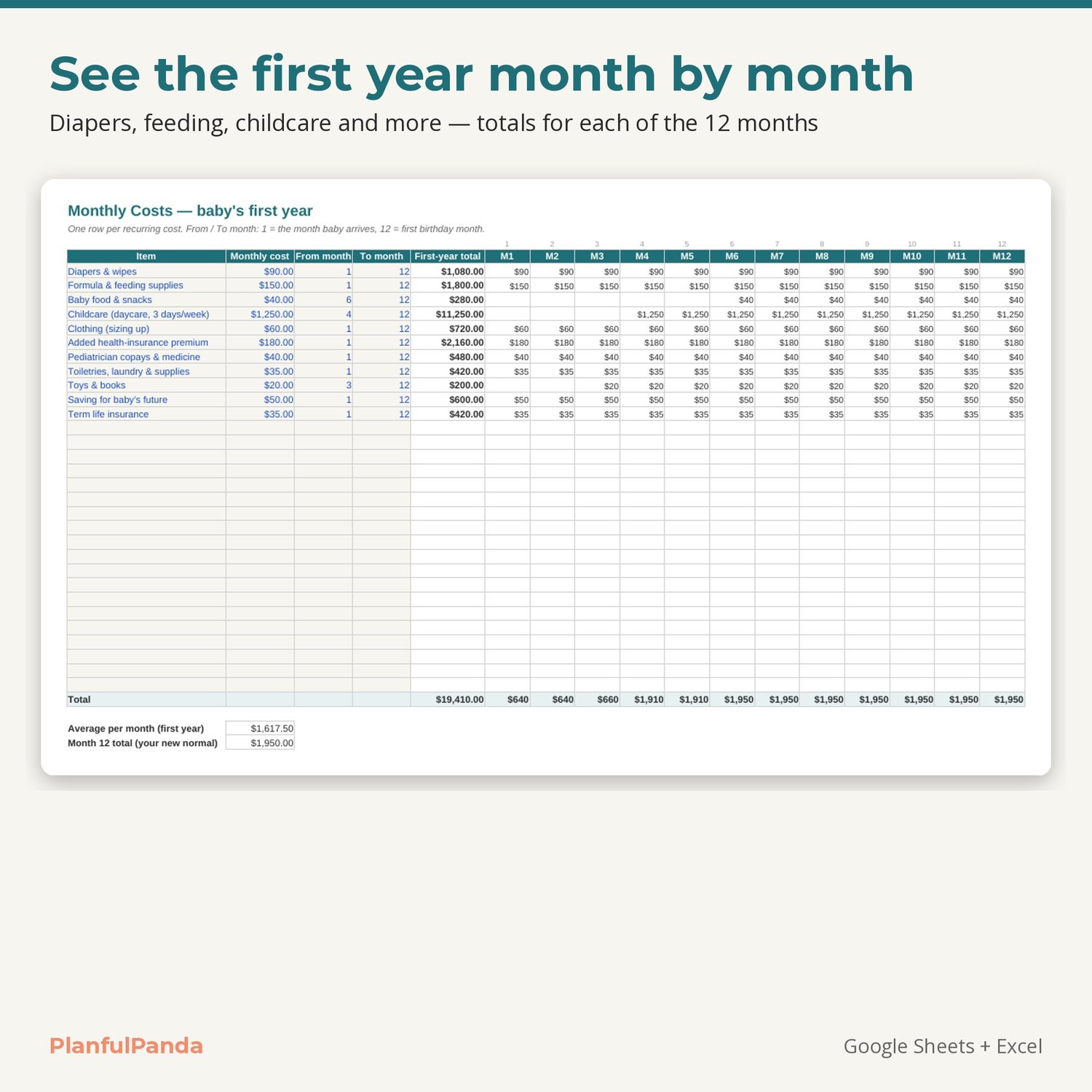
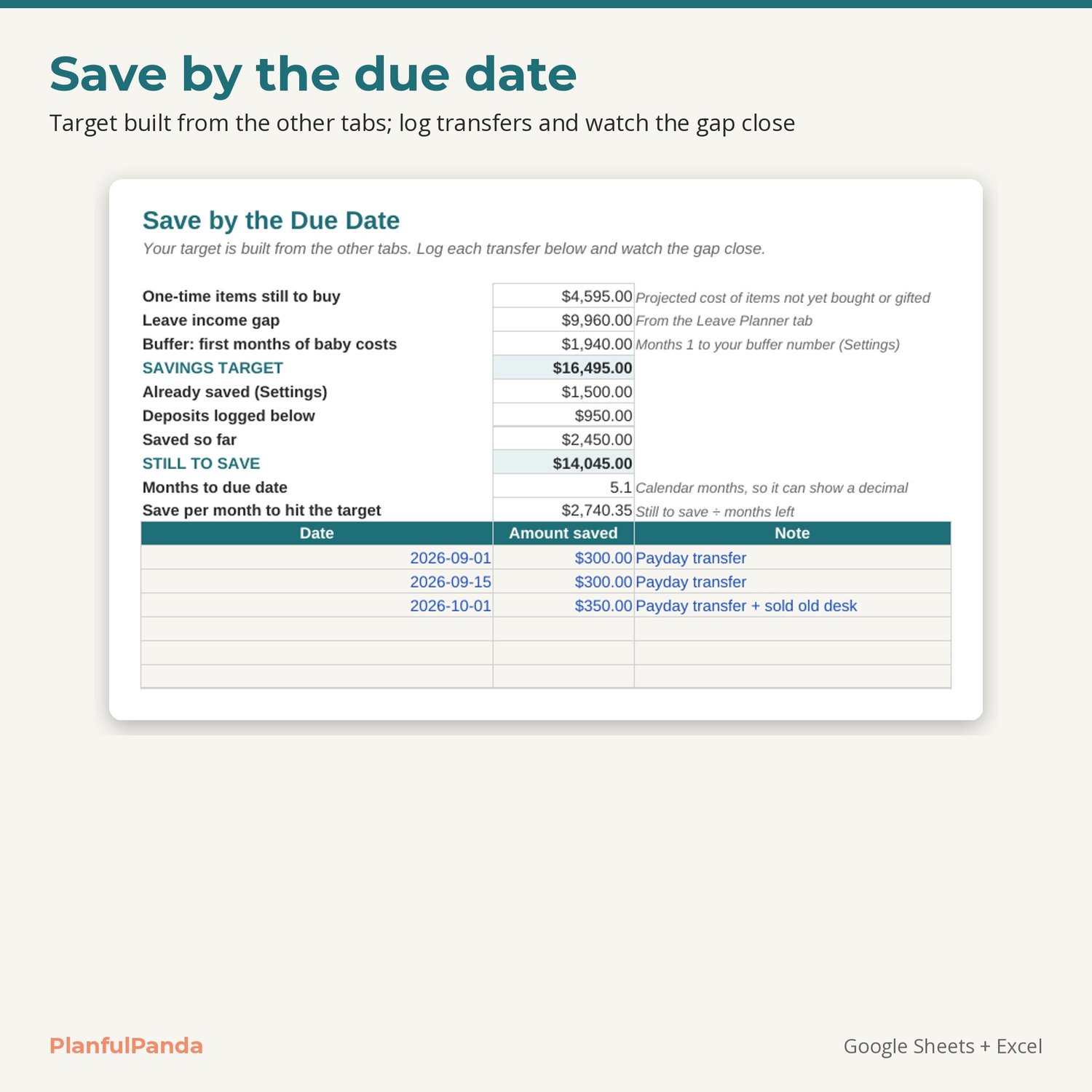
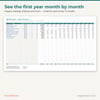
THE CALCULATOR (Google Sheets + Excel)• Dashboard: days to due date, projected one-time costs, still to buy, leave income gap, first-year monthly costs, savings target, saved so far and the amount to save per month, plus a category table with % bought, an estimate-vs-projected chart and a month-by-month cost chart.• Settings: due date, what you've already saved, how many months of baby costs to hold as a buffer, an optional one-time budget cap, and up to 8 categories you can rename.• One-Time Costs: up to 80 items (crib, car seat, stroller, feeding gear, hospital bill…). Must-have or nice-to-have, estimate, actual paid, and a "Yes" for gifts and hand-me-downs. Projected cost and status (To buy / Wish list / Bought / Gifted) are calculated for you.• Monthly Costs: up to 30 recurring costs with the months they apply (1 = arrival month, 12 = first birthday). See month 1, month 12 and the first-year total.• Leave Planner: each stretch of parental leave for each parent — weeks, weekly take-home, % paid — adds up to the income gap most families forget.• Savings: your target = still to buy + leave gap + buffer months. Log every transfer and watch "still to save" and the monthly amount fall.• Add a row by typing in the next empty cream row; remove one by clearing it. Formula cells are protected (no password).
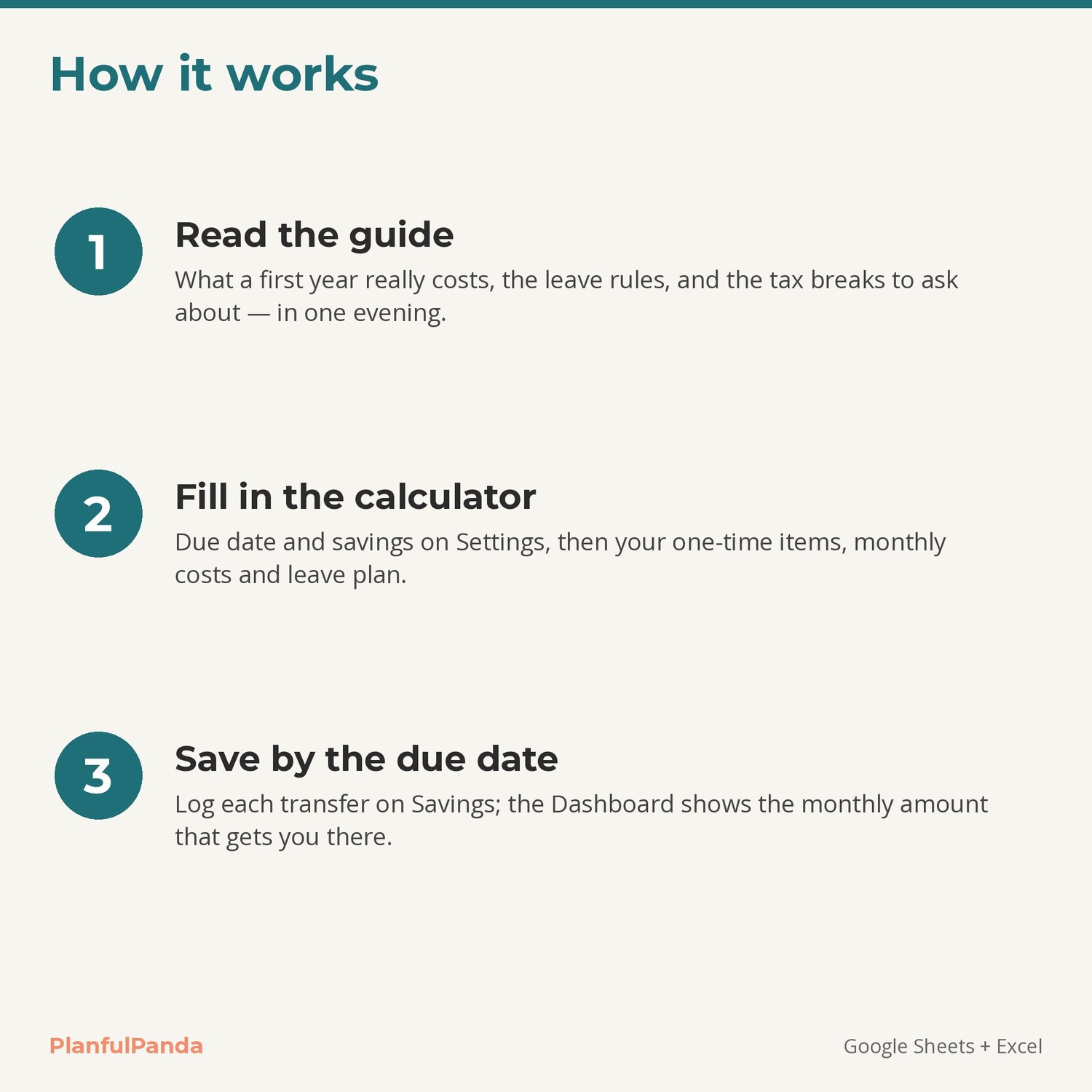
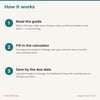
HOW IT WORKS1. Download the files. Open the Google Sheets link and choose File → Make a copy (or open the Excel file).2. Read the guide's first two chapters and enter your due date and savings on Settings.3. Fill in One-Time Costs, Monthly Costs and Leave Planner as you price things. Log transfers on Savings and check the Dashboard any time.
A thoughtful gift for expecting parents, a baby shower or a pregnancy announcement — or for yourself in the second trimester.
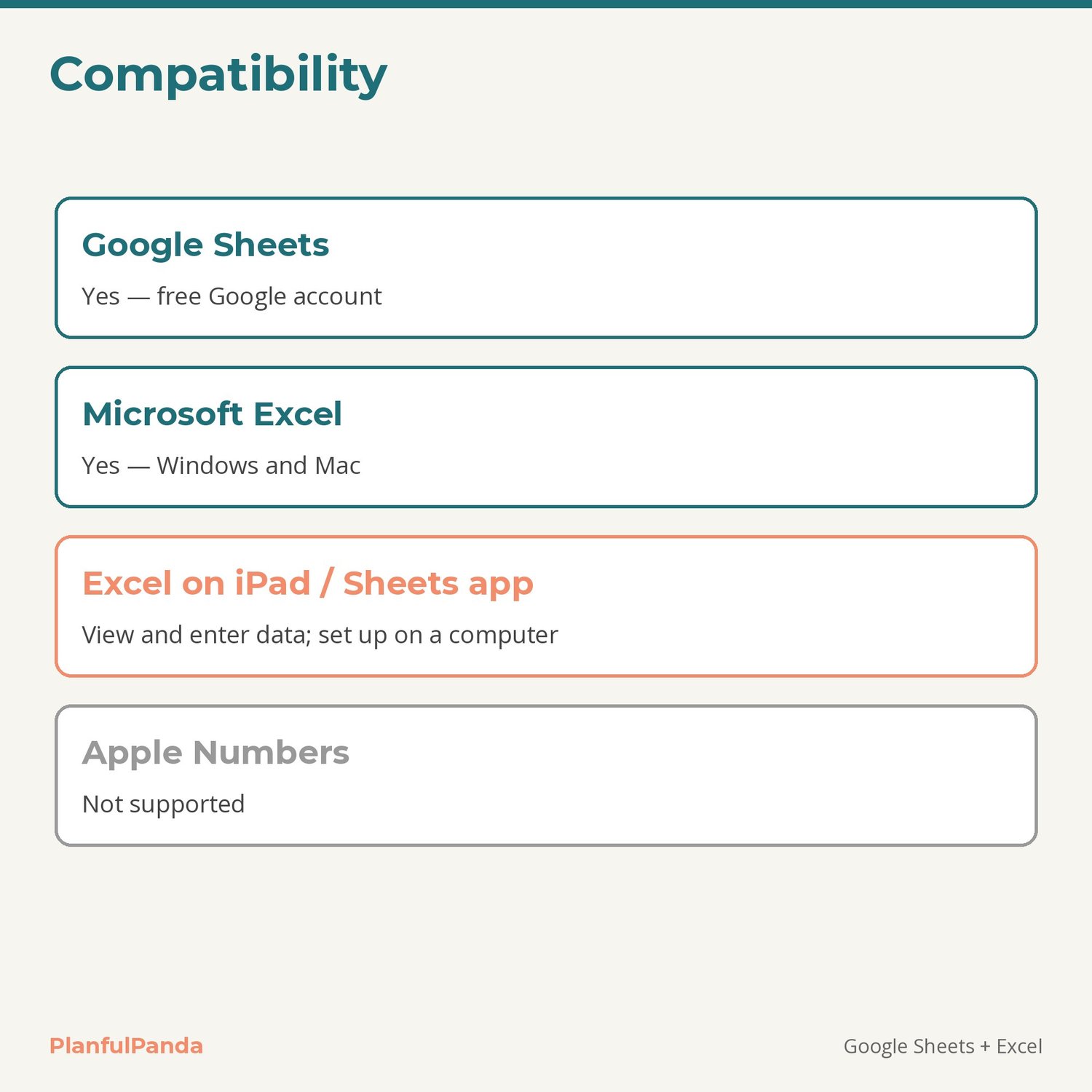
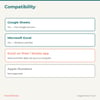
COMPATIBILITYGoogle Sheets (free Google account) and Microsoft Excel (Windows and Mac). Set-up is easiest on a computer. Not designed for Apple Numbers.
LICENSEPersonal use. Please don't resell, share or redistribute the files.
FAQRefunds: digital files can't be returned once downloaded, but if anything doesn't work as described, message me and I'll fix it, usually the same day.Currency: shows $, works for any currency.Support: message PlanfulPanda through Payhip. Replies within one business day.Refunds policy: https://www.planfulpanda.com/refunds/ · Licence: https://www.planfulpanda.com/licence/
Templates are budgeting tools, not financial, tax or legal advice. Not affiliated with or endorsed by Google or Microsoft.
Designed by PlanfulPanda with AI-assisted tools; every formula and layout is checked before listing.