
Canadian Landlord Rental Income and Expense Tracker (T776, 2026, Excel, no CCA)
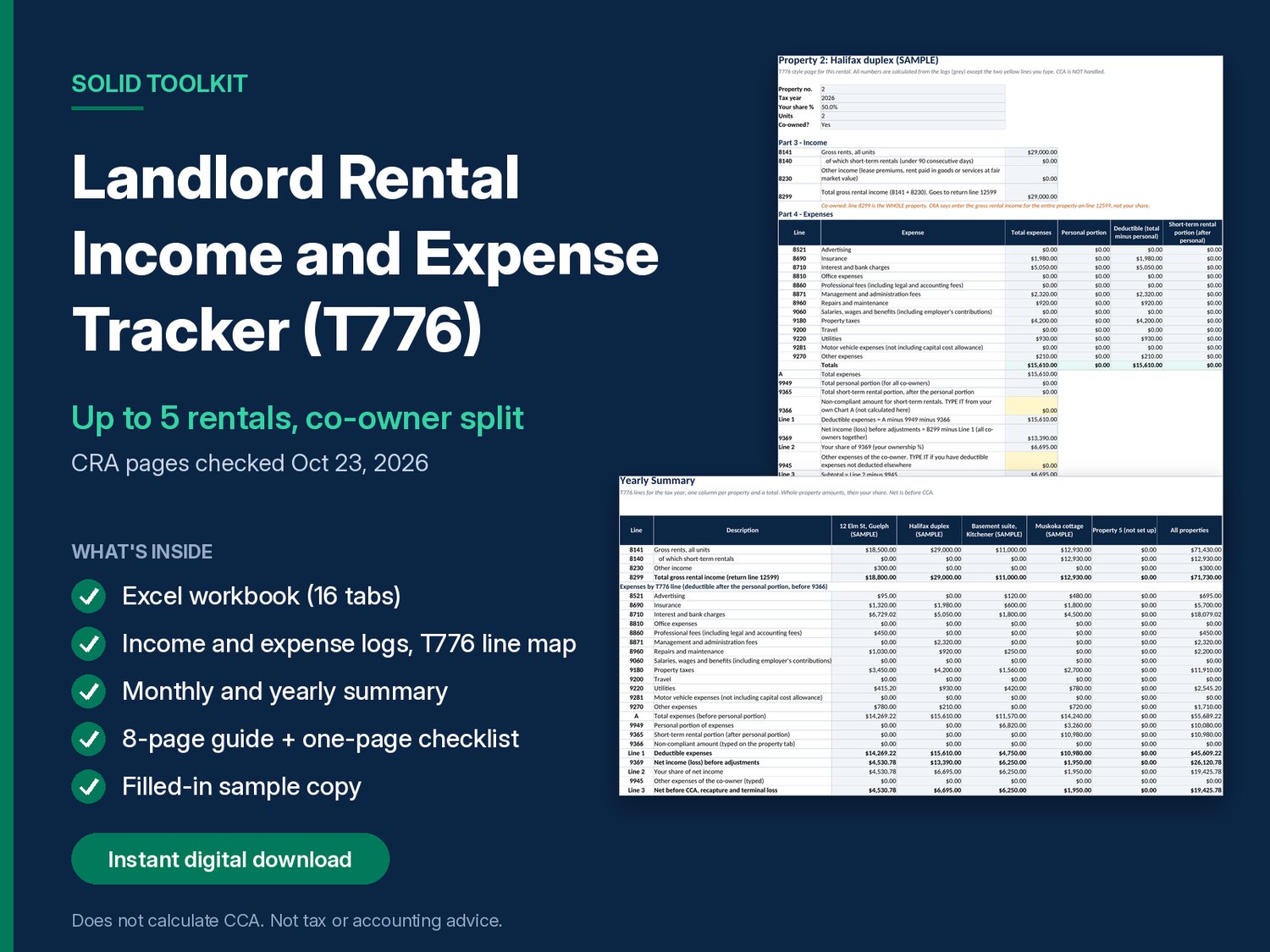
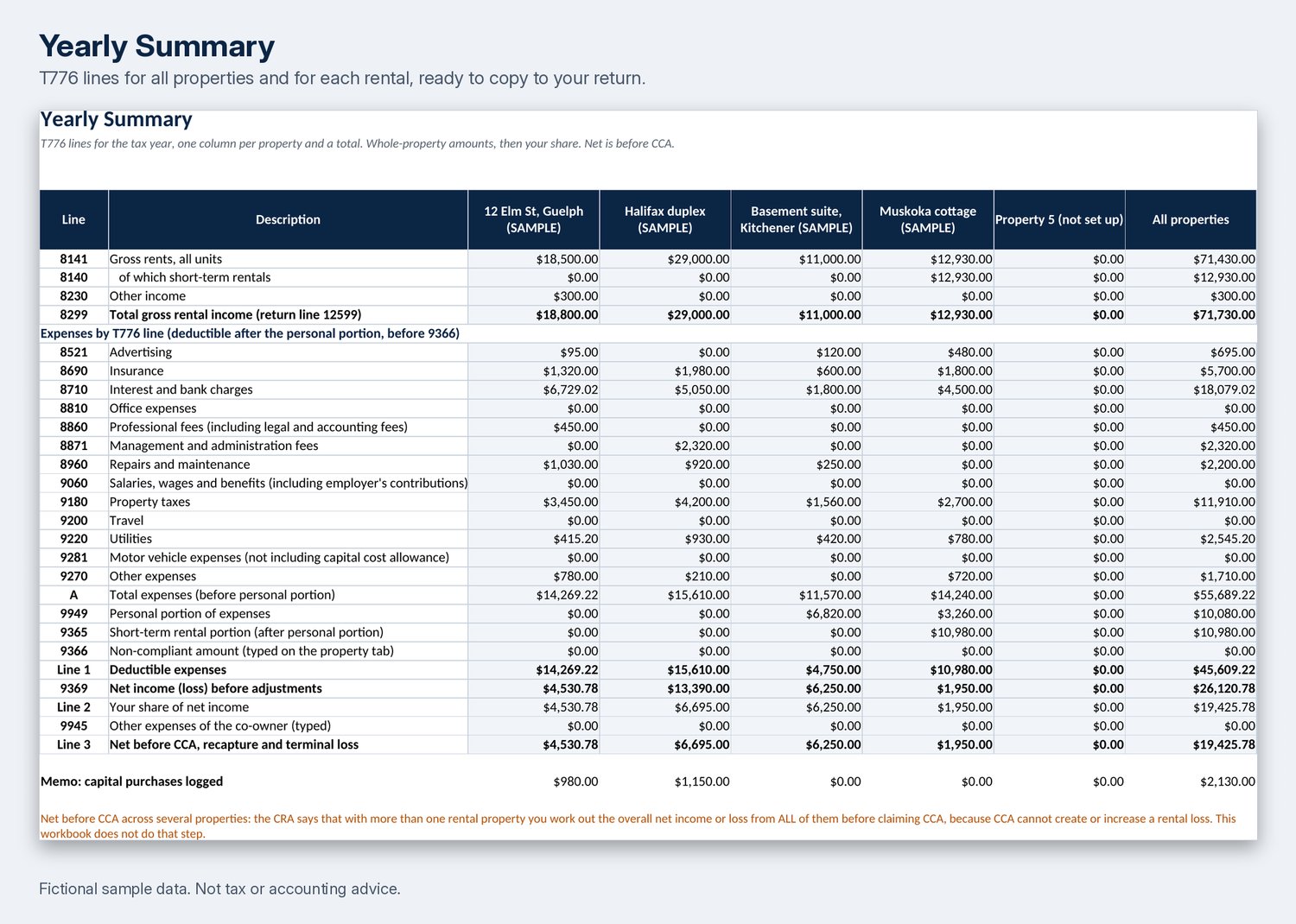
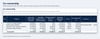
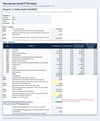
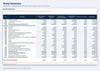
Log rent and expenses for up to 5 rentals and see them sorted into the CRA Form T776 lines, by month and by year, with each co-owner's share. CRA pages checked October 23, 2026.
IMPORTANT: this workbook does NOT calculate CCA (capital cost allowance). It stops at the net before CCA (T776 Line 3).
What you get (instant download, ZIP file, version 1.0):
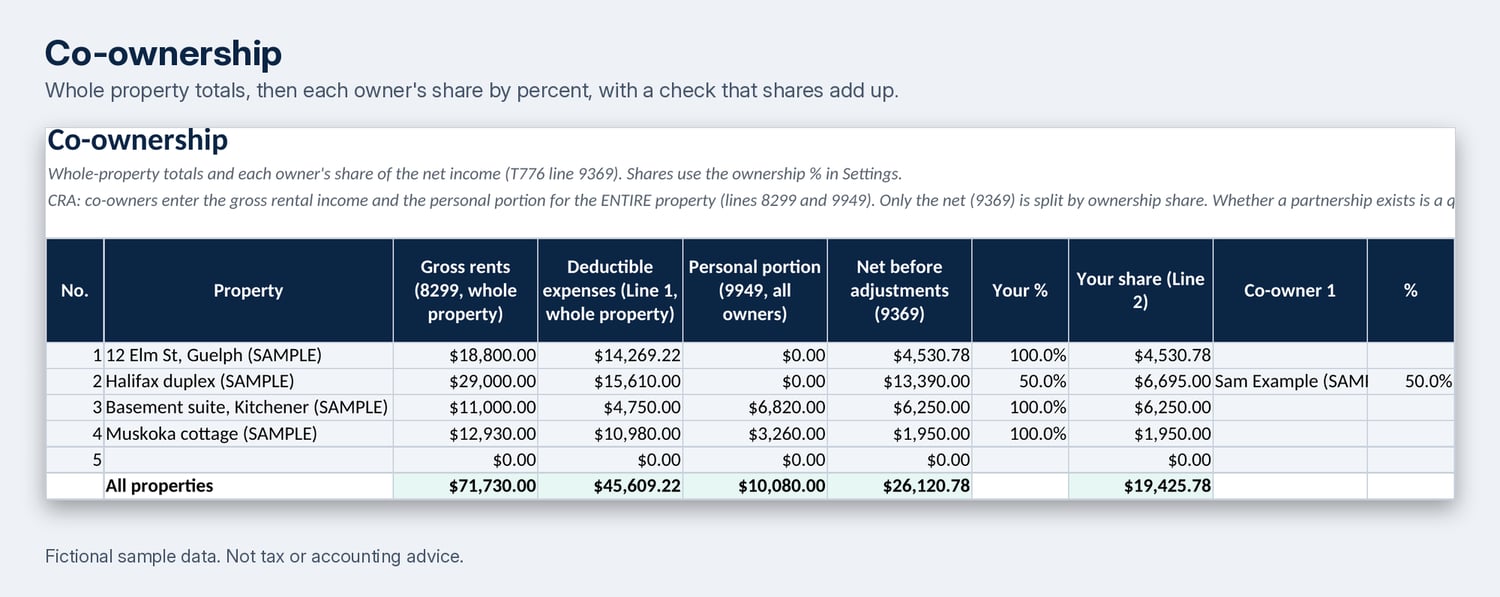
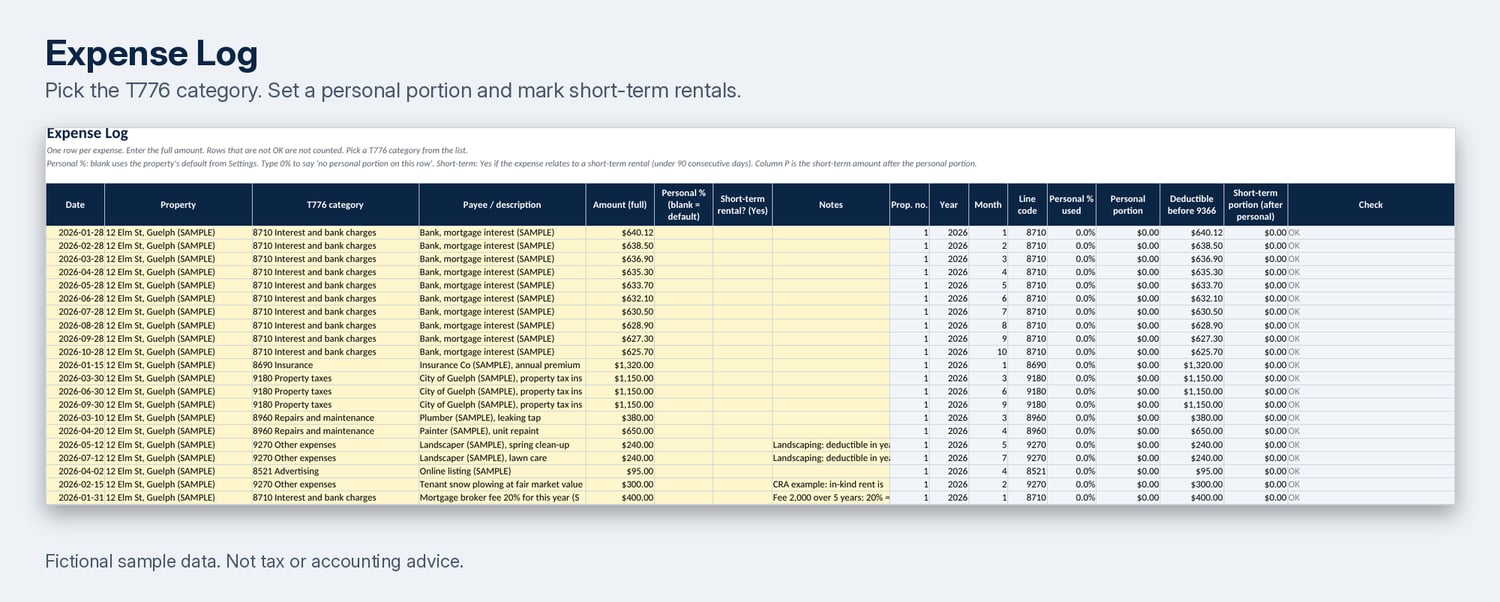
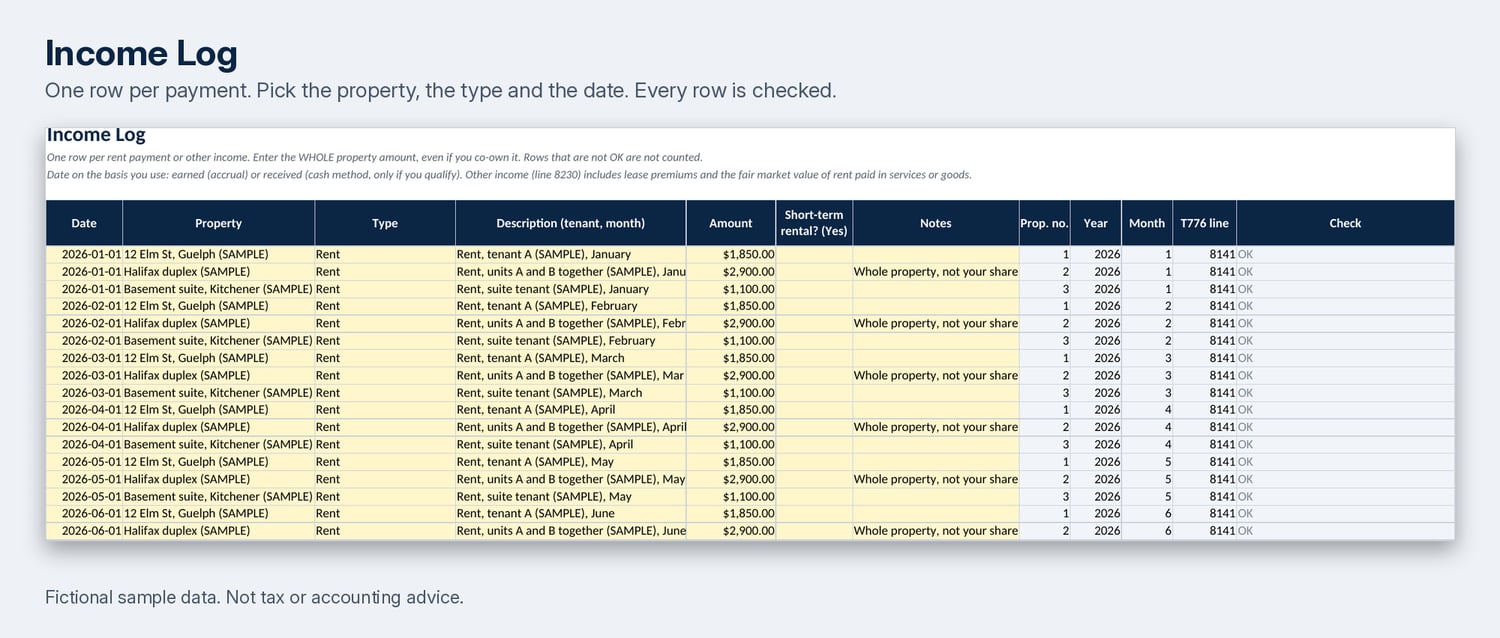
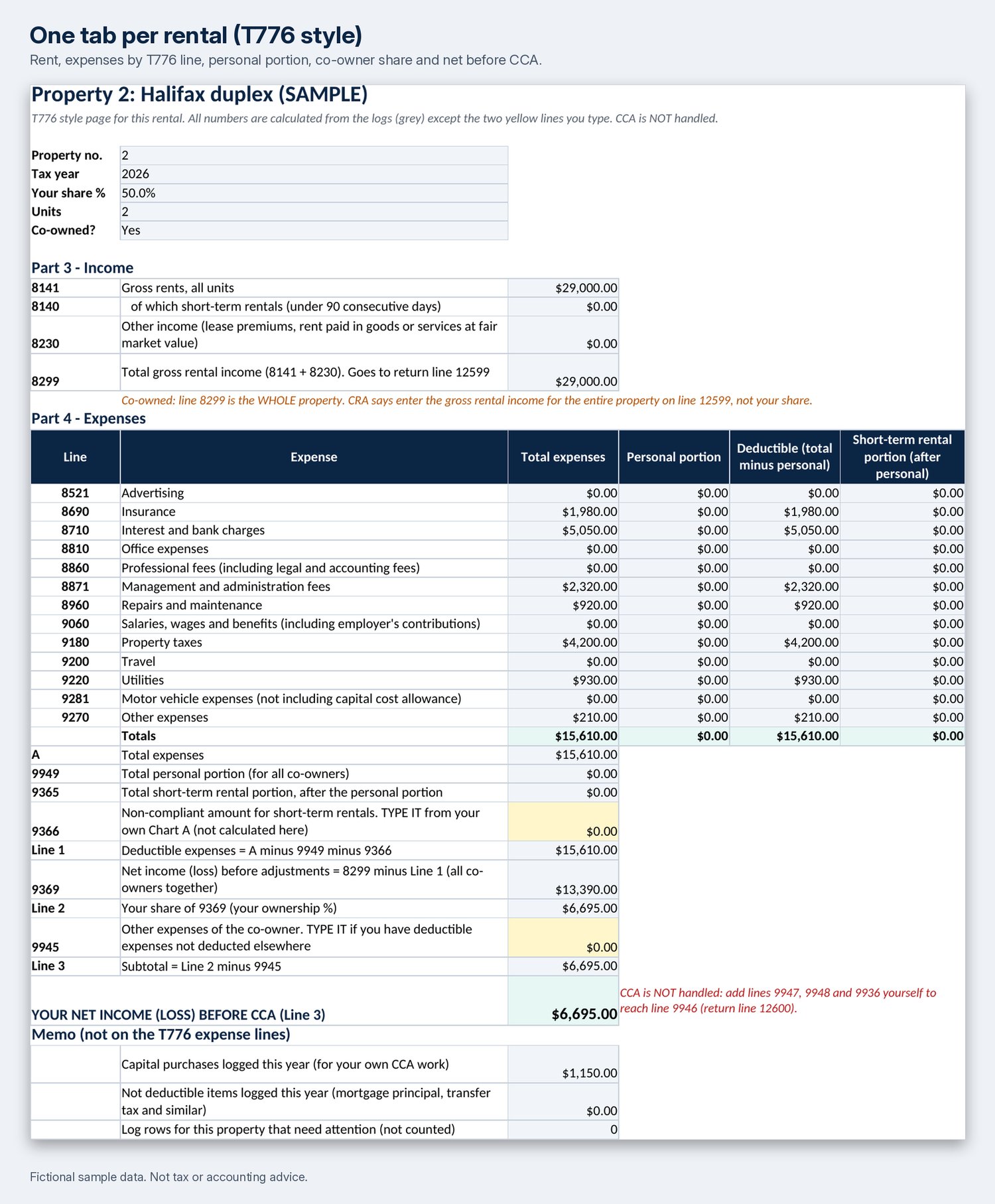
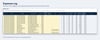
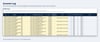
- Workbook that should open in Excel and Google Sheets (tested in LibreOffice only): Settings, income log, expense log, a T776 style tab for each of 5 rentals, co-ownership split, monthly summary, yearly summary, T776 line map, sources, new year reset
- A filled-in sample copy with 4 made-up rentals (one co-owned, one with a personal part, one short-term)
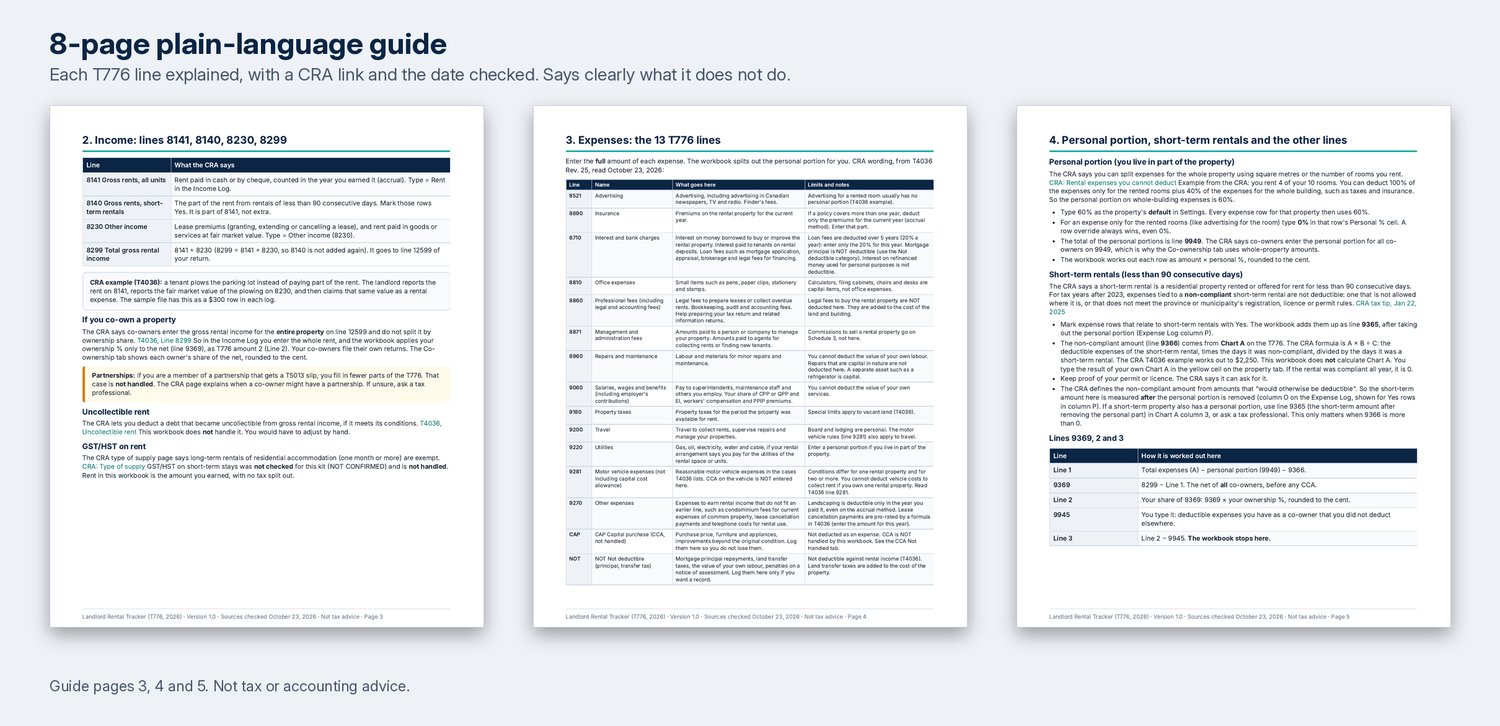
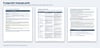
- 8 page plain-language guide (PDF) with CRA links and the date each page was checked
- One page checklist (PDF)
- README with a 15 minute quick start
Good to know:
- Co-owners enter the whole property. The workbook applies your ownership % to the net (line 9369).
- Personal portion is a % you set.
- Short-term rental rows (under 90 consecutive days) are totalled on line 9365, after the personal portion.
- Not handled: CCA, T776 Chart A and Chart B, uncollectible rent, GST/HST on short-term stays, partnership income, vacant land limits, provincial rules, Revenu Québec.
- Line numbers are from the 2025 T776 (the latest posted on October 23, 2026). The 2026 form may differ.
- Formulas only, no macros. Yellow cells are for you, grey cells are formulas.
Not tax, legal or accounting advice. General information and a record keeping and estimating tool. Numbers are estimates. No promise of any income, savings or tax result. Check canada.ca or ask a tax professional.
OPEN IT AND USE IT PROMISE (30 days)
Open it and use it for 30 days. If it does not fit, email support@solidtoolkit.com and we refund the full price you paid for the kit. You do not need to give a reason. If something in the kit is wrong or does not work, tell us. We will fix it and send you the fixed file, or refund you if you prefer. Full text: https://solidtoolkit.com/refunds/
Support: support@solidtoolkit.com