
Shift Planner & Hours Tracker | Shift & Life
Plan a rotating rota, track shift hours and estimate gross pay with Shift & Life, a shift planner spreadsheet with fillable PDFs and an optional Notion template.
Organise changing shifts and make room for life, in the format that suits you.
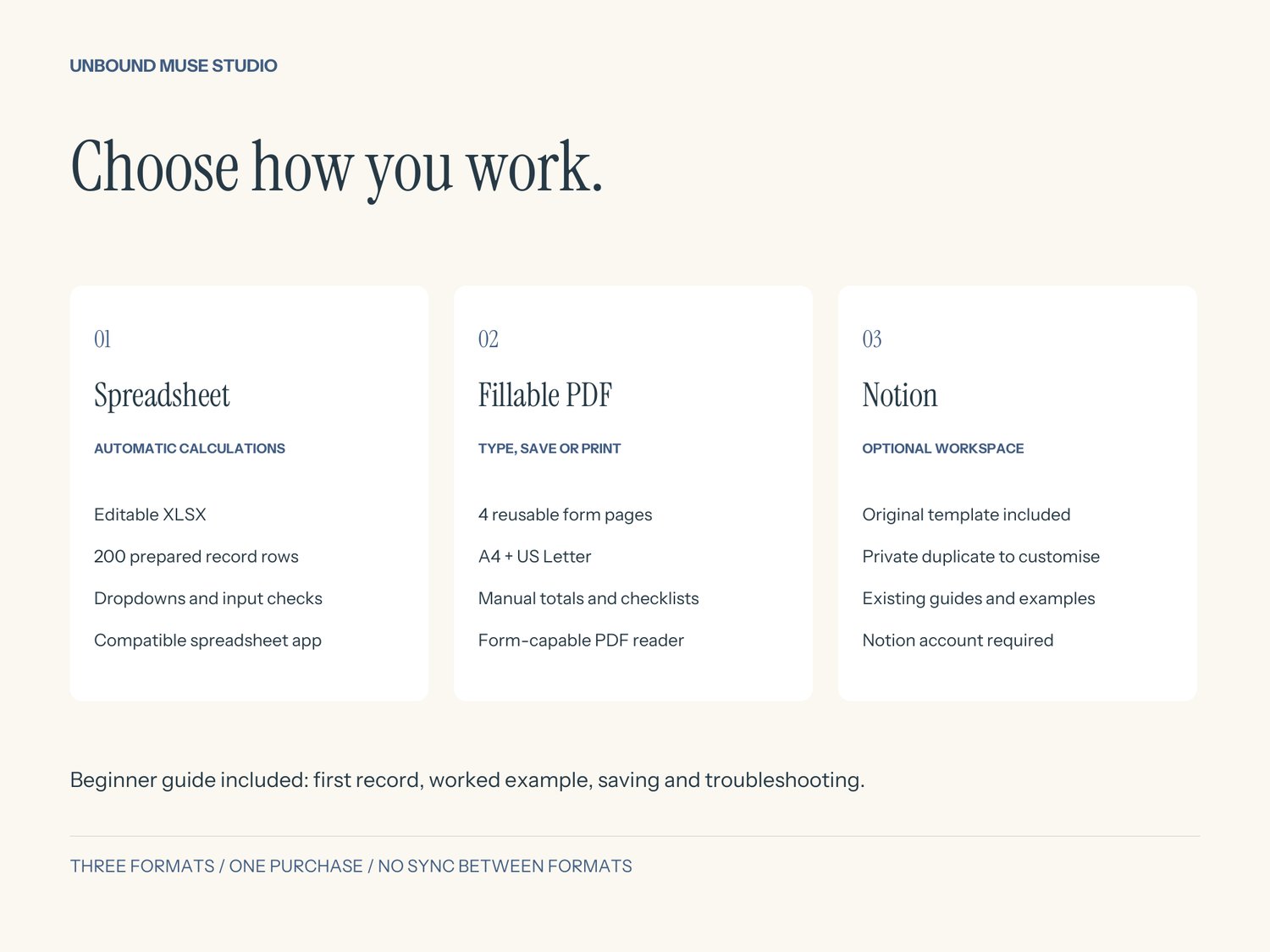
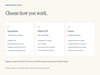
Shift & Life now includes a spreadsheet, fillable PDFs and the original Notion template in one bundle. Notion is optional: the spreadsheet and PDF versions work independently, with a beginner guide to help you start.
WHAT YOU GET
- Editable XLSX workbook with Week, Shifts and Life plans tabs.
- 200 prepared rows on each input sheet, dropdowns and table filters.
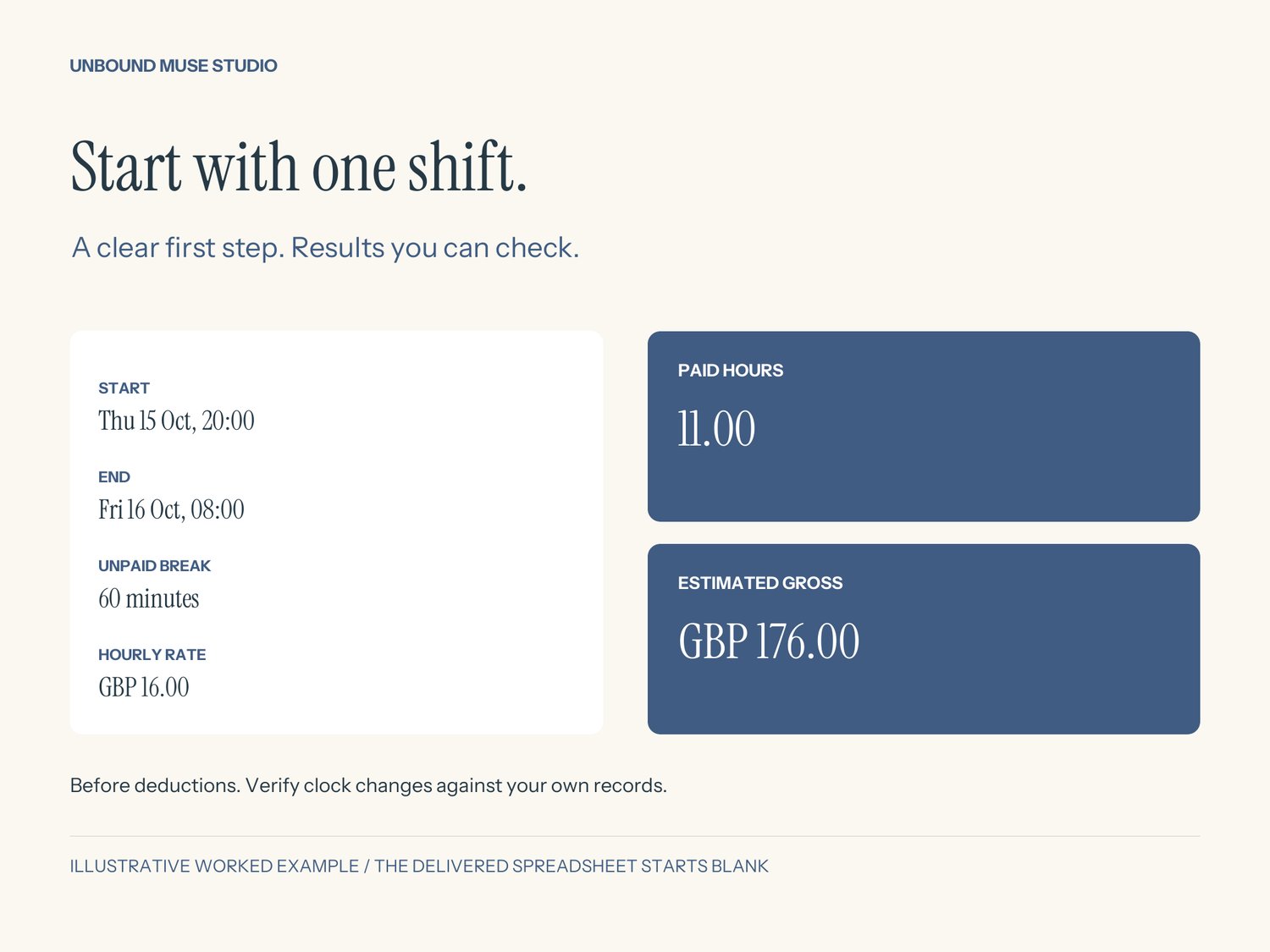
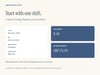
- Automatic paid-hours and estimated-gross calculations, input checks and a manual paid-hours override.
- Weekly totals, an all-date attention count and a completed-but-unpaid pay check.
- Four-page fillable PDF in A4 and US Letter: weekly plan, individual shift record, life plans, pay check and weekly reset. Type, tick, save or print. PDF totals are manual.
- Five-page beginner guide with first-record instructions, overnight worked example, saving, troubleshooting and format requirements.
- Original Notion workspace with Shifts and Life Plans databases, useful views, fictional demo week and guided New shift template.
- Original seven-page Notion access/setup guide and plain-text access link.
HOW TO START
Download and extract the ZIP, then open 00-Start-Here.pdf. Choose your preferred format. The spreadsheet is blank and ready for your own records; a worked example is in the guide. For Notion, sign in and duplicate the template into your own workspace. The three formats do not sync.
REQUIREMENTS
XLSX: a compatible desktop spreadsheet application. No Notion account or macros required. Calculations were checked in the authoring engine and LibreOffice; Excel and native mobile spreadsheet apps were not separately tested. There are 200 prepared rows per input sheet; start a fresh copy when full.
PDF: a reader that supports filling and saving form fields, or a printer for handwriting. No Notion account required.
Notion: a Notion account and internet access. Core features do not need Notion AI or paid integrations. Desktop setup recommended; wide tables may need horizontal scrolling.
IMPORTANT DETAILS
Enter actual start and end dates/times, unpaid break minutes and the rate for each shift. Overnight shifts use the following end date. Weeks group shifts by their start date without splitting them between weeks. Invalid and cancelled spreadsheet/Notion rows contribute zero to hours and gross; check attention flags before relying on totals.
Gross is a planning estimate before deductions. No tax, payroll, statutory overtime, rota import or calendar sync. Verify clock-change shifts against your own records and use the manual paid-hours override when needed. Use one currency throughout; GBP labels are supplied and changing a display does not convert amounts.
PERSONAL USE & SUPPORT
For one person's planning. No resale, redistribution or sharing blank templates/access links. Your entered information remains yours. Contact UnboundMuseStudio through your purchase platform for access support. Digital download only; no physical item or standalone app. Created with AI assistance and reviewed/tested by UnboundMuseStudio. Independent product, not affiliated with Notion or Microsoft.