




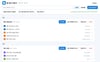
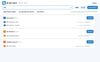
Tab Saver & Organizer — Save All Tabs in One Click, Restore Later (탭 정리 저장기)
Too many tabs? One click saves them all.
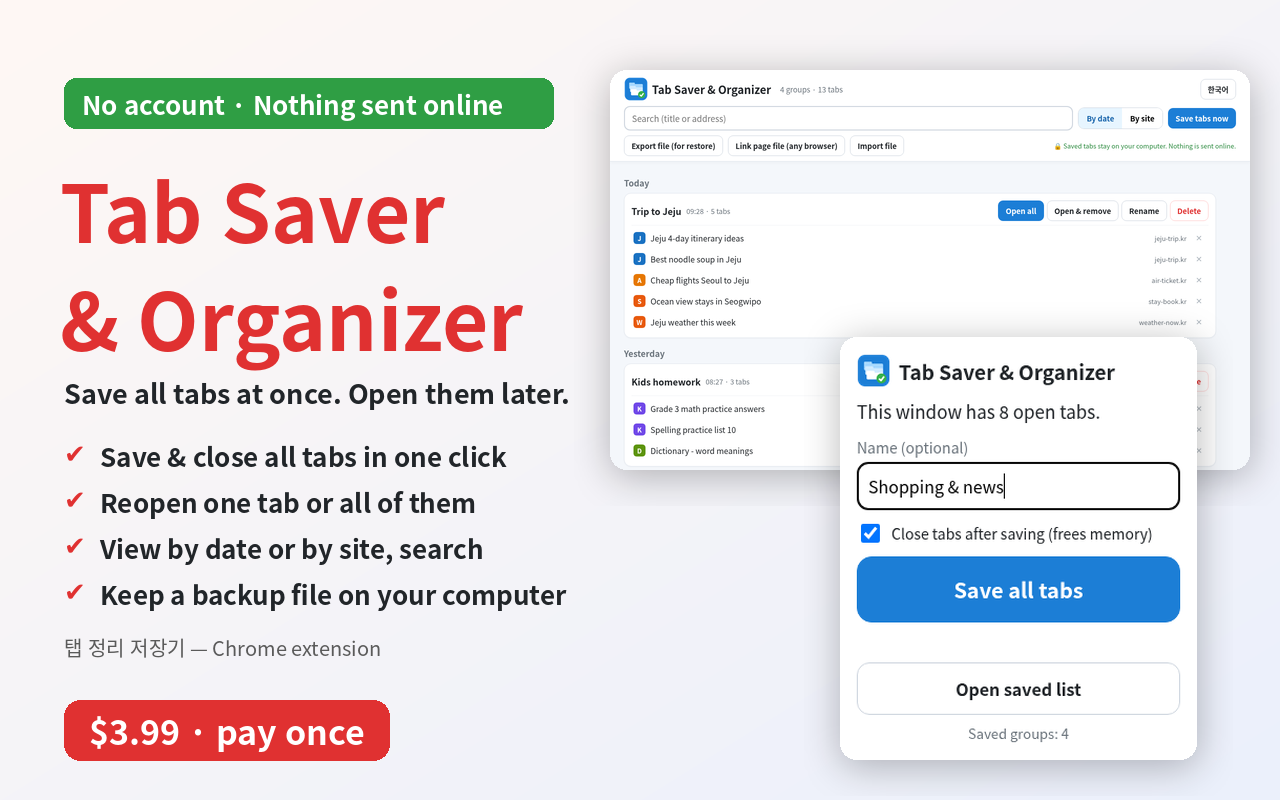
Tab Saver & Organizer saves every open tab and closes them. Open them again whenever you need.
• One button: save and close dozens of tabs
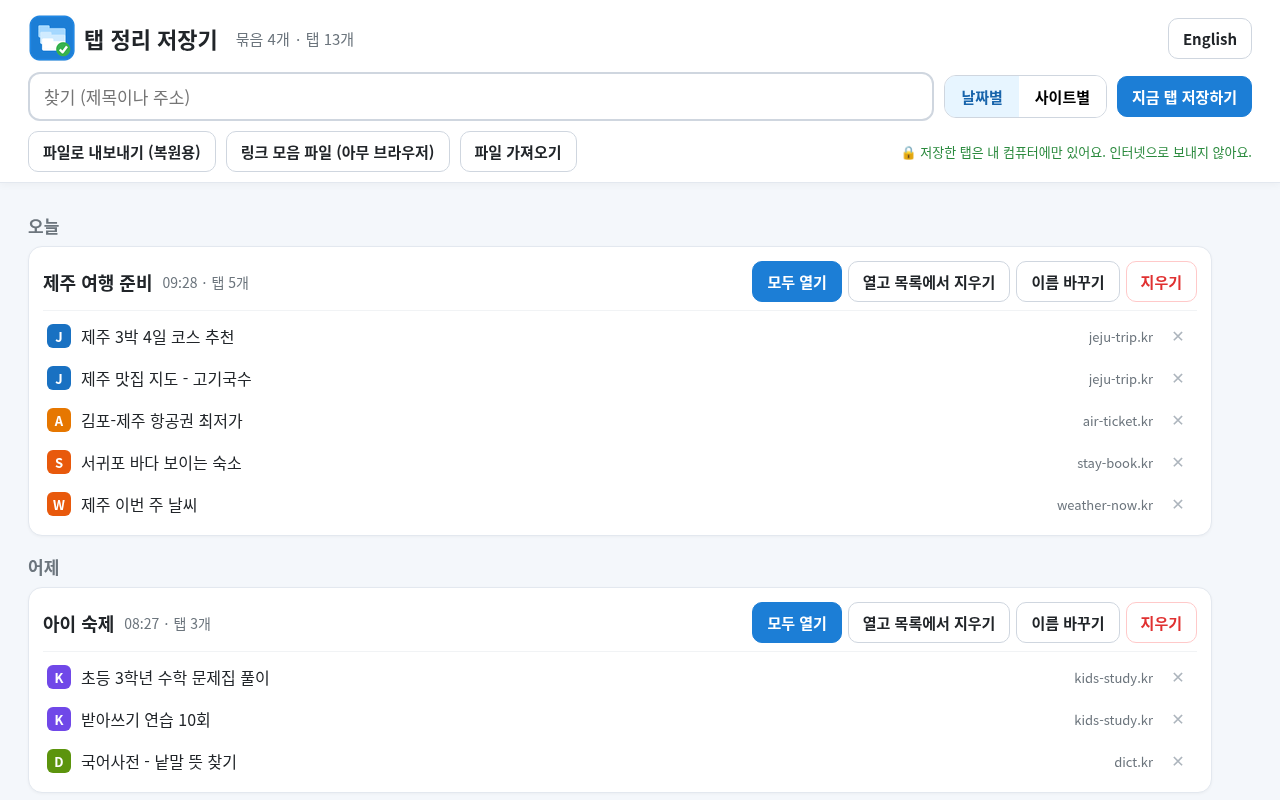
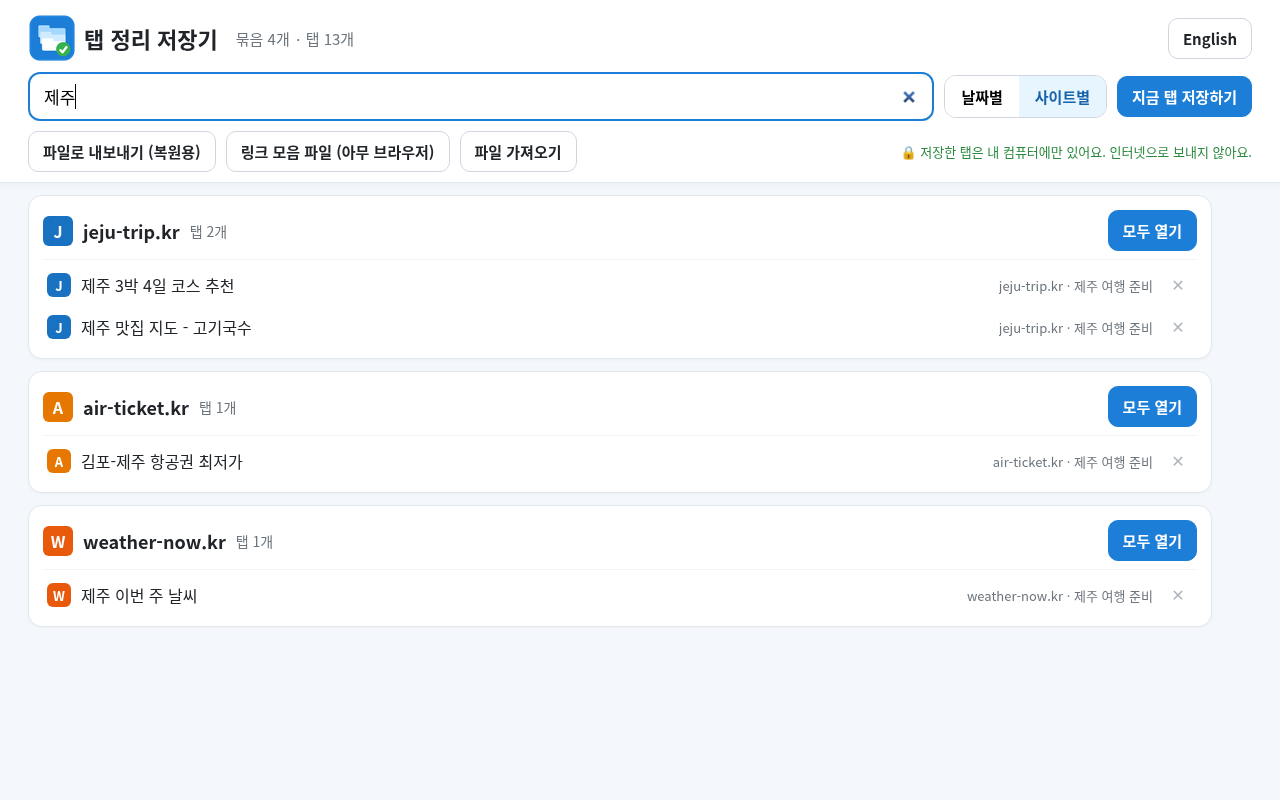
• Sorted by day or by website, with search
• Open one tab, or open them all
• Keep your list as a file on your own computer (backup file + a link page that opens in any browser)
• Bring a file back in — no duplicates. Also reads OneTab's exported text.
• No account, no ads. Your tabs never leave your computer.
• Big buttons, English and Korean screens
What you get: 1 Chrome extension + easy install guide (English/Korean, picture PDF).
How to use: 1) Add it to Chrome with the guide (2 min). 2) Click the icon, press "Save all tabs". 3) Click a title or "Open all" to see them again.
Honest limits: Tested in Chrome (66 tests passed). Edge/Whale should work but not tested. Not for phones. Pinned tabs are saved but not closed.
Expert line: Manifest V3, permissions tabs + storage only, no network, no analytics.
—
탭이 너무 많을 땐, 버튼 한 번.
탭 정리 저장기는 열린 탭을 모두 저장하고 닫아 줍니다. 필요할 때 다시 여세요.
• 버튼 하나로 탭 수십 개 저장하고 닫기
• 날짜별·사이트별 정리, 검색
• 하나만 열기, 모두 열기
• 내 컴퓨터에 파일로 보관 (되살리기 파일 + 아무 브라우저에서 열리는 링크 모음)
• 파일을 다시 넣어도 겹치지 않아요. 원탭(OneTab) 목록도 옮길 수 있어요.
• 가입·광고 없음. 내 탭 정보는 밖으로 나가지 않아요.
• 큰 버튼, 한국어 화면
받는 것: 크롬 확장 프로그램 1개 + 쉬운 설치 설명서(한국어·영어, 그림 PDF)
쓰는 법: 1) 설명서대로 크롬에 넣기(2분) 2) 아이콘 누르고 "탭 모두 저장하기" 3) 다시 볼 땐 제목이나 "모두 열기"
솔직한 한계: 크롬에서 시험(66개 시험 통과). 엣지·웨일은 될 것이지만 시험 안 함. 휴대폰 안 됨. 고정한 탭은 저장만 하고 닫지 않음.