


Inventory Cost Tracker Spreadsheet, Small Business Inventory Management | Google Sheets
Stockouts lose sales. Dead stock eats cash. If your inventory lives in your head, both are happening right now.
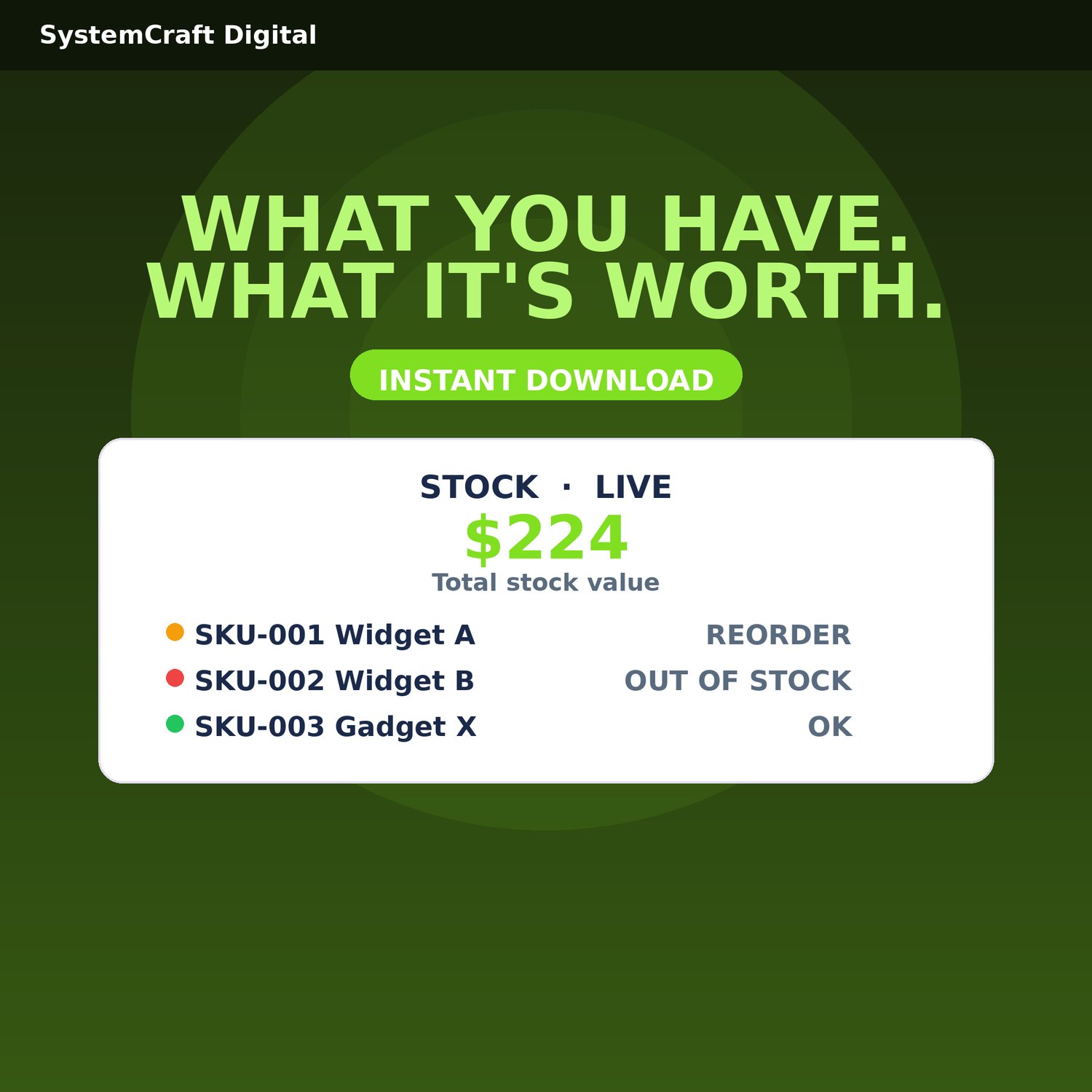
This tracker values every unit with weighted-average cost, fires reorder alerts, and shows your total stock value live.
• Launch pricing: $10.8
WHAT'S INCLUDED
- Inventory Cost Tracker workbook (.xlsx) — 6 tabs: Start Here, Setup, Products, Purchases, Sales, Dashboard
- Quick Start Guide PDF — the 15-minute setup walkthrough
- FAQ & Access Guide PDF — importing, troubleshooting, license terms
KEY FEATURES
- Weighted-average unit cost per SKU, updated with every purchase
- Live on-hand counts from purchases minus sales
- REORDER and OUT OF STOCK alerts at your per-SKU reorder points
- Total stock value calculated automatically
- Value by category with dashboard chart
- Reorder alert list for restock runs
- Full purchase history per SKU for tax time
- Protected formula cells so the math can't break
HOW IT WORKS
1. Download the ZIP and unzip it
2. Open Google Sheets and import the workbook via File > Import > Upload
3. Add your SKUs and reorder points on the Products tab
4. Log a purchase or sale — done in 15 minutes
IMPORTANT NOTES
- Instant digital download — no physical item will be shipped.
- Built for Google Sheets ONLY — requires a free Google account. Import via File > Import > Upload.
- Single-user license: your purchase covers use by one person. Redistribution or resale is not permitted.
✅ 30-DAY MONEY-BACK GUARANTEE — you're covered. Message us within 30 days for a full refund, no forms, no hassle. Please read this listing carefully before purchasing.
- This is an organizational and planning tool — not financial, tax, or legal advice.
See the full SystemCraftDigital collection — cash flow, invoicing, tax planning, budgeting, and more — in my shop.