





Quarterly Estimated-Tax Planner (Freelancer Edition)
Never guess at quarterly payments again. This planner shows your full tax year on one screen, including what to set aside each month, what to pay each quarter, and whether you're on track for safe harbor. Safe harbor is a tax rule that may help you avoid underpayment penalties when you pay enough during the year.
One Excel file that also works in Google Sheets. No subscriptions, accounts, or logins. Everything runs in your own file. It works well with the PanemForge Bookkeeping Starter Kit: the kit helps keep your records organized, and this planner turns those records into a payment plan.
WHAT YOU GET (1 file, 7 tabs)
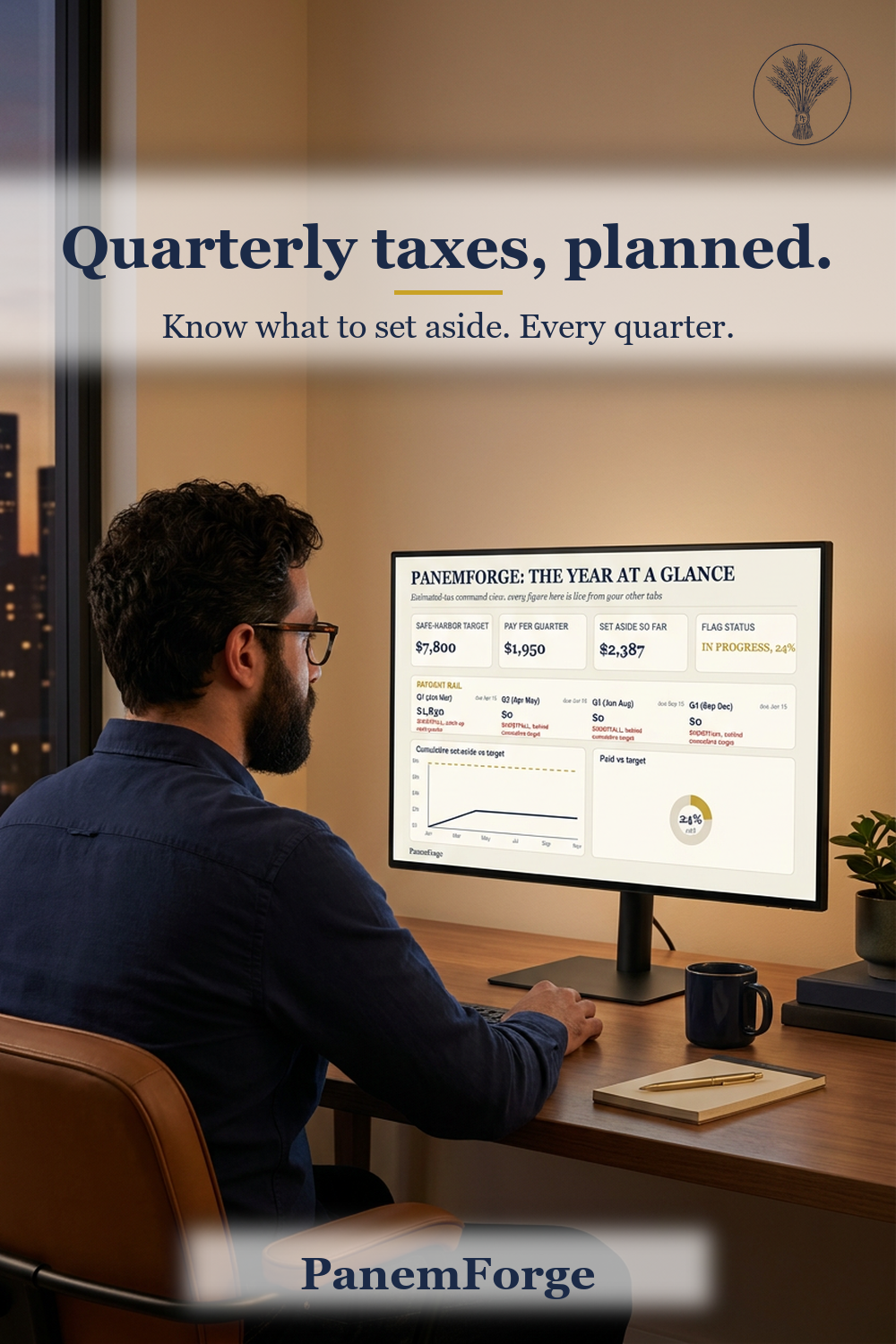
- Dashboard, The Year at a Glance: See all four quarters on one screen, including the safe-harbor target, payment amount for each quarter, amount set aside so far, status flag, and payment method. Light and dark versions are included, so you can choose the one you prefer.
- Monthly Rollup: Enter your monthly income and expenses. The sheet calculates net profit, total profit so far, and a suggested monthly amount to set aside. You can edit the set-aside rate. ASK YOUR CPA for your rate.
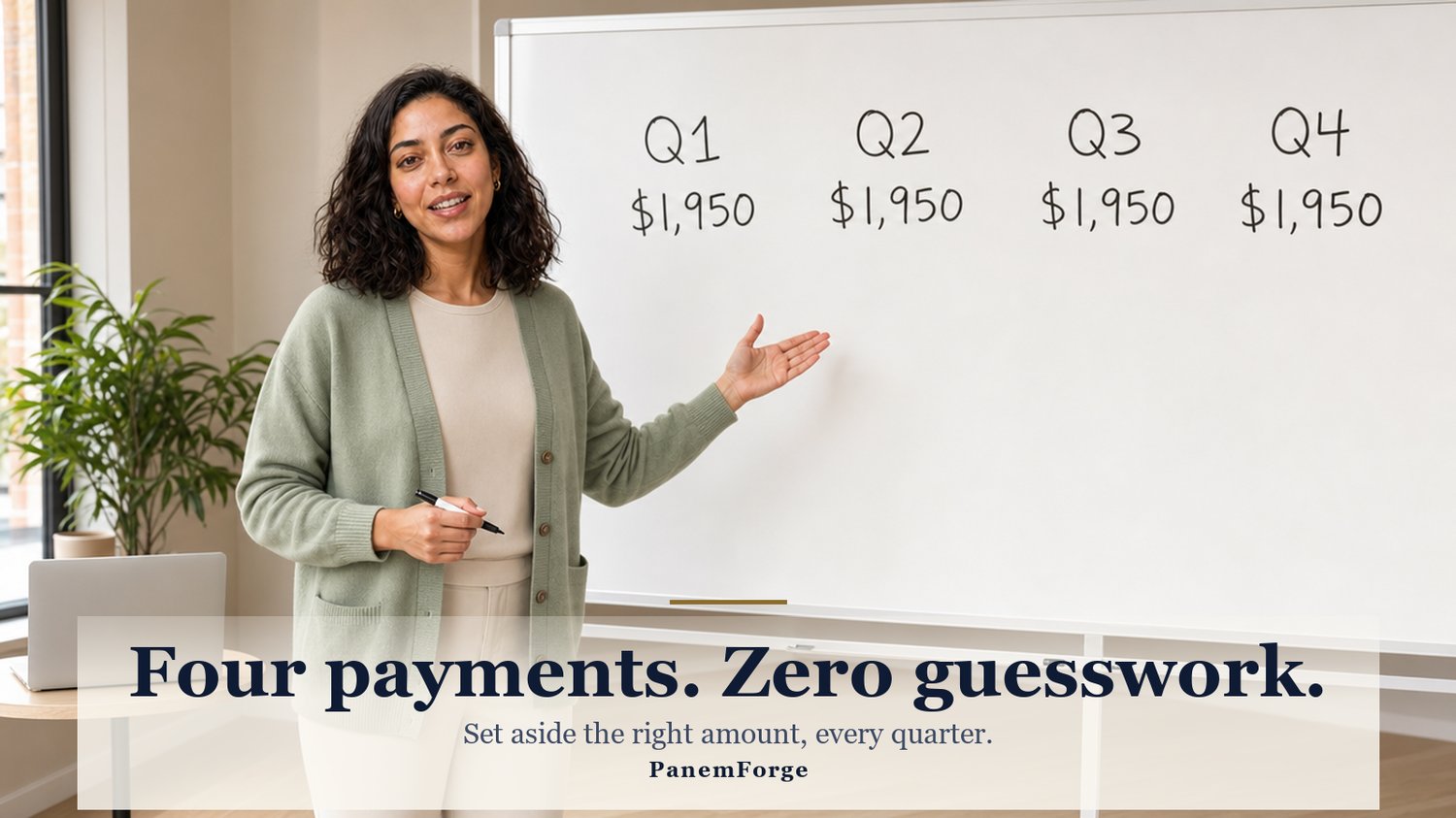
- Safe Harbor Planner: See the two ways to calculate estimated tax payments side by side: a percentage of last year's total tax and a percentage of this year's projected tax. The planner automatically uses the SMALLER route and divides it into per-quarter payments.
- Payment Log: Track the four estimated-tax payments, including editable due dates, the amount required, the amount paid, total paid so far, and status flags. This helps you see where you stand.
- Set-Aside Calculator: Plan your monthly set-aside, from net profit to the suggested amount to the amount you actually moved into your running balance.
HOW IT WORKS (3 steps)
Enter your monthly numbers. Check the dashboard flag. Pay the quarter's amount when it's due. That's the whole system.
WHY IT'S DIFFERENT
Most tax calculators ask for numbers you don't have yet and give you answers you can't check. This planner shows its math. Every number on the dashboard connects to a cell you control.
It also never pretends to be a CPA. Anything that needs a professional's advice is marked ASK YOUR CPA in the file.
WHO IT'S FOR
Freelancers, contractors, and solo service providers in the US who pay estimated taxes quarterly.
Not for: corporations, W-2 employees, or non-US tax systems.
IMPORTANT TAXES
This planner is a record-keeping and planning aid, not tax advice. Safe-harbor rules have exceptions, including high income, first-year filers, and state rules. Confirm your route and payment split with your CPA or tax professional before acting on anything marked ASK YOUR CPA.
REQUIREMENTS
Excel (2016 or later) or free Google Sheets.
The file is a macro-free .xlsx. It is safe to open, and the formulas and formatting carry over to Google Sheets.
SALES POLICY: All sales are final. Digital files can't be returned. If a file won't open or is damaged, reply to your purchase email, and we'll send a fixed or replacement file, free.
FAQ
Q: Is this the same as the Bookkeeping Starter Kit?
A: No. They are designed to work together. The kit covers weekly tasks such as categorizing, keeping ledgers, and making weekly reports. This planner covers quarterly tasks such as setting money aside, making estimated payments, and tracking safe harbor. You can buy either one by itself or buy both together for the full system.
Q: Will it tell me exactly what to pay the IRS?
A: It calculates what to pay under the two standard safe-harbor routes and shows you the smaller one. It flags anything that needs a tax professional's confirmation. Your CPA makes the final call. The planner never gives tax advice.
Q: What if my income is irregular?
A: That's what it's built for. Enter what you actually earned each month, and the set-aside amount and flags adjust. The Monthly Rollup shows the trend so you can see when a lean quarter may be coming.
Q: Excel or Google Sheets?
A: Both work. The file is a macro-free .xlsx, and the formulas and formatting carry over to Google Sheets.
Q: What's "safe harbor"?
A: It is a rule of thumb for avoiding underpayment penalties. You pay enough during the year, usually based on a set percentage of last year's tax or this year's tax, and penalties generally don't apply. The planner tracks both routes. The details and exceptions are the parts marked ASK YOUR CPA.
Q: What if it doesn't work for me?
A: Digital files can't be returned, so all sales are final. If a file won't open or is damaged, reply to your purchase email. We'll send a fixed or replacement file for free, with no forms.
See the tools in action: through short commercials on YouTube (youtube.com/@PanemForge) and daily pins on Pinterest (pinterest.com/panemforge).