

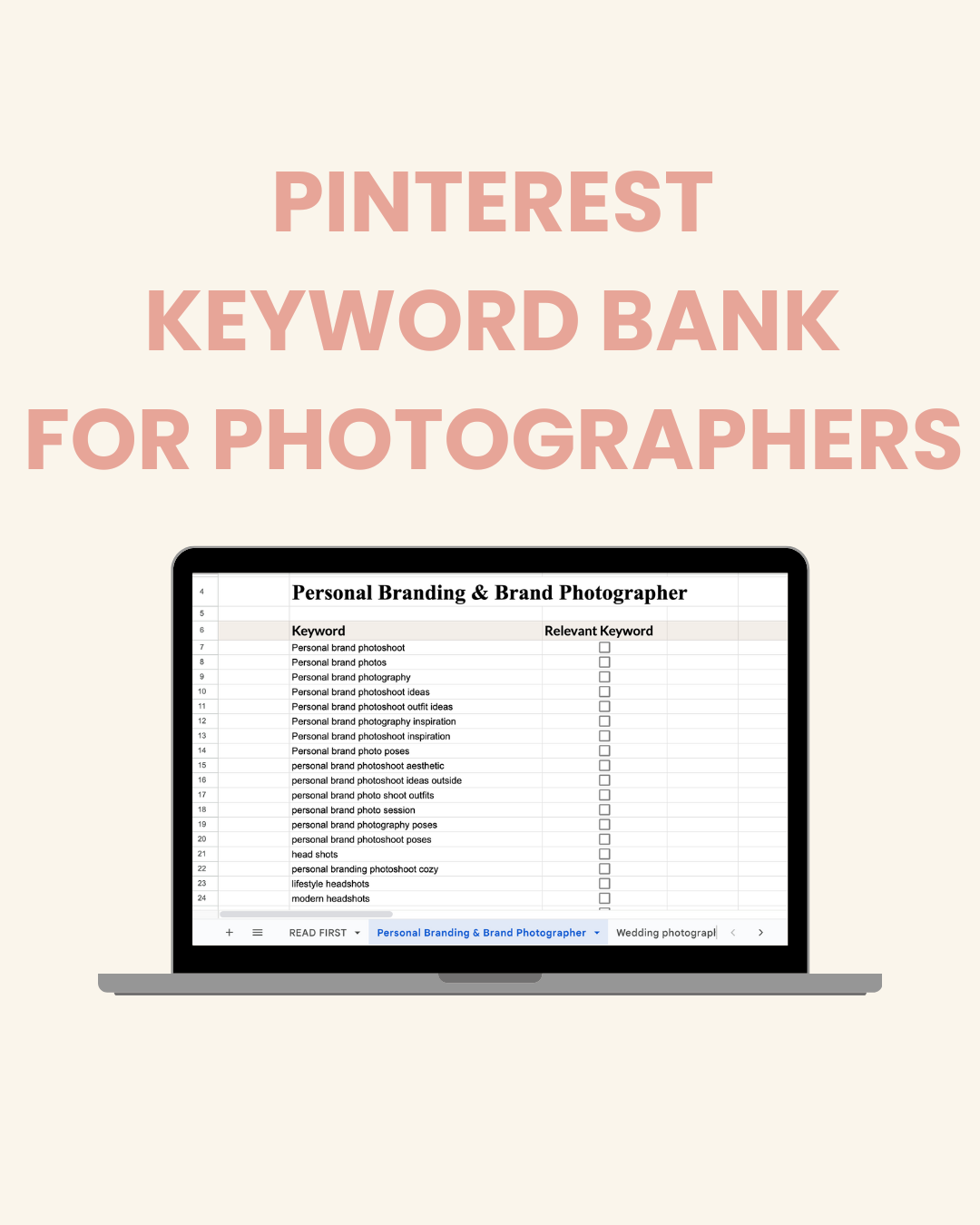
Pinterest Keyword Bank for Photographers
More saves. More clicks. More "OMG, your portfolio is EXACTLY what we've been looking for" messages in your inbox.
No more guessing. No more crickets. Just clients who are already obsessed with your vibe before they even hit send.
Whether you shoot weddings, elopements, maternity, families, lifestyle, studio, or personal brands… your perfect clients are searching Pinterest right now. These keywords help them find you.
This isn’t a random list...it’s a Google Sheet packed with category-organized keywords that make planning pins faster, easier, and way more strategic.
What’s Inside
- 3,000+ high-intent Pinterest keywords for photographers
- Organized by categories (weddings, personal brand, maternity, graduation, and more)
- BONUS long-tail keyword ideas
- Search-bar verified
- Google Sheets format for easy copy/paste
- Includes beginner-friendly instructions (no Pinterest pro required)
How to Use This Keyword Bank
- Open the Google Sheet
- Browse the categories that match your niche (weddings, elopements, family, branding, etc.)
- Pick 5–10 keywords per blog link
- Mix general + long-tail keywords (ex: “wedding photography” + “boho bride inspo” + “romantic bride and groom pose”).
- Update your pin titles + descriptions
- Sprinkle the keywords naturally. No stuffing. Pinterest likes human writing.
- Use keywords in board titles & bios
- This boosts your entire Pinterest SEO, not just single pins.
- Repeat weekly
- Save your favorite keywords to a “go-to” tab inside the sheet so you never start from scratch again.
Quick FAQ
Do I need Pinterest experience to use this?
Nope! Even total beginners can follow the steps.
Can these keywords help me get more traffic?
Yes. Pinterest is a search engine. Using relevant keywords helps your pins get discovered faster.
Are the keywords niche-specific?
Yes! There are categories for wedding photographers, elopements, engagements, newborn, family, branding, lifestyle, and more.
Can I use the same keywords multiple times?
Absolutely. Pinterest loves consistency. Rotate through your favorites.
Does the Google Sheet work on mobile?
Yep. You can access and copy keywords right from your phone.
How long will this take me to use?
Most creators add keywords to their pins in under 2 minutes using this sheet.
Due to the nature of our digital products, there are no returns or exchanges.

