
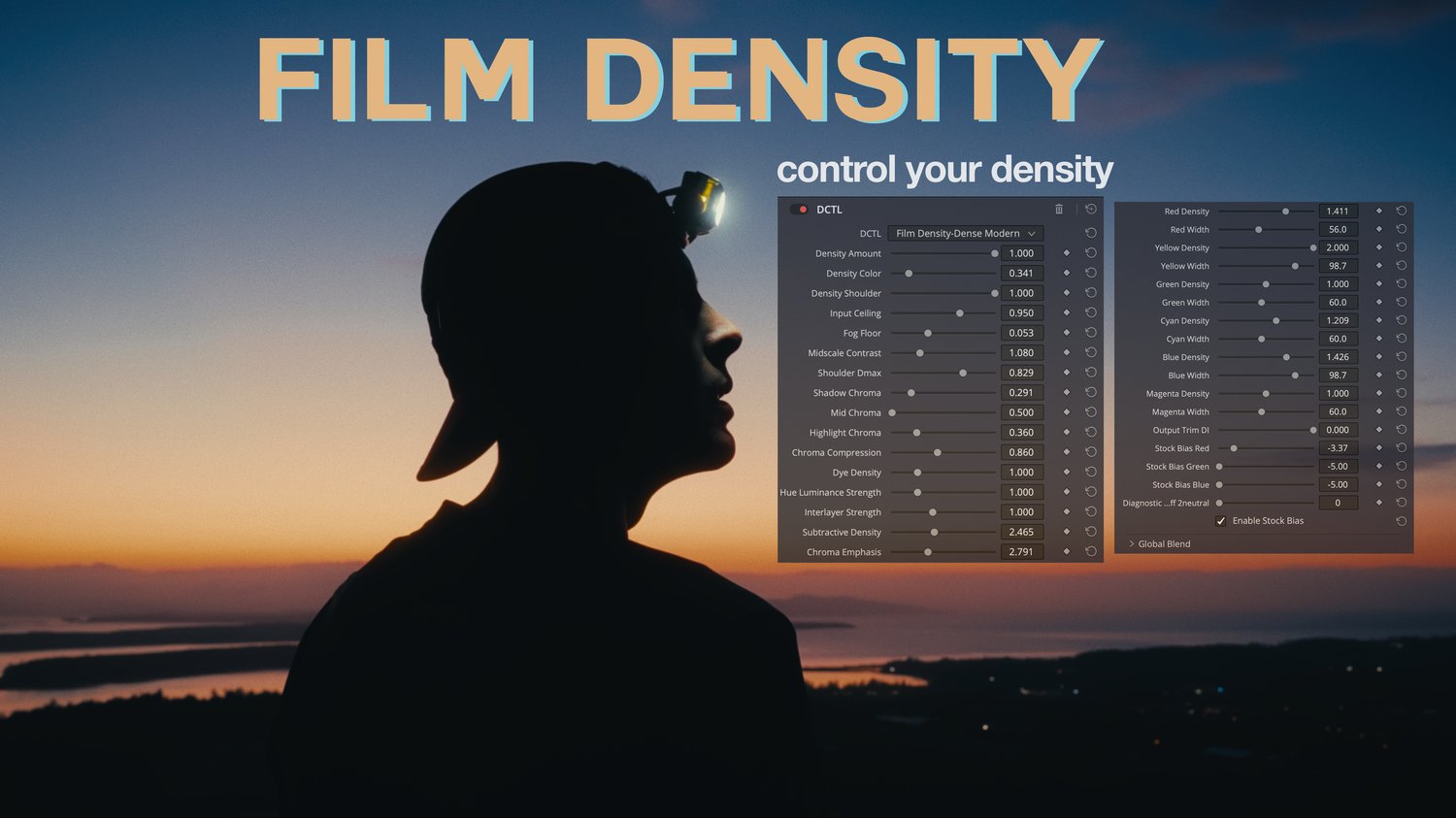

Modern Film Density DCTL
YouTube Walkthrough can be found here: https://youtu.be/9oPcQeyaNd8
Your film look keeps looking like video. Here's why.
Most "film" grades just push saturation. But real film does the opposite: colour comes from dye, and the more of a colour you have, the more light that dye absorbs — so as a colour saturates, it also gets denser and darker. Richer, not louder. That single behaviour is the difference between footage that looks graded and footage that looks like film — and it's the thing saturation, LUTs, and colour wheels can't give you.
FILM DENSITY puts it back.
What it is
FILM DENSITY (Dense Modern) is a professional DCTL for DaVinci Resolve that reproduces a complete film-density process in a single node. Under the hood it's a faithful, mathematically exact rebuild of a 24-stage film pipeline — a base-fog toe, log-domain contrast, a highlight shoulder, per-record colour curves, dye-density darkening, interlayer cross-talk, and more — all folded into one clean, fast, GPU-native effect with controls that make sense.
Drop it on a node, and you instantly get filmic contrast, a smooth highlight roll-off, and that unmistakable dense, subtractive colour. Then shape it to taste.
What makes it different
- True subtractive density. Saturated colours compress toward the gamut edge and darken — the physics of film dye — instead of blooming outward like video saturation. This is the core of the look, and almost nothing else on the market does it.
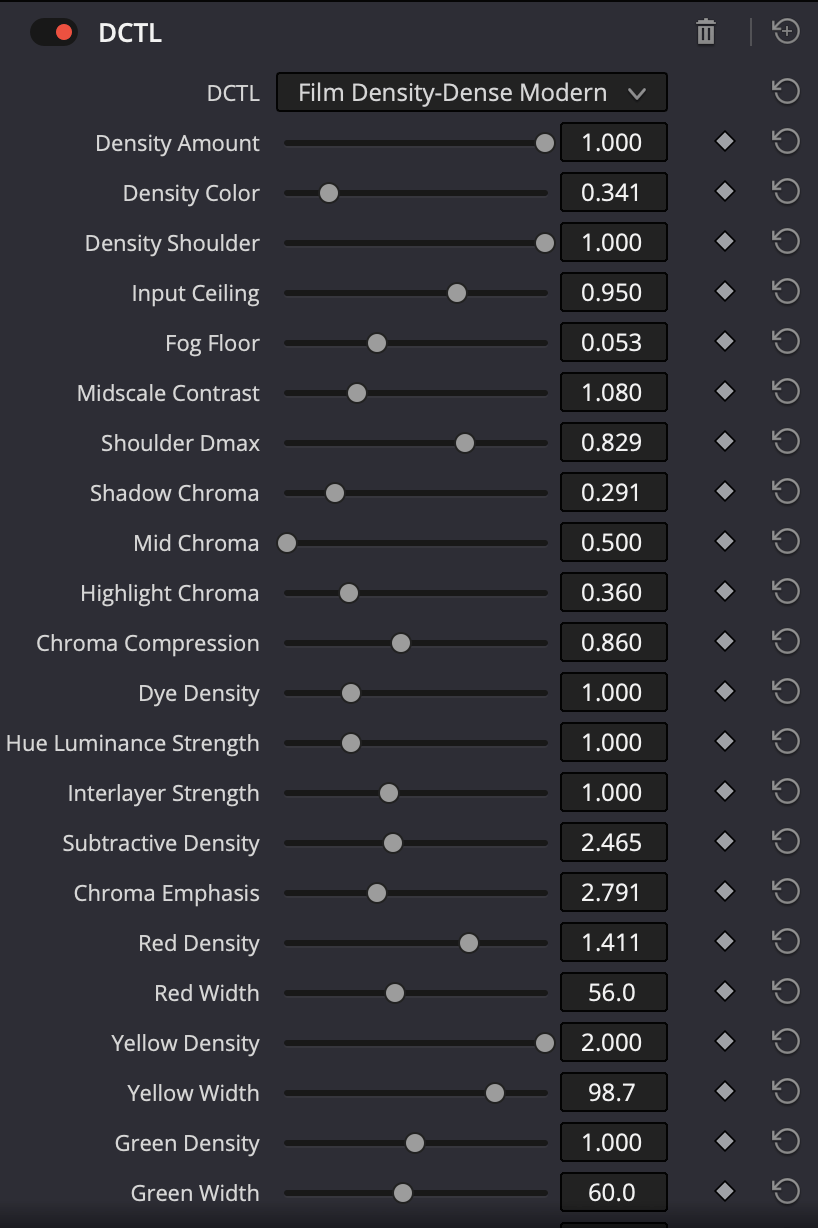
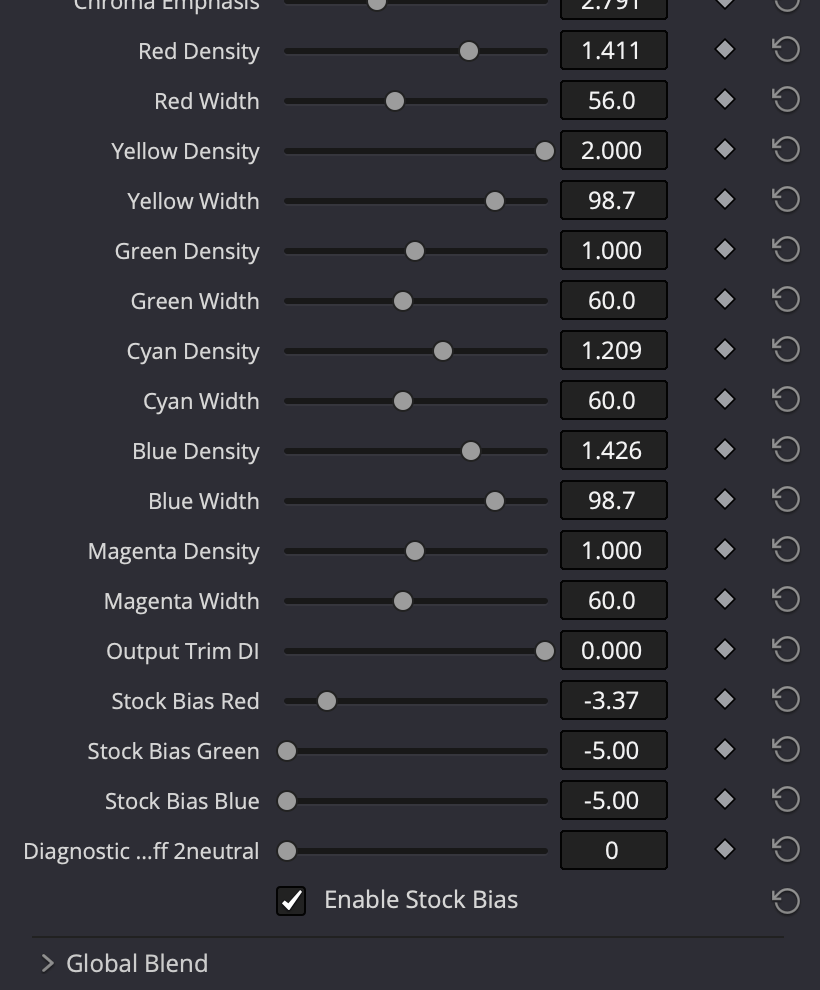
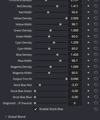
- Per-hue density control. Dial the density of every colour independently — six hues, each with its own strength and width. Keep a neon sign bright while everything else goes dense. Push only the blues for a heavy night. Surgical or broad, your call.
- A real grading module, not a static LUT. Master strength, colour, and highlight controls; tone and chroma trims; optional film-stock bias. Non-destructive and fully tweakable per shot.
- Your neutrals stay neutral — guaranteed. Greys, skin midtones, and whites are protected by design. The effect only ever touches actual colour. Mid-grey is mathematically locked.
- Push it hard without breaking it. Every control opens well past its default so you can go from a whisper to a heavy emulation — and it's engineered so no setting can posterise your tone or tint your greys.
- Built to slot into your pipeline. It does no colour management of its own — your input and output transforms stay exactly where they are. It's one honest step in the middle of your grade.
Who it's for
Filmmakers, editors, and colorists who want a genuine film feeling out of DaVinci Resolve — whether you're finishing a short, cutting client work, or grading your own footage and tired of grades that read as "video."
What's included
- Film Density - DenseModern.dctl — the effect (drop-in install)
- Illustrated PDF user manual — install, quick start, every control explained, starting-point recipes, troubleshooting, and a technical appendix
- Free updates to the current version line
Requirements
- DaVinci Resolve 19 or later (Studio recommended; the effect is identical in either)
- A DaVinci Wide Gamut / Intermediate working timeline (standard Resolve Color Management)
- macOS, Windows, or Linux — runs on Metal, CUDA, and OpenCL