
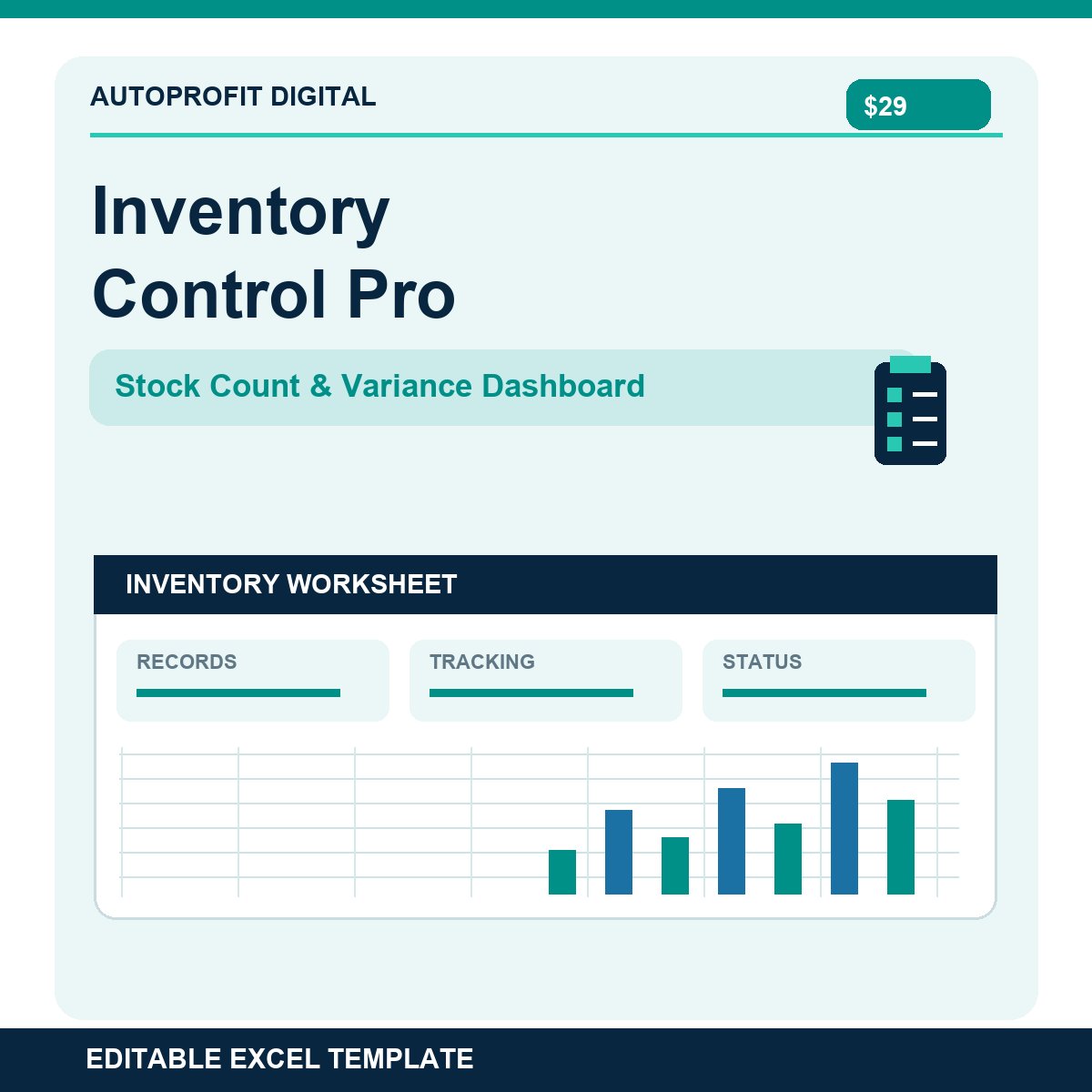
Inventory Control Pro | Stock Count & Variance Dashboard (Excel)
Inventory problems are easier to solve when the evidence is organized.
Inventory Control Pro combines opening balances, stock receipts, sales, adjustments, physical counts, and variance investigation in a structured Excel workbook. Enter your own data and use the dashboard to identify discrepancies and reorder needs.
WHAT YOU GET
• Product catalog for up to 100 SKUs
• Transaction ledger for up to 300 stock movements
• IN, OUT, ADJUST+ and ADJUST- movement types
• Expected-stock calculation for your selected count date
• Physical-count sheet that distinguishes zero counts from uncounted items
• Quantity and dollar variance reports
• Shortage, overage, reorder and completion KPI cards
• Ranked top-ten inventory count discrepancies
• Fictional examples and plain-English instructions
HOW IT WORKS
1. Enter your opening stock quantities and costs.
2. Record dated inventory movements.
3. Set a count cutoff date and enter physical counts.
4. Review variances and dashboard results.
IMPORTANT LIMITATIONS
• One location and one active count snapshot per workbook; use separate copies for separate sites.
• Manual data entry; no direct POS, barcode, accounting or ERP integration.
• Calculations depend on accurate opening balances and complete transaction records.
• Not a replacement for accounting reconciliation or an inventory audit.
• Designed for current Microsoft Excel; other applications may show formatting differences.
One-time purchase. No macros or recurring subscription. For internal personal or business use; resale of the template is not permitted.