

Canva Crash Course (26 minute Video)
On Sale
£9.99
£9.99
Unlock a treasure trove of essential tips and tricks designed to unleash your creativity with Canva.
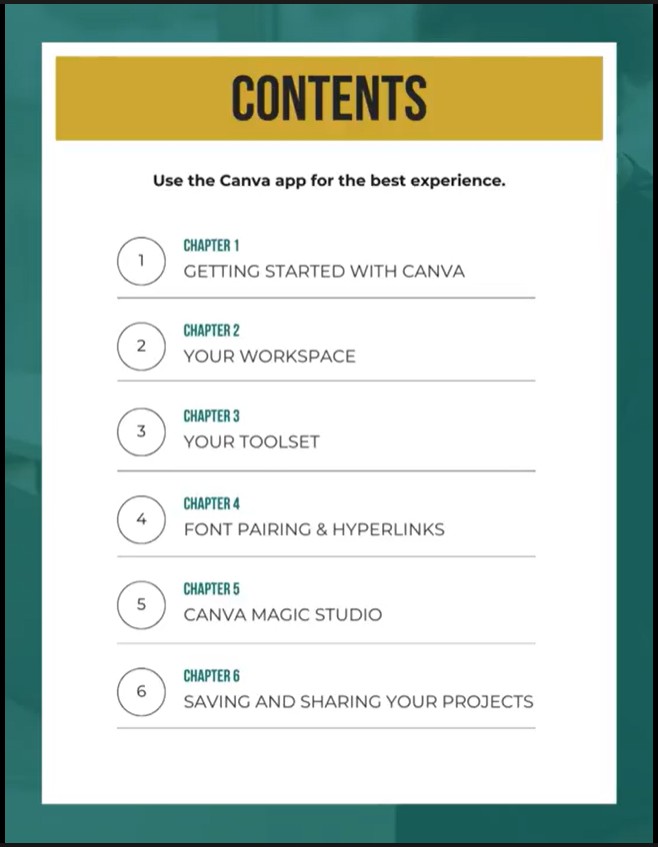
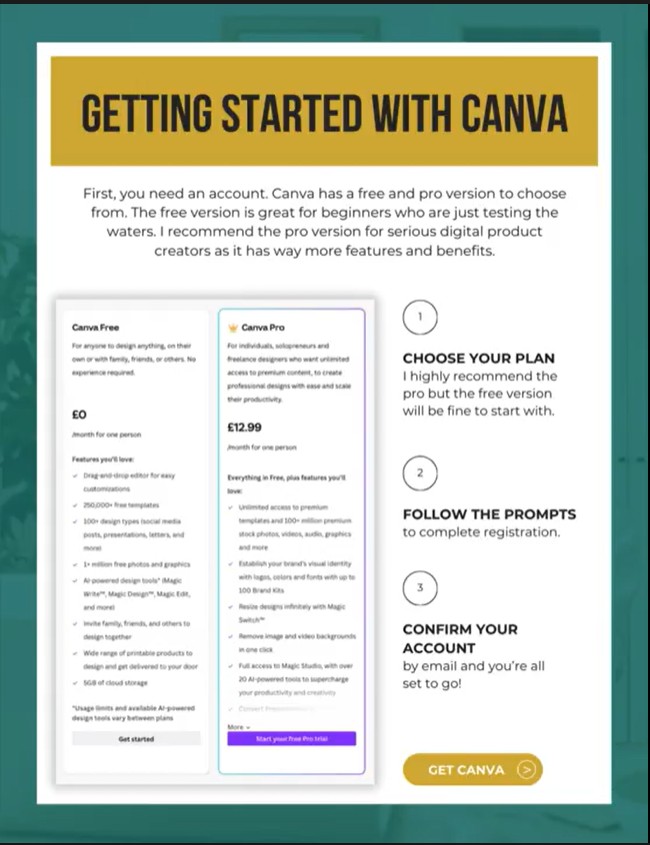
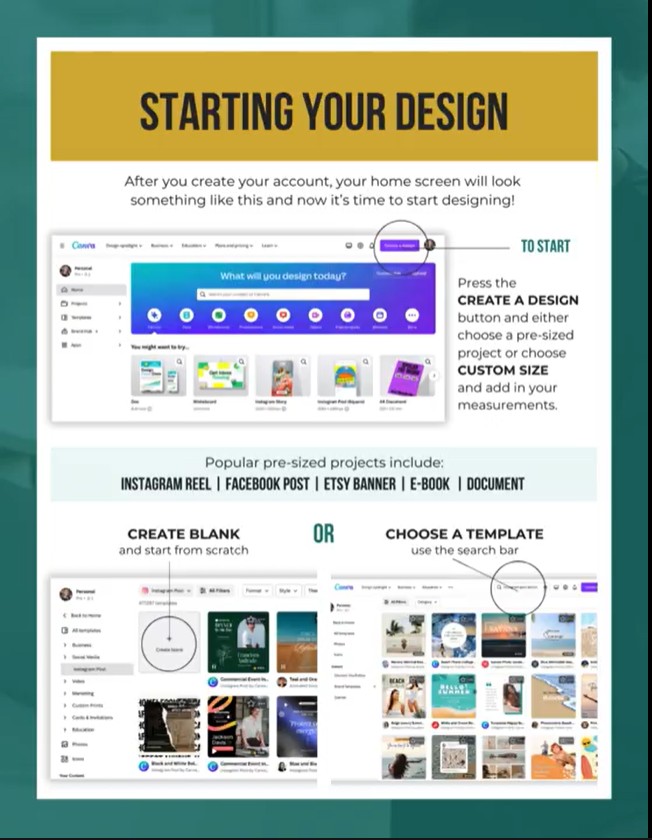
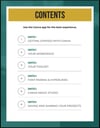
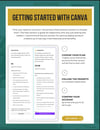
Module 1 - Getting started with Canva
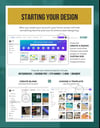
Module 2 - Your workspace
Module 3 - Your toolset
Module 4 - Font pairing and hyperlinks
Module 5 - Canva magic studio
Module 6 - Saving and sharing your projects
Whether you're a complete beginner or an advanced user, using the free version or the pro version, these tutorials have something for everyone, from basic introductory information to advanced editing techniques.