Investing Collection — Investment, Money Transfer & Finance App Guides
Investing, Money Transfer, and Personal Finance App Guides
Managing financial accounts can involve reviewing investments, placing trades, transferring money, working with different currencies, receiving business payments, and tracking financial activity.
Different finance apps provide tools for these activities, each with its own features, account requirements, and settings.
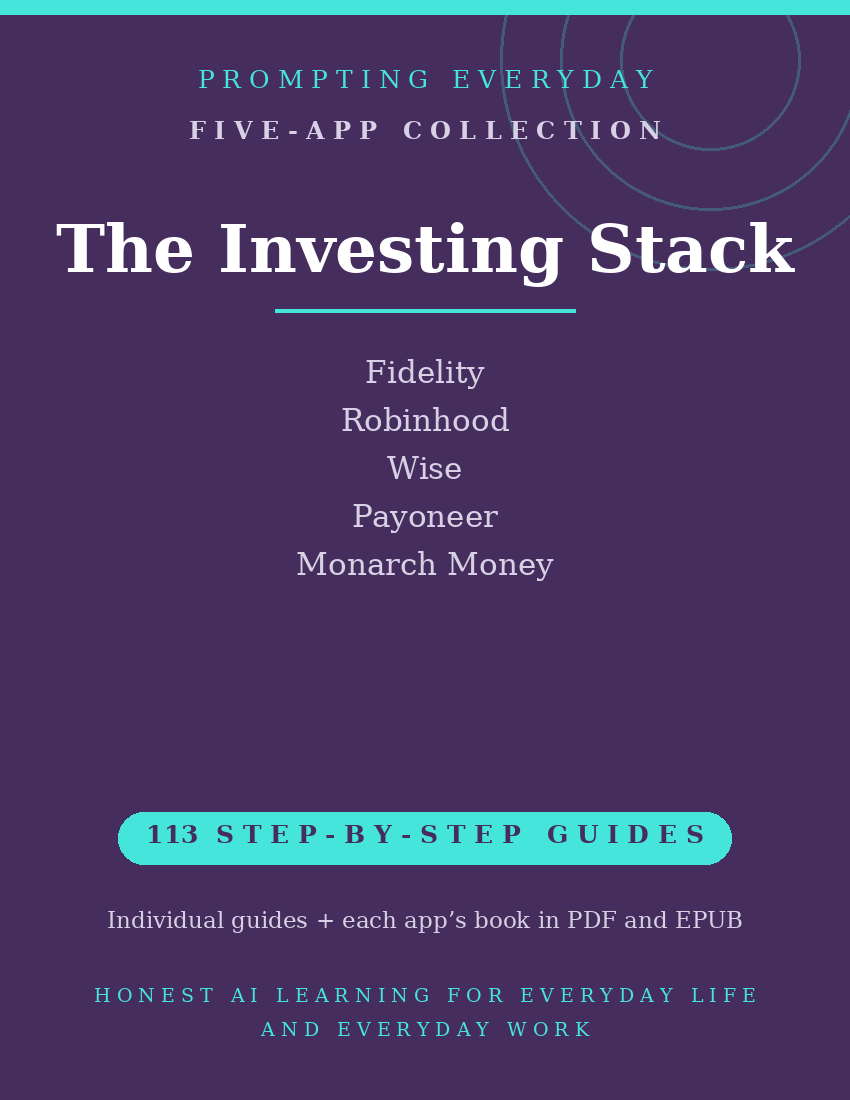
The Investing Collection brings together five app function-guide collections covering Fidelity, Robinhood, Wise, Payoneer, and Monarch Money.
Fidelity and Robinhood provide investing and trading tools. Wise supports international money transfers and currency management, while Payoneer focuses on business payments across borders. Monarch Money helps users organize financial information, track spending, and monitor supported investment accounts.
With 113 individual function guides, the collection provides plain-language instructions to help people understand and use these apps.
Each guide explains what a specific feature does, where to find it, and how to use it, with practical examples you can reference when needed.
Whether you're learning how to navigate investment accounts in Fidelity or Robinhood, exploring international transfers in Wise, managing business payments through Payoneer, or organizing financial information in Monarch Money, these guides provide instructional resources for the individual apps.
What's included:
- 113 individual function guides across five apps.
- Five compiled app reference books, each available in PDF and EPUB formats.
- Individual guides organized by app for easy reference.
Designed for people managing investment accounts and other financial activities, this collection focuses on learning app features rather than providing financial advice, investment recommendations, or account management services.
Available features, trading permissions, transfer options, supported countries, account connections, and fees may vary by app and account.
The guides explain how to use the apps. They do not recommend securities, investment strategies, or financial transactions.
The purchase includes instructional guides, not investment accounts, app subscriptions, trading funds, transfer fees, or access to paid app features.
Included App Collections
Fidelity — 23 Function Guides
Learn about Fidelity's investing and account management tools for reviewing account balances, researching available investments, tracking holdings, navigating trading features, and managing supported account activities.
Robinhood — 26 Function Guides
Explore Robinhood's investing tools for viewing stocks and other supported assets, managing watchlists, reviewing portfolios, navigating order types, and monitoring trading activity.
Wise — 24 Function Guides
Understand Wise's international money transfer and currency management tools for setting up supported transfers, managing recipients, reviewing exchange rates and fees, and working with available currency balances.
Payoneer — 18 Function Guides
Learn about Payoneer's business payment tools for receiving payments from clients and marketplaces, managing supported currencies, reviewing transactions, and making available withdrawals or business payments.
Monarch Money — 22 Function Guides
Explore Monarch Money's personal finance tools for organizing financial accounts, reviewing transactions, creating budgets, monitoring net worth, and tracking supported investment holdings.
Total: 113 individual function guides across five app collections.
Each app collection also includes its own compiled reference book in PDF and EPUB formats.
Who it's for: People managing their own investment and money accounts.
Not for: Anyone looking for investment advice — these guides teach the tools, not what to buy.
What you get: Five investing, money transfer, business payment, and personal finance app function-guide collections containing 113 individual guides, plus one compiled reference book for each app in PDF and EPUB formats.
How it's delivered: Delivered as a Google Drive folder link after purchase. One-time
purchase.
Updates: Updates are included while the collection is maintained — if a guide changes,
the folder copy is updated.
Disclaimers: These are reference guides that teach the apps, they are not prompt packs,
and they don't include subscriptions to the apps themselves.