


Tactical Thinker - Tactical Board PRO
On Sale
£18.00
£18.00
Tactical Thinker Tactical Board PRO
Plan like a pro · Coach like a pro
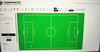
Stop explaining and start showing. Tactical Board PRO is a drag-and-drop tactics board built by a UEFA-licensed academy coach, for coaches who want clear, professional session diagrams and animations in minutes.
It runs in your web browser on a laptop, desktop or tablet. There’s nothing to install and no account to create. Open it and start drawing.
What you can do
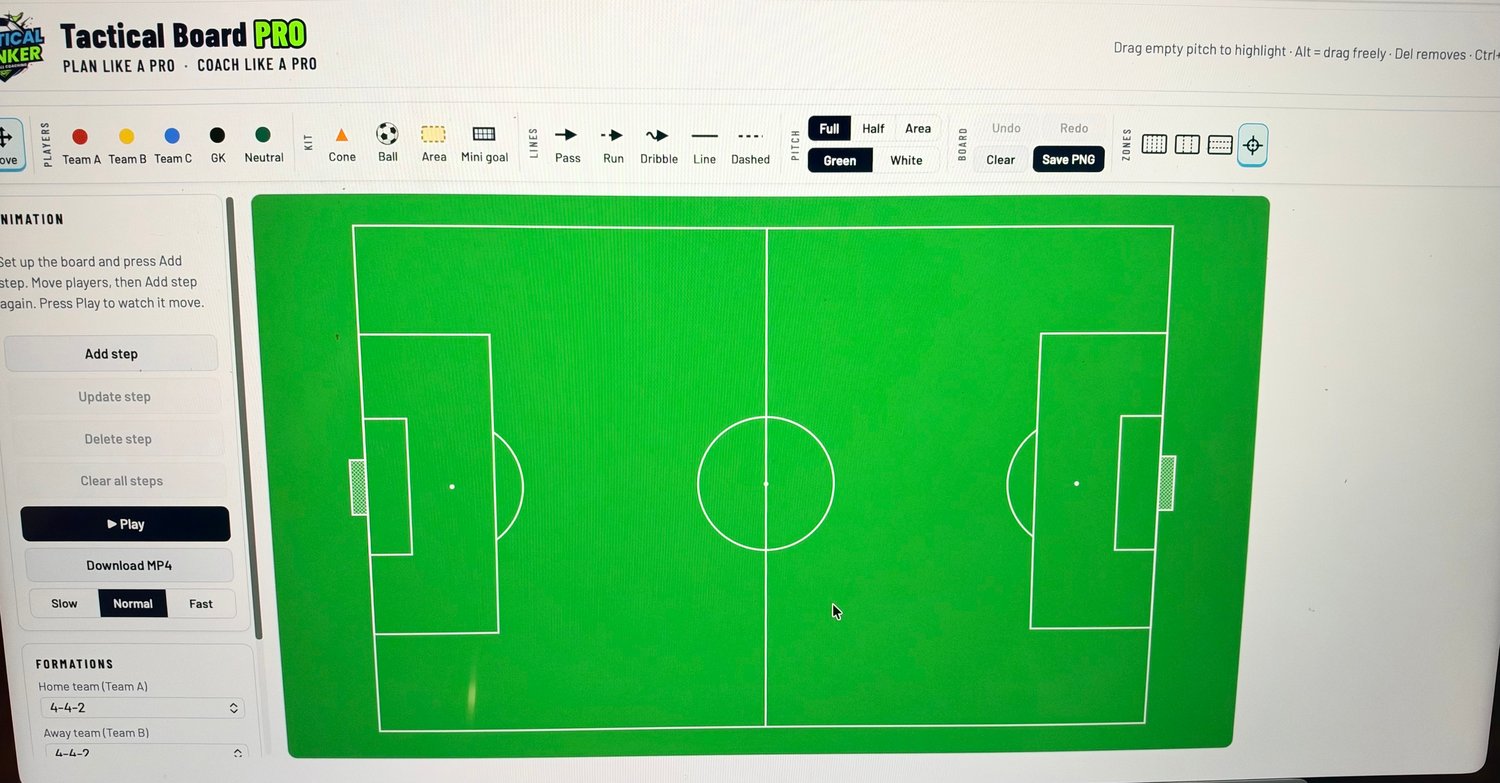
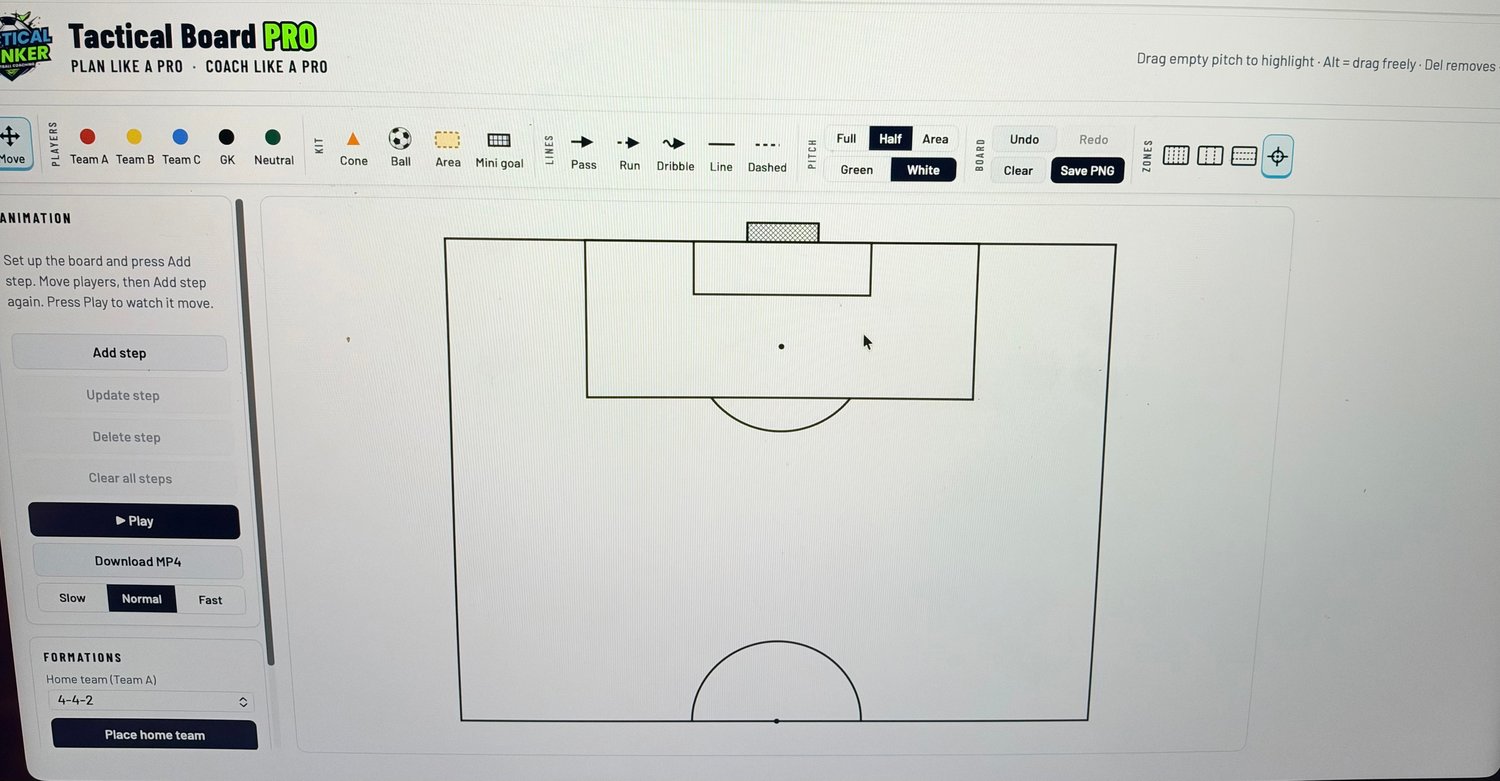
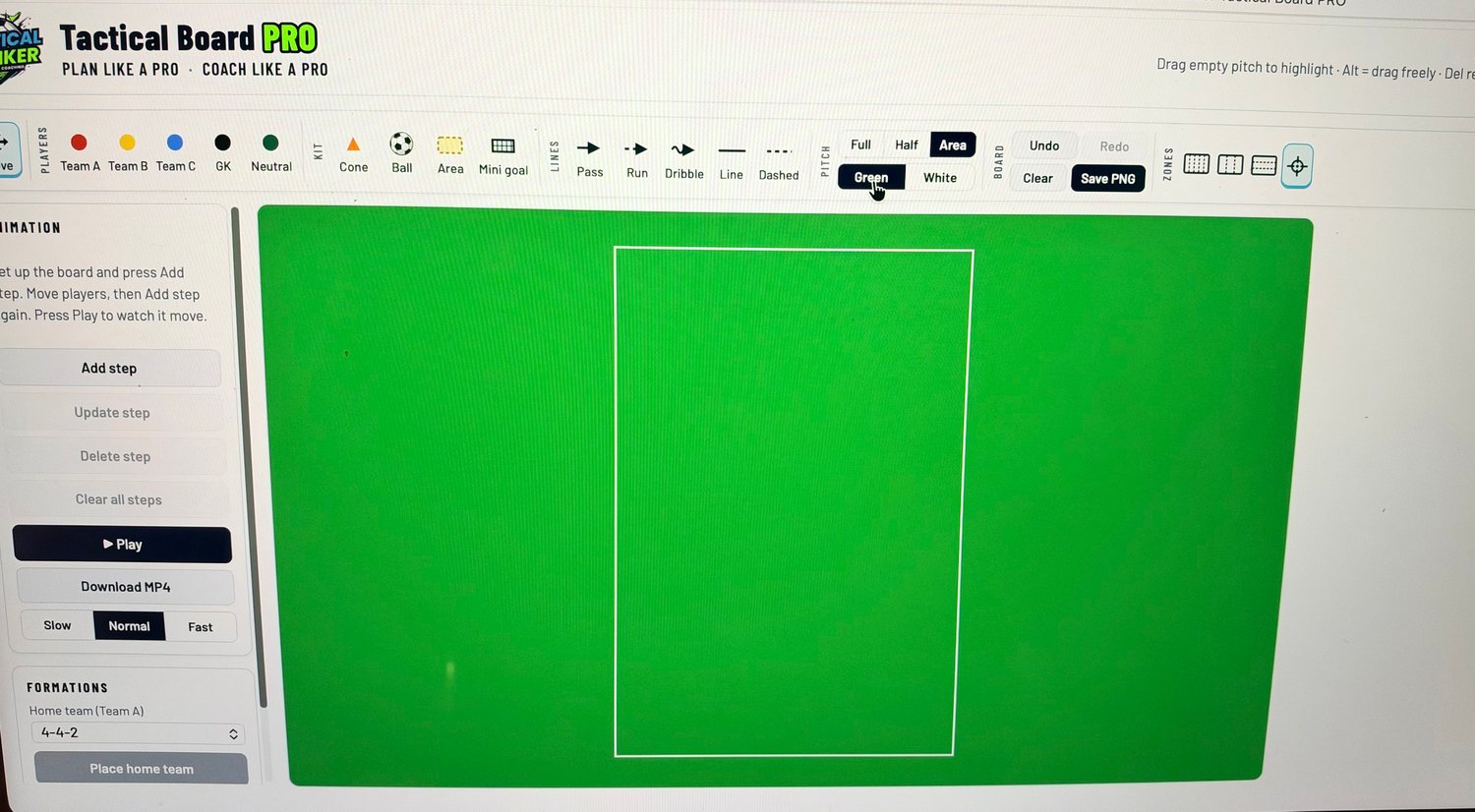
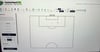
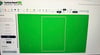
- Build any session: drag players, cones, balls, mini goals and coloured areas onto a full pitch, half pitch or open training area. Choose a green or white pitch.
- Show the movement: draw passes, runs, dribbles, and solid or dashed lines. Bend any line, re-aim it, and colour it however you like.
- Load a formation in one click: place home and away teams in 4-4-2, 4-3-3, 4-2-3-1, 4-4-2 diamond, 3-5-2, 5-3-2 and more.
- Match your club’s kit: change team colours, kit patterns (stripes, hoops, halves, sash, quarters) and shirt number colours.
- Animate your ideas: build a move step by step, then press Play to watch players and the ball glide into position. You can even curve the ball’s path.
- Download as MP4 video: turn your animation into a video ready for WhatsApp, Instagram or your team meeting.
- Save as PNG: export clean, high-quality diagrams for session plans, social media or player handouts.
- Show the structure: add 5 lanes and vertical or horizontal thirds to coach positional play.
- Line everything up: the crosshair snaps players into line so your shapes look sharp.
- Work quickly: highlight several items at once to move, copy or delete them, and use Undo and Redo for every change.
Perfect for
- Grassroots, academy, school and senior coaches
- Planning sessions, match analysis and set pieces
- Sharing ideas with players, parents and staff
What you get
- The Tactical Thinker Tactical Board PRO file, which opens in your browser
- Your latest board saved automatically in your browser, so you can pick up where you left off
- Free updates as new features are added
Good to know
- Best browsers: the latest Chrome, Edge or Safari.
- Internet for video: you need an internet connection to make MP4 videos. Everything else works offline.
- Saving: boards save to the browser you use. Download PNGs or videos of anything you want to keep.
Questions or support: rf14coach@gmail.com
Follow: @txcticalthinker on Instagram and X