

Fortinet SSL VPN
On Sale
$5.00
$5.00
Fortinet SSL VPN — Clear & Practical Overview
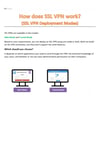
Fortinet SSL VPN allows users to securely access an internal network over the internet using a web browser or FortiClient—without exposing the internal network directly.
It’s widely used for:
- Remote work
- IT admins
- Branch users
- Secure access from anywhere
🧠 What is SSL VPN?
SSL VPN uses SSL/TLS encryption (HTTPS) to create a secure tunnel between:
Remote User ⇄ FortiGate Firewall ⇄ Internal Network
Unlike traditional VPNs, SSL VPN:
- Works easily through firewalls
- Is user-friendly
- Requires minimal client setup
🧱 Components of Fortinet SSL VPN
1️⃣ FortiGate Firewall
- Acts as the SSL VPN server
- Authenticates users
- Enforces access policies
2️⃣ FortiClient
- VPN client software
- Available for Windows, macOS, Linux, mobile
- Can also provide endpoint protection features
3️⃣ Authentication Methods
- Local users
- LDAP / Active Directory
- RADIUS
- MFA (FortiToken, email, app)
🔄 Types of Fortinet SSL VPN
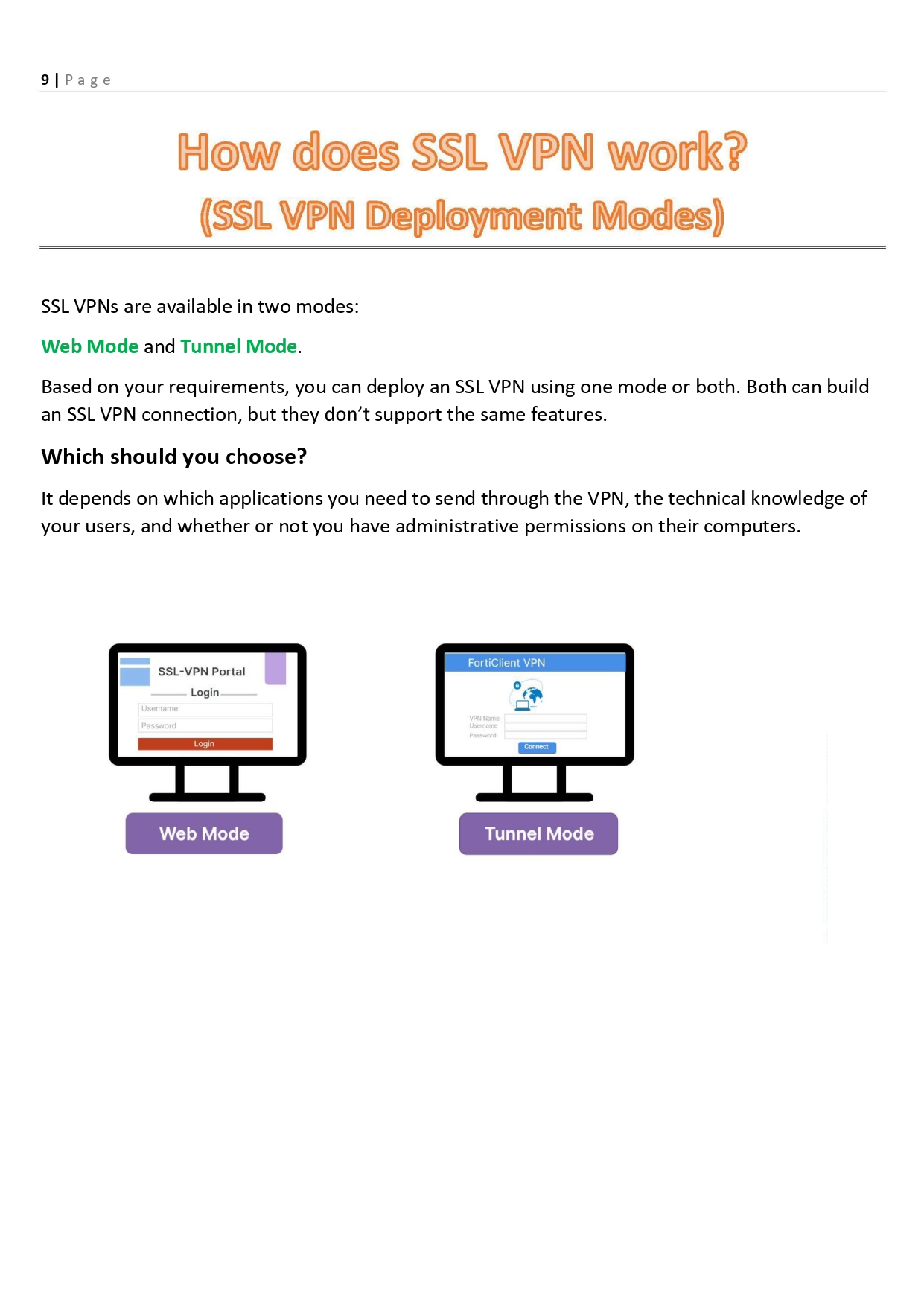
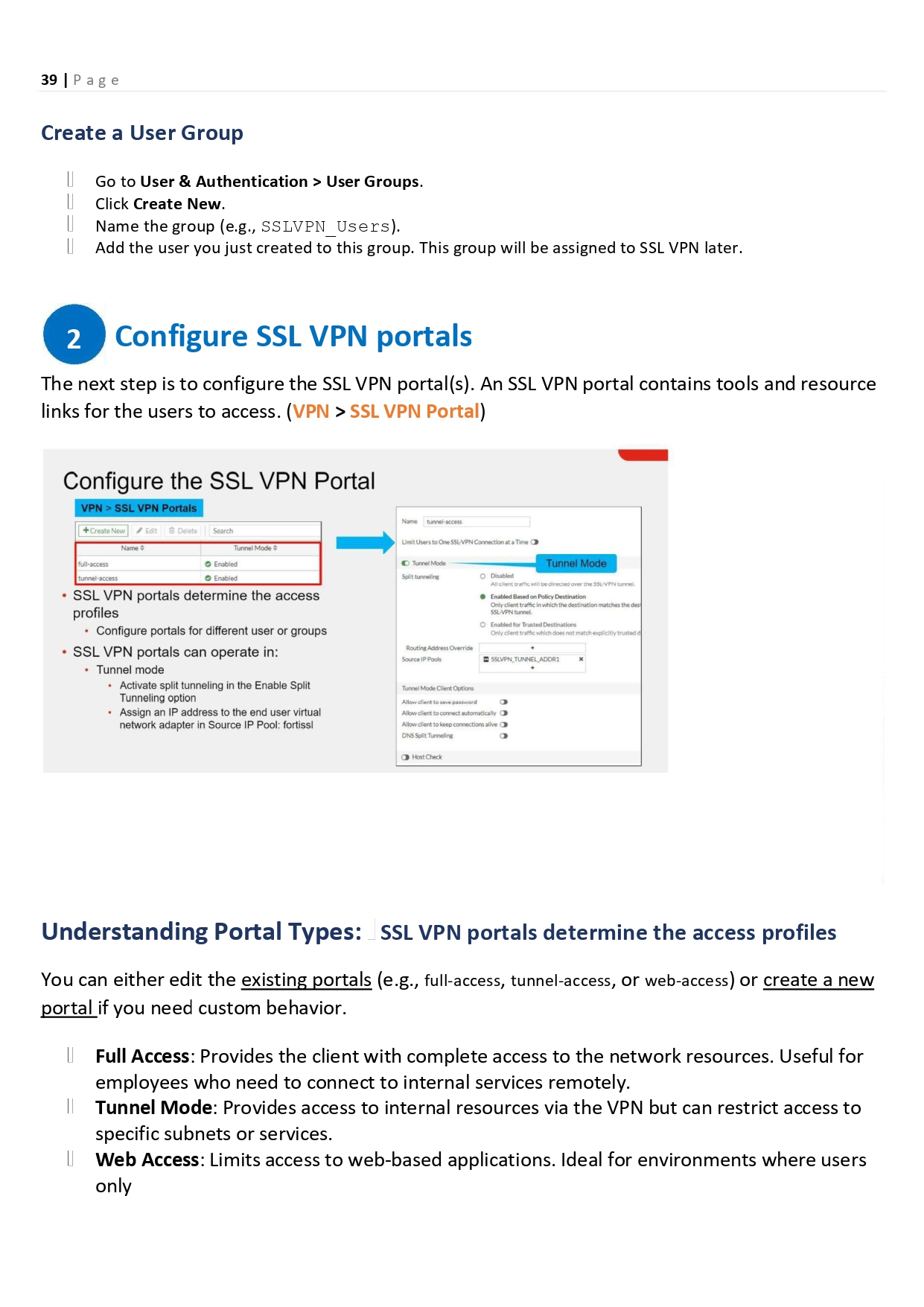
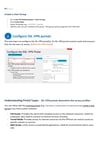
🔹 Web Mode
- Access internal resources via browser
- Used for:
- Web apps
- File shares
- No client installation required
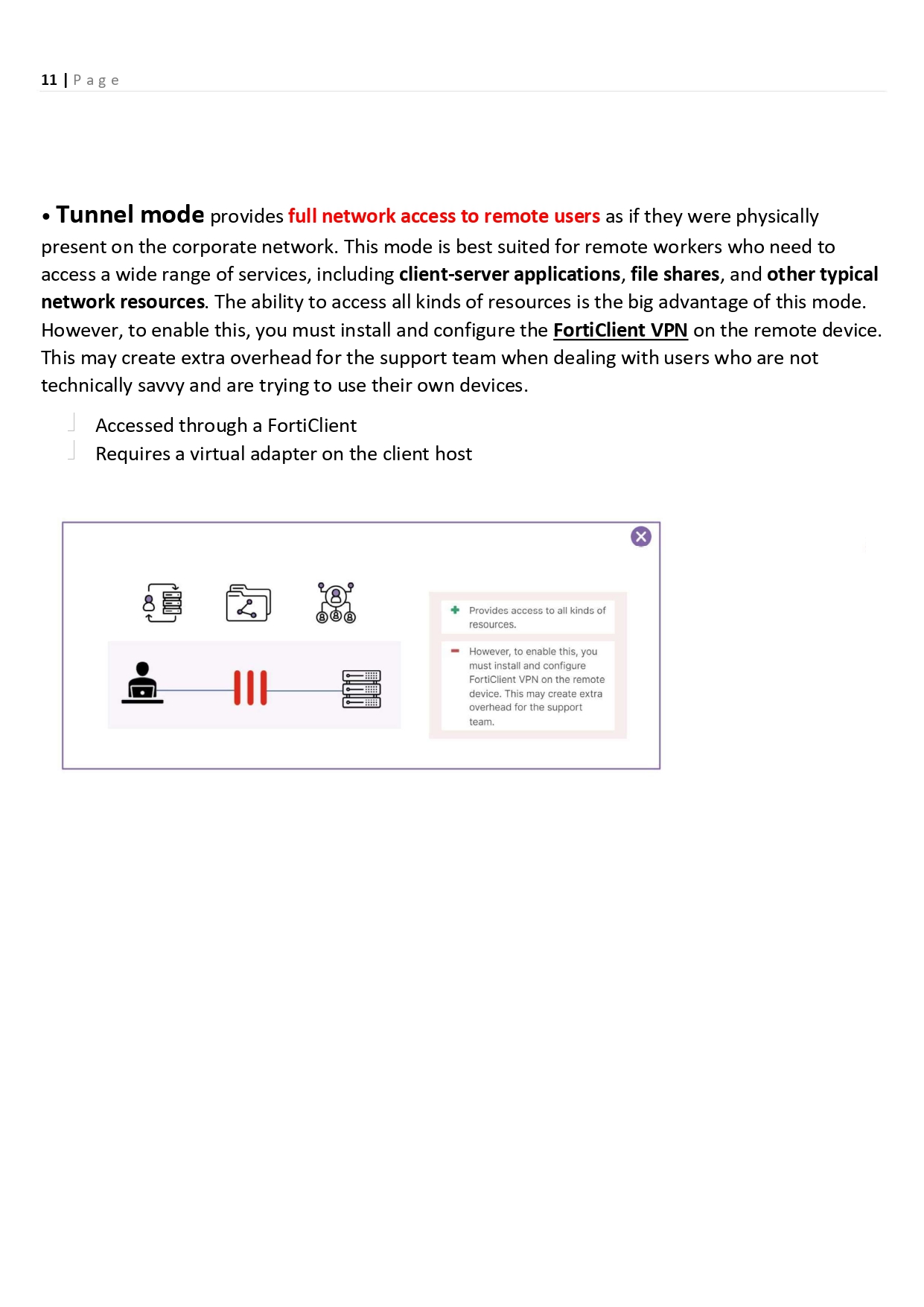
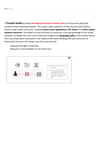
🔹 Tunnel Mode (Most Common)
- Creates a full secure tunnel
- User device acts like it’s inside the network
- Requires FortiClient
🛡️ Security Features
- Strong encryption (TLS)
- Multi-Factor Authentication (MFA)
- Role-based access
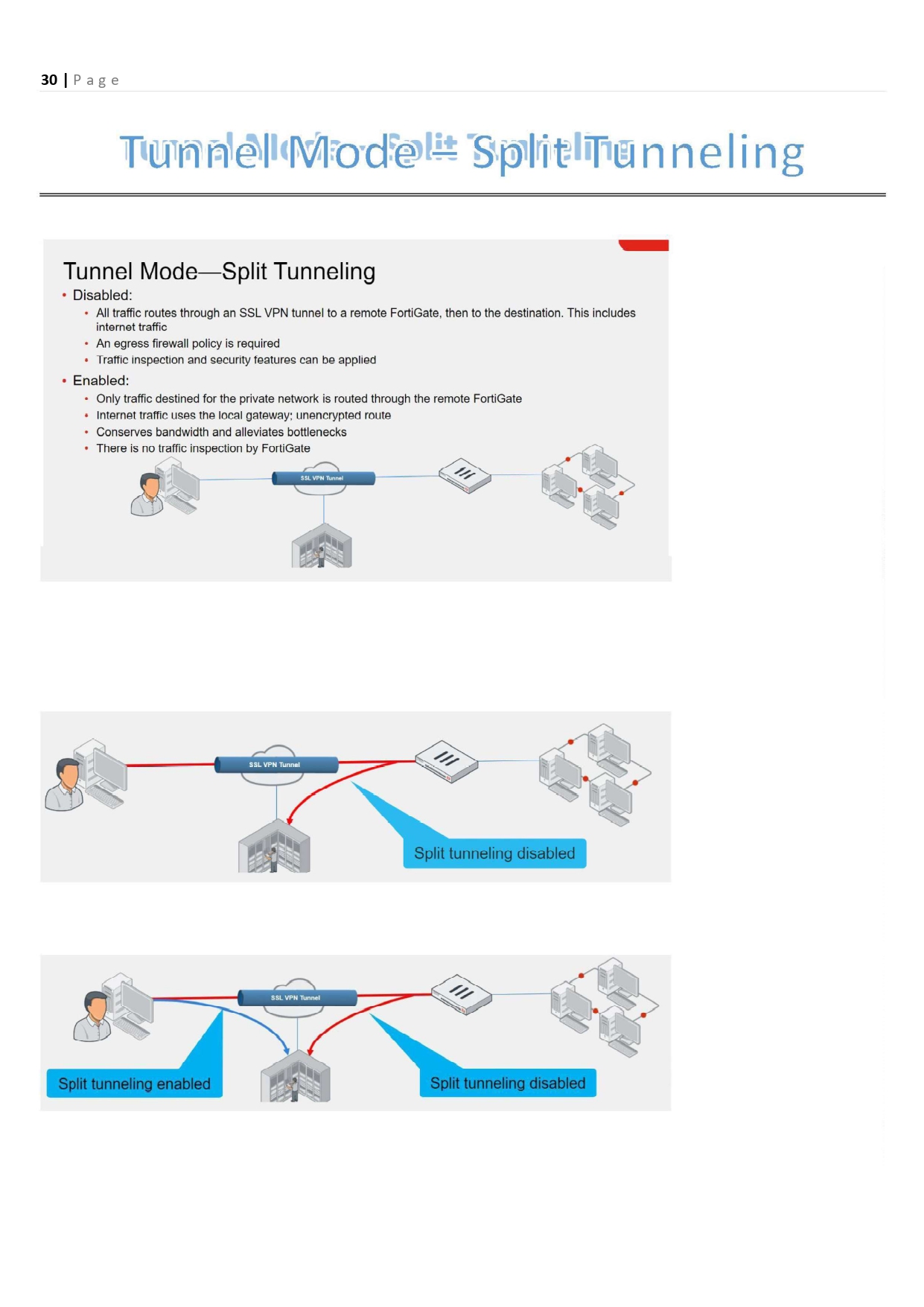
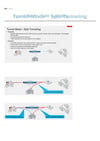
- Split tunneling (optional)
- Endpoint compliance checks
📊 SSL VPN vs IPSec VPN
FeatureSSL VPNIPSec VPNEase of use⭐⭐⭐⭐⭐⭐Client requiredOptionalRequiredFirewall friendly✔❌PerformanceGoodExcellentRemote usersBestLimited
🧠 Common Admin Use Cases
- Remote employee access
- Secure admin access
- Third-party/vendor access
- Emergency access during outages
🛠️ Best Practices
✔ Enable MFA
✔ Use least-privilege access
✔ Restrict SSL VPN users by role
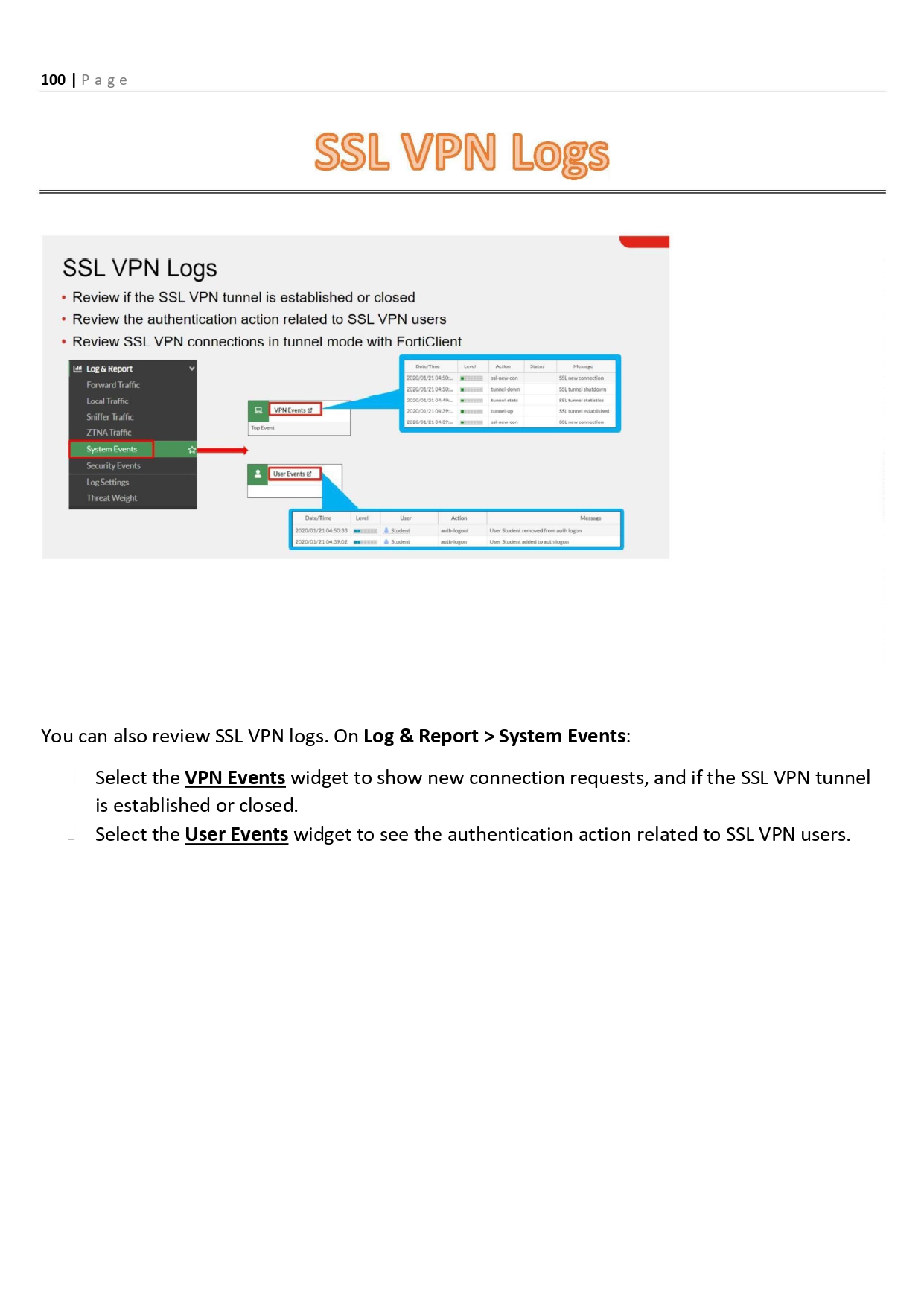
✔ Monitor logs & sessions
✔ Keep FortiOS updated
🔍 Monitoring & Logs
- View active sessions
- Monitor login attempts
- Detect unusual access behavior
- Integrate with FortiAnalyzer