
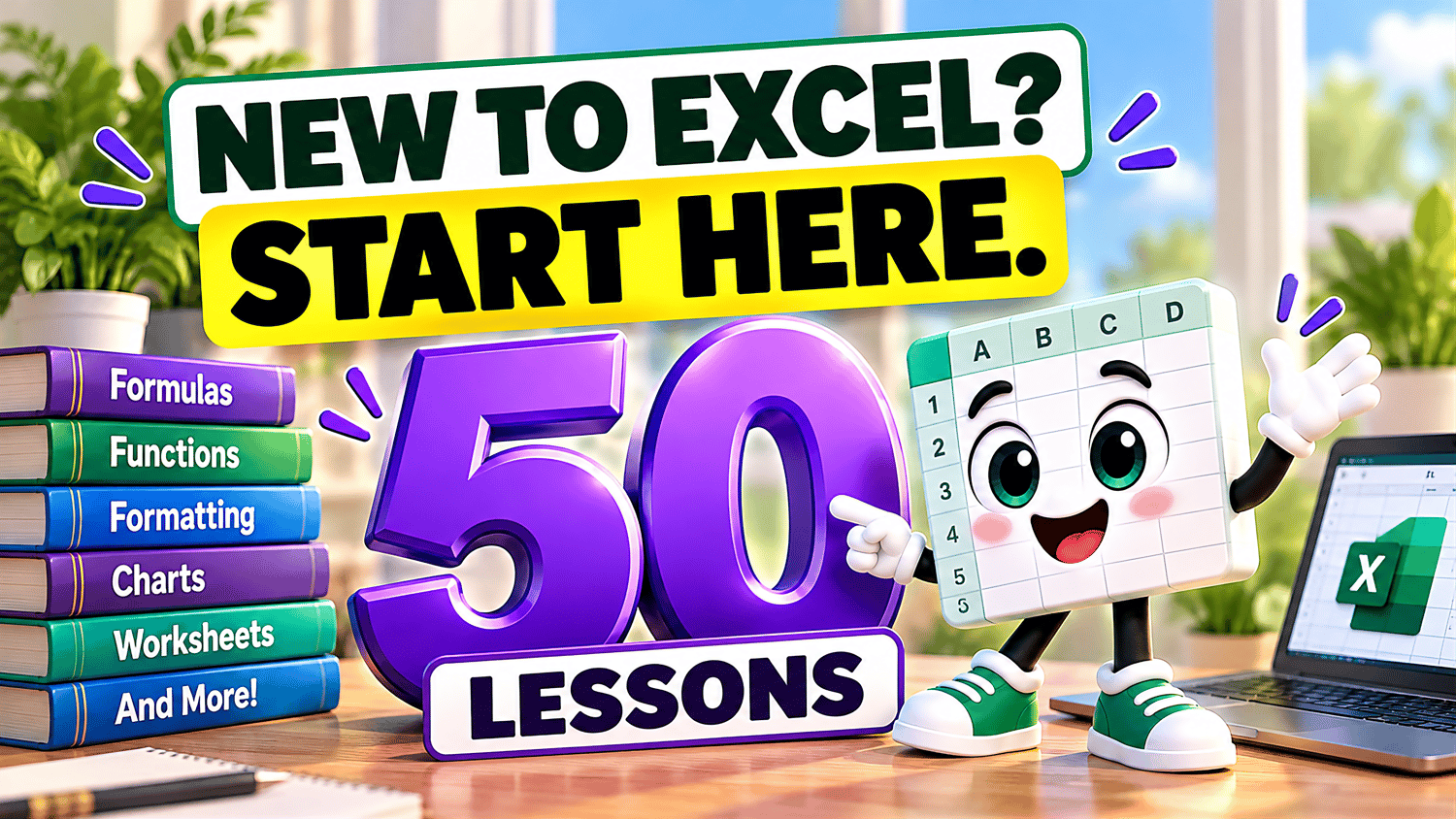
Excel 50 Lessons Beginner Course Bundle
Ready to learn Microsoft Excel from the beginning and build your spreadsheet skills with confidence?
This comprehensive Excel Beginner Course Practice Workbook Bundle from Easy Mode Excel Tutorials includes 48 downloadable practice workbooks covering 50 beginner-friendly lessons! The remaining 2 lessons can use any of the other workbooks to practice the steps of those lessons.
Start with essential spreadsheet skills, then learn how to format information, create formulas, organize data, work with charts, manage worksheets, calculate percentages, and understand cell references.
Each practice workbook accompanies a lesson in our FREE 50-lesson Excel video compilation, so you can watch, follow along, and practice at your own pace.
Whether you're completely new to Excel or refreshing your skills, this bundle gives you plenty of opportunities to learn by doing!
What You'll Practice
Cells, Rows & Columns
✓ Understand how cells, rows, and columns work together
✓ Practice navigating and selecting cells using a blank worksheet
Bold, Color & Alignment
✓ Apply bold formatting and font colors
✓ Practice aligning cell contents for a cleaner layout
Currency, Percent & Commas
✓ Format numbers as currency and percentages
✓ Use comma separators to make numbers easier to read
Margins
✓ Adjust page margins for printing
✓ Practice preparing worksheets with different margin settings
Find & Replace
✓ Find specific information in a spreadsheet
✓ Replace words, numbers, or other cell contents
Wrap Text
✓ Display longer text within spreadsheet cells
✓ Practice keeping information visible and organized
Add, Subtract, Multiply & Divide
✓ Create basic formulas using arithmetic operators
✓ Practice calculations directly in Excel cells
SUM Function
✓ Use SUM to add numbers together
✓ Practice calculating totals with formulas
Borders & Cell Fill Color
✓ Add borders to organize spreadsheet information
✓ Apply fill colors to highlight important cells
Merge Cells
✓ Combine cells to create larger headings
✓ Practice organizing worksheet layouts with merged cells
Sorting
✓ Sort information in ascending and descending order
✓ Practice organizing spreadsheet lists
Freeze Panes
✓ Keep important rows or columns visible while scrolling
✓ Practice freezing and unfreezing worksheet panes
Filtering
✓ Display selected information using filters
✓ Practice filtering data without deleting it
AVERAGE, MIN & MAX
✓ Calculate averages using AVERAGE
✓ Find the smallest and largest values using MIN and MAX
Autofill & Flash Fill
✓ Extend patterns and sequences with Autofill
✓ Practice completing information with Flash Fill
Printing
✓ Explore Print Preview and print settings
✓ Practice preparing worksheets for printing
Charts — Column, Line & Pie
✓ Create Column, Line, and Pie Charts
✓ Practice presenting data through different chart types
Page Orientation — Portrait vs. Landscape
✓ Switch between Portrait and Landscape orientation
✓ Practice choosing layouts for printed spreadsheets
Headers, Footers & Gridlines
✓ Add headers and footers to printed worksheets
✓ Practice working with page numbers, dates, and gridline printing
Copy & Paste
✓ Copy spreadsheet information to another location
✓ Practice duplicating information without retyping
Cut & Move Cells
✓ Move information using Cut
✓ Practice reorganizing worksheet contents
Undo & Redo
✓ Reverse changes using Undo
✓ Restore changes using Redo
Insert & Delete Rows and Columns
✓ Add and remove entire rows and columns
✓ Practice changing spreadsheet layouts
Insert & Delete Cells
✓ Insert and delete individual cells
✓ Practice shifting surrounding spreadsheet information
Row Height & Column Width
✓ Adjust row heights
✓ Change column widths to improve readability
Format Painter
✓ Copy formatting between cells
✓ Practice applying consistent formatting efficiently
Clear Contents & Formatting
✓ Remove cell contents without deleting formatting
✓ Practice clearing formatting when needed
Alignment & Indentation
✓ Adjust horizontal and vertical alignment
✓ Practice indenting information within cells
Number, Date & Time Formatting
✓ Apply number, date, and time formats
✓ Practice displaying values in readable formats
Decimal Places
✓ Increase and decrease displayed decimal places
✓ Practice formatting numerical information
ROUND Basic Function
✓ Round numbers to specified decimal places
✓ Practice writing formulas with ROUND
Cell Styles
✓ Explore Excel's built-in Cell Styles
✓ Practice applying consistent formatting to spreadsheet cells
Formula Bar
✓ View cell contents using the Formula Bar
✓ Practice editing information and formulas
Editing Cell Contents
✓ Change existing cell information
✓ Practice correcting entries without starting over
Zoom & View
✓ Adjust spreadsheet zoom levels
✓ Explore different worksheet viewing options
Drag & Drop
✓ Move spreadsheet information using drag and drop
✓ Practice repositioning cells and data
Transpose Data
✓ Convert rows into columns and columns into rows
✓ Practice reorganizing spreadsheet layouts
Remove Duplicates
✓ Identify duplicate entries
✓ Practice removing repeated information from lists
Hide & Unhide Rows and Columns
✓ Hide rows and columns without deleting information
✓ Restore hidden rows and columns
Hide & Unhide Worksheets
✓ Hide worksheets to organize your workbook
✓ Practice making hidden worksheets visible again
Rename, Move & Copy Worksheets
✓ Rename worksheets for easier organization
✓ Practice moving and copying worksheets
Insert & Delete Worksheets
✓ Add new worksheets
✓ Practice removing worksheets you no longer need
Save, Save As & File Types
✓ Understand saving, creating copies, and common Excel file formats
✓ Practice using any included workbook without needing a separate practice file
Percentage Calculations
✓ Calculate percentages using Excel formulas
✓ Practice everyday percentage calculations
Percentage Change
✓ Calculate percentage increases and decreases
✓ Practice comparing original and new values
Creating Basic Formulas with Cell References
✓ Create formulas using cell references
✓ Practice calculations that update when cell values change
Relative Cell References
✓ Understand how relative references work
✓ Practice copying formulas with automatically adjusting references
Absolute Cell References
✓ Use dollar signs to keep cell references fixed
✓ Practice copying formulas with absolute references
Mixed Cell References
✓ Lock either a row or a column in a formula
✓ Practice controlling how references change when copied
ROUNDUP & ROUNDDOWN
✓ Use ROUNDUP to round numbers upward
✓ Practice using ROUNDDOWN to round numbers downward
What's Included
✓ 48 downloadable Microsoft Excel practice workbooks (.xlsx)
✓ The introductory Cells, Rows & Columns lesson uses a blank worksheet, while Save, Save As & File Types can be practiced using any included workbook
✓ Hands-on practice covering all 50 beginner lessons
✓ Exercises covering spreadsheet basics, formatting, formulas, charts, printing, and data management
✓ Practice with percentages and different types of cell references
✓ A FREE 50-lesson video compilation with step-by-step demonstrations
✓ Workbooks you can keep and revisit whenever you want to practice
Bundle & Save!
Get all 48 practice workbooks for just $57.99 USD!
Purchased individually, these 48 workbooks would cost $119.52 USD.
Your bundle savings: $61.53 USD — approximately 51% off!
That's a substantial saving compared with purchasing each workbook separately!
Learn by Doing!
Watching a tutorial is helpful, but practicing the skills yourself makes them easier to remember!
This collection brings together 50 beginner lessons and 48 matching practice workbooks, giving you the opportunity to build your spreadsheet skills from the ground up.
Start with the basics and gradually work toward formulas, functions, data organization, worksheet management, percentages, and cell references.
Perfect for Excel beginners! Whether you're learning Excel for work, school, personal finances, or everyday projects, these practical exercises can help you become more comfortable and confident using spreadsheets.
Learn at your own pace, repeat exercises whenever you like, and revisit your workbooks as often as needed.
This purchase includes 48 downloadable Microsoft Excel practice workbooks (.xlsx) covering 50 lessons. Cells, Rows & Columns uses a blank worksheet, and Save, Save As & File Types can be practiced using any included workbook. Microsoft Excel is recommended for full compatibility with the features demonstrated.
Watch the FREE Video Lesson Compilation
🎥 Excel for Beginners — 50 Lessons: Complete Beginner Spreadsheet Course