

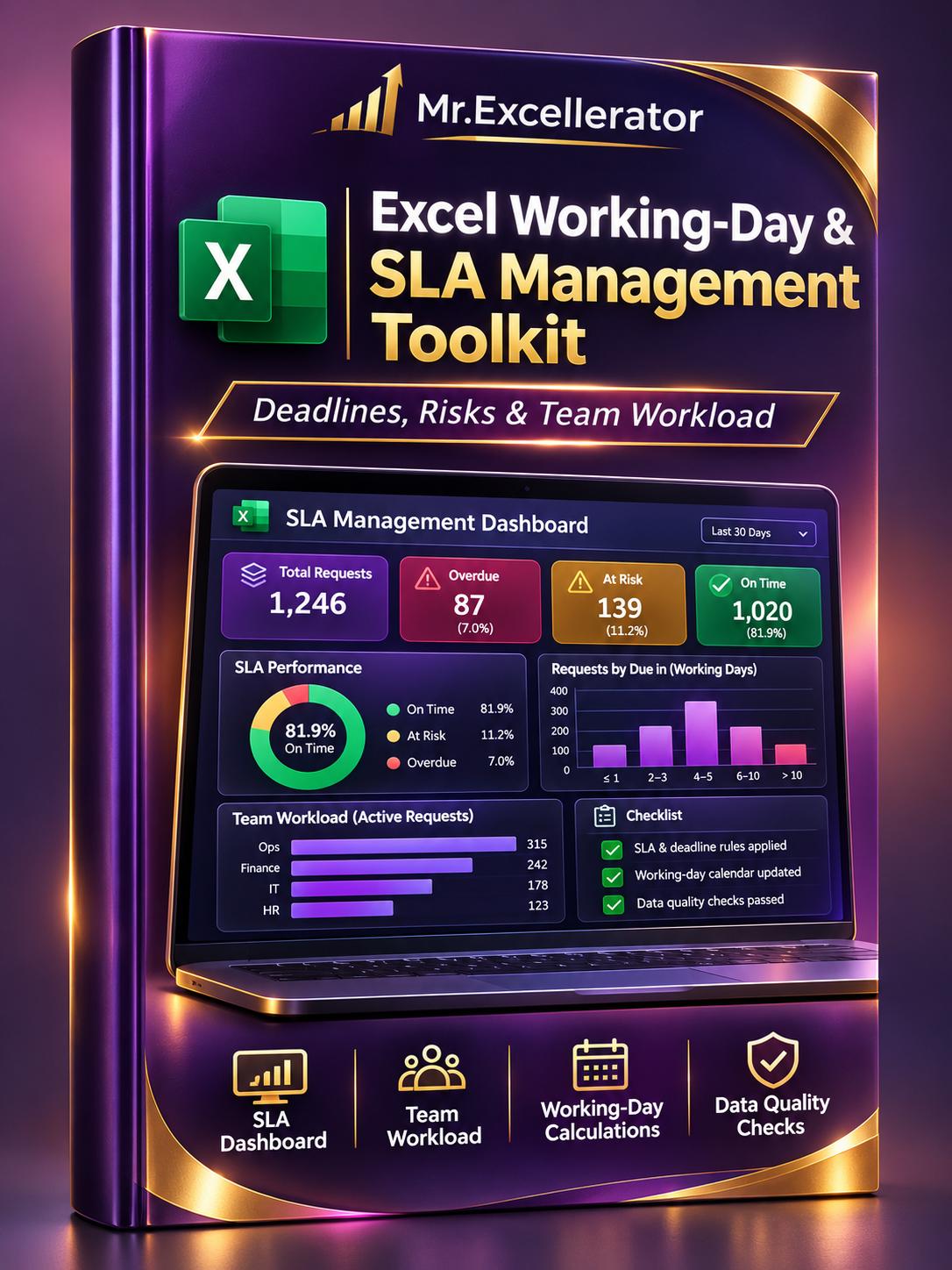
Excel Working-Day & SLA Management Toolkit — Deadlines, Risks & Team Workload
Excel Working-Day & SLA Management Toolkit — Deadlines, Risks & Team Workload
Manage deadlines, monitor SLA performance, and identify overdue work — all in one structured Excel toolkit.
When you're responsible for multiple requests, projects, or operational tasks, manually checking deadlines becomes time-consuming.
Weekends, holidays, changing priorities, and different service targets make the process even more complicated.
The Excel Working-Day & SLA Management Toolkit helps you organize operational requests, calculate business-day deadlines, monitor completion status, and evaluate team workload using a centralized Excel reporting system.
Built with NETWORKDAYS, WORKDAY, structured Excel Tables, and formula-driven reporting, this toolkit turns basic date calculations into a practical workflow for everyday operations.
What's Inside
1. Centralized Work Item Tracker
Keep requests and operational tasks organized in one expandable table.
- Track work items and responsible teams
- Record start dates and estimated effort
- Assign priorities and service targets
- Monitor task status and completion
- Calculate business-day deadlines
- Review overdue or at-risk work
2. SLA Performance Dashboard
Get a clear overview of operational performance without manually reviewing every request.
- Total work item count
- Overdue request indicators
- Tasks approaching their deadlines
- Completed request summaries
- Formula-driven performance calculations
- A visual overview of current workload
3. Team Workload Analysis
Understand how responsibilities are distributed.
- Compare task volumes across teams
- Review open and completed work
- Identify teams with higher workload
- Support operational planning and prioritization
4. Working-Day Calendar Management
Apply consistent business-day rules across your workflow.
- Editable company holiday list
- Weekends excluded from standard calculations
- Holiday-aware due dates
- Business-day calculations using NETWORKDAYS and WORKDAY
- Shared calendar references for reporting consistency
5. Deadline & Risk Monitoring
Make it easier to identify work that needs attention.
- Calculate remaining working days
- Distinguish overdue and approaching deadlines
- Track task progress against calculated due dates
- Support more consistent follow-up decisions
6. Data Quality & Calculation Checks
Reduce avoidable reporting problems.
- Review missing or inconsistent inputs
- Identify records requiring correction
- Check important scheduling fields
- Support more reliable operational reporting
7. Calculation Scenarios & Guidance
Explore how working-day formulas behave across different scheduling situations, with accompanying explanations.
Why Choose the Toolkit?
A formula tells you when something is due. A reporting system helps you decide what needs attention.
This toolkit goes beyond a basic Excel date calculator by connecting task records, business-day formulas, SLA indicators, team summaries, and data checks.
Instead of creating separate worksheets and reports from scratch, you get a reusable operational structure that can be adapted to your own business process.
Ideal For
- Operations managers
- Project coordinators
- Business and reporting analysts
- Administrative teams
- Internal service departments
- Small businesses managing recurring requests
- Professionals tracking SLA deadlines
Getting Started
- Open the toolkit in Microsoft Excel.
- Review the included instructions and settings.
- Configure your working-day calendar and company holidays.
- Review the sample requests to understand the calculations.
- Enter your own work items in the structured input table.
- Use the SLA Dashboard and team summaries to monitor performance.
- Check data quality indicators as your workload grows.
Technical Details
- One Excel workbook (.xlsx)
- Eight organized worksheets
- Structured Excel Tables
- NETWORKDAYS and WORKDAY calculations
- SLA and deadline monitoring
- Team workload reporting
- Editable holiday settings
- Formula-driven dashboard
- Data quality checks
- Excel 2021-compatible formulas
- No VBA macros required
Replace repetitive deadline checks with a more structured way to monitor requests, risks, and team performance.
Digital download. Microsoft Excel recommended. The toolkit uses Excel formulas and does not automatically connect to external task-management systems.