



Garage Door Studio
Garage Door Studio
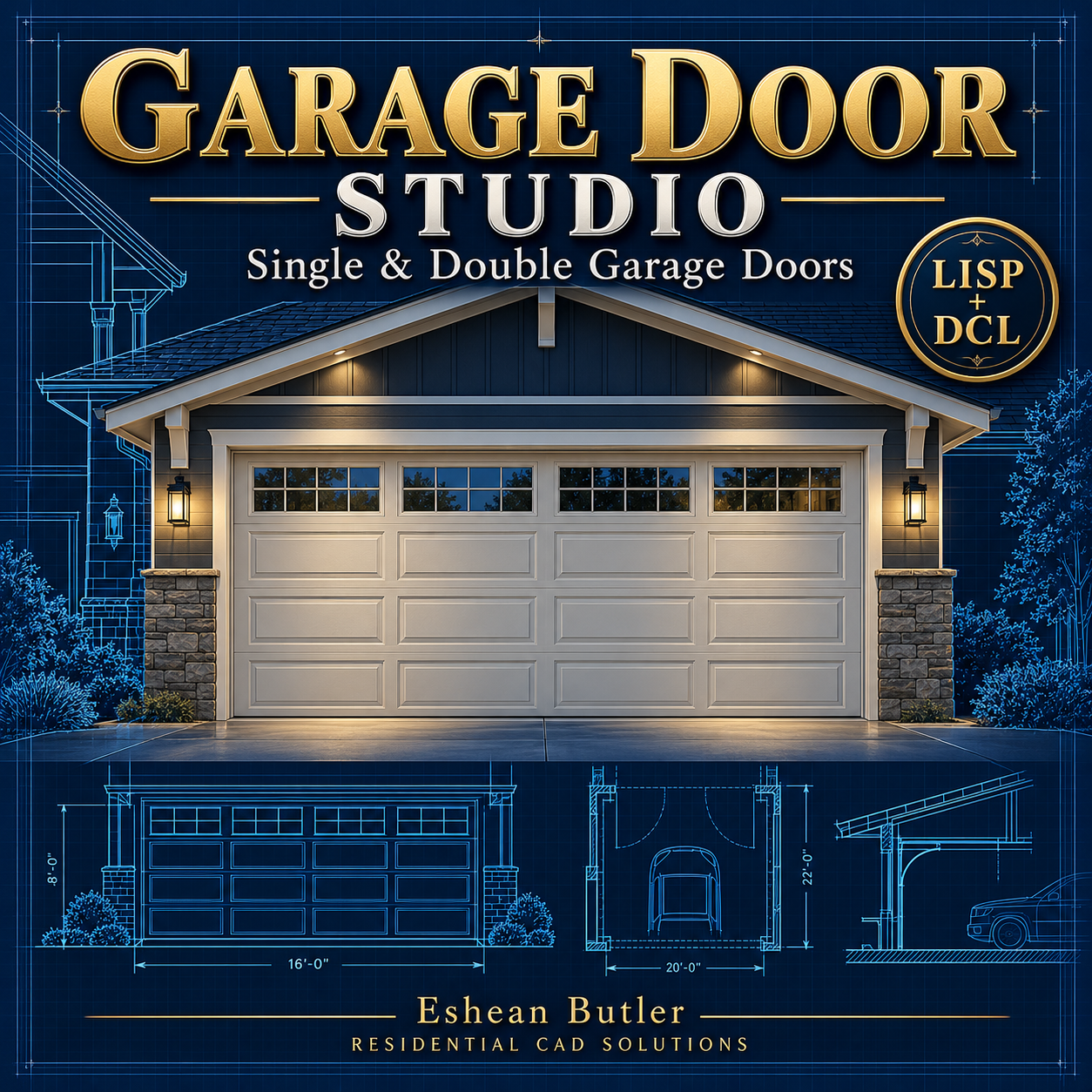
Simplify garage door drafting in AutoCAD with plan and exterior elevation tools in one convenient dialog.
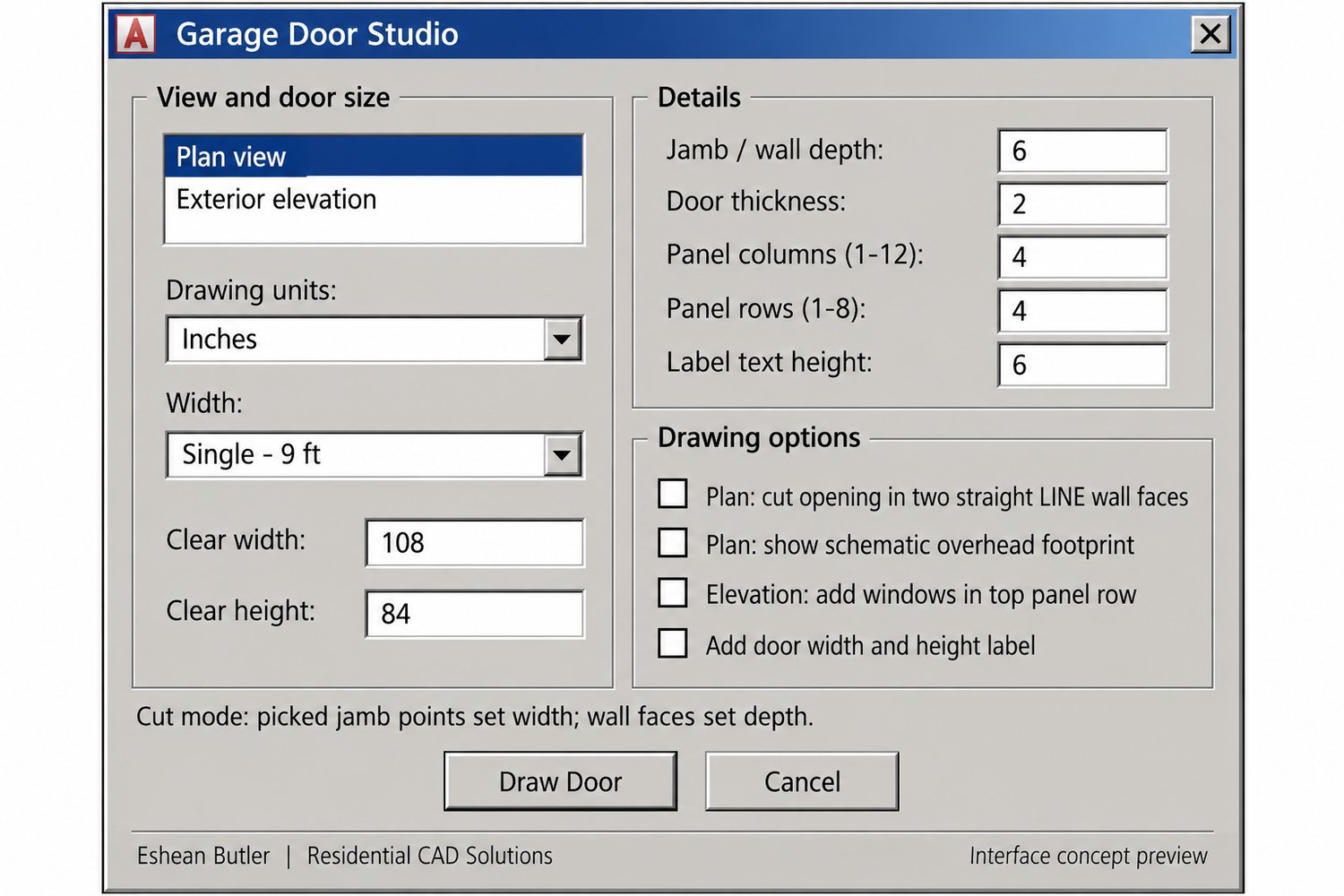
Choose single-car or double-car-width presets, or enter a custom opening size. Adjust door height, jamb depth, and door thickness to suit your drawing. Create elevation panel layouts with adjustable rows and columns, plus optional windows across the top row.
In plan view, place a standalone door symbol or cut an opening between two parallel straight LINE wall faces. Pick the opening endpoints to set the actual width, then let the routine draw the closed door representation. An optional overhead footprint helps illustrate the door’s projected position.
Add width-and-height labels, organize geometry on dedicated layers, and undo each completed door as one action. Work in inches or millimeters.
Your download includes the AutoLISP routine, matching DCL dialog, installation instructions, and a usage guide.
Creates schematic 2D drafting geometry. Wall cuts support straight LINE faces only. Manufacturer-specific hardware, tracks, and installation details are not included.
Created by Eshean Butler | Residential CAD Solutions