




Home Tech Inventory & Warranty Tracker (fillable PDF + bonus spreadsheet)
Know what you own, when each warranty ends, and what you pay for every month, all in one tidy place.
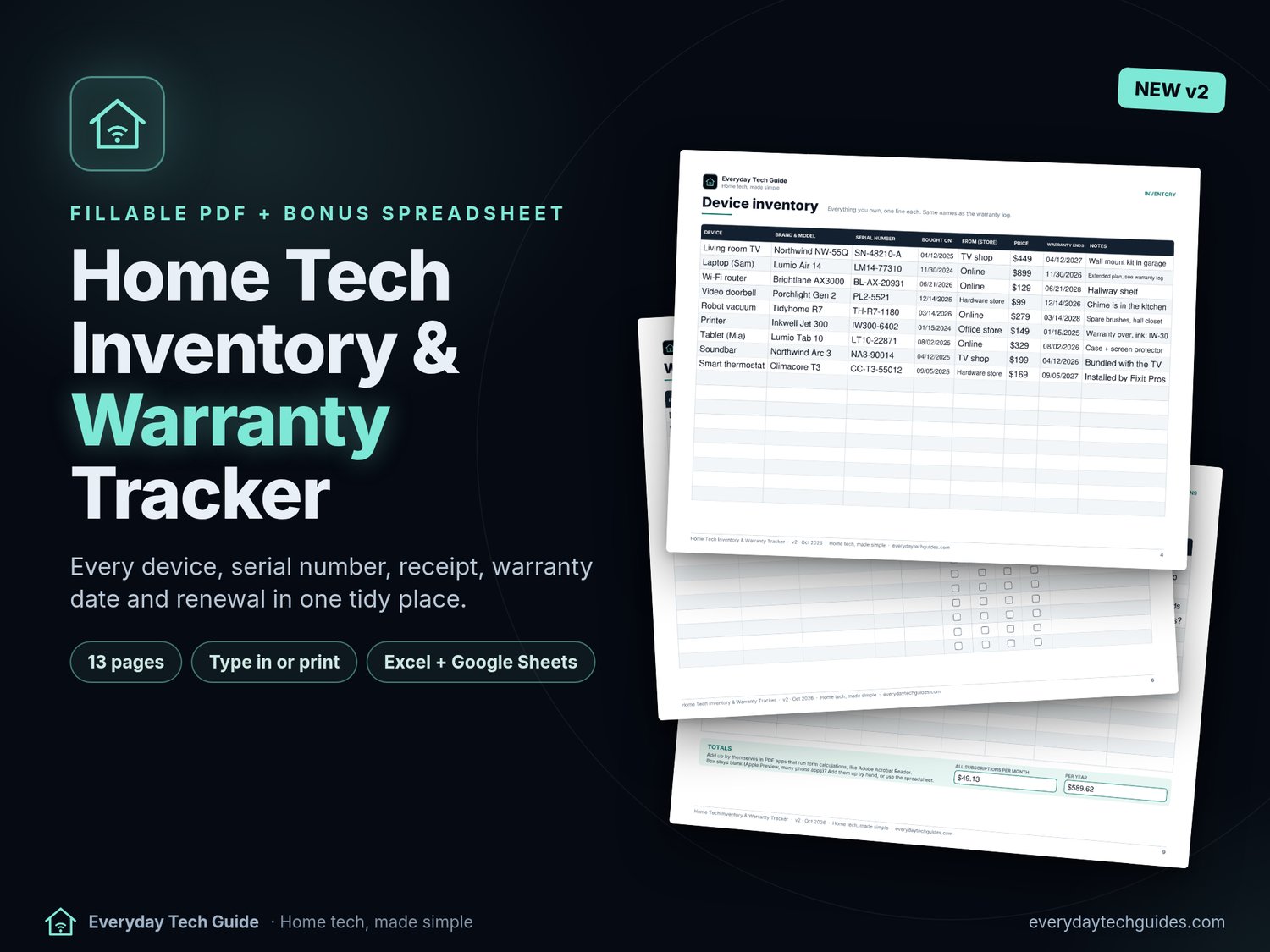
Every TV, laptop, router and smart plug in your home has a serial number, a receipt and a warranty date. And they usually turn up only after you need them. This tracker gives each of them a home. You can type into it or print it.
✦ WHAT'S INCLUDED
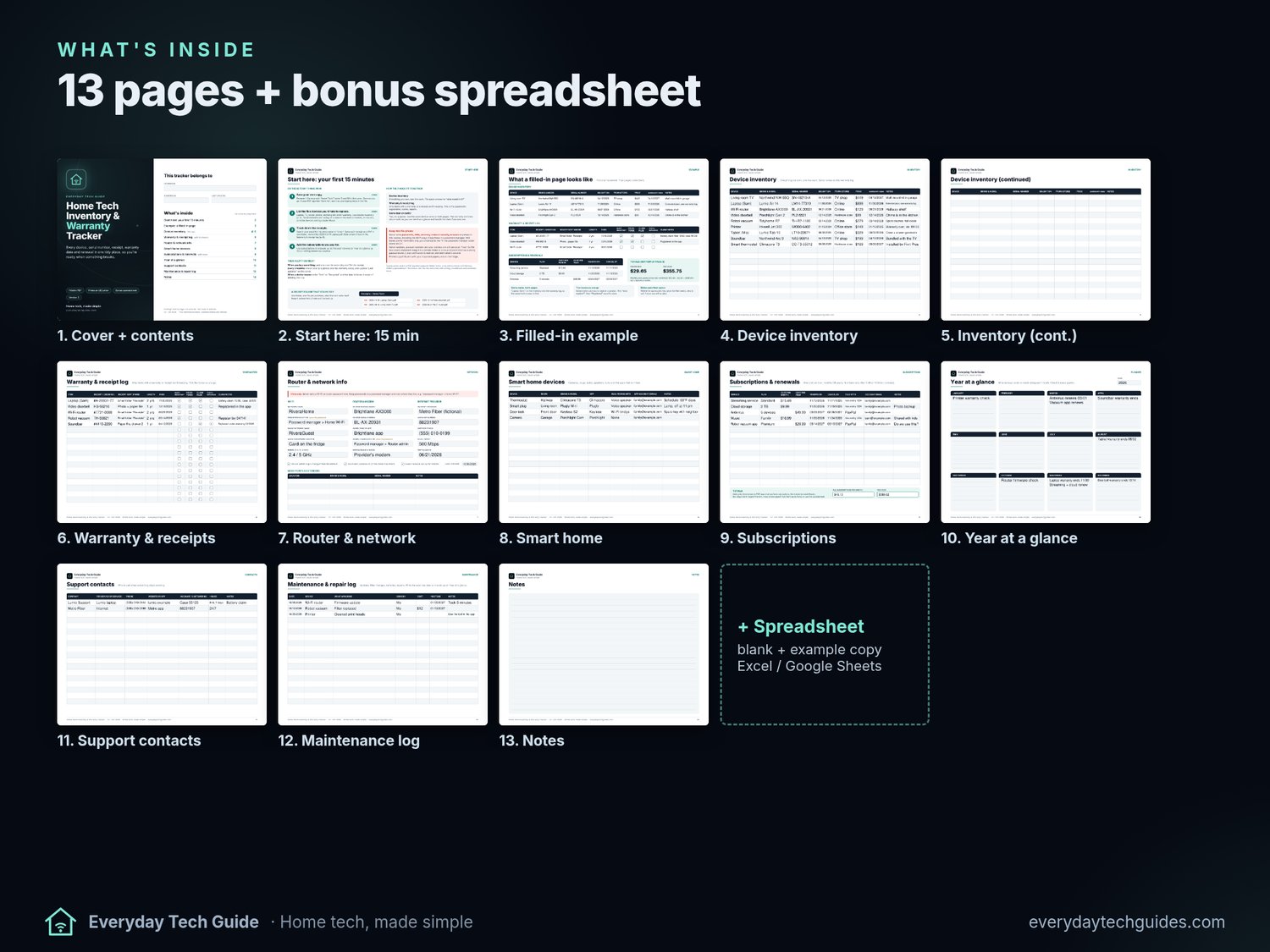
• Fillable PDF: 13 pages, US Letter landscape. Type on screen or print it.
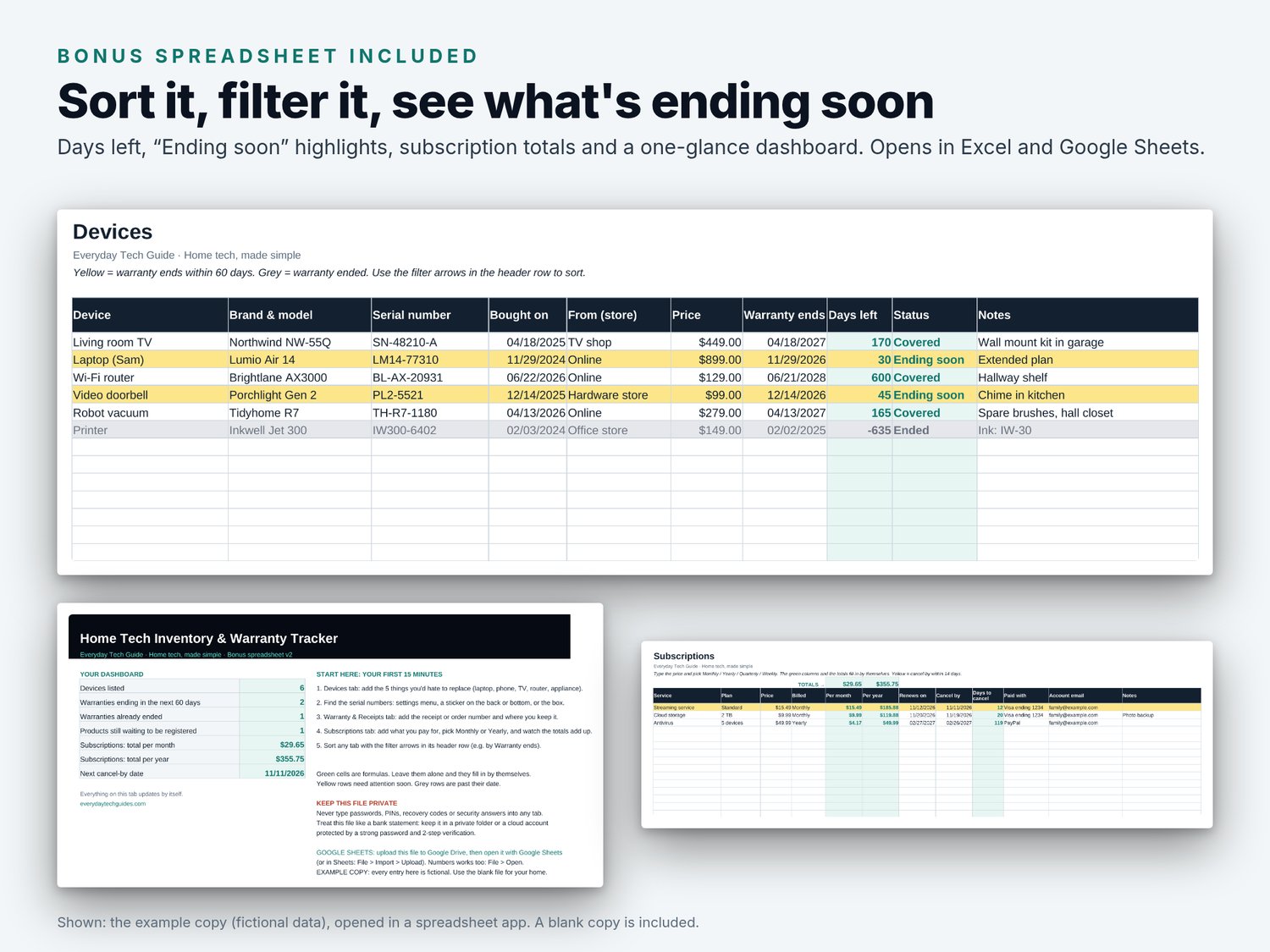
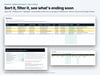
• Bonus spreadsheet (.xlsx) for Excel and Google Sheets. It sorts and filters, counts down days left on warranties and highlights anything ending soon.
• A filled-in example copy of the spreadsheet, so you can see how it works
✦ INSIDE THE PDF
• Start here: your first 15 minutes, plus a quick guide to which page to use for what
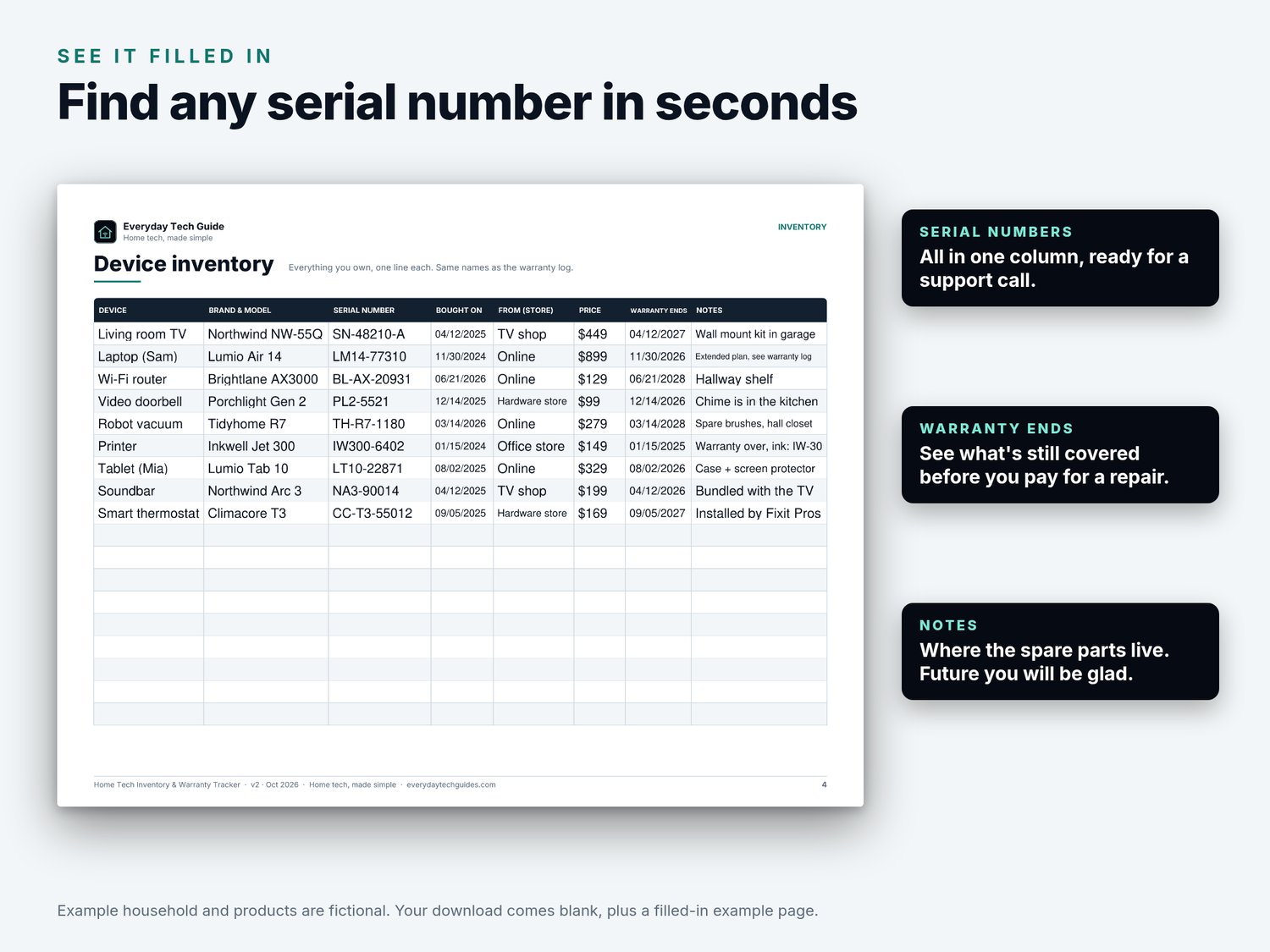
• A filled-in example page with a fictional household
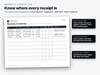
• Device inventory (2 pages): brand & model, serial number, purchase date, store, price, warranty end
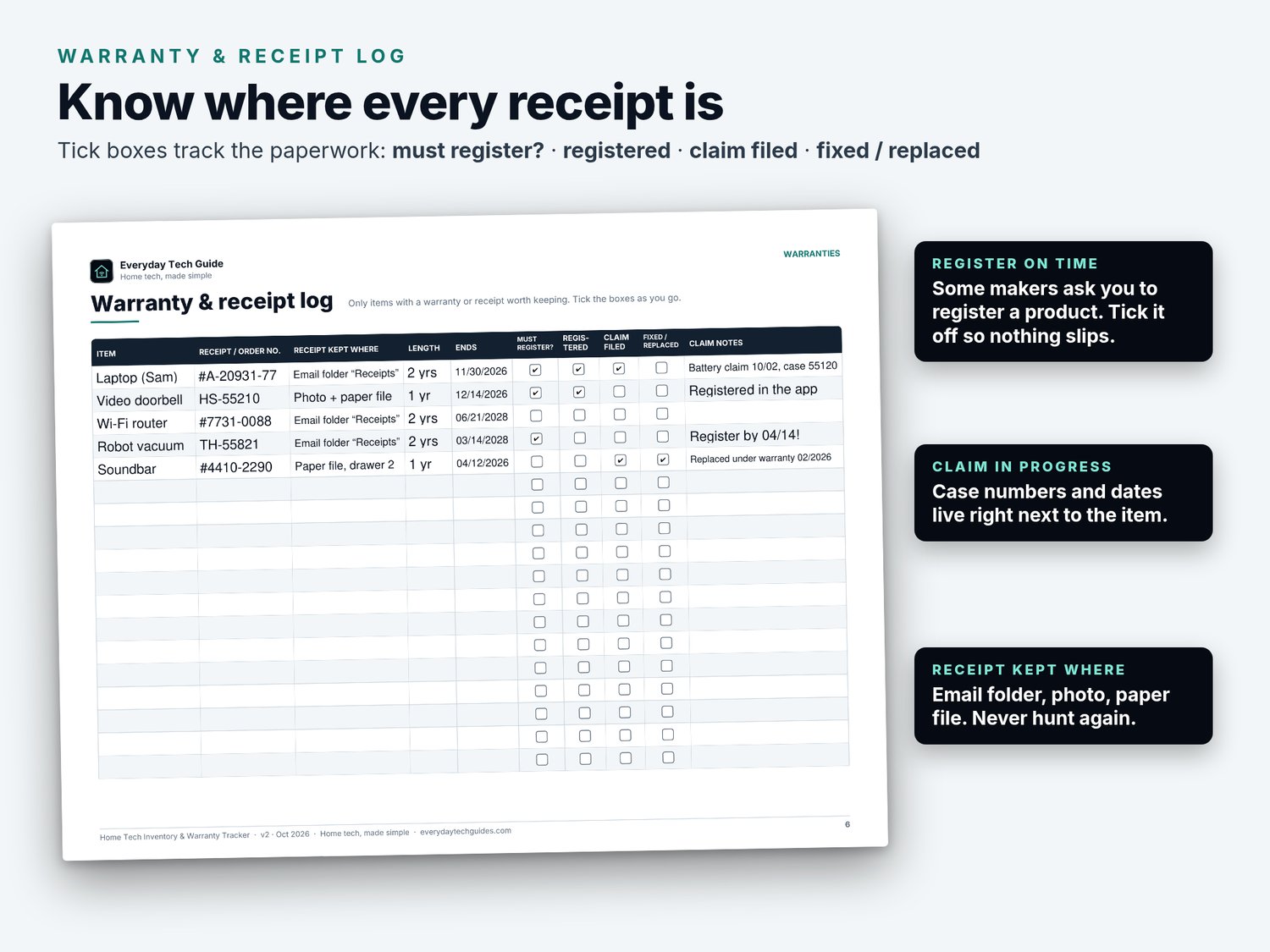
• Warranty & receipt log with tick boxes: must register? / registered / claim filed / fixed or replaced
• Router & network page: where your passwords are kept, never the passwords themselves
• Smart home devices
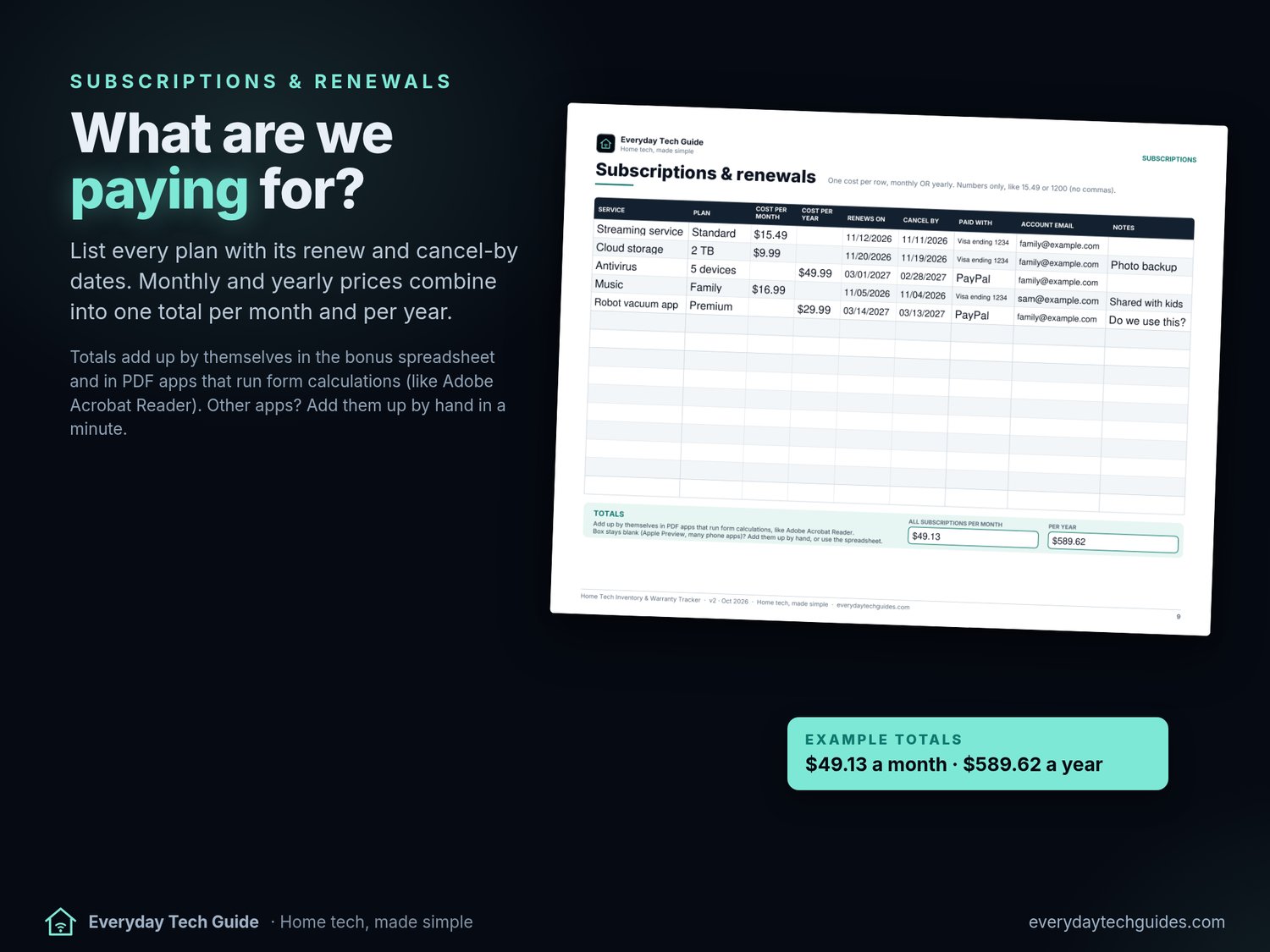
• Subscriptions & renewals: one cost per row, monthly or yearly, with monthly and yearly totals
• Year at a glance: renewals and warranty end dates by month
• Support contacts, maintenance log and notes
• A clickable contents page that jumps to each section
✦ THE BONUS SPREADSHEET
• Start Here dashboard: devices listed, warranties ending in the next 60 days, items still to register, subscription totals and your next cancel-by date
• Days-left countdowns, plus yellow highlights for anything ending soon
• Per-month and per-year subscription costs, worked out for you
• Dropdowns, frozen headers and filters on every tab
✦ PRIVACY FIRST
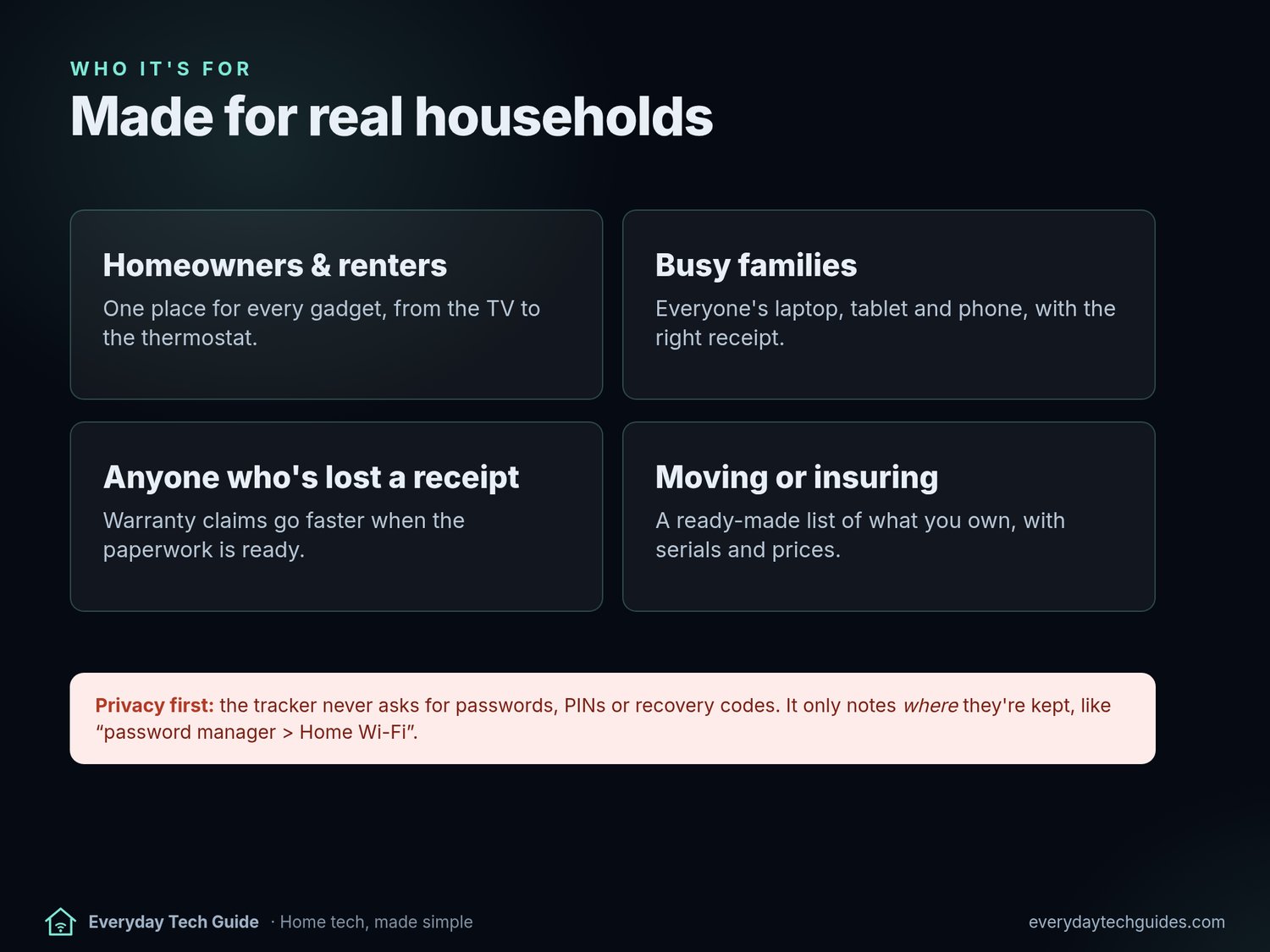
The tracker never asks for passwords, PINs or recovery codes. It only notes where they're kept (for example "Password manager > Home Wi-Fi"). Because your file will hold serial numbers and account emails, keep it somewhere private.
✦ GOOD TO KNOW
• Digital download. Nothing physical will be shipped.
• The PDF form works in apps that fill PDF forms, such as Adobe Acrobat Reader, Chrome, Edge, Firefox and Apple Preview. The subscription totals add up on their own in apps that run PDF form calculations (like Adobe Acrobat Reader and Firefox). In other apps you can type the totals in yourself. The spreadsheet always calculates them.
• Listing images show fictional sample entries. Your PDF comes blank.
• For personal use.
• Questions? Email everydaytechguide@outlook.com and I'll help.
Everyday Tech Guide · Home tech, made simple