
Civil3D Training - Pipe Networks
Civil 3D Training: Pipe Networks (Beginner)
This 2-hour training covers how to create and efficiently manage pipe networks in Autodesk Civil 3D.
What You'll Learn:
- Create sanitary and storm pipe networks.
- Set up pipe rules to automate slopes, inverts, and cover requirements.
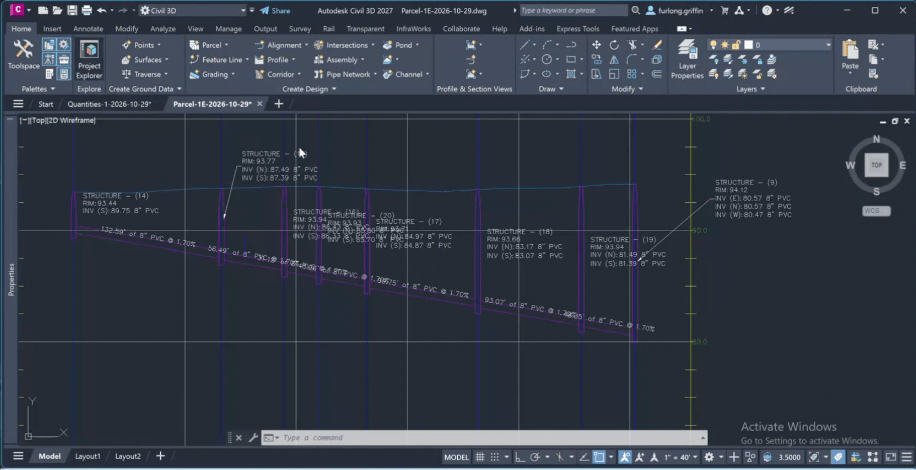
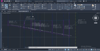
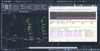
- Create alignments and profiles directly from pipe networks.
- Customize pipe labels, styles, and profile views.
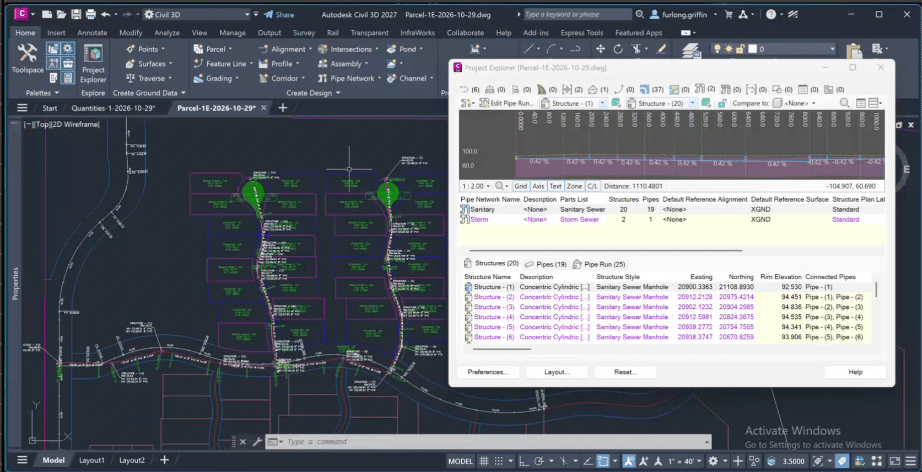
- Use Project Explorer to quickly adjust entire runs of pipes and structures.
- Improve your workflow and reduce manual edits.
What's Included:
- 2-hour recorded training lesson.
- One complimentary 30-minute 1-on-1 session with Griffin to ask questions, review concepts, or get additional guidance on Civil 3D workflows.
- Instructions for accessing the Civil 3D training files.
The 30-minute session must be scheduled using the booking link provided after purchase. Appointments are subject to availability and may only be booked between November 16 and December 18, 2026. Sessions are for educational purposes only and do not include professional engineering design or project-specific engineering services. Reach out to me if you have any questions.
Disclaimer: This training is provided by Griffin Furlong, LLC for general educational purposes only and does not constitute professional engineering advice, design services, or project-specific recommendations. Participants are solely responsible for verifying their own designs and compliance with applicable codes, standards, and regulations. Griffin Furlong, LLC assumes no liability for errors, omissions, or decisions made based on this training.This training is not affiliated with or endorsed by Autodesk. Any Autodesk tutorial files referenced remain the property of their respective owners and are not being sold or redistributed as part of this training.