

King’s TikTok LIVE Studio TTS!!
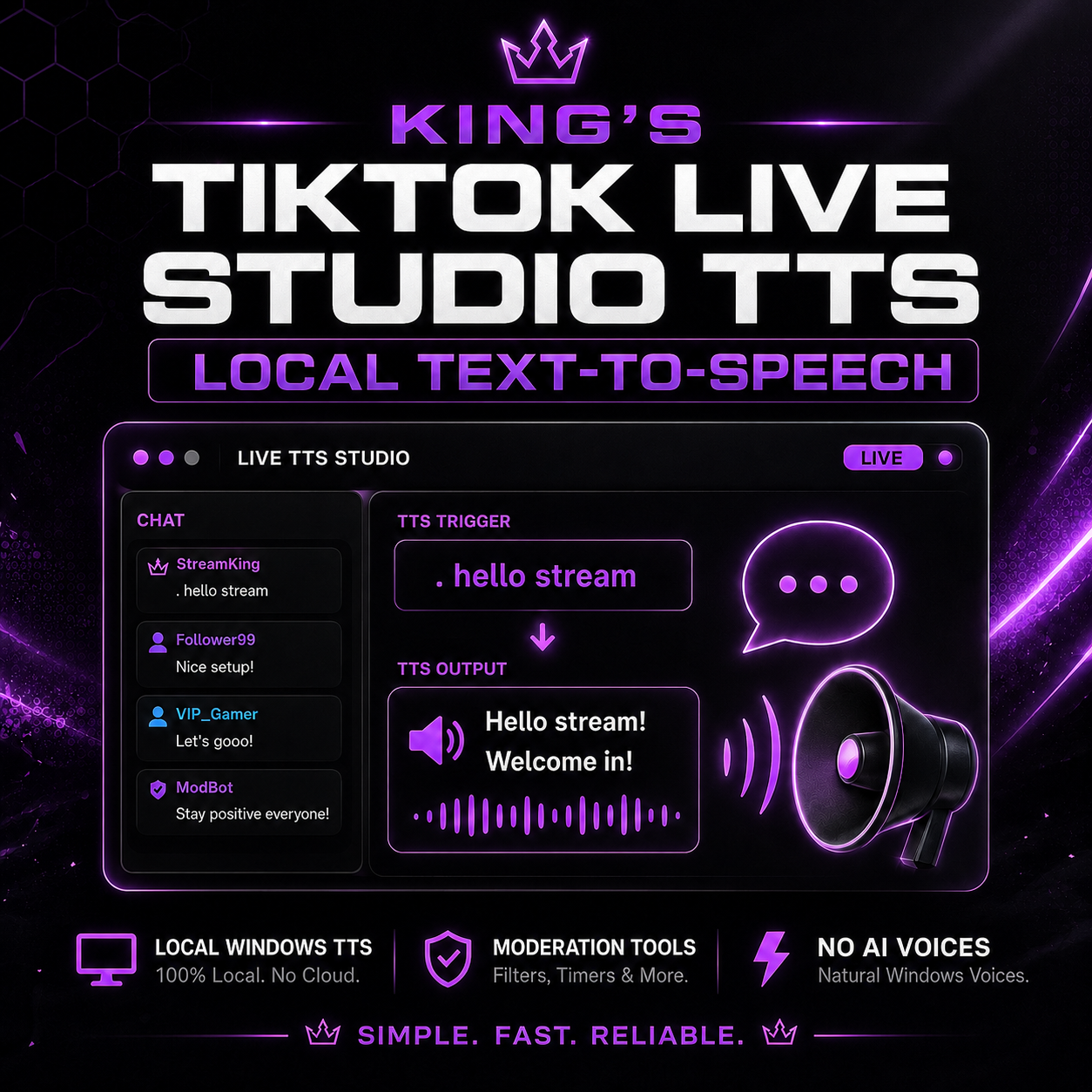
A lightweight local text-to-speech app for TikTok LIVE that reads selected chat messages out loud using your built-in Windows voices.
This app is made for TikTok LIVE Studio streamers who want simple chat TTS without running OBS or heavy AI voice software. It connects to your TikTok LIVE chat locally, listens for TTS messages, and plays them through your Windows audio so TikTok LIVE Studio can capture the sound.
By default, viewers trigger TTS by starting a message with a period.
Example:
- . hello stream
- .hello stream
What It Does
- Reads selected TikTok LIVE chat messages out loud
- Uses local Windows text-to-speech voices
- Does not use AI voice generation
- Does not require OBS
- Runs locally on your Windows PC
- Includes moderation controls
- Includes a blocked words text file
- Includes simple admin commands
Viewer Command
Viewers can trigger TTS by starting a message with:
- .
Example:
- . hello everyone
Admin Commands
Streamer/mod commands include:
- !ttson
- !ttsoff
- !ttsclear
- !ttsreload
Requirements
- Windows PC
- Node.js LTS installed
- TikTok LIVE access
- TikTok LIVE Studio or another program that captures desktop audio
- Windows text-to-speech voices installed
What Is Included
- Local TikTok TTS app
- Windows TTS voice system
- Install file
- Start file
- Test voice file
- Voice list file
- Config file
- Blocked words text file
- Setup instructions
What Is Not Included
- No AI voices
- No cloud voice generation
- No OBS plugin
- No visual overlay
- No gift alerts
- No follower alerts
- No queue overlay
- No input overlay viewer
Moderation Note
This app includes a starter blocked words file to help filter unwanted TTS messages. You should review and customize the blocked words list before using the app live.
No filter is perfect. Streamers are responsible for moderating their own live chat and TTS settings.
Disclaimer
This is an independent local TTS tool. It is not affiliated with TikTok, OBS, Microsoft, or any third-party streaming platform. Third-party names and tools belong to their respective owners.